Network Config Backup: Automate It With Oxidized or Ansible
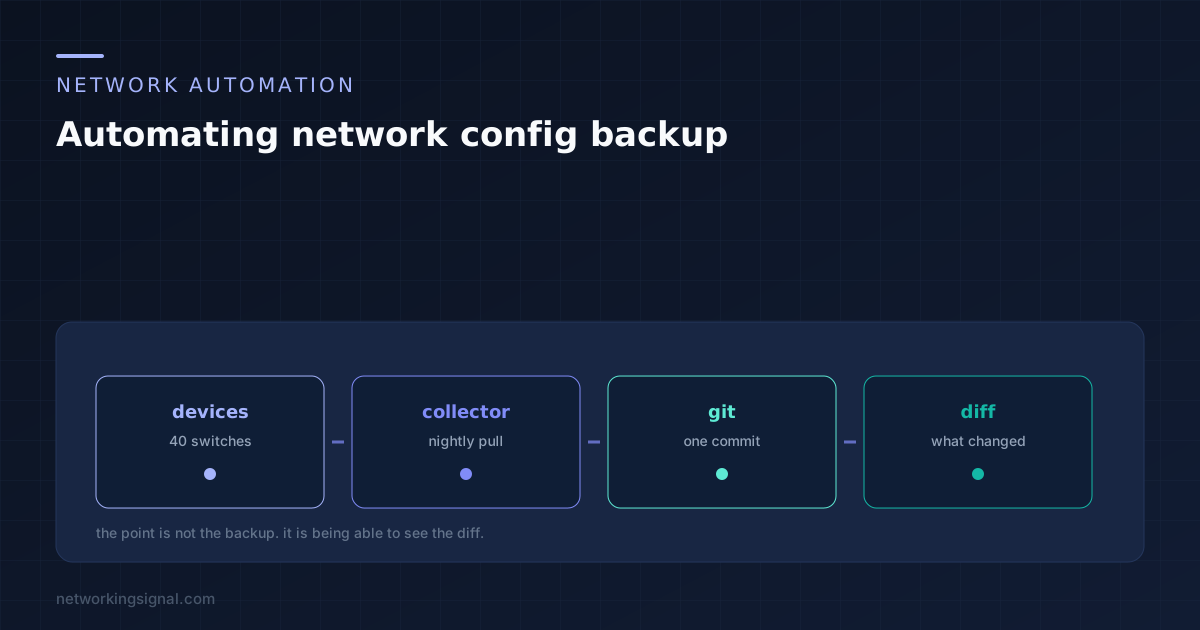
The restore is the obvious reason. The diff is the valuable one. Tools compared, the five steps of a working…
Elevate Your Networking Journey
 Network Automation
 The restore is the obvious reason. The diff is the valuable one. Tools compared, the five steps of a working…
 Switching
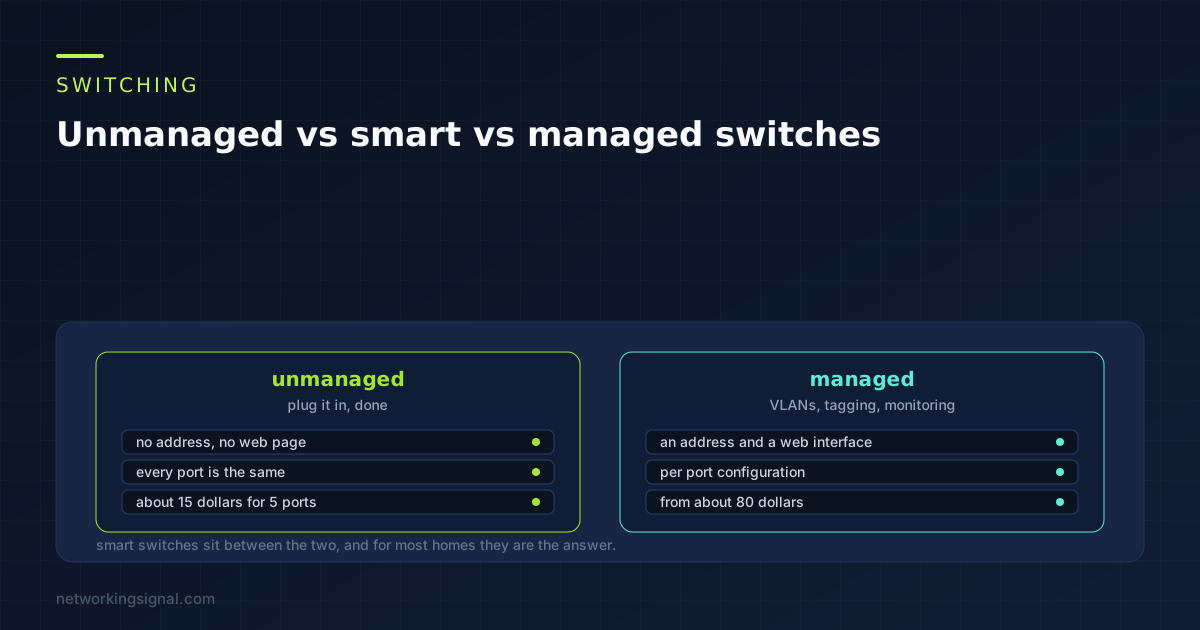
 One question decides it: do you need VLANs. Everything else follows. What each tier adds, the price steps, and why…
 Wireless
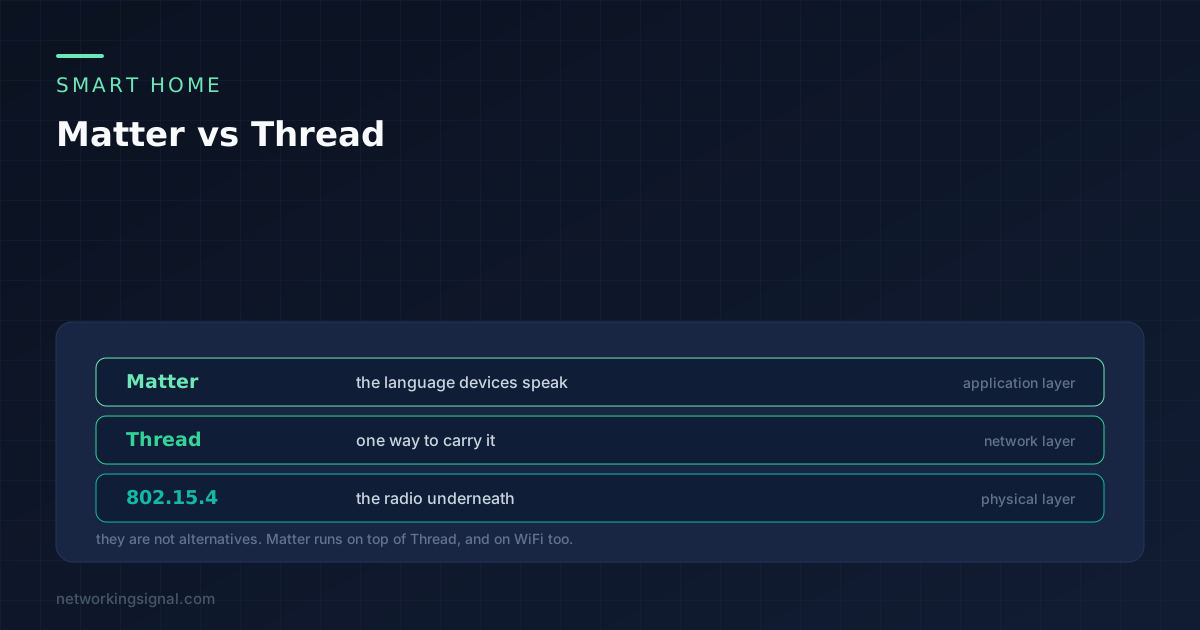
 Matter is the language, Thread is one of the roads it travels on. What each layer does, what Thread brings…
 DHCP
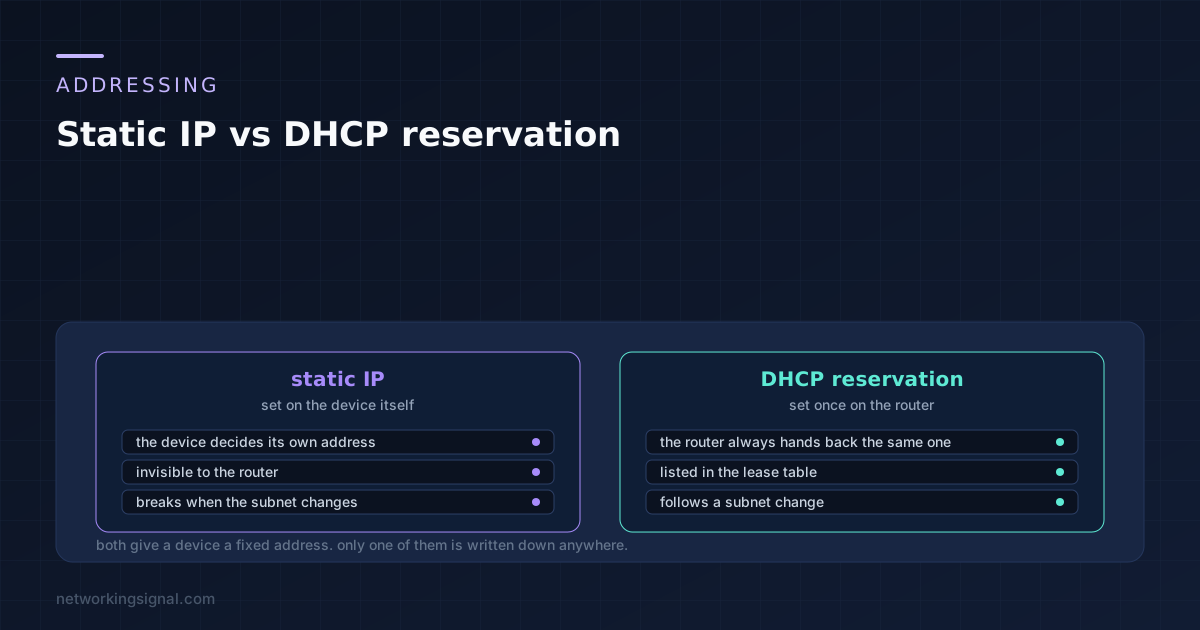
DHCP Both give a device a fixed address. Only one is written down where the router can see it. When each…
 Cables
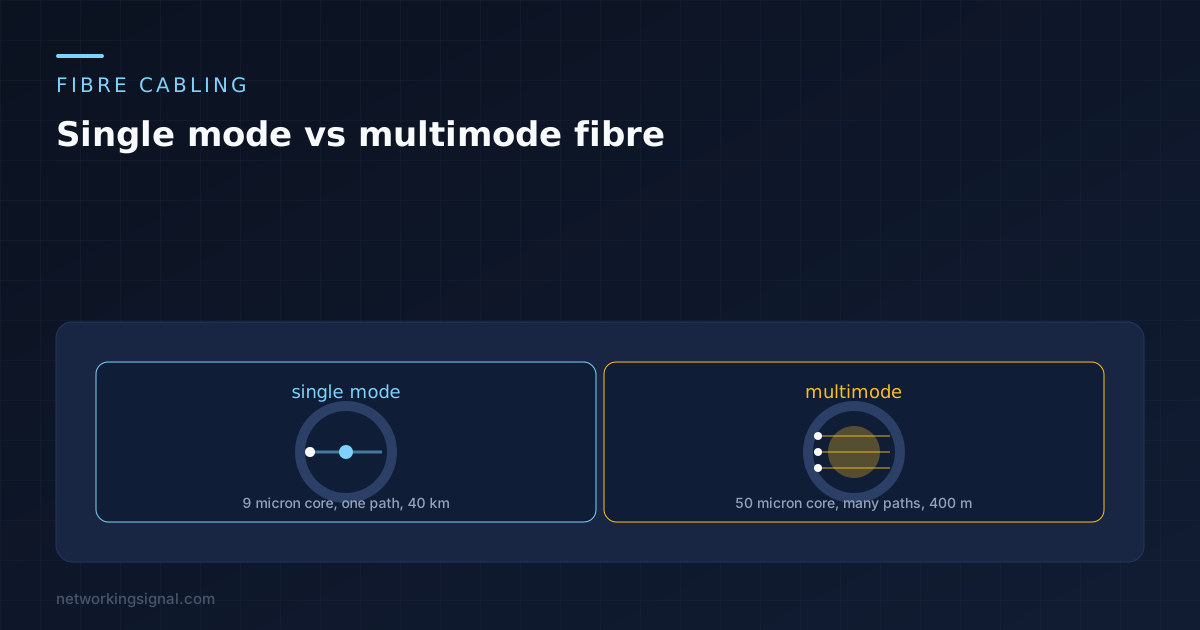
 Nine microns against fifty is the whole difference, and everything else follows from it. Distances, the OM and OS grades,…
 Internet & ISP
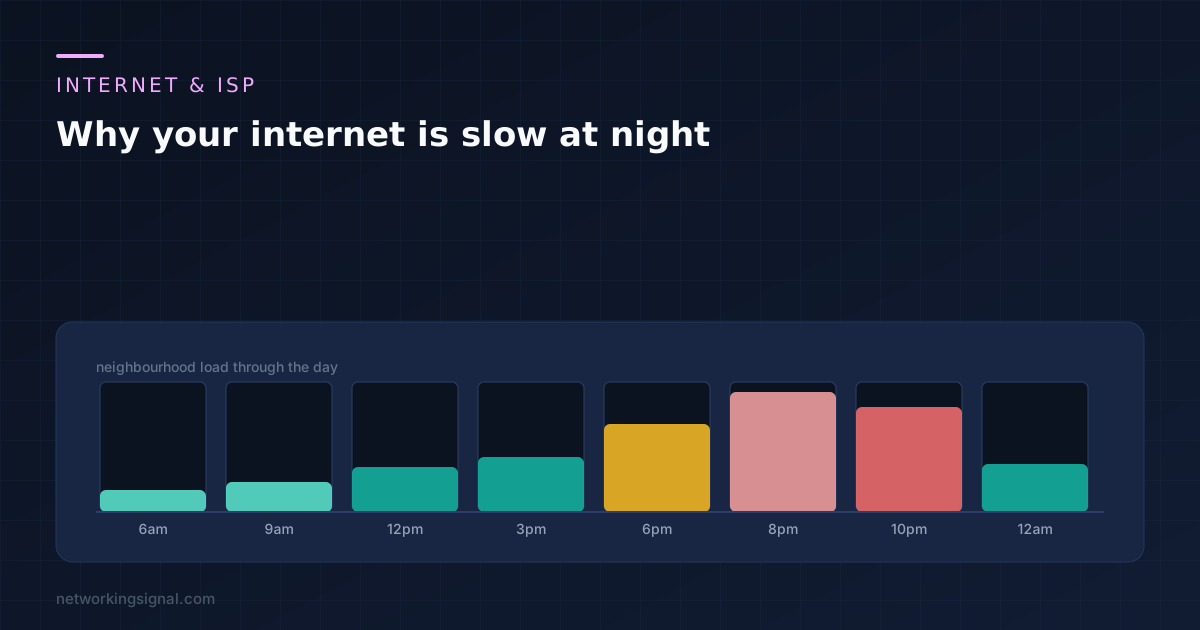
 The 8pm slowdown has five possible layers and only one is yours. The 3am test that separates your house from…
Browse 530+ practical guides on routing, switching, security and more — everything you need in one place.
Step-by-step roadmaps that take you from fundamentals to job-ready skills.
Master the building blocks every network engineer uses daily.
Start this pathFrom static routes to enterprise dynamic routing protocols.
Start this pathLock networks down and keep them connected over the air.
Start this pathCalculate, convert and troubleshoot right in your browser — no signup.
The questions every beginner asks — answered in plain English.
Subnetting splits a large IP network into smaller, manageable pieces. It improves performance, security and address usage — for example, carving a /24 into four /26 networks for different departments.
TCP is reliable and ordered — it retransmits lost data (web browsing, email). UDP is fast and connectionless — it skips guarantees for speed (video calls, gaming, DNS).
A VLAN logically separates one physical switch into multiple virtual networks. It isolates traffic (like guest Wi-Fi from office LAN) without buying extra hardware.
A switch connects devices within the same network using MAC addresses. A router connects different networks using IP addresses — like your home router linking your LAN to the internet.
When you type a domain, your device asks a resolver, which walks the chain — root servers, TLD servers, then the domain's authoritative server — and returns the IP address to connect to.
Start with our Networking Fundamentals path: how data moves, IP addressing and subnetting. Then pick routing, security or wireless based on your goals.
Full courses from basics to advanced — every topic in order, free forever.