
AP is not Associated with WLC Controller: Troubleshooting Issues
In the realm of networking, Access Points (APs) play a pivotal role in providing seamless wireless connectivity to…
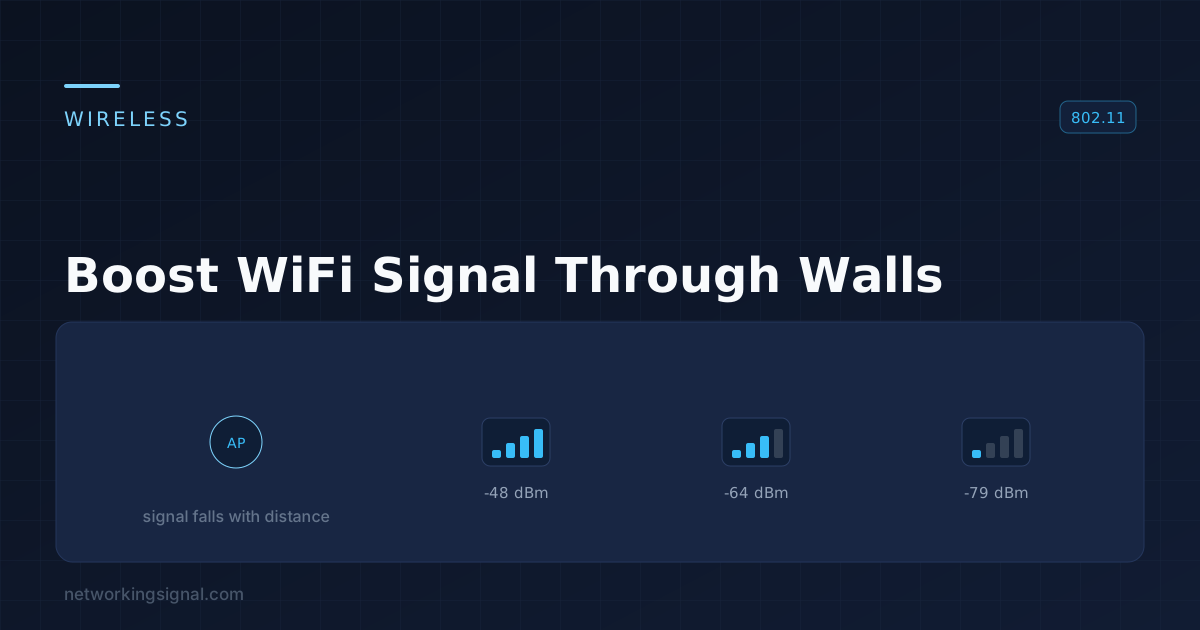
Are you tired of that frustrating moment when you’re in one corner of your home, eager to binge-watch your favorite show or stream a movie, only to find your WiFi signal weakened by the walls? We’ve all been there, my friend. But fear not!
In this article, we’ll delve into the art of boosting your WiFi signal through walls, providing you with expert tips and tricks to enhance your connectivity and put an end to those pesky dead zones.
Look Here:
So, let’s dive in and unlock the secrets to a stronger, more reliable WiFi signal!
Before we get into the nitty-gritty of enhancing your WiFi signal, let’s take a moment to understand the challenge at hand.
WiFi signals operate using radio waves, which can penetrate certain materials with ease, but struggle when it comes to walls, especially those made of thicker materials like concrete or brick.
These walls act as barriers, reducing the strength and range of your WiFi signal, and resulting in weaker connectivity.
When it comes to boosting your WiFi signal, the right placement of your wireless router is crucial.
Start by positioning your router in a central location, ideally in a high spot, as this allows the signal to spread more evenly throughout your home.
Placing it on a shelf or mounting it on a wall can also help improve coverage.
Now that we understand the challenges posed by walls, let’s explore some practical tips to overcome them and enhance your WiFi signal:
WiFi signals can often get crowded, especially in areas with multiple wireless networks nearby. This interference can hinder your signal strength.
To counteract this, you can access your router’s settings and choose a less congested WiFi channel.
By switching to a channel with minimal interference, you can significantly improve your signal quality.
Router manufacturers regularly release firmware updates to improve performance and address known issues. Check if there’s a firmware update available for your router model and install it.
This update can enhance your router’s signal strength, fix bugs, and even introduce new features.
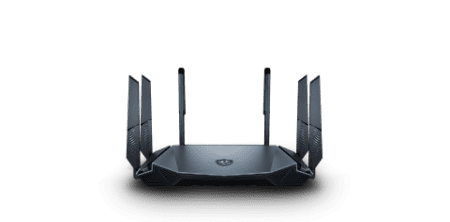
If you’re struggling with a weak WiFi signal, it might be time to consider upgrading your router.
Check Out The Best Router Guide:
- What is the Best Router Under 100? (Updated 2023)
- What are the 10 Best Routers Under 200? (Updated 2023)
- Best Fiber Optic Router For Internet (Updated 2023)
- What are the 12 Best WiFi Routers for Apartments? (Updated 2023)
- 5 Upcoming Best Wifi 7 Routers in 2023
- What is the Best Router For Starlink (Updated 2023)
Older router models may not have the latest technologies and features designed to boost signal strength.
Look for a router that supports the latest WiFi standards (such as 802.11ac or 802.11ax) and features like beamforming, which helps direct the signal toward your devices for better coverage.
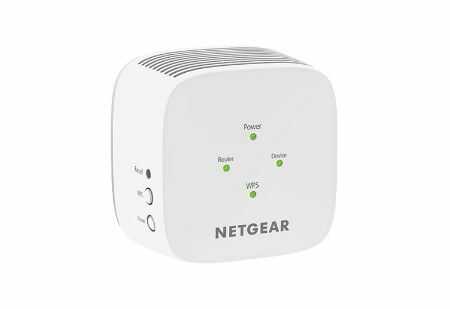
WiFi range extenders, also known as repeaters, are devices that amplify your existing WiFi signal and extend its range.
They work by receiving the signal from your router and retransmitting it, effectively bypassing the obstacles posed by walls.
Place the range extender strategically in an area with a weak signal, and voila! You’ll enjoy enhanced coverage throughout your home.
Mesh WiFi systems are an increasingly popular solution for improving WiFi coverage in larger homes or spaces with multiple floors.
Unlike traditional routers, mesh systems consist of multiple nodes that communicate with one another, creating a seamless network.
These nodes can be strategically placed throughout your home, effectively eliminating dead zones and ensuring a strong WiFi signal in every room.
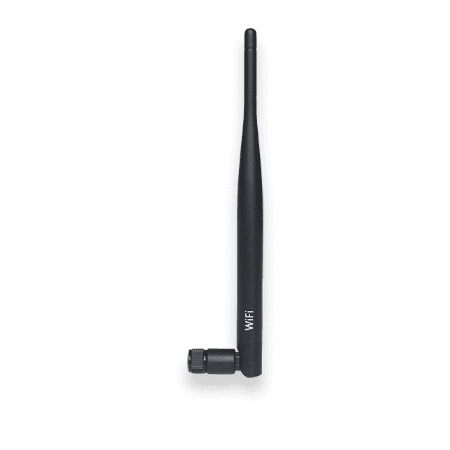
Most routers come with adjustable antennas that allow you to fine-tune the signal direction.
Experiment with different antenna positions to find the optimal angle that maximizes your signal coverage.
In general, positioning the antennas perpendicular to one another (one vertical and one horizontal) tends to provide better signal distribution.
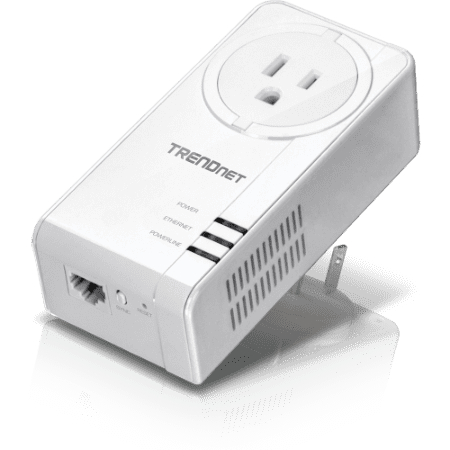
Powerline adapters offer a unique solution for extending your WiFi signal by utilizing your home’s electrical wiring.
These adapters work by transmitting the internet signal through the power outlets, effectively bypassing any walls or obstacles.
Simply connect one adapter to your router and plug it into a power outlet, then connect the second adapter near the area with a weak signal, and enjoy a boosted WiFi connection.
Don’t let walls hinder your internet experience any longer. By implementing these tips and tricks, you can boost your WiFi signal and bid farewell to those frustrating dead zones.
Remember to optimize your router placement, reduce interference, consider upgrading your router or using range extenders, and explore the power of mesh WiFi systems or powerline adapters.
With these techniques, you’ll be well on your way to a stronger, more reliable WiFi connection throughout your home.
Hand-picked articles you might also find useful.
 Wireless
 In the realm of networking, Access Points (APs) play a pivotal role in providing seamless wireless connectivity to…
 Wireless
 The IEEE wireless communication standards explained — what the 802.11 family covers, how the standards differ in speed…
 Wireless
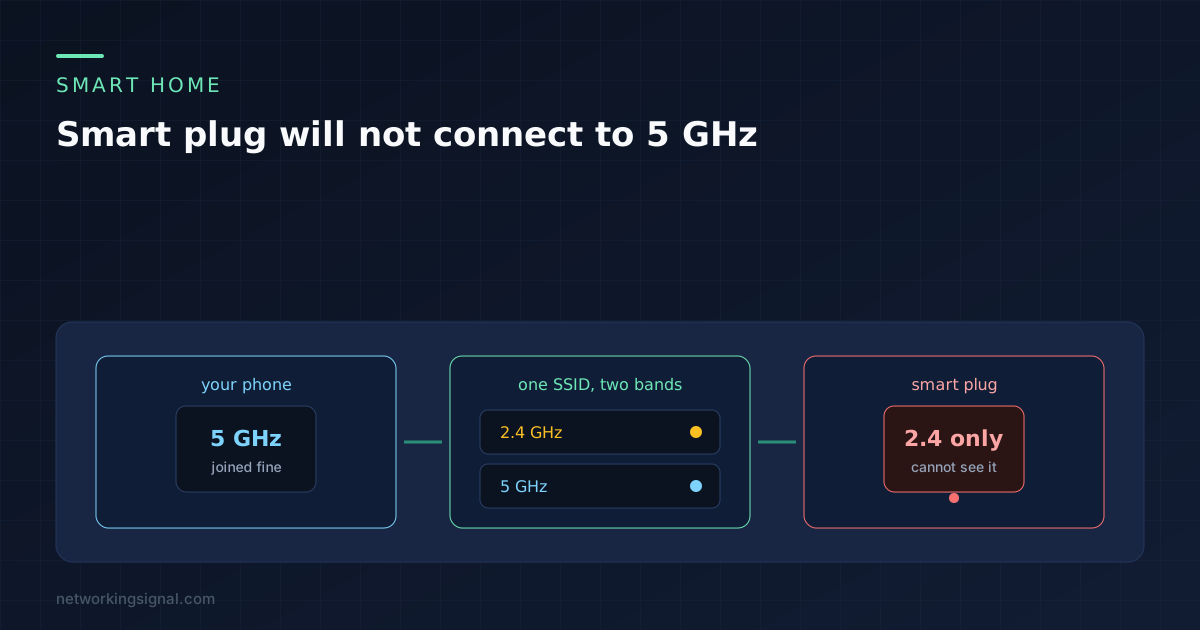
 Nearly every smart plug is 2.4 GHz only, and a shared network name is what breaks pairing. The…