
UDP Port 67 Explained
UDP Port 67 is a key component in modern network infrastructures, allowing vital automatic assignment of IP addresses…
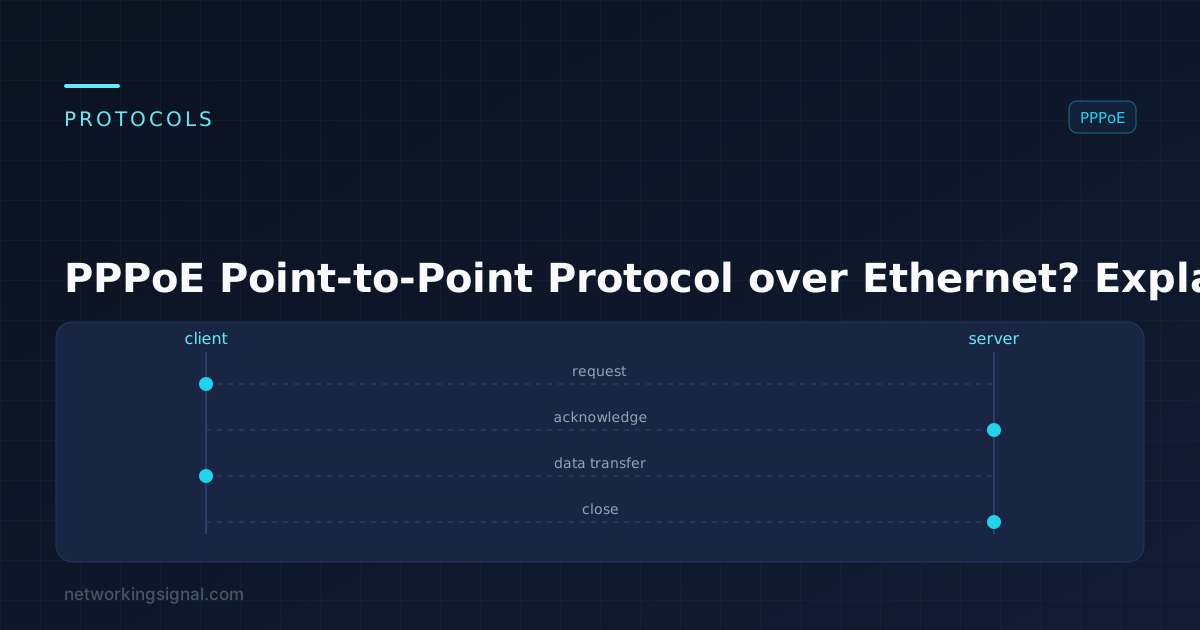
PPPoE (Point-to-Point Protocol over Ethernet) is a network protocol used to establish a direct connection between two nodes on an Ethernet network. It is mainly used for home broadband connections, allowing users to authenticate and access their broadband service provider’s network.
PPPoE allows for data transfer such as web surfing, video streaming, and online gaming. PPPoE also supports authentication protocols such as CHAP (Challenge Handshake Authentication Protocol) for secure logins.
Here are some of the uses of PPPoE:
PPPoE username and password are used to authenticate a user when connecting to a broadband service provider’s network. The username is usually the user’s email address, while the password is typically provided by the broadband service provider. It is important that users keep their PPPoE information secure, as it can be used to access their personal data, such as bank and credit card accounts.
Here are the steps on how to use PPPoE:
1. Set up a network interface for the connection.
2. Configure the network settings using your broadband service provider’s information, such as username and password.
3. Connect to your provider’s network using the PPPoE protocol.
4. Authenticate with your provider’s server using the username and password.
5. After successful authentication, you will be connected to the Internet.
6. Enjoy your broadband connection!
No, not all routers have PPPoE. Some routers are designed to work with a specific type of connection (e.g., DSL or cable), while others are more general-purpose and can work with any type of connection. When shopping for a router, it is important to check the specifications to see if it supports PPPoE.
Configuring Point-to-Point Protocol over Ethernet (PPPoE) on a router is relatively easy. Here are the basic steps:
1. Log in to your router with an administrator username and password.
2. Navigate to the Network Settings page and find the PPPoE section, then select “Enable” to activate the feature.
3. Enter the username and password assigned to you by your Internet Service Provider (ISP).
4. Select “Save Settings” or similar command to store the updated configuration.
5. Reboot your router for the changes to take effect.
6. Once it’s finished rebooting, you can test your connection by visiting a website or using a speed testing service.
7. If the connection is successful, you will be able to access the Internet as usual – if not, check your settings and make sure everything is correct.
If you’re comfortable using configuration commands, you can also configure PPPoE settings on your router using the following command:
Enabling PPPoE:
Entering your ISP’s username and password:
Here are the steps to find your WiFi PPPoE information:
1. Log in to your router’s web interface.
2. Go to the WAN or Internet settings page.
3. Look for the PPPoE settings, which may be labeled as something like “Encapsulation” or “Authentication Protocol”.
4. Enter your PPPoE username and password, which are usually provided by your broadband service provider.
5. Save the settings and restart your router for the changes to take effect.
6. Your WiFi PPPoE information is now saved in your router’s settings.
7. If you need to change your PPPoE information, simply repeat the steps above.
Yes, PPPoE can change IP addresses. When you connect to your broadband service provider’s network using PPPoE, they will assign a public IP address to your device. This public IP address is then used to communicate with other devices on the Internet. The IP address may change if the connection is interrupted or disconnected for any reason.
PPPoE DSL is a type of connection that uses the Point-to-Point Protocol over Ethernet (PPPoE) to provide broadband access to users over Digital Subscriber Line (DSL) networks. It allows for authentication when connecting to a provider’s network, as well as bandwidth management and Quality of Service (QoS). PPPoE DSL is used by many broadband service providers to deliver high-speed Internet access.
Hand-picked articles you might also find useful.
 Routing & Switching
 UDP Port 67 is a key component in modern network infrastructures, allowing vital automatic assignment of IP addresses…
 Routing & Switching
 What are Routing & Switching? Routing and switching are two essential concepts in computer networking. Routing refers to…
 Routing & Switching
 Redundancy at every layer: dual links with LACP, STP and switch stacking at Layer 2, HSRP/VRRP at Layer…