
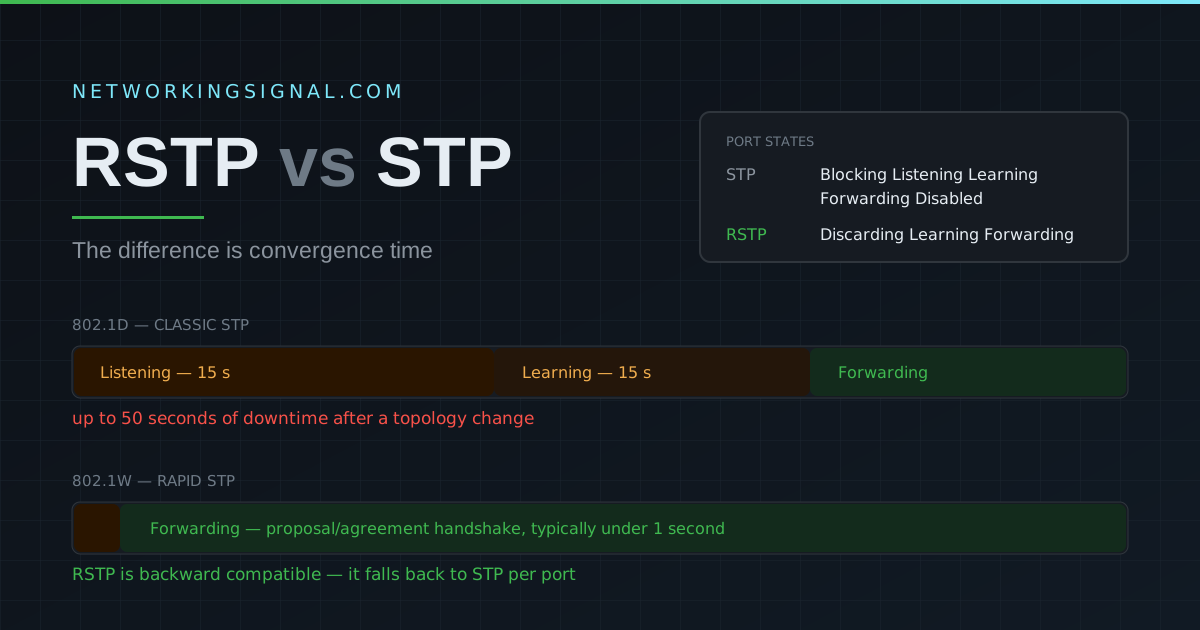
RSTP vs STP — Key Differences Explained
RSTP vs STP — complete comparison of Rapid Spanning Tree Protocol vs Spanning Tree Protocol. Convergence time, port…
VTP (VLAN Trunking Protocol) is a Cisco proprietary Layer 2 protocol that keeps the VLAN database consistent across every switch in a domain. Create VLAN 30 on one switch and VTP propagates it to the rest, no need to add it manually on twelve devices.
That convenience is also its danger. VTP is the protocol most likely to take a network down through a single careless action, which is why many engineers now deliberately avoid it. This guide covers how it works, how to configure it, and how to keep it from wiping your VLANs.
VTP advertisements travel only over trunk links, sent to the multicast MAC address 01:00:0C:CC:CC:CC. A switch in server mode owns the VLAN database; clients receive it and update themselves to match.
Two switches will only exchange VTP information if all of these agree:
A common misconception: VTP is not carried by CDP. They are separate protocols that happen to share the same multicast destination address, along with DTP and PAgP. Disabling CDP does not disable VTP.
| Server | Client | Transparent | |
|---|---|---|---|
| Create / edit / delete VLANs | Yes | No | Yes (locally only) |
| Sends its own VTP updates | Yes | No | No |
| Applies updates it receives | Yes | Yes | No |
| Forwards updates to other switches | Yes | Yes | Yes (relay only) |
Stores VLANs in vlan.dat | Yes | Yes | Yes |
| Stores VLANs in running-config | No | No | Yes |
| Extended VLANs (1006–4094) | VTP v3 only | VTP v3 only | Yes |
The default on most Catalyst switches. It can create, modify and delete VLANs, and it advertises those changes to the rest of the domain. Note that a domain can have more than one server, which is exactly how accidents happen.
Receives and applies the VLAN database but cannot change it. Useful for access switches that should follow, not lead. A client still forwards VTP advertisements to its neighbours.
Ignores incoming updates and never generates its own, but still passes advertisements through to other switches. Its VLANs are local only and are stored in the running configuration, so they survive in your backup. Transparent mode is the safest choice, and on VTP v1 and v2 it is the only way to use extended-range VLANs.
Every VTP domain carries a 32-bit configuration revision number. It starts at 0 and increments by one every time the VLAN database changes on a server. When a switch receives an advertisement, it compares revision numbers: higher wins, and the receiving switch overwrites its own database.
This is the classic outage. A switch that was previously used in a lab, with a high revision number and only two VLANs in it, gets racked and plugged into the production trunk. Its revision number is higher than production’s, so every switch in the domain accepts its database, and every VLAN not in it disappears. Ports land in a VLAN that no longer exists and the network goes down.
show vtp status before plugging in the trunk, not after.| Version | Adds | Notes |
|---|---|---|
| Version 1 | The original | Normal-range VLANs only (1–1005) |
| Version 2 | Token Ring support, consistency checks, transparent-mode relay without matching domain | Still normal-range only |
| Version 3 | Extended VLANs 1006–4094, a single primary server, MST propagation, private VLANs, better password handling | The safe version, only the primary server can change the database |
VTP version 3 is the significant one. It introduces a primary server role that must be explicitly claimed, so a switch cannot overwrite the domain simply by having a higher revision number. If you must run VTP, run version 3.
Switch(config)# vtp domain CORPNET
Switch(config)# vtp version 3
Switch(config)# vtp mode server
Switch(config)# vtp password S3cureVtp
!
! VTP only runs over trunks, make sure the link is one
Switch(config)# interface GigabitEthernet0/1
Switch(config-if)# switchport trunk encapsulation dot1q
Switch(config-if)# switchport mode trunk
!
! With VTP v3, claim the primary server role explicitly (privileged mode)
Switch# vtp primary vlanSwitch(config)# vtp domain CORPNET
Switch(config)# vtp version 3
Switch(config)# vtp mode client
Switch(config)# vtp password S3cureVtp
!
Switch(config)# interface GigabitEthernet0/1
Switch(config-if)# switchport mode trunkSwitch(config)# vtp mode transparentIn transparent mode the switch manages its own VLANs and cannot be overwritten by anyone.
Switch# show vtp status
VTP Version capable             : 1 to 3
VTP version running             : 3
VTP Domain Name                 : CORPNET
VTP Operating Mode              : Server
Maximum VLANs supported locally : 1005
Number of existing VLANs        : 9
Configuration Revision          : 14
MD5 digest                      : 0x8F 0x21 0x4C ...
The two lines that matter are Operating Mode and Configuration Revision. Check both on any switch before you connect it to a production trunk.
show vtp counters        ! advertisements sent and received
show vtp password        ! confirm the password matches
show interfaces trunk    ! VTP needs a trunk, confirm one exists
show vlan brief ! what actually ended up in the databaseThe risk-to-benefit ratio is poor. The benefit is not having to type vlan 30 on a handful of switches. The risk is a single misconfigured device erasing the VLAN database of an entire campus.
Most modern designs either run VTP transparent mode everywhere and manage VLANs through automation, or use VTP version 3 with an explicitly claimed primary server. Configuration management tools have removed most of the manual effort VTP was invented to solve.
It distributes the VLAN database from a server switch to every other switch in the same VTP domain, so a VLAN created once appears everywhere without being configured manually on each device.
Server (can change and advertise VLANs), client (receives and applies but cannot change), and transparent (manages its own VLANs locally and only relays other switches’ advertisements without acting on them).
No. VTP advertisements are only sent over trunk links. If VTP is not propagating, the first thing to check is show interfaces trunk.
If it joins with a higher configuration revision number than the existing domain, every switch accepts its database as the newer one and overwrites its own. Reset the revision number to 0 before connecting any switch, change the domain name and change it back, or toggle through transparent mode.
No. They are separate protocols. They share the destination multicast MAC address 01:00:0C:CC:CC:CC along with DTP and PAgP, which is where the confusion comes from, but VTP is not transported by CDP and disabling CDP does not stop VTP.
No. VTP is Cisco proprietary. In a mixed-vendor network you configure VLANs on each vendor’s switches separately, which is one more reason transparent mode is common.
Version 3 if you use VTP at all. It requires a primary server to be explicitly claimed, which removes the accidental-overwrite failure mode, and it supports extended-range VLANs 1006–4094.
Continue with what a VLAN is, access port vs trunk port, native VLAN configuration and VLAN tagging. For the wider picture see our network switching guide, and plan your addressing with the VLAN calculator.
Hand-picked articles you might also find useful.
 Routing & Switching
 RSTP vs STP — complete comparison of Rapid Spanning Tree Protocol vs Spanning Tree Protocol. Convergence time, port…
 Switching
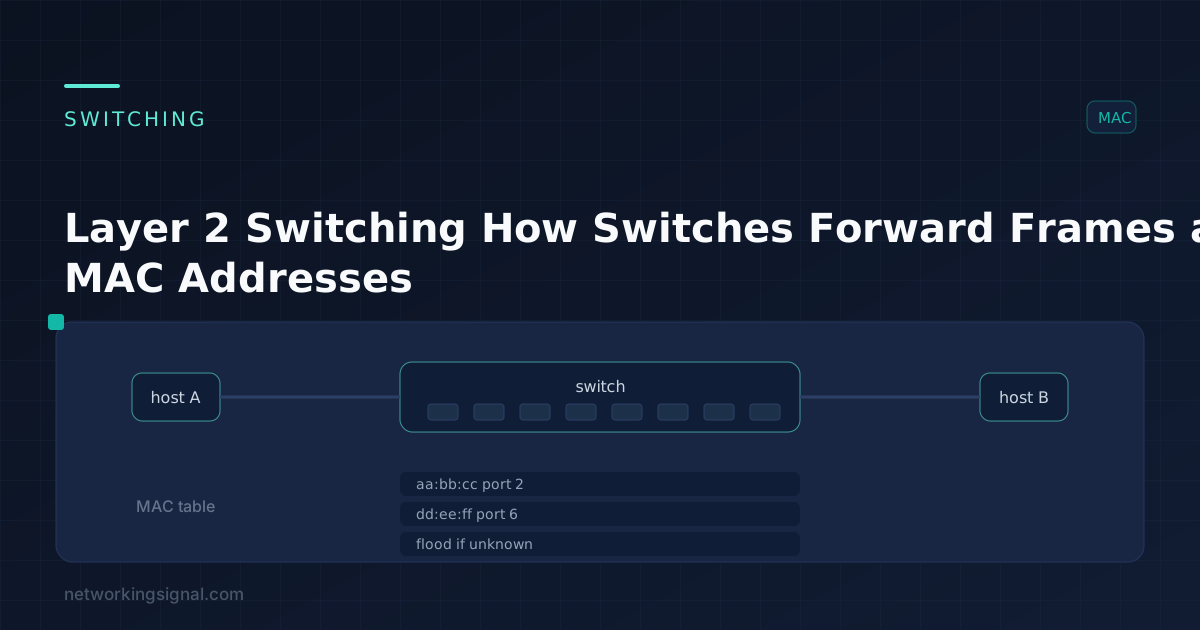
 Layer 2 switching forwards frames using MAC addresses. Here are the three switch functions, the CAM table, and…
 Networking Fundamentals
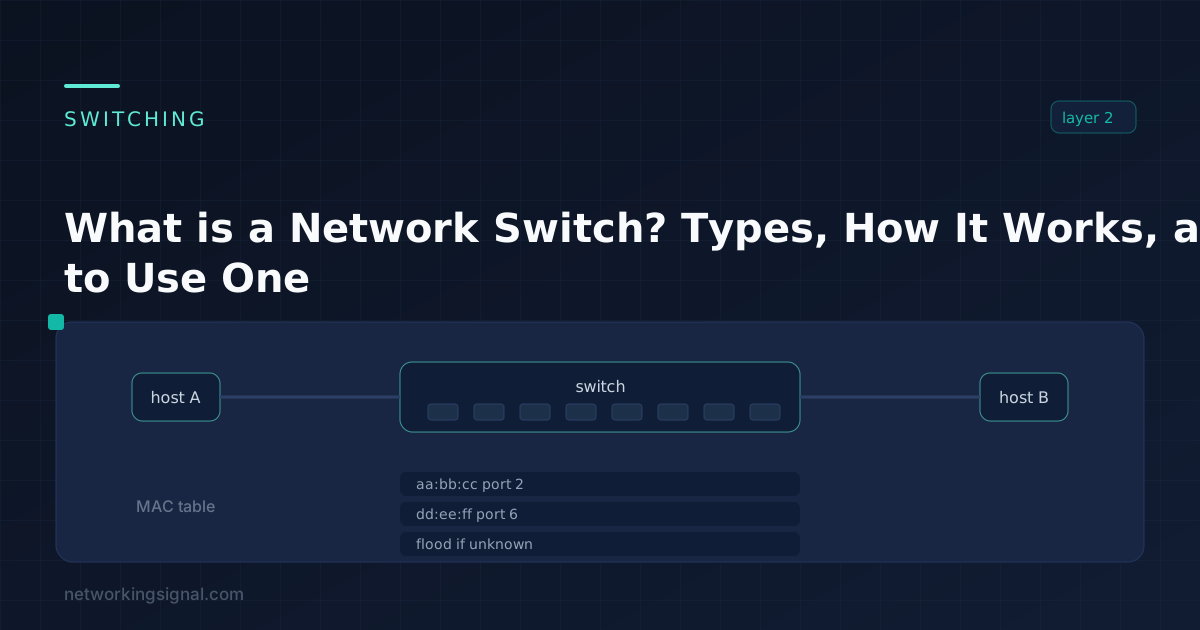
 What is Switch in Networking? A switch is a device that helps connect different devices on a computer…
One response to “VTP (VLAN Trunking Protocol) — Modes, Versions and Configuration”
[…] By this can understand normally behave of VLAN how its configure and work. You are the networking guys or technically guys so, you know that on switch neighbour a device always there like PC, Router, Switch & WiFi etc. In between there a link, here that links also a big role. A link is two type Access link or Trunk link. What is VLAN Trunking Protocol: Read Now […]