
VLSM Explained — Variable Length Subnet Masking with Examples
VLSM lets you use different subnet mask lengths inside one network so each segment gets only the addresses…
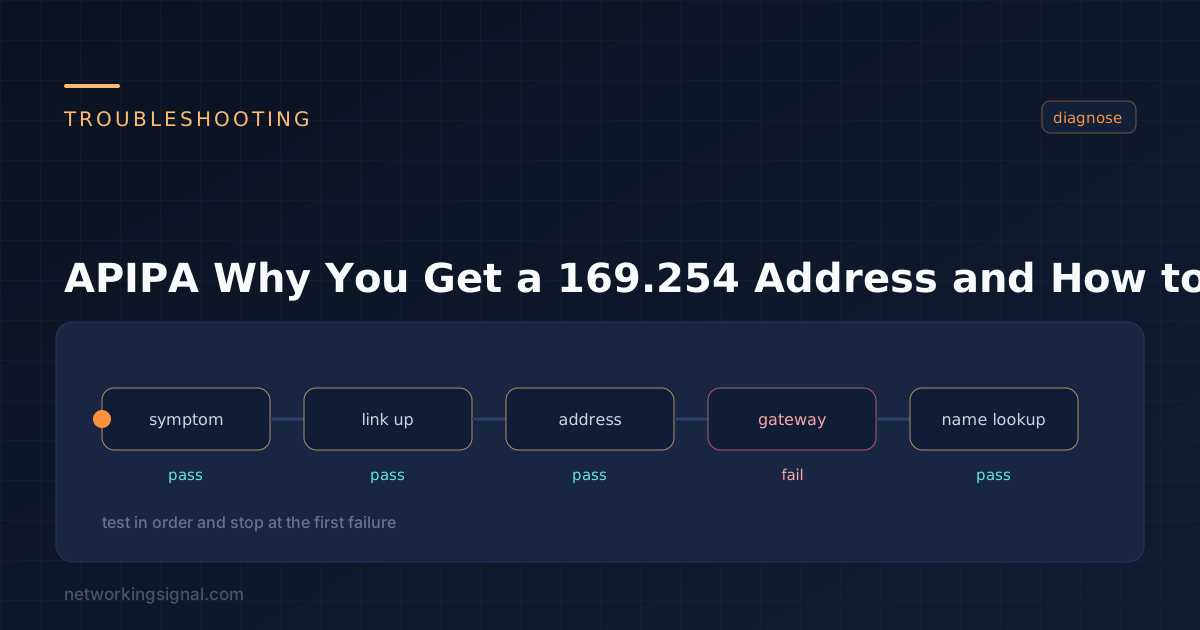
APIPA (Automatic Private IP Addressing) is the fallback that assigns a device an address from 169.254.0.0/16 when it asks for a DHCP lease and no server answers. Microsoft introduced it in Windows 98; the underlying mechanism is standardised as link-local addressing in RFC 3927 and is implemented on macOS and Linux too.
If you see a 169.254 address, DHCP failed. That is the entire diagnostic value of APIPA, and it is genuinely useful, it converts a silent failure into a visible symptom.
169.254.1.0 to 169.254.254.255. The first and last /24 of the range are reserved.255.255.0.0, no default gateway and no DNS server.| Capability | Works? |
|---|---|
| Communicate with other APIPA hosts on the same segment | Yes |
| File and printer sharing on the local link | Yes |
| mDNS / Bonjour discovery | Yes |
| Reach the internet | No, no default gateway |
| Reach another subnet | No, link-local addresses are never routed |
| Resolve DNS names | No, no DNS server assigned |
| Reach a server on the correct subnet | No, different subnet, and no gateway |
Routers are required to drop 169.254.x.x traffic and never forward it. A 169.254 address is also one of the three things to check when WiFi says connected but there is no internet. Link-local means exactly that: one segment, no further.
# Windows
ipconfig /all
ipconfig /release
ipconfig /renew

# Linux
ip addr show
sudo dhclient -v eth0

# macOS
ipconfig getpacket en0
Work through these in order, they are ordered by how often each turns out to be the cause:
| Check | What you are looking for |
|---|---|
| 1. Physical layer | Link light on, what the Ethernet lights mean. A dead cable produces the same symptom as a dead DHCP server. Swap the cable before anything else. |
| 2. Switch port VLAN | Is the port in the VLAN you think it is? A port in an unused VLAN has no DHCP server reachable. |
| 3. DHCP server running | Service up, scope active, and not in a stopped or unauthorised state. |
| 4. Pool exhaustion | All addresses leased. Very common on guest networks with a small pool and a long lease time. |
| 5. DHCP relay | If the server is on a different VLAN, the router needs ip helper-address. Missing it is the classic cause on a newly created VLAN. |
| 6. DHCP snooping | If snooping is enabled, the port toward the server must be trusted, or the Offer is discarded. |
| 7. Port security | An err-disabled port has link but no traffic. show interfaces status err-disabled. |
| 8. Wireless authentication | On WiFi, an association that fails 802.1X leaves the client associated but unable to pass DHCP. |
| 9. Firewall on the client | Blocking UDP 68 inbound prevents the Offer being received. |
Router(config)# interface Vlan20
Router(config-if)# ip helper-address 10.10.10.5

Switch# show ip dhcp snooping
Switch# show interfaces status err-disabledOne host with a 169.254 address is a host problem. Several at once is an infrastructure problem, and the shortlist is short:
Generally no. It is a diagnostic signal rather than a problem, and disabling it means a DHCP failure produces no address at all, which is harder to distinguish from a cable fault, not easier.
The one legitimate reason is where a device sitting on a link-local address masks a failure that monitoring should catch. If you do disable it, on Windows:
HKLM\SYSTEM\CurrentControlSet\Services\Tcpip\Parameters\Interfaces\{GUID}
IPAutoconfigurationEnabled = 0  (DWORD)
A better approach for devices that must always have an address is an alternate configuration, Windows lets you specify a fallback static address per adapter, used instead of APIPA when DHCP fails.
| APIPA (IPv4) | IPv6 link-local | |
|---|---|---|
| Range | 169.254.0.0/16 | fe80::/10 |
| When assigned | Only when DHCP fails | Always, on every interface |
| Coexists with a routable address | No | Yes |
| Used by protocols | Rarely | Extensively, ND, RA, OSPFv3 all use it |
| Indicates a fault | Yes | No, entirely normal |
This is the key difference: an IPv6 link-local address is expected and healthy. An IPv4 APIPA address means something broke.
The device asked for a DHCP lease and got no reply, so it assigned itself a link-local address. It can talk to other devices on the same segment and nothing else.
Fix DHCP, the address is a symptom. Check the cable and link light, then the switch port VLAN, then whether the DHCP server is reachable and has free addresses. Run ipconfig /release and /renew once the underlying issue is resolved.
No. APIPA assigns no default gateway and no DNS server, and routers never forward 169.254 traffic.
Because they are on the same link and both hold addresses in 169.254.0.0/16 with a /16 mask. That is exactly what link-local addressing is for, ad-hoc communication with no infrastructure.
No. RFC 1918 private ranges (10.x, 172.16 to 31.x, 192.168.x) are routable within your network and are translated to public addresses by NAT. APIPA addresses are link-local, never routed anywhere, and never NATed.
Yes, identically. A device that associates to an access point but fails to get a lease will self-assign, which is why a phone can show “connected, no internet” while sitting on a 169.254 address.
Hand-picked articles you might also find useful.
 IPv4
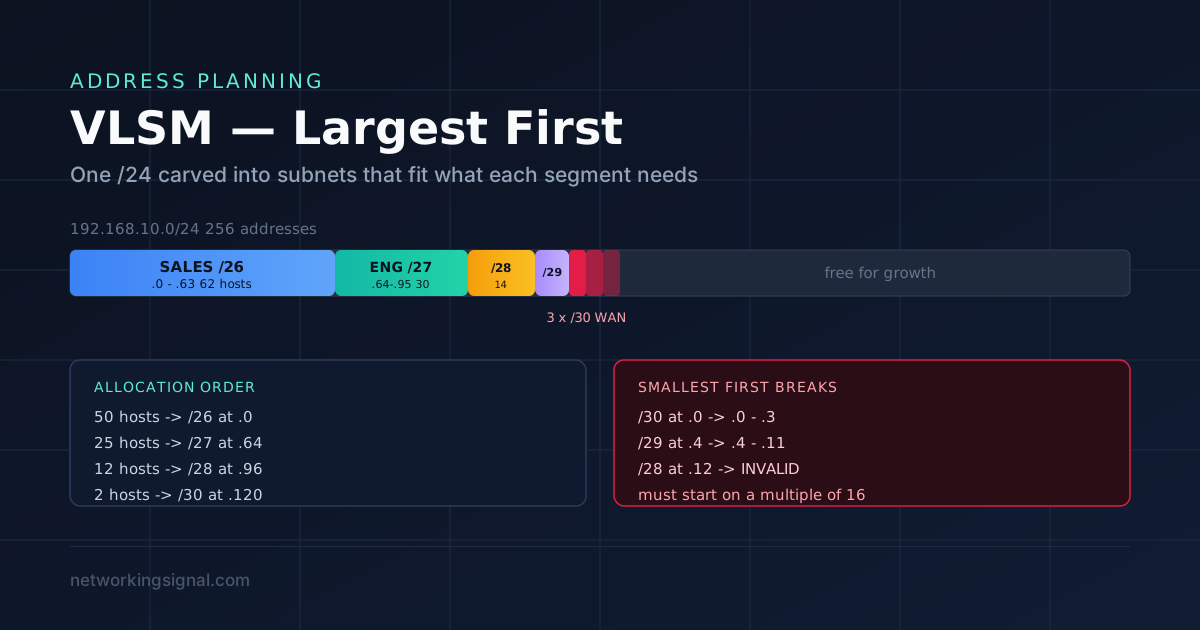
IPv4 VLSM lets you use different subnet mask lengths inside one network so each segment gets only the addresses…
 DHCP
DHCP In the world of networking, protocols play a crucial role in establishing connections and facilitating communication between devices…
 DHCP
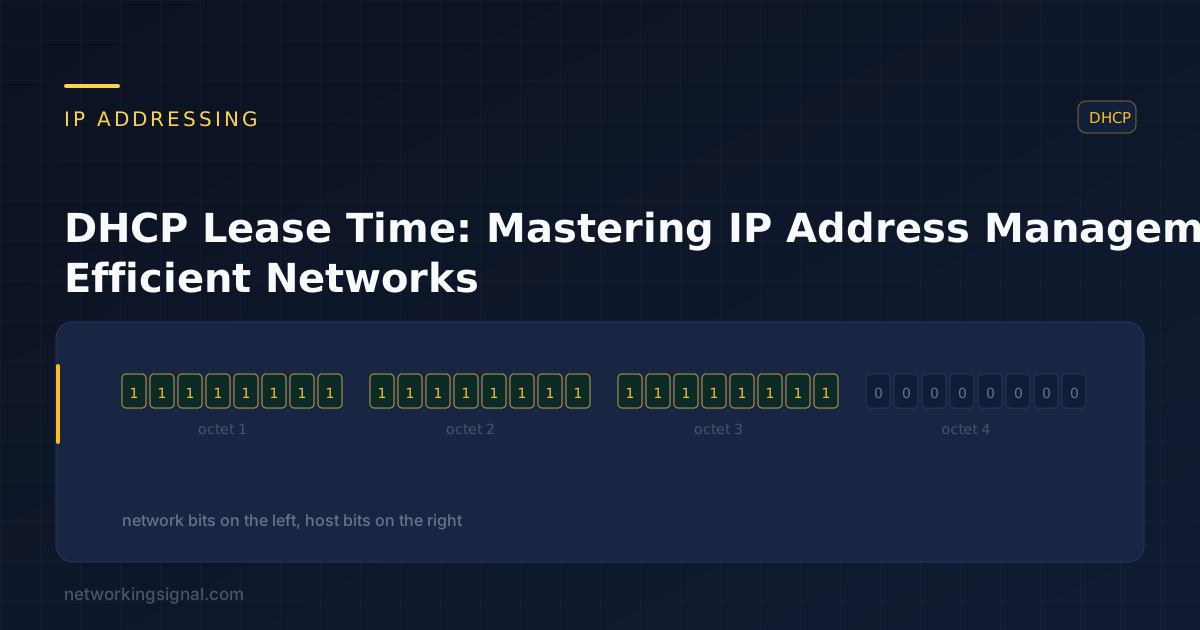
DHCP DHCP Lease Time is the period for which a DHCP server grants an IP address lease to a…