
What is HTTPS, its Advantages, and Uses of HTTPS?
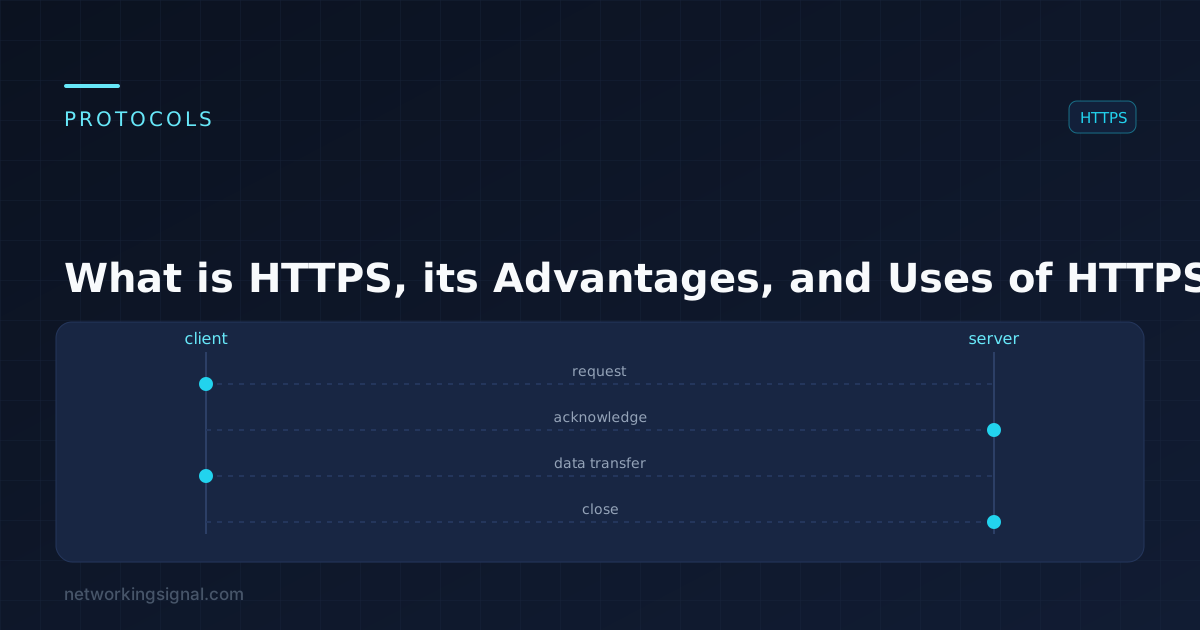
What is HTTPS? HTTPS is a secure communications protocol that allows for the exchange of information between a…
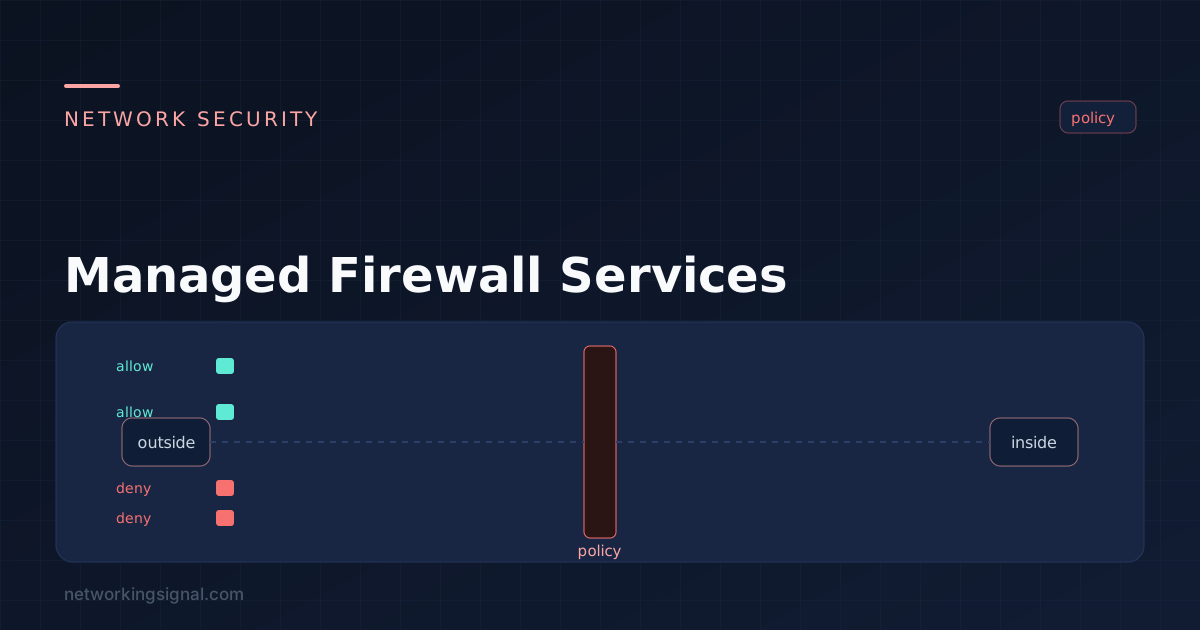
A managed firewall is a firewall that a third party configures, monitors and maintains on your behalf. The hardware may sit in your rack or in the provider’s cloud; what you are buying is the operational responsibility, not the box.
The reason organisations buy it is rarely the technology. It is that a firewall left unmanaged degrades: rules accumulate, nobody removes the temporary ones, firmware falls behind, and alerts go unread because nobody is on shift at 3 a.m.
| Service | What it means in practice |
|---|---|
| Initial design and deployment | Sizing, zone design, base ruleset, HA pair configuration, migration from the existing device |
| Rule changes | You raise a request, they implement it. Check the SLA and whether there is a monthly quota. |
| Patching and firmware | Security updates applied in a maintenance window, the single most commonly neglected task in-house |
| 24/7 monitoring | Health, availability, and security alerting outside your working hours |
| Log retention | Centralised storage, often the compliance driver for buying the service |
| Threat signature updates | IPS, antivirus, URL filtering and application signatures kept current |
| Reporting | Monthly summaries of traffic, blocked threats, rule changes, and policy drift |
| Incident response | Varies enormously, from “we email you” to full containment. This is the clause to read carefully. |
| Backup and recovery | Configuration backups and a tested restore procedure |
| Organisation size | Typical monthly range | Usually covers |
|---|---|---|
| Small business, single site | $150 – $600 | One appliance, business-hours support, basic reporting |
| Mid-size, several sites | $800 – $4,000 | HA pairs, 24/7 monitoring, IPS and content filtering, log retention |
| Enterprise | $5,000+ | Multi-site, SIEM integration, dedicated engineers, custom SLAs |
Compare against the honest in-house cost: appliance and licences amortised, plus a fraction of a security engineer’s salary, plus the on-call coverage you either fund or quietly do without. For most organisations under a few hundred staff, the managed option is cheaper than a genuine 24/7 in-house capability, and it is the 24/7 part that is expensive, not the box.
This is where managed firewall relationships go wrong. Establish in writing, before signing:
The firewall is one control at one boundary. It does not address:
Buying a managed firewall and treating security as handled is the failure mode to avoid.
Not quite. FWaaS specifically means the firewall runs in the provider’s cloud with your traffic routed to it. A managed firewall can equally be your own on-premises appliance that someone else administers.
Yes, someone must own policy decisions, approve changes, and act on escalations. The provider operates the control; they do not own your risk.
Only if you would not otherwise patch it, review the rules, or watch the alerts. A well-run in-house firewall beats an averagely-run managed one. Most unmanaged firewalls are not well-run, which is the honest case for the service.
With cloud-based inspection, your traffic path may be affected, ask what the failover behaviour is and whether it fails open or closed. With on-premises hardware the firewall keeps enforcing its current policy; you simply cannot get changes made.
Often yes, if it is a supported model still under maintenance. Providers prefer their standard platforms, so expect a discount for standardising and a premium for keeping something unusual.
The device may be identical. What changes is who configures it, patches it, watches it and is contractually accountable when it is misconfigured.
Hand-picked articles you might also find useful.
 Security
 What is HTTPS? HTTPS is a secure communications protocol that allows for the exchange of information between a…
 Security
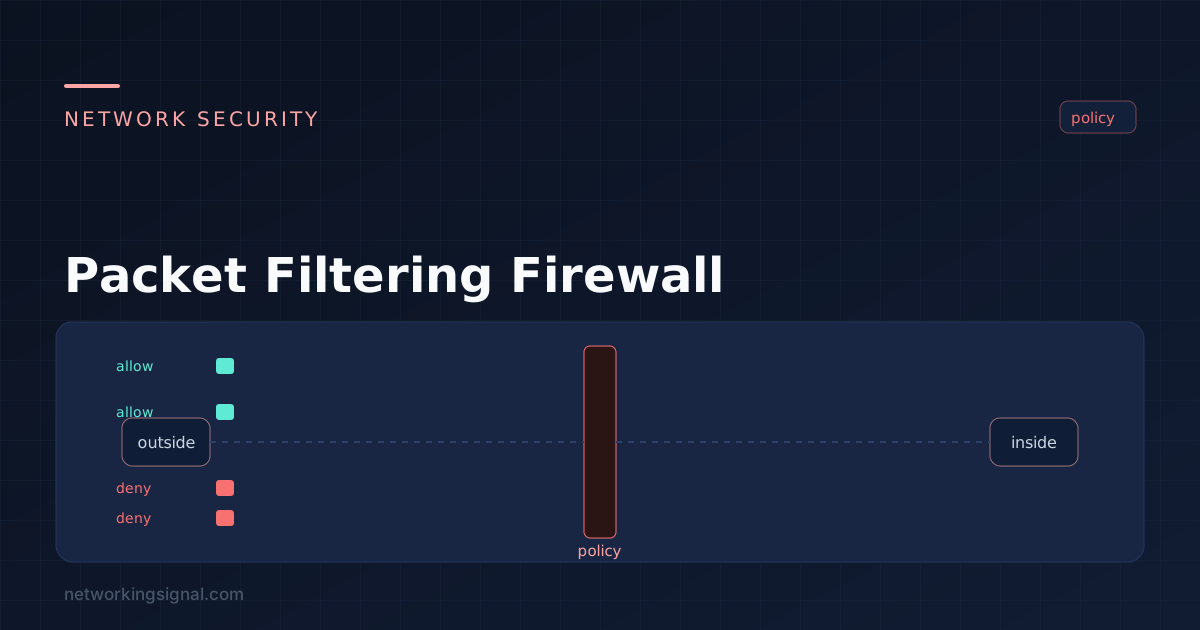
 What is Packet Filtering Firewall? A packet-filtering firewall is a type of firewall that controls network traffic by…
 Security
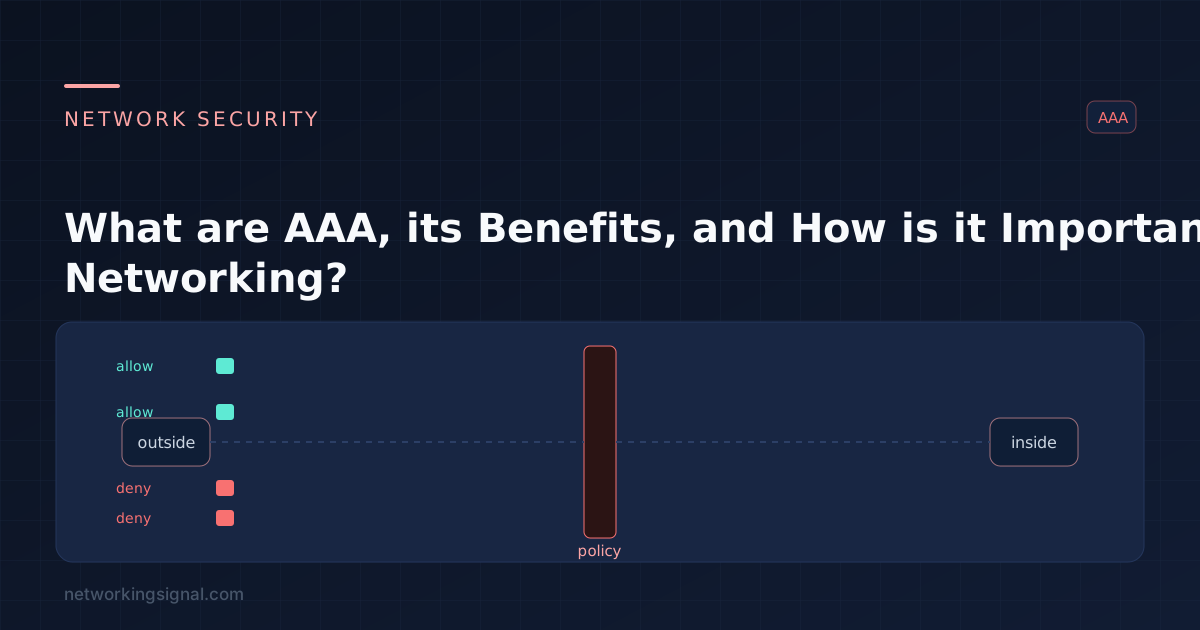
 What is AAA? The term "AAA" in networking refers to the process of authenticating, authorizing, and accounting for…