
RF Amplifiers in Wireless Networking: Ultimate Guide
In today’s interconnected world, seamless wireless communication is a fundamental requirement for staying connected and accessing information on…
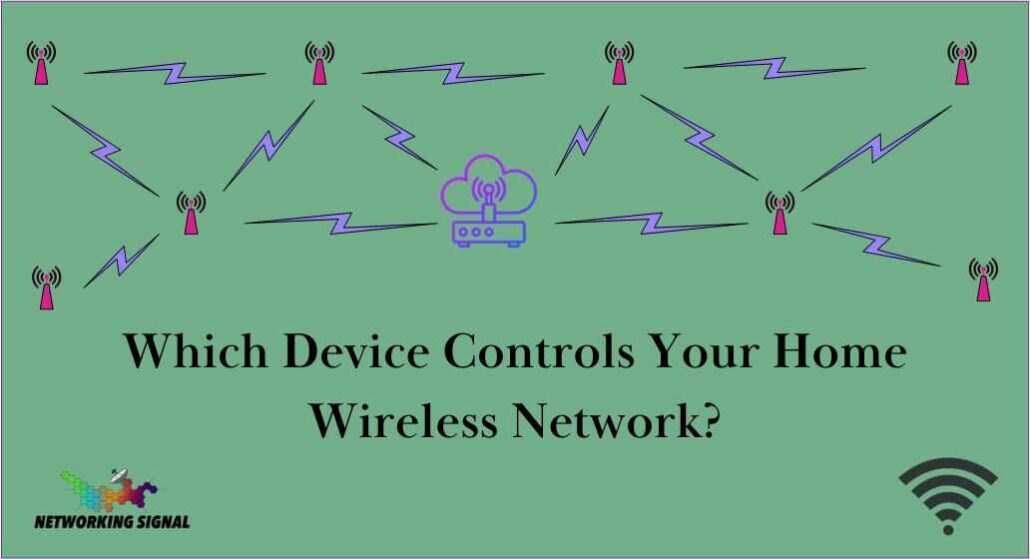
The device that is used to control your home wireless network depends on the type of router you have. If you have a standalone router, then it is likely that it will be the same device used to access and manage your network.
However, if you are using a modem/router combination unit, then the modem may be responsible for controlling the network while the router provides the wireless access point.
In either case, you can typically access and manage your network by logging into the device’s web-based interface using a username and password.
Wireless networks are controlled by a wireless router or access point. The router is responsible for establishing and maintaining the network connection, assigning IP addresses to each device connected to it, controlling security settings, and managing traffic flow.
All of these tasks are accomplished through the web-based interface of the router/access point. This interface can be accessed using a web browser on any computer or device connected to the network.
In addition, some routers may allow you to control the network using an app on your smartphone or tablet. This can be especially useful when you need to make changes quickly and remotely.
Yes, you can access your home network remotely. Depending on the router/access point you are using, there may be a feature that allows you to log in using an app on your smartphone or tablet. This will give you the ability to make changes to settings and monitor your network remotely from anywhere in the world.
However, it’s important to note that this feature requires a strong and reliable internet connection, as well as a secure password. Depending on the type of router you have, some models may also require additional setup steps in order to enable remote access.
Here are some other devices that can control your home wireless network:
Hand-picked articles you might also find useful.
 Wireless
 In today’s interconnected world, seamless wireless communication is a fundamental requirement for staying connected and accessing information on…
 Wireless
 What is WiFi Protected Access WPA? WiFi Protected Access (WPA) is a security standard designed to protect wireless…
 Wireless
 What are Wireless Communication Standards? Wireless communication standards are the various protocols and technologies that govern how wireless…