
What is Packet Switching? Detail Guide
What is Packet Switching? Packet switching is a process in which data is divided into packets and routed…
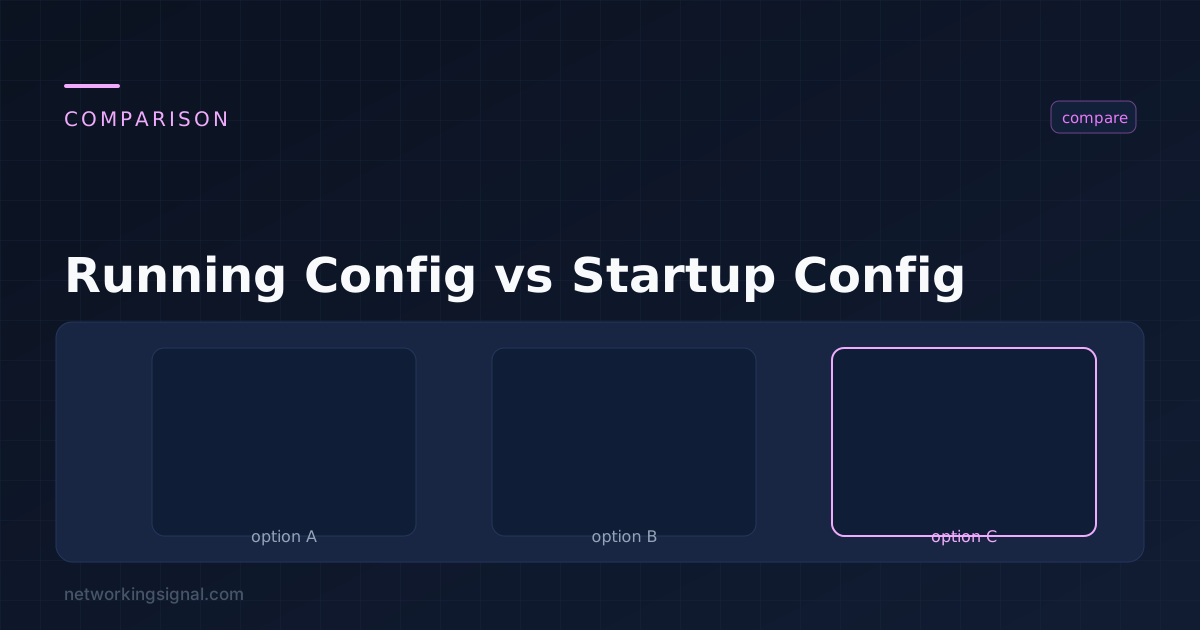
A Cisco device holds two configuration files, and confusing them is how people lose a day’s work, or lock themselves out of a router.
| Running configuration | Startup configuration | |
|---|---|---|
| Stored in | RAM, volatile | NVRAM, non-volatile |
| Contains | The configuration in effect right now | What will load on next boot |
| Changes take effect | Immediately as you type | Only after a reload |
| Survives a reboot | No | Yes |
| View with | show running-config | show startup-config |
Every command you enter in configuration mode changes the running config and takes effect at once. Nothing you type is saved until you explicitly copy it across.
Switch# copy running-config startup-config
Destination filename [startup-config]?
Building configuration...
[OK]
Or the shorter forms, which do exactly the same thing:
Switch# write memory
Switch# wr
To go the other way, discard unsaved changes and reload the saved config, do not use copy startup-config running-config. That merges the two rather than replacing, so anything you added stays. To genuinely revert, either reload the device or use:
Switch# configure replace nvram:startup-configBefore saving, it is worth knowing exactly what will change:
Switch# show archive config differences nvram:startup-config system:running-configOr check whether there is anything unsaved at all:
Switch# show running-config | include Last configuration changeMany platforms also warn on reload:
System configuration has been modified. Save? [yes/no]:Answering no here discards every change since the last save.
The classic disaster: you apply an ACL or change an interface remotely, lose your session, and the device is unreachable, with the bad configuration still running.
Schedule a reload before you make the change. Because the change is only in RAM, a reboot reverts it:
Switch# reload in 10
Reload scheduled in 10 minutes

! ... make the risky change ...
! ... confirm you still have access ...

Switch# reload cancel
Switch# write memory
If you lose access, the device reboots in ten minutes back to the last saved configuration and you get in again. If everything is fine, cancel the reload and save. This costs nothing and has saved a great many site visits.
A more sophisticated version is configuration rollback:
Switch(config)# archive
Switch(config-archive)# path flash:backup
Switch(config-archive)# write-memory

Switch# configure terminal revert timer 10
The device automatically reverts the change after ten minutes unless you confirm it with configure confirm.
| Memory | Holds | Volatile |
|---|---|---|
| RAM | Running config, routing table, ARP table, buffers, the running IOS image | Yes |
| NVRAM | Startup config, and the configuration register | No |
| Flash | The IOS image, backup configs, archives | No |
| ROM | ROMMON, POST, bootstrap | No |
! To a TFTP server
Switch# copy running-config tftp:
Address or name of remote host []? 10.10.10.50
Destination filename [switch-confg]? core-sw01-2026-08-28

! To local flash
Switch# copy running-config flash:backup-config

! Over SCP, which is the one to use in production
Switch# copy running-config scp:
Automated archiving keeps a version each time the config is saved:
Switch(config)# archive
Switch(config-archive)# path tftp://10.10.10.50/$h-config
Switch(config-archive)# write-memory
Switch(config-archive)# maximum 14
$h expands to the hostname. write-memory triggers an archive on every save.
Switch# show archive| Situation | Recovery |
|---|---|
| Made changes, not saved, device still up | configure replace nvram:startup-config |
| Made changes, not saved, device rebooted | Gone. Restore from your backup. |
| Saved a bad config | Restore from archive or TFTP backup |
| Erased the startup config | Restore from backup; if the device is still up, copy run start rewrites it from RAM |
| Forgot the enable password | Password recovery via ROMMON, changing the config register to 0x2142 to skip loading the startup config |
That last row is worth understanding: setting the configuration register to 0x2142 makes the device boot without loading the startup config. You then load it manually with copy startup-config running-config, change the password, set the register back to 0x2102, and save.
Switch# show version | include registerreload in before any remote change that could cost you access.The changes work until the device reboots, then they are gone and it comes back with the startup config. Occasionally this is deliberate, an unsaved change is a self-reverting one.
write memory the same as copy running-config startup-config?Yes, identical. wr is the common abbreviation. The copy form is the modern syntax; write memory survives from older IOS and is still supported.
configure replace nvram:startup-config replaces the running config with the saved one. Note that copy startup-config running-config does not do this, it merges, leaving your additions in place.
NVRAM, which is non-volatile and survives power loss. The running config lives in RAM and does not.
Yes, the archive feature writes a copy to TFTP, FTP or flash on every save, or on a timer. Combine it with a configuration management tool for full history.
A value in NVRAM controlling how the device boots. 0x2102 is normal; 0x2142 skips the startup config and is used for password recovery. Check it with show version. See Cisco IOS for more on the boot process.
Hand-picked articles you might also find useful.
 Routing & Switching
 What is Packet Switching? Packet switching is a process in which data is divided into packets and routed…
 Routing & Switching
 The message points at your own network adapter, not the router. Five fixes in order starting with one…
 Routing & Switching
 How to set up an office network properly, with a specified equipment list for 10 to 30 people.…