
What is CEF and How Does it Work on Cisco Router?
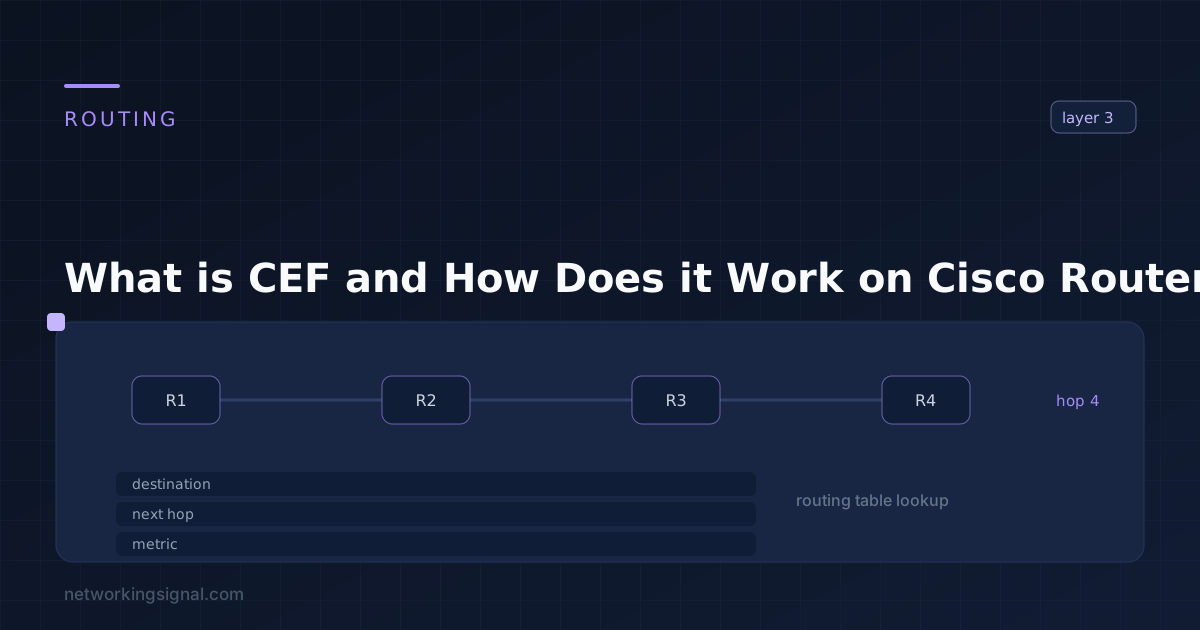
What is CEF? Cisco Express Forwarding (CEF) is a Layer 3 switching technology that offers high performance, low…
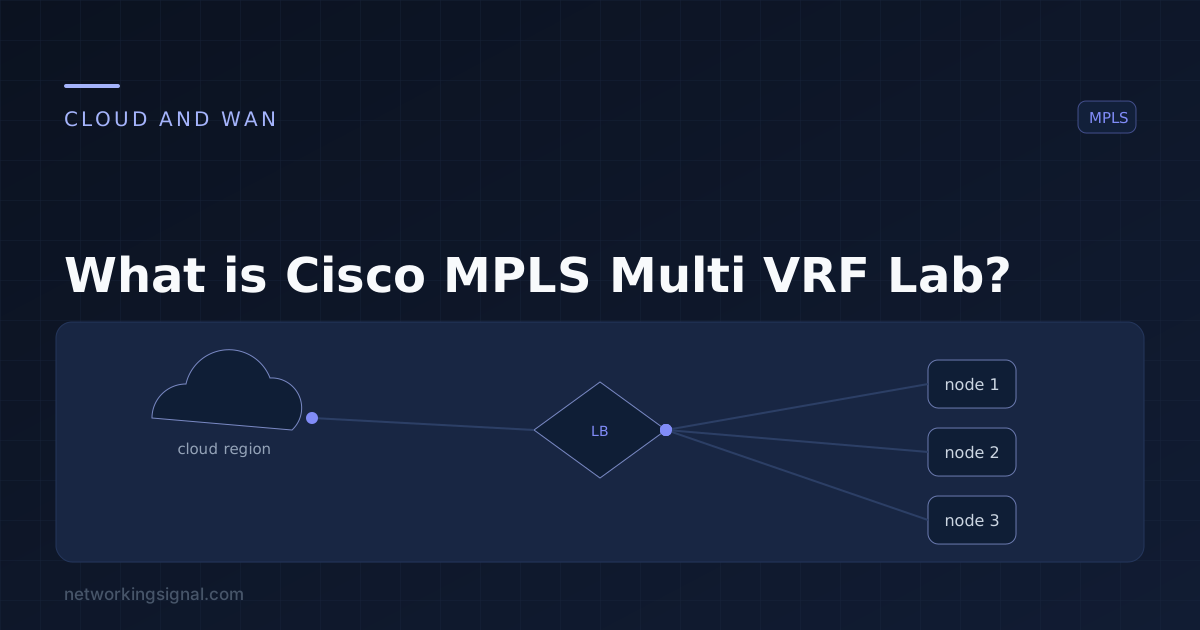
The Cisco MPLS Multi VRF Lab is a dynamic and cutting-edge network technology environment designed to explore the fascinating world of Multi-Virtual Routing and Forwarding (Multi-VRF) within the context of Cisco’s extensive networking solutions.
This lab provides a hands-on experience where you can delve into the intricacies of MPLS and VRF, gaining a deep understanding of how these technologies enable secure and efficient data routing in complex network setups.
Whether you’re a networking enthusiast, a student, or a seasoned IT professional, this lab offers an invaluable opportunity to enhance your knowledge and skills in managing diverse network traffic.
Join us on this journey through the Cisco MPLS Multi VRF Lab, where you’ll navigate through virtual networks, sharpen your networking prowess, and unlock the potential of this essential technology.
Cisco MPLS Multi VRF Lab is a technology that allows you to create multiple virtual private networks (VPNs) on a single MPLS network. This can be useful if you have multiple offices or customers that you want to keep separate from each other, but still want to use the same MPLS network.
To create a Multi VRF Lab, you will need to create multiple VRFs (virtual private networks) on your MPLS network. Each VRF will have its own routing table and can be configured independently from the other VRFs. You can then route traffic between the VRFs using MPLS labels.
Configuring Cisco MPLS Multi VRF is not a difficult task, but there are a few things that you need to keep in mind. Here are the steps that you need to follow:
1. Access the Router: Access the Cisco router through a terminal emulator like PuTTY or SSH.
2. Enter Privileged EXEC Mode: Use the following command to enter privileged EXEC mode:
>enable
3. Enter Global Configuration Mode: Use the following command to enter global configuration mode:
#configure terminal
4. Create VRF Instances: To create multiple VRF instances, use the following command for each VRF:
(config-if)# ip vrf <vrf-name>
5. Assign Interfaces to VRFs: Assign specific interfaces to each VRF:
(config-if)# interface <interface-type> <interface-number> ip vrf forwarding <vrf-name>
6. Configure Routing Protocols: Configure routing protocols within each VRF, such as OSPF or BGP:
(config-if)# router ospf <process-id> vrf <vrf-name> network <network-address> <wildcard-mask> area <area-id>
7. Set Up MPLS: Enable MPLS on the router:
(config-if)# mpls ip
8. Configure MPLS LDP: Configure MPLS Label Distribution Protocol (LDP):
(config-if)# mpls label protocol ldp
9. Activate MPLS on Interfaces: Enable MPLS on the interfaces participating in the MPLS network:
(config-if)# interface <interface-type> <interface-number> mpls ip
10. Exit Configuration Mode: Exit global configuration mode:
(config-if)# end
11. Save Configuration: Save the configuration to the startup configuration file:
# write memory
Cisco MPLS Multi VRF Lab is a powerful tool that can help you keep your network organized and running smoothly. By following the steps above, you can easily configure it on your network.
There are many advantages of using Cisco MPLS Multi VRF Lab on your network.
There are a few disadvantages to using Cisco MPLS Multi VRF Lab on your network.
Hand-picked articles you might also find useful.
 Routing
 What is CEF? Cisco Express Forwarding (CEF) is a Layer 3 switching technology that offers high performance, low…
 Routing
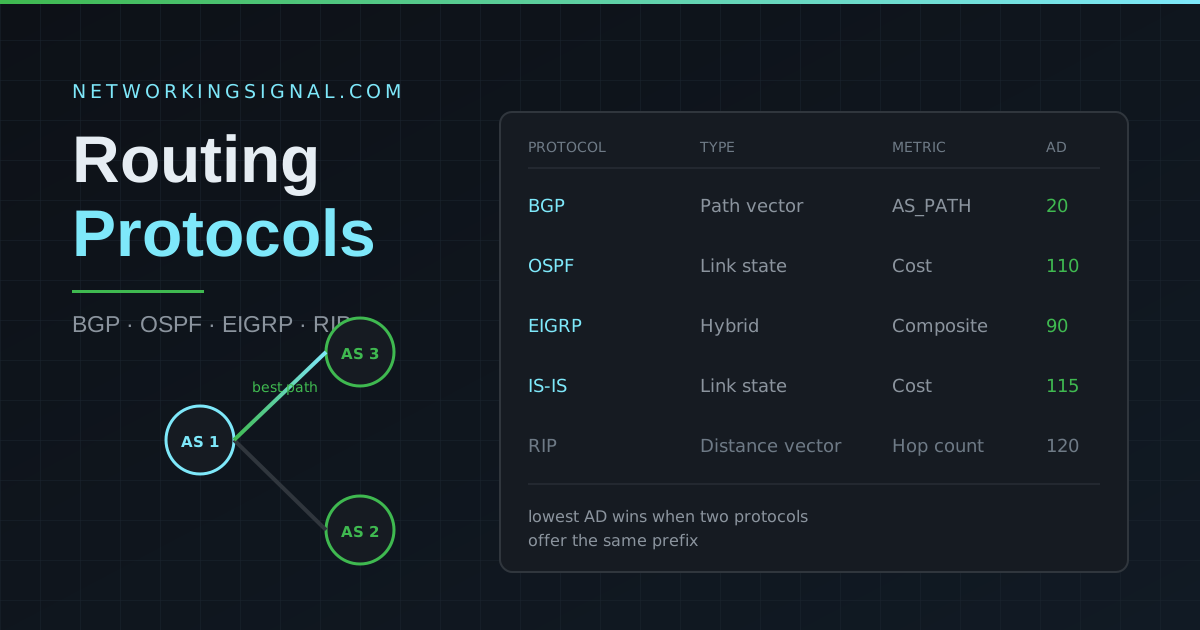
 Routing protocols are algorithms that determine the best path for data to travel across a network. The two…
 Routing
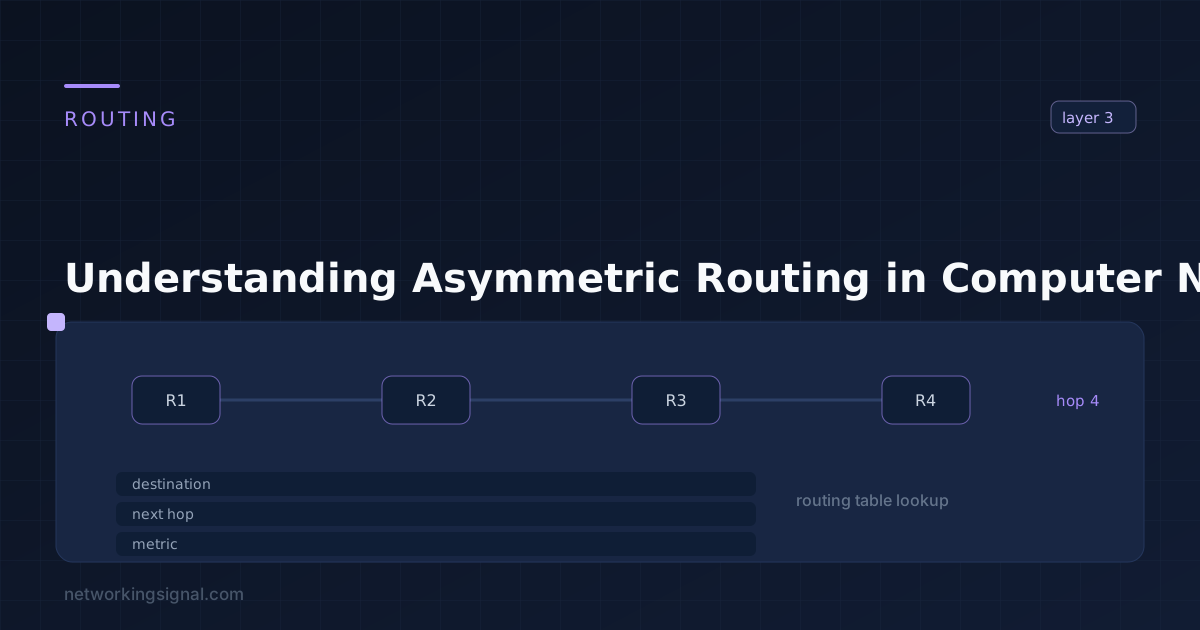
 In the vast landscape of computer networks, various complex phenomena influence the efficiency and reliability of data transmission.…