
IPv6 Subnet Calculator: Split Any Prefix Into /64s
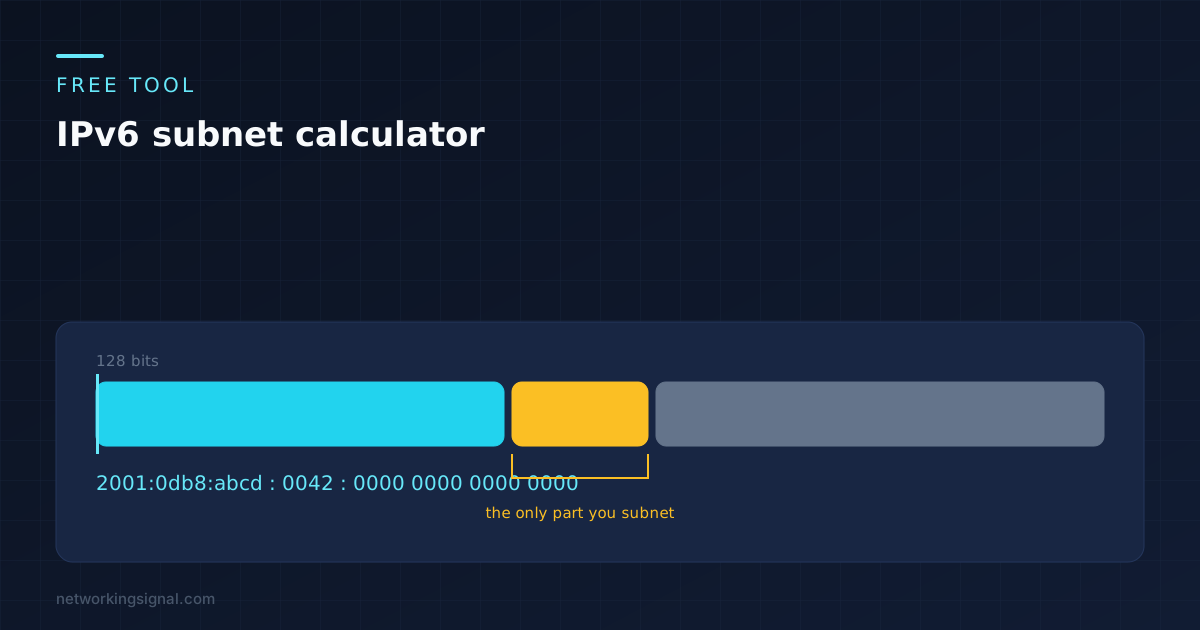
A free IPv6 subnet calculator that runs in your browser. Enter a prefix, choose a new prefix length,…
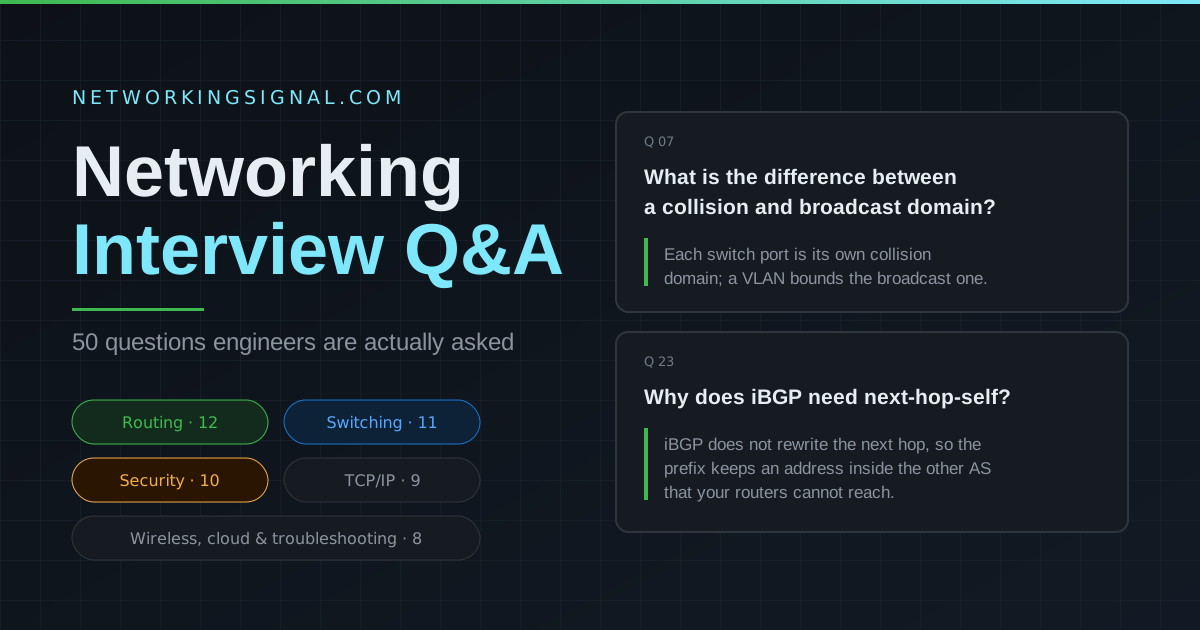
Networking interview questions test your knowledge of OSI model, TCP/IP, subnetting, routing protocols (BGP, OSPF), switching (VLANs, STP), security (firewalls, VPNs), and troubleshooting. This guide covers the 50 most commonly asked questions across beginner, intermediate, and advanced levels.
The OSI (Open Systems Interconnection) model is a conceptual framework that divides network communication into 7 layers:
Memory aid: “Please Do Not Throw Sausage Pizza Away”
| Feature | TCP | UDP |
|---|---|---|
| Connection | Connection-oriented (3-way handshake) | Connectionless |
| Reliability | Guaranteed delivery, retransmits lost packets | No guarantee |
| Speed | Slower (overhead) | Faster (no overhead) |
| Order | Packets arrive in order | No order guarantee |
| Use cases | HTTP, SSH, email, file transfer | DNS, streaming, gaming, VoIP |
A subnet mask defines which portion of an IP address is the network and which is the host. /24 means the first 24 bits are the network portion, leaving 8 bits for hosts. This equals 256 addresses, 254 usable hosts (2^8 minus network and broadcast addresses).
Example: 192.168.1.0/24 → subnet mask 255.255.255.0 → hosts: 192.168.1.1 to 192.168.1.254
Full explanation here. In brief: Hub = Layer 1, broadcasts to all ports, obsolete. Switch = Layer 2, forwards using MAC addresses. Router = Layer 3, routes between different IP networks using routing tables.
NAT (Network Address Translation) allows devices with private IP addresses to communicate with the internet by translating their private IPs to a single public IP. This conserves public IPv4 addresses and provides a basic level of security by hiding internal IP addressing from the internet.
DNS translates domain names to IP addresses. Resolution process: Your browser checks its cache → OS cache → asks your configured DNS resolver (usually ISP or 8.8.8.8) → resolver queries Root nameservers → TLD server → Authoritative nameserver → returns the IP address.
DHCP (Dynamic Host Configuration Protocol) automatically assigns IP addresses, subnet masks, default gateways, and DNS server addresses to devices joining a network. The DHCP DORA process: Discover → Offer → Request → Acknowledge. DHCP uses UDP ports 67 (server) and 68 (client).
| Feature | IPv4 | IPv6 |
|---|---|---|
| Address length | 32 bits | 128 bits |
| Address count | ~4.3 billion | 340 undecillion |
| Format | Dotted decimal (192.168.1.1) | Hex colon notation (2001:db8::1) |
| NAT needed? | Yes (address exhaustion) | No |
| Header size | 20 bytes minimum | 40 bytes fixed |
| Broadcast | Yes | No (uses multicast) |
The default gateway is the router’s IP address on the local subnet. When a device wants to send traffic to a destination outside its local network, it sends the packet to the default gateway. The router then forwards it toward the destination.
ARP (Address Resolution Protocol) maps IP addresses to MAC addresses within a local network. When Device A wants to send a packet to 192.168.1.5 but doesn’t know its MAC address, it broadcasts an ARP request: “Who has 192.168.1.5?” The device with that IP responds with its MAC address. ARP is a Layer 2/3 boundary protocol.
A VLAN (Virtual LAN) logically segments a physical switch into multiple isolated broadcast domains. Uses: security (isolate sensitive systems), performance (reduce broadcast traffic), flexibility (group users by department regardless of physical location). Devices in different VLANs require a Layer 3 device to communicate.
STP (Spanning Tree Protocol) prevents Layer 2 loops in networks with redundant switch paths. Without STP, broadcast storms would flood the network. STP elects a Root Bridge, then blocks redundant ports to create a loop-free topology. RSTP (802.1w) replaced STP with faster convergence (1 to 6 seconds vs 30 to 50 seconds).
Access ports carry traffic for one VLAN and connect end devices. Trunk ports carry traffic for multiple VLANs using 802.1Q tagging and connect switches to other switches, routers, and WAPs.
OSPF is a link-state IGP that uses Dijkstra’s SPF algorithm. Each router builds a complete map of the network (LSDB) and calculates the shortest path to every destination. Uses IP protocol 89, administrative distance 110, and requires Area 0 as the backbone in multi-area deployments. OSPF elects a DR/BDR on multi-access networks to reduce LSA flooding.
BGP (Border Gateway Protocol) is the routing protocol of the internet, an EGP that routes between Autonomous Systems. It uses TCP port 179 and makes routing decisions based on path attributes (AS-Path, Local Preference, MED, Weight) rather than just shortest path metrics. eBGP runs between different ASes; iBGP runs within the same AS.
OSPF: link-state, open standard, uses Dijkstra/SPF, AD 110, uses areas for scalability, metric = cost. EIGRP: advanced distance-vector (Cisco), uses DUAL algorithm, AD 90, composite metric (bandwidth + delay), supports unequal-cost load balancing, faster convergence due to Feasible Successors.
Administrative Distance (AD) determines which routing protocol’s route is preferred when multiple protocols know about the same destination. Lower AD = more trusted. Connected=0, Static=1, EIGRP=90, OSPF=110, RIP=120, iBGP=200.
A VPN creates an encrypted tunnel over a public network. IPSec VPNs use IKE for key exchange and either AH (authentication only) or ESP (encryption + authentication) for the tunnel. Site-to-site VPNs connect offices; remote access VPNs connect individual users.
TCP connection establishment: (1) Client sends SYN (synchronize) → (2) Server responds SYN-ACK (synchronize-acknowledge) → (3) Client sends ACK (acknowledge). Connection is now established. Closing: FIN → FIN-ACK → FIN → ACK (4-way teardown).
QoS (Quality of Service) prioritizes certain types of network traffic to ensure acceptable performance for critical applications. Voice (VoIP) and video require low latency and jitter, QoS ensures these packets are forwarded before bulk data transfers. Implemented using DSCP markings, traffic shaping, and queuing mechanisms.
BGP Local Preference is an iBGP attribute (default 100) used to prefer one exit path over another for outbound traffic from your AS. Higher value = more preferred. Used to steer all outbound traffic through a primary ISP while keeping a secondary ISP as backup.
BGP flapping is when a BGP session repeatedly establishes and drops. Common causes: unstable physical link, CPU overload, hold timer mismatch (default 180s), MTU mismatch on the path, authentication misconfiguration. Diagnose with: show bgp neighbor, show bgp flap-statistics. BGP route dampening suppresses unstable routes.
LSA Type 1 (Router LSA): every OSPF router generates, describes its links, flooded within an area. LSA Type 2 (Network LSA): generated by DR on multi-access networks. LSA Type 3 (Summary LSA): generated by ABR, advertises networks between areas. LSA Type 4: ASBR location. LSA Type 5: external routes injected by ASBR, flooded everywhere. LSA Type 7: external routes in NSSA, converted to Type 5 at the ABR.
ECMP (Equal-Cost Multi-Path) allows traffic to be distributed across multiple equal-cost paths simultaneously. It increases bandwidth and provides redundancy. However, ECMP can cause asymmetric routing, forward and return packets take different paths, which breaks stateful firewalls and NAT. Careful design needed in environments with stateful inspection.
CEF (Cisco Express Forwarding) uses a pre-built FIB (derived from routing table) and Adjacency Table (derived from ARP) to forward packets in hardware without CPU involvement. Process switching requires the CPU to make a forwarding decision for every single packet, 100 to 1000x slower. CEF is enabled by default on all modern Cisco platforms.
The switch with the lowest Bridge ID (BID) becomes the Root Bridge. BID = Bridge Priority (default 32768) + VLAN ID + MAC address. All ports on the Root Bridge are Designated Ports (forwarding). Other switches then calculate the shortest path to the Root Bridge using port cost (based on link speed) to elect Root Ports. All other paths are Blocked to prevent loops.
EtherChannel bundles multiple physical links into one logical link. Protocols: LACP (IEEE 802.3ad, Active/Passive modes), open standard; PAgP (Cisco proprietary, Desirable/Auto modes). STP sees the bundle as one link, no blocked ports. Supports load balancing based on src/dst MAC or IP.
Zero Trust operates on “never trust, always verify”, no user or device is trusted by default regardless of network location. Key pillars: verify identity (MFA), validate device health, enforce least privilege access, microsegment the network, and continuously monitor. Replaces traditional perimeter-based “trust inside the firewall” model.
| Feature | RADIUS | TACACS+ |
|---|---|---|
| Transport | UDP (1812/1813) | TCP (49) |
| Encryption | Password only | Entire payload |
| AAA | Combined Auth+Authz | Separated (more granular) |
| Best for | Network access (WiFi, VPN) | Device management (SSH to routers) |
| Vendor | Open standard | Cisco proprietary |
Follow the OSI model bottom-up: Layer 1 → check physical (cables, lights, NICs). Layer 2 → check ARP table, check switch MAC table, check VLANs. Layer 3 → ping gateway, check routing table (show ip route), check NAT. Layer 4 → check if port is open (telnet/nc), check firewall rules. Layer 7 → check application logs, DNS resolution, SSL certificates. Key commands: ping, traceroute, ipconfig/ifconfig, show ip route, show arp, show interface.
Use our free Subnet Calculator to practice. Common CIDR chart:
| CIDR | Subnet Mask | Hosts | Addresses |
|---|---|---|---|
| /30 | 255.255.255.252 | 2 | 4 |
| /29 | 255.255.255.248 | 6 | 8 |
| /28 | 255.255.255.240 | 14 | 16 |
| /27 | 255.255.255.224 | 30 | 32 |
| /26 | 255.255.255.192 | 62 | 64 |
| /25 | 255.255.255.128 | 126 | 128 |
| /24 | 255.255.255.0 | 254 | 256 |
| /23 | 255.255.254.0 | 510 | 512 |
| /22 | 255.255.252.0 | 1022 | 1024 |
| /16 | 255.255.0.0 | 65534 | 65536 |
Hand-picked articles you might also find useful.
 Networking Fundamentals
 A free IPv6 subnet calculator that runs in your browser. Enter a prefix, choose a new prefix length,…
 Networking Fundamentals
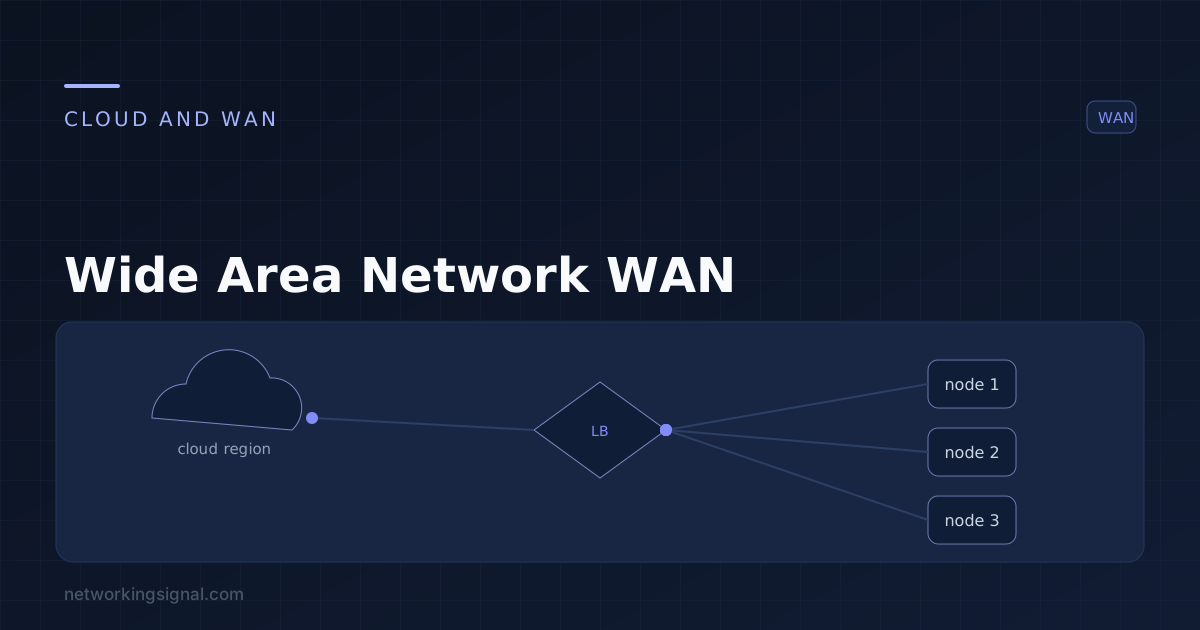
 What is a Wide Area Network ? A wide area network (WAN) is a large, distributed computer network…
 Networking Fundamentals
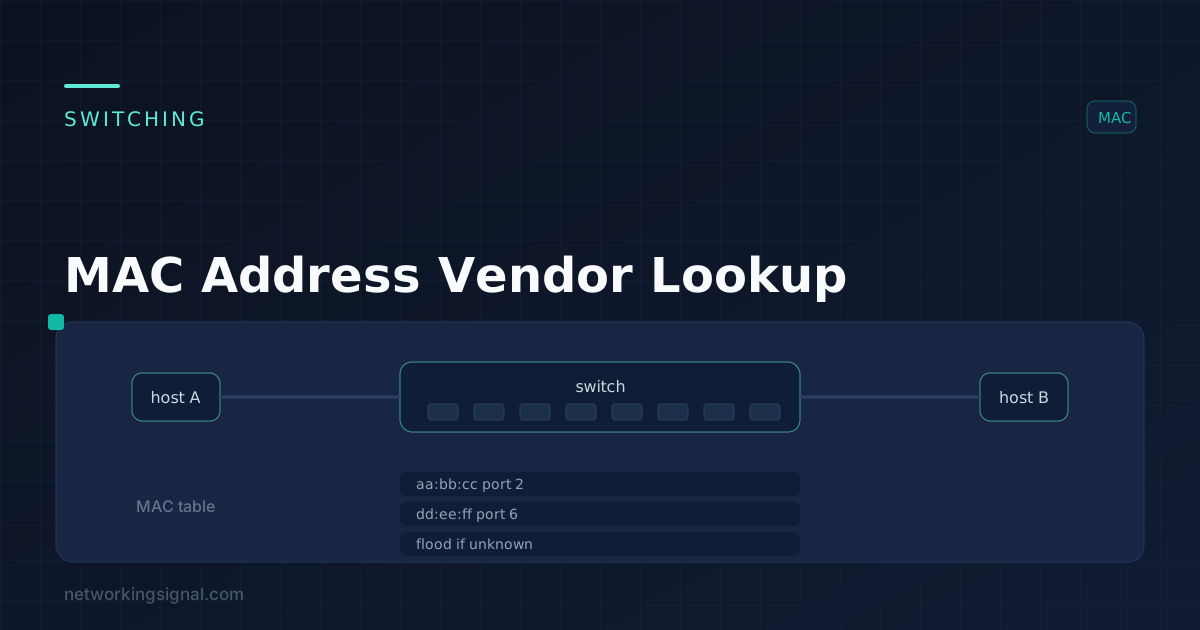
 When it comes to managing a network, knowing which devices are connected to it is crucial. Without this…