
What is an Internet Protocol IP Address? Detailed Explained
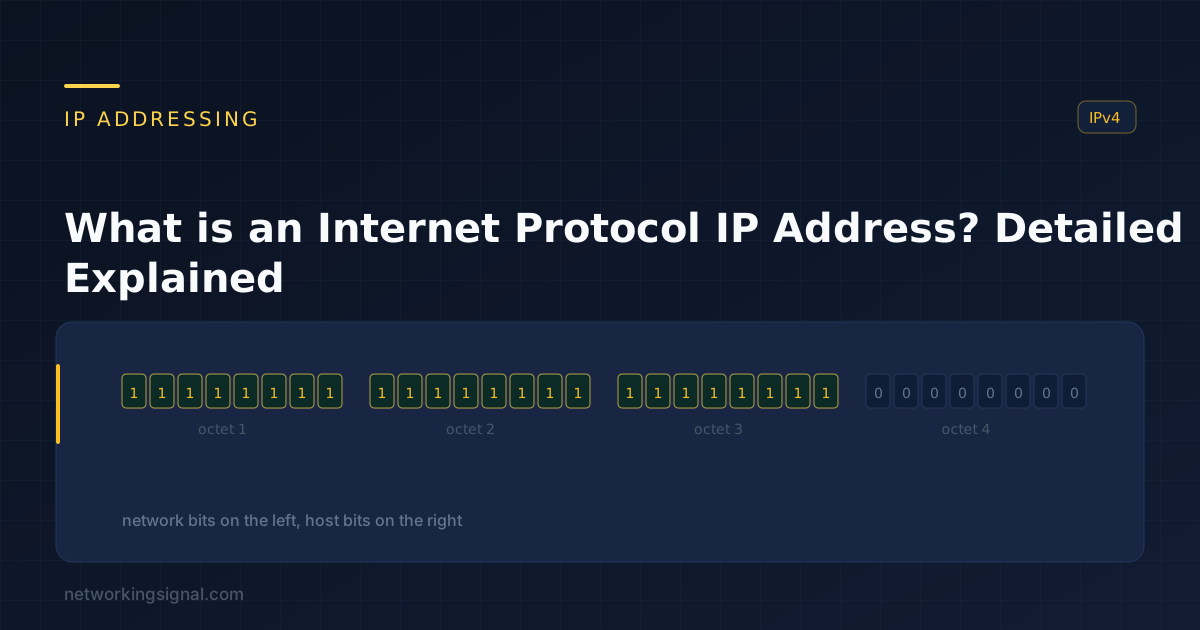
What is Internet Protocol ? Internet Protocol, or IP, is the main communications protocol used on the Internet.…
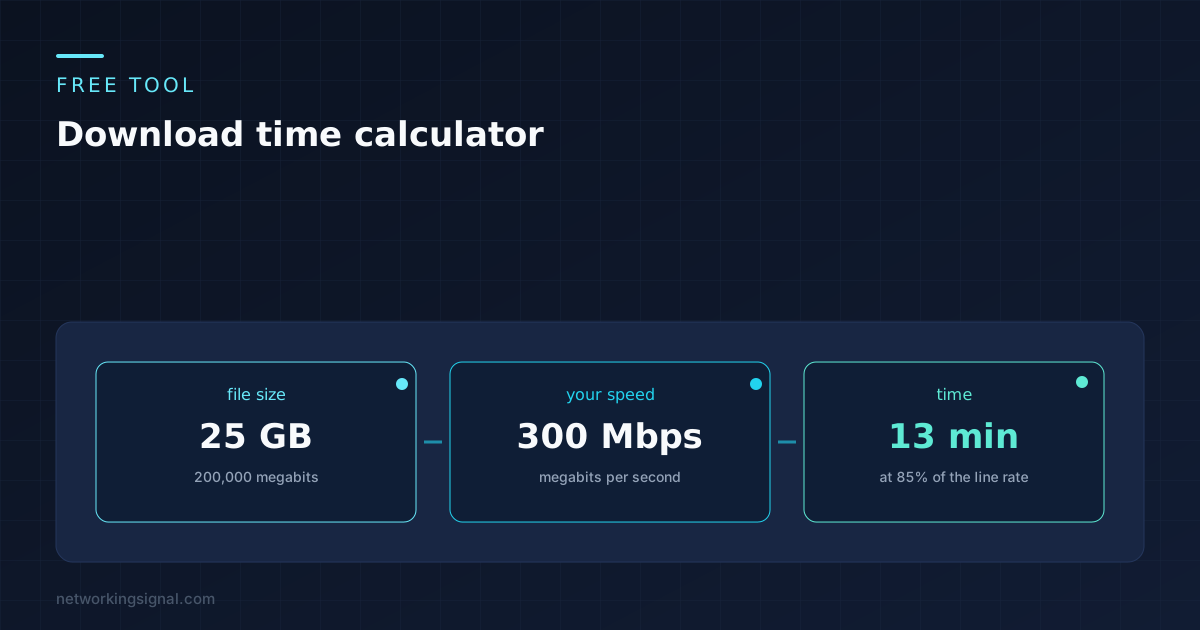
Enter a file size and your connection speed and this download time calculator gives you a realistic figure rather than a theoretical one. It runs in your browser and nothing you type is sent anywhere.
Speeds are in bits per second unless you pick a byte unit. The efficiency figure accounts for protocol overhead, so leave it at 85 unless you have a reason.
KB
MB
GB
TB
MiB
GiB
Kbps
Mbps
Gbps
MB/s
The number most calculators give you is the theoretical best, which nobody ever reaches. This one shows both, and the gap between them is worth understanding before you plan anything around it.
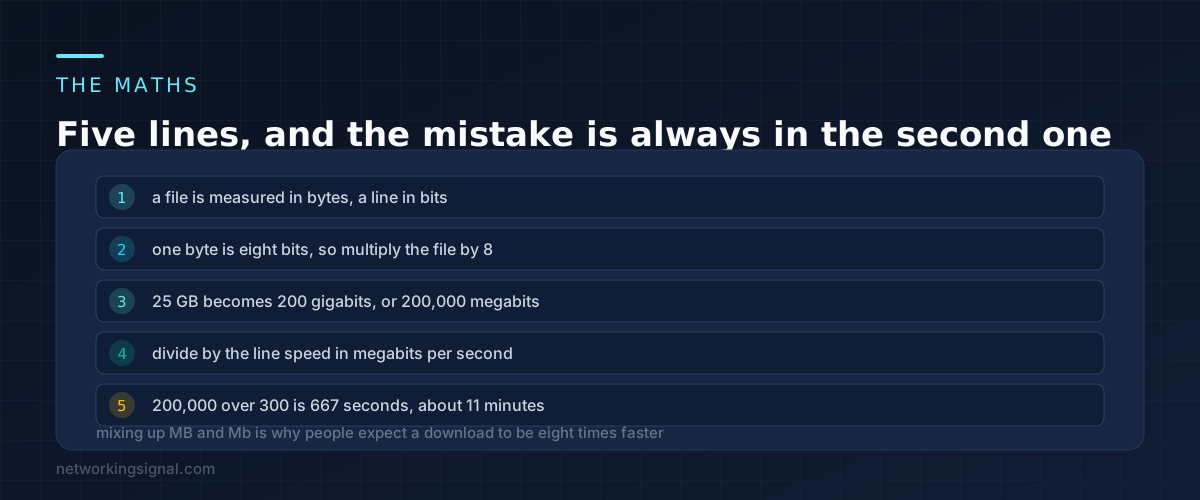
A file is measured in bytes. A connection is sold in bits per second. That single mismatch is responsible for most of the confusion about download speeds.
One byte is eight bits, so the conversion is a multiplication by eight. A 25 GB game is 200 gigabits, which is 200,000 megabits. Divide that by a 300 Mbps line and you get 667 seconds, or about eleven minutes. That is the theoretical figure. Allow for overhead and the real answer is closer to thirteen.
The shorthand worth memorising is that your speed in megabits divided by eight gives megabytes per second. A 300 Mbps line moves about 37.5 MB every second. A gigabit line moves 125 MB per second.
When somebody says their 300 Mbps connection is “only downloading at 35”, they are reading megabytes and comparing them to megabits. Nothing is wrong. The two numbers are the same speed written two ways.
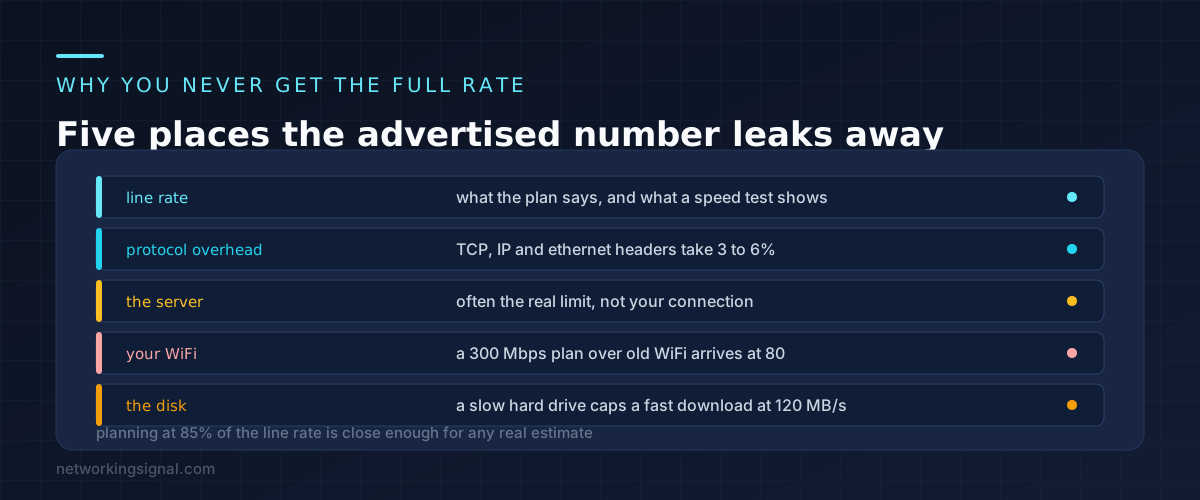
Even on a perfect connection you lose a few percent before anything else happens. Every packet carries TCP, IP and Ethernet headers, and those headers are bandwidth that does not contain your file. On a standard 1500 byte packet that is roughly 3 to 6%.
After that come the losses that vary. TCP slow start means a connection takes a moment to reach full speed, which matters for small files and not for large ones. Packet loss causes retransmission. Encryption adds a little.
The 85% default in the calculator above is a working figure rather than a precise one. It matches what people actually measure on a healthy wired connection pulling from a fast server, and it is close enough to plan around.
If you know your setup is worse than that, drop it. Over old WiFi, 50 to 60% is realistic. Through a VPN to a distant country, lower again.
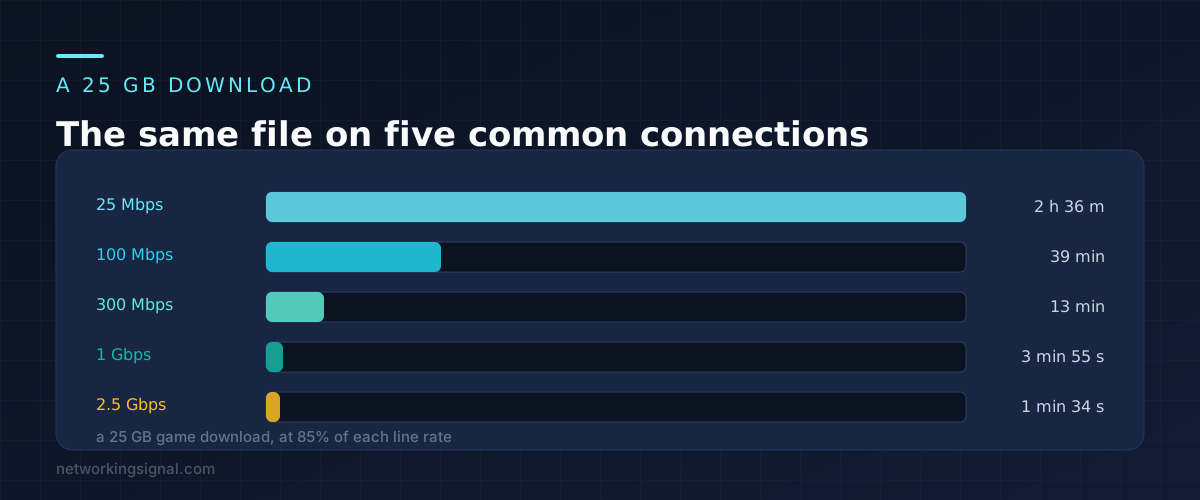
A 25 GB download is a useful benchmark because it is roughly one large game or one 4K film.
| Connection | 25 GB file | 1 GB file | Throughput |
|---|---|---|---|
| 25 Mbps | 2 h 36 min | 6 min 16 s | 2.7 MB/s |
| 100 Mbps | 39 min | 1 min 34 s | 10.6 MB/s |
| 300 Mbps | 13 min | 31 s | 31.9 MB/s |
| 1 Gbps | 3 min 55 s | 9 s | 106 MB/s |
| 2.5 Gbps | 1 min 34 s | 4 s | 266 MB/s |
Both columns are at 85% efficiency, so they are what you should expect rather than the best case. Notice where the returns stop. Going from 25 to 100 Mbps cuts nearly two hours off that download. Going from 1 to 2.5 Gbps saves two minutes, and only if everything else in the chain can keep up, which it usually cannot.
That is the useful thing this table tells you at upgrade time. Below about 100 Mbps, more speed changes your day. Above about 500 Mbps, it mostly changes a number on a speed test.
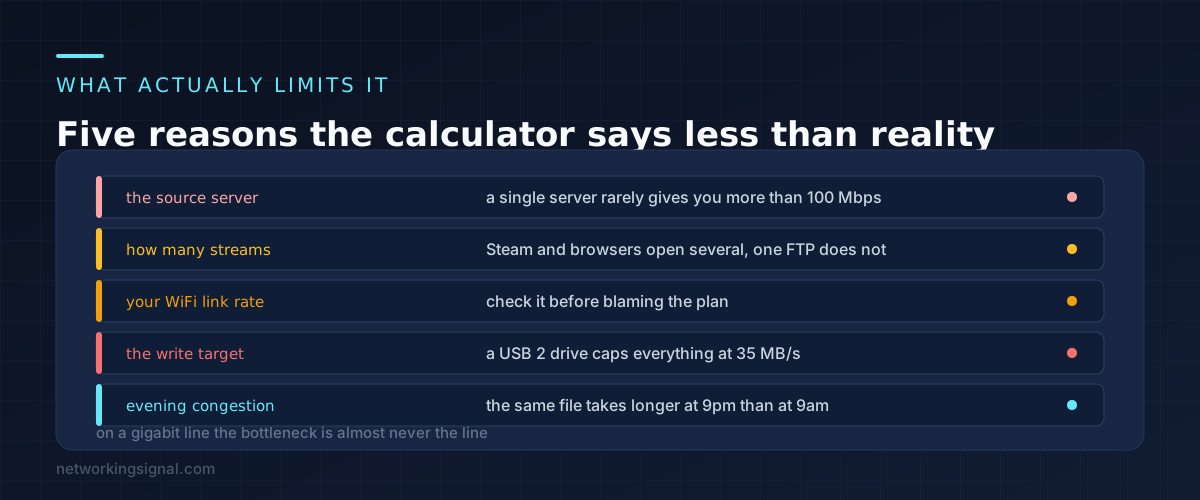
Once your connection is fast enough, the limit moves somewhere else, and it helps to know where to look.
The server on the other end. A single HTTP connection to one server rarely exceeds 100 Mbps, because the server is sharing itself among thousands of people. This is why a Steam download saturates a gigabit line and a download from a small website does not: Steam opens many parallel connections to many servers, the small site gives you one.
Your WiFi link rate. Check what your device actually negotiated rather than what the router is capable of. A laptop connected at 130 Mbps cannot download faster than about 80 Mbps of real throughput no matter what plan you pay for.
The drive you are writing to. An external USB 2 drive tops out near 35 MB/s, which is 280 Mbps. On a gigabit connection the drive becomes the bottleneck and the download slows to match it.
Time of day. The same file at 9pm and 9am can differ by a factor of two on a congested segment, which is a separate problem covered in our guide to why the internet is slow at night.
The practical test is simple. If a download from a major service reaches close to your plan speed and a download from one particular site does not, the site is the limit and nothing at your end will change it.
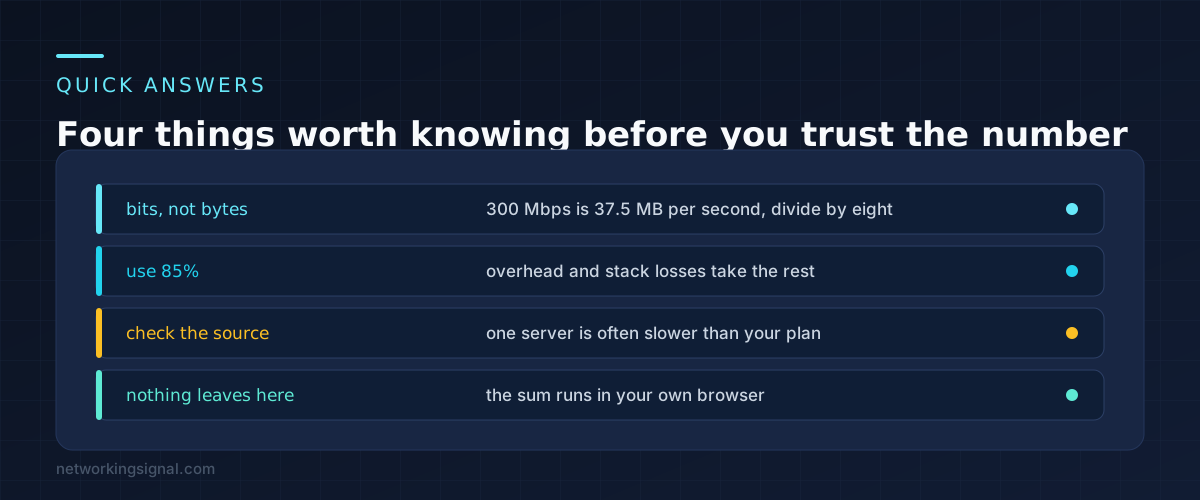
Because software measures files in bytes and internet plans are sold in bits. Divide your plan speed by eight to get the figure your browser will show. A 300 Mbps plan downloads at about 37.5 MB/s at best, and around 32 MB/s in practice.
On a wired connection from a fast source, yes, and often a little better. Over WiFi it is optimistic. Through a VPN, or from a server on another continent, it can be much lower. The field is editable so you can put in a figure that matches what you actually measure.
Almost always the source rather than your connection. Test with a large file from a service that uses many parallel connections, such as a game client or a major cloud provider. If that reaches your plan speed, your connection is fine.
Both, depending on who is counting. Storage makers and this calculator use decimal, where 1 GB is 1,000,000,000 bytes. Windows uses binary and calls 1,073,741,824 bytes a GB, which is why a 1 TB drive shows as 931 GB. The calculator has binary units in the list if you want to match what Windows reports.
Slightly, and more than people expect. TCP sends acknowledgements back to the server, so a saturated upload can slow a download noticeably. On cable connections, where upload is a small fraction of download, uploading a large file while downloading another is a common cause of unexplained slowness.
No. The calculation is plain JavaScript running in your own browser. There is no request, no logging and no analytics on the values you enter.
Every calculator on the site works the same way, and they are collected on the free networking tools page.
Can you explain this topic to someone else in 30 seconds? If not, re-read the key takeaways above.
The core concepts in the takeaways box above. Bookmark this page and come back when you need a refresher.
Hand-picked articles you might also find useful.
 IPv4
IPv4 What is Internet Protocol ? Internet Protocol, or IP, is the main communications protocol used on the Internet.…
 Networking Fundamentals
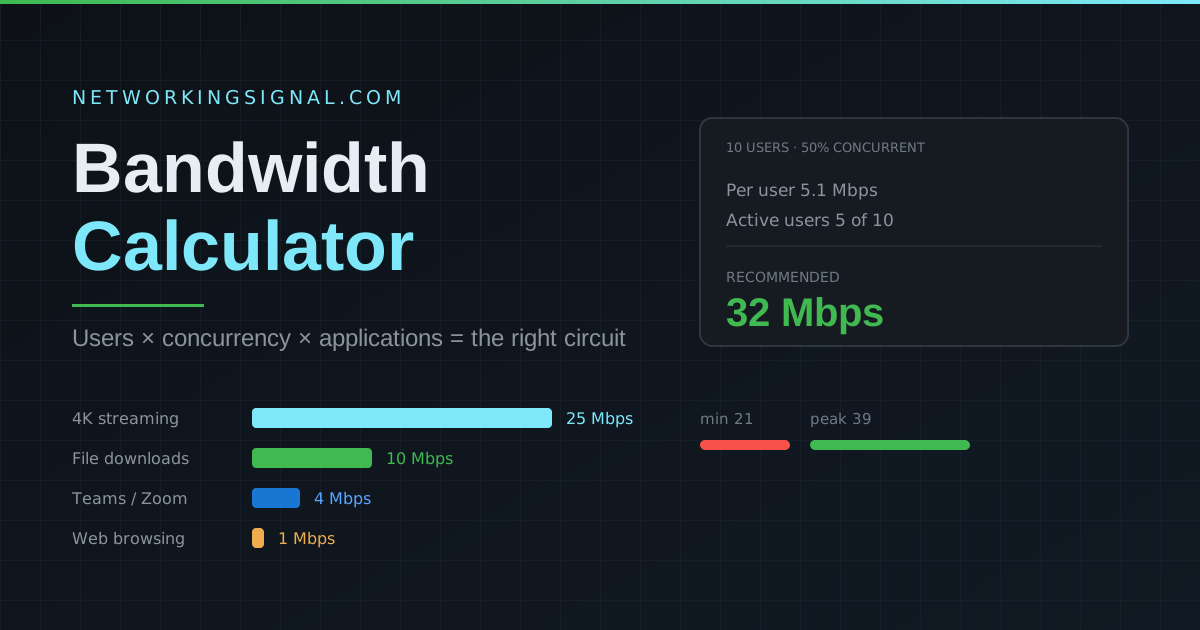
 Free bandwidth calculator for homes and offices. Estimate required Mbps from active users, apps, concurrency and practical headroom.
 Networking Fundamentals
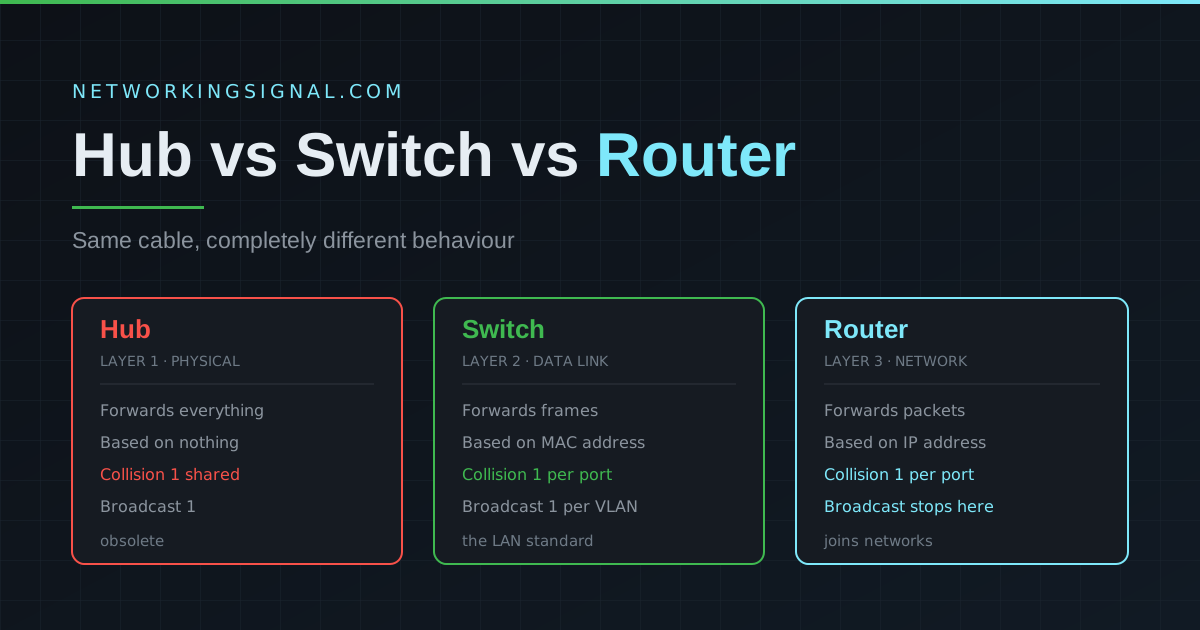
 Quick answer: A hub broadcasts every frame to all connected devices (Layer 1). A switch forwards frames only…