
How to Set Up a Home Network in 2026 (Step by Step, With Costs)
How to set up a home network properly in 2026. Bridge the ISP box, put the router in…
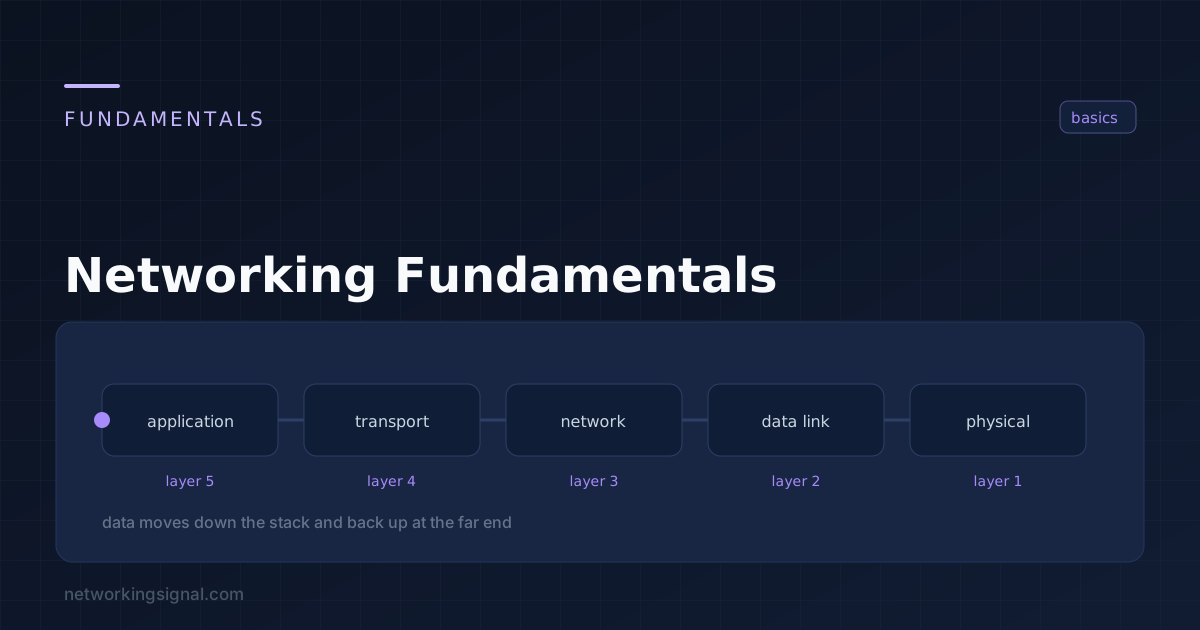
Networking fundamentals cover the core concepts every network engineer must know, how data travels from one device to another, how addresses work, how protocols communicate, and how networks are designed and secured. This guide covers everything from OSI layers to subnetting, DNS, routing, and switching.
Computer networking is the practice of connecting two or more computing devices to share resources and communicate. Every time you load a webpage, send an email, or stream a video, networking protocols are working silently to move data from one point to another, often crossing dozens of devices and thousands of miles in milliseconds.
Modern networking is built on layered protocols, each responsible for a specific part of the communication process. Understanding these layers is the foundation of everything else in networking.
The OSI (Open Systems Interconnection) Model divides network communication into 7 distinct layers. Each layer has a specific job and communicates with the layers directly above and below it.
| Layer | Name | Function | Examples |
|---|---|---|---|
| 7 | Application | User-facing services | HTTP, DNS, FTP, SMTP |
| 6 | Presentation | Data format, encryption | SSL/TLS, JPEG, ASCII |
| 5 | Session | Session management | NetBIOS, RPC, PPTP |
| 4 | Transport | End-to-end delivery | TCP, UDP, port numbers |
| 3 | Network | Logical addressing, routing | IP, ICMP, routers |
| 2 | Data Link | Physical addressing | Ethernet, MAC, switches |
| 1 | Physical | Raw bit transmission | Cables, fiber, wireless signals |
Memory tip: “Please Do Not Throw Sausage Pizza Away” (Physical → Data Link → Network → Transport → Session → Presentation → Application).
While the OSI model is a reference framework, the TCP/IP model is what the internet actually uses. It has 4 layers that map to the OSI model:
Every device on a network needs an IP address to communicate. An IPv4 address is a 32-bit number written in dotted decimal notation, for example, 192.168.1.1. IPv4 supports approximately 4.3 billion addresses.
Not all IPs are reachable on the internet. Private IP ranges (RFC 1918) are used inside home and corporate networks:
NAT (Network Address Translation) allows devices with private IPs to access the internet through a single public IP.
Subnetting divides a large IP network into smaller subnetworks. A subnet mask determines which part of the IP address identifies the network and which part identifies the host.
Example: 192.168.1.0/24 means the first 24 bits are the network portion, giving 254 usable host addresses (2^8 to 2).
Use our free Subnet Calculator to calculate subnets instantly.
DNS (Domain Name System) translates human-readable domain names (like networkingsignal.com) into IP addresses that computers can use. Without DNS, you would need to memorize IP addresses for every website.
DNS resolution order: Browser cache → OS cache → Recursive resolver → Root server → TLD server → Authoritative server.
Understanding the role of each network device is essential:
Three key performance metrics every network engineer must understand:
A network topology describes how devices are physically or logically connected:
| Protocol | Port | Layer | Purpose |
|---|---|---|---|
| HTTP | 80 | Application | Web traffic (unencrypted) |
| HTTPS | 443 | Application | Secure web traffic |
| DNS | 53 | Application | Name resolution |
| DHCP | 67/68 | Application | IP address assignment |
| SSH | 22 | Application | Secure remote access |
| FTP | 21 | Application | File transfer |
| SMTP | 25 | Application | Email sending |
| TCP | — | Transport | Reliable delivery |
| UDP | — | Transport | Fast, unreliable delivery |
| ICMP | — | Network | Ping, traceroute |
| BGP | 179 | Application | Internet routing |
| OSPF | 89 | Network | Internal routing |
Practice and verify your networking knowledge with our free tools:
After mastering networking fundamentals, explore these topic clusters:
A switch operates at Layer 2 and forwards Ethernet frames using MAC addresses within the same network. A router operates at Layer 3 and forwards IP packets between different networks using routing tables.
OSI stands for Open Systems Interconnection. It is a conceptual framework developed by the ISO that standardizes how different network systems communicate across 7 defined layers.
An IPv4 address is 32 bits long, written as four 8-bit octets in dotted decimal notation (e.g., 192.168.1.1). This gives a theoretical maximum of 4,294,967,296 unique addresses.
TCP is connection-oriented and guarantees delivery via handshaking and acknowledgments, used for HTTP, SSH, email. UDP is connectionless and faster but does not guarantee delivery, used for DNS, streaming, and gaming.
Subnetting divides a large IP network into smaller subnetworks for better organization, security, and efficient use of IP address space. Subnetting explained covers the method step by step, with a cheat sheet and practice questions to go with it. It reduces broadcast traffic and isolates network segments.
Hand-picked articles you might also find useful.
 Networking Fundamentals
 How to set up a home network properly in 2026. Bridge the ISP box, put the router in…
 Networking Fundamentals
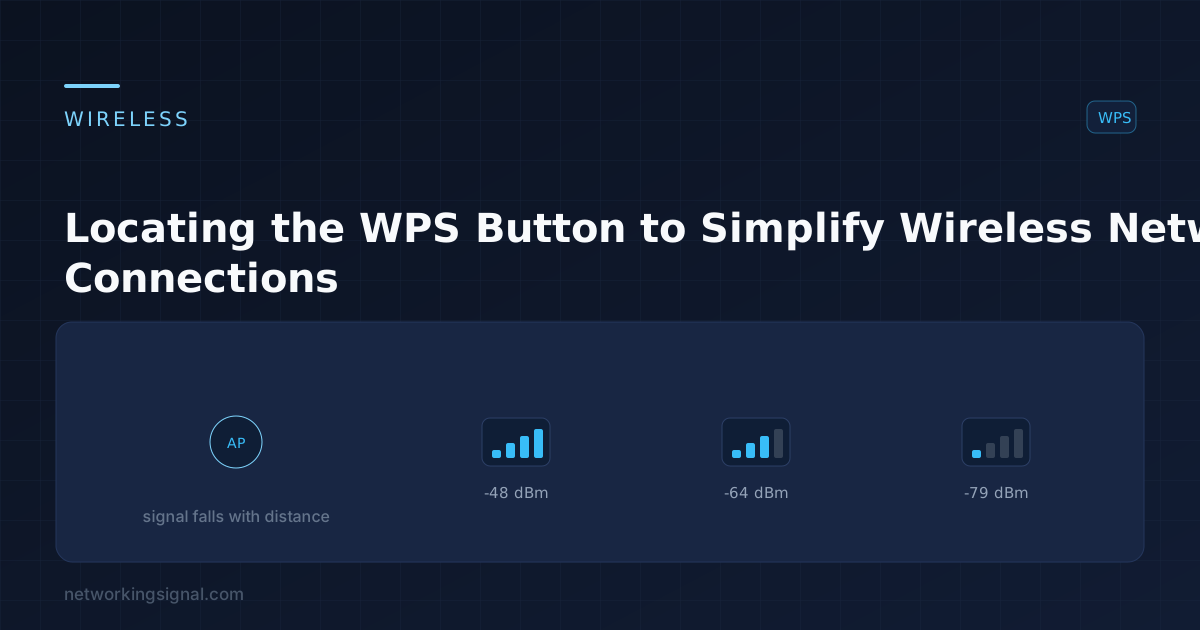
 Many modern routers have a WPS (WiFi Protected Setup) button that allows you to connect devices to your…
 Networking Fundamentals
 The internet has revolutionized the way we live, work, and play. But with this revolutionary technology comes a…