
Networking Fundamentals — Complete Guide for Beginners to Advanced
Networking fundamentals cover the core concepts every network engineer must know — how data travels from one device…
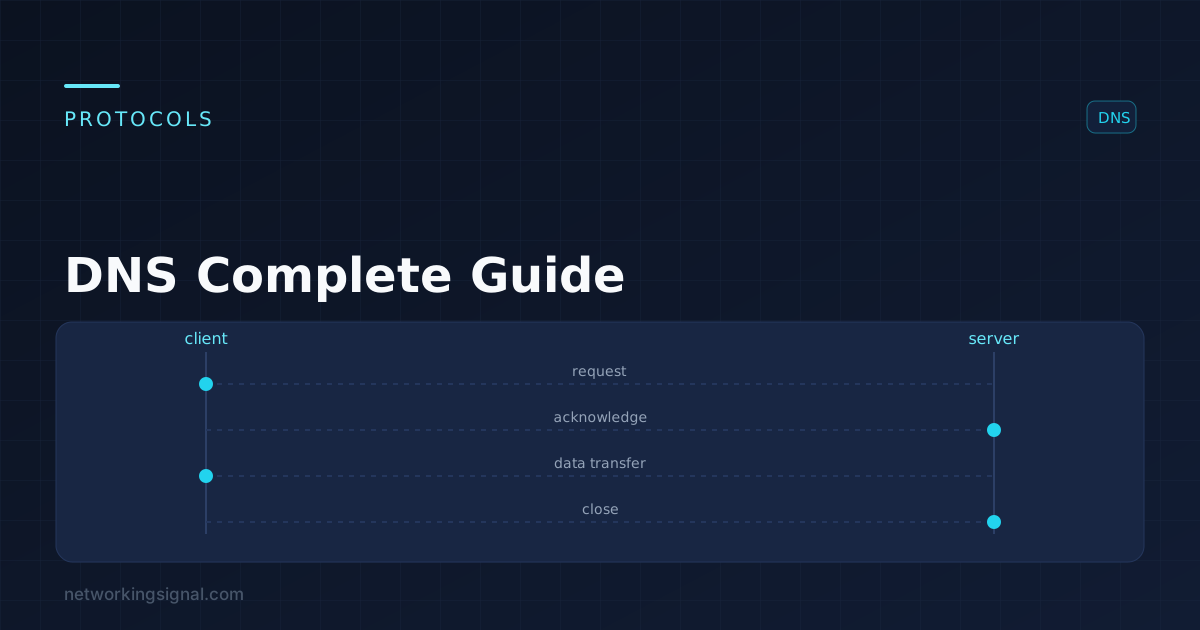
DNS (Domain Name System) is the internet’s phone book. It translates human-readable domain names (like www.google.com) into machine-readable IP addresses (like 142.250.80.46) that computers use to communicate. Without DNS, you would need to memorize IP addresses to visit every website, DNS makes the internet usable by humans.
DNS is a distributed, hierarchical database system operating at the Application layer (Layer 7) of the OSI model. It uses both UDP port 53 (for standard queries) and TCP port 53 (for zone transfers and large responses).
When you type “www.networkingsignal.com” in your browser, here is exactly what happens:
This entire process typically takes 20 to 120 milliseconds, fast enough to be imperceptible to users.
| Record Type | Purpose | Example |
|---|---|---|
| A | Maps domain to IPv4 address | networkingsignal.com → 192.0.2.1 |
| AAAA | Maps domain to IPv6 address | networkingsignal.com → 2001:db8::1 |
| CNAME | Alias, points to another domain | www.example.com → example.com |
| MX | Mail exchange, email routing | example.com → mail.example.com |
| TXT | Text records (SPF, DKIM, verification) | SPF record for email authentication |
| NS | Nameserver, delegates DNS authority | example.com → ns1.cloudflare.com |
| PTR | Reverse DNS, IP to domain name | 192.0.2.1 → networkingsignal.com |
| SOA | Start of Authority, zone info | Primary nameserver, email, TTL defaults |
| SRV | Service location records | SIP, XMPP, Teams services |
| CAA | Certificate Authority Authorization | Controls which CAs can issue SSL certs |
The first DNS server your device contacts. It does the heavy lifting, querying root, TLD, and authoritative nameservers on your behalf and returning the final answer. Examples: 8.8.8.8 (Google), 1.1.1.1 (Cloudflare), your ISP’s DNS server.
There are 13 root nameserver clusters (A through M) distributed globally using anycast routing. They know where TLD nameservers are but don’t know individual domain IP addresses. Operated by ICANN, Verisign, and other organizations.
Handle Top-Level Domains like .com, .org, .net, .uk. Operated by domain registries (Verisign operates .com and .net). They direct queries to the authoritative nameservers for specific domains.
The final authority for a specific domain. They hold the actual DNS records (A, MX, CNAME, etc.) configured by the domain owner. Examples: Cloudflare, AWS Route 53, Google Cloud DNS, or your web host’s nameservers.
To reduce DNS query traffic and speed up resolution, DNS responses are cached at multiple levels: browser, OS, recursive resolver. Each DNS record has a TTL (Time to Live) value in seconds that determines how long it can be cached. A TTL of 3600 means the record is cached for 1 hour. Low TTLs (60 to 300 seconds) are used when frequent changes are expected (failover, CDN switching). High TTLs (86400 seconds = 1 day) are used for stable records to reduce query load.
| Provider | Primary DNS | Secondary DNS | Feature |
|---|---|---|---|
| Cloudflare | 1.1.1.1 | 1.0.0.1 | Fastest, privacy-focused |
| 8.8.8.8 | 8.8.4.4 | Reliable, widely trusted | |
| OpenDNS | 208.67.222.222 | 208.67.220.220 | Content filtering available |
| Quad9 | 9.9.9.9 | 149.112.112.112 | Security-focused, blocks malware |
| Comodo | 8.26.56.26 | 8.20.247.20 | Blocks malicious domains |
An attacker injects false DNS records into a resolver’s cache, redirecting users to malicious websites. Protection: DNSSEC (DNS Security Extensions) cryptographically signs DNS records to prevent tampering.
An attacker modifies DNS settings on a router or ISP level to redirect traffic. Use reputable public DNS servers and enable HTTPS-encrypted DNS (DoH) to prevent surveillance.
Attackers use open DNS resolvers to amplify attack traffic. Protection: configure DNS servers to only respond to authorized clients (no open resolvers).
Modern privacy protocols that encrypt DNS queries so ISPs and network observers cannot see which domains you are looking up. Supported by Cloudflare (1.1.1.1), Google (8.8.8.8), and modern browsers.
# Windows, Check DNS resolution
nslookup google.com
nslookup google.com 8.8.8.8

# Windows, Flush DNS cache
ipconfig /flushdns

# Linux/Mac, Check DNS resolution
dig google.com
dig @8.8.8.8 google.com

# Check DNS record types
dig MX gmail.com
dig A networkingsignal.com
dig NS networkingsignal.com

# Trace DNS resolution path
dig +trace google.comCloudflare’s 1.1.1.1 is consistently ranked as the fastest public DNS resolver globally, with average response times of 11 to 14ms. Google’s 8.8.8.8 is slightly slower but equally reliable.
Yes, in most cases. Your ISP’s DNS is often slower than public alternatives and may log your queries. Switching to 1.1.1.1 or 8.8.8.8 can improve browsing speed and privacy. Change DNS settings in your router’s admin panel (at 192.168.0.1 or your router’s IP) to apply it to all devices.
A DNS leak occurs when your DNS queries are sent to your ISP’s DNS servers instead of your VPN provider’s DNS servers, even when connected to a VPN. This can reveal your browsing activity despite using a VPN. Use a VPN that includes DNS leak protection and run a DNS leak test to verify.
DNS propagation depends on the TTL of the changed records. With a 3600-second (1-hour) TTL, most users globally will see the new records within 1 to 4 hours. Full worldwide propagation can take up to 48 hours in rare cases, though 24 hours is more typical.
Related: OSI Model Guide | NAT Complete Guide | IP Address Guide | DHCP DORA Process | Subnet Calculator
Hand-picked articles you might also find useful.
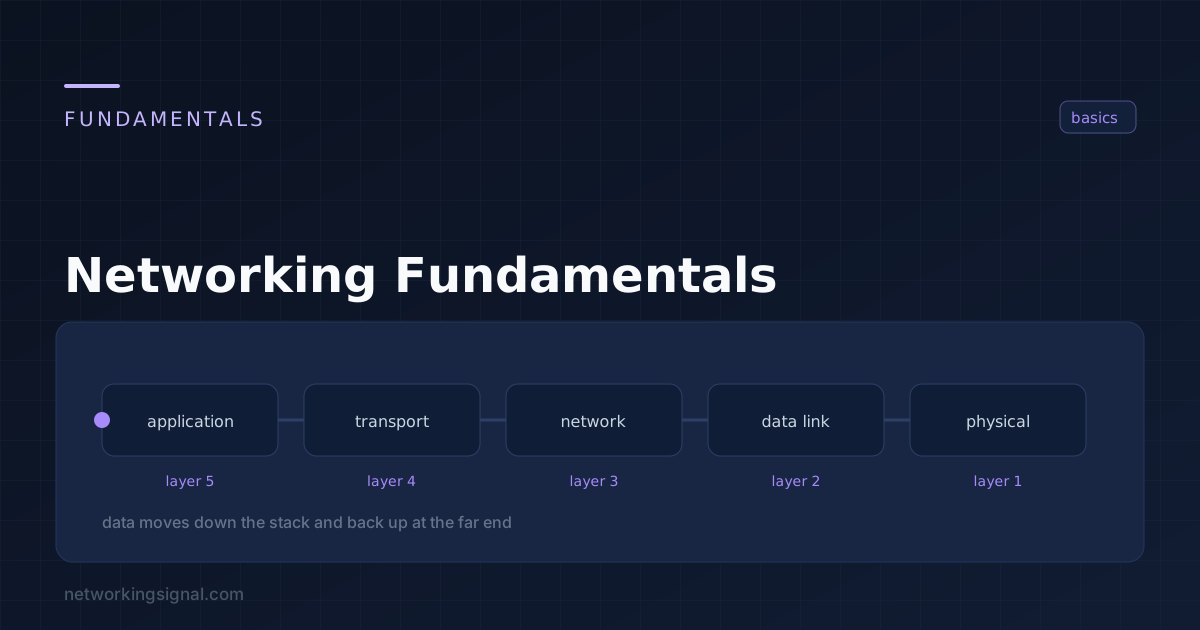 Networking Fundamentals
 Networking fundamentals cover the core concepts every network engineer must know — how data travels from one device…
 Networking Fundamentals
 What is Bandwidth in Networking? Bandwidth in networking is the maximum rate at which data can be transferred…
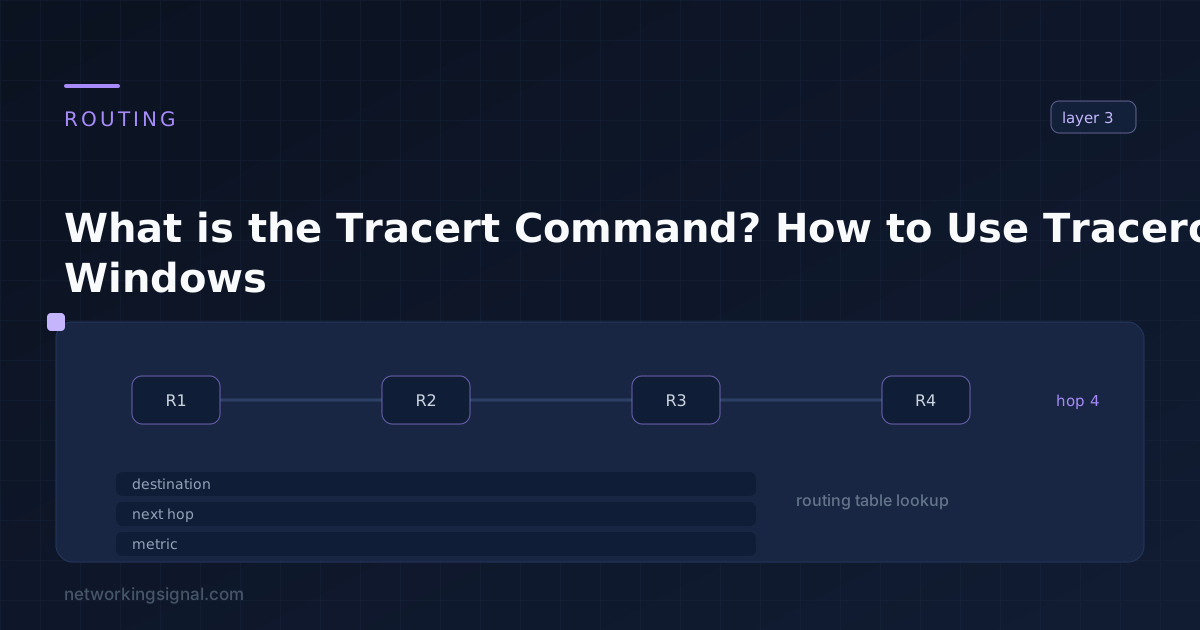 Networking Fundamentals
 What is Tracert Command? Tracert (also known as traceroute) is a command line utility used to track the…