
IP Address to Binary Converter — Free Online Tool
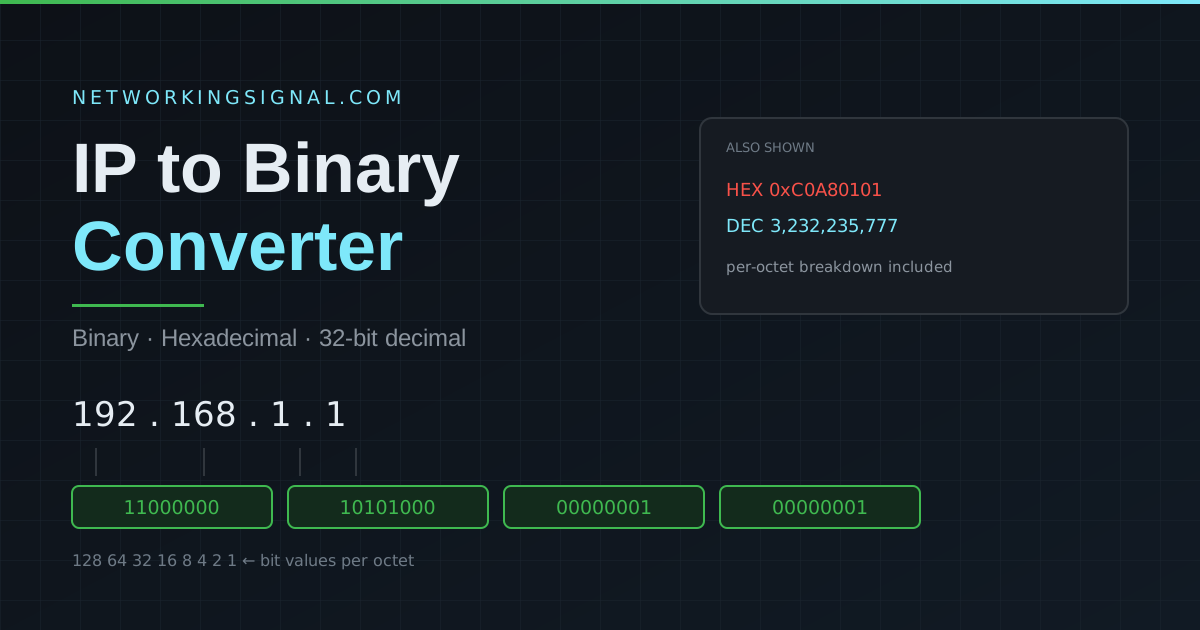
Convert any IPv4 address to binary, hexadecimal, and decimal instantly. Free online IP converter tool for networking students…
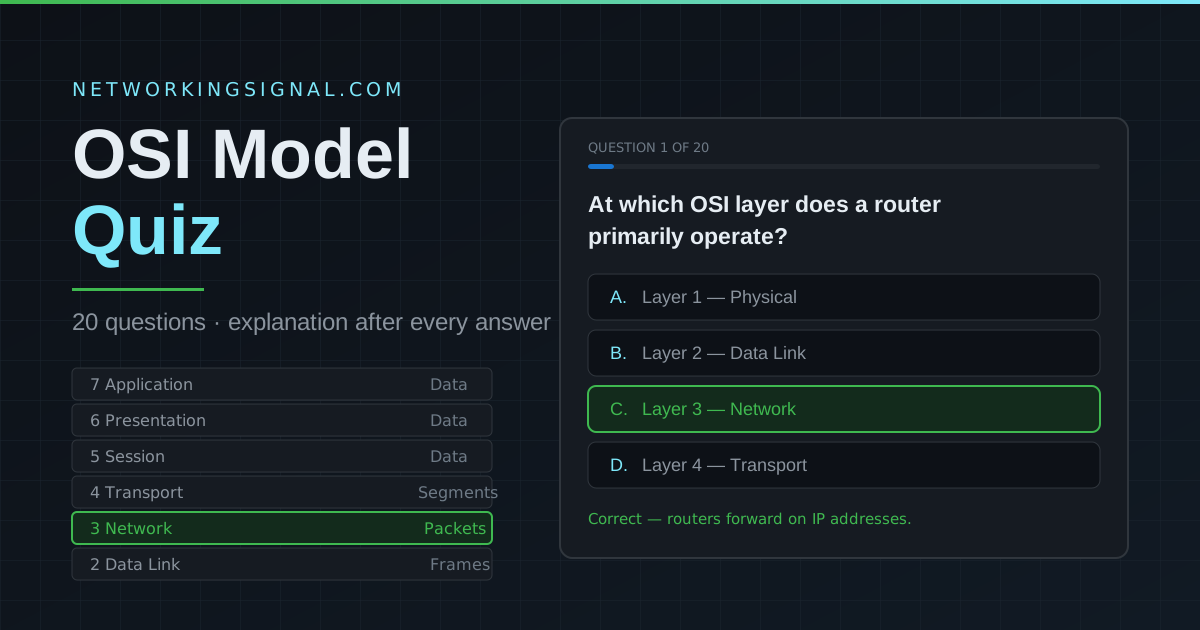
Every answer comes with an explanation, so you learn as you go. Built for CCNA, CompTIA Network+ and networking interview preparation.
20 questions · about 5 minutes · instant scoring · unlimited retakes
| Layer | Name | PDU | Protocols / Devices | Function |
|---|---|---|---|---|
| 7 | Application | Data | HTTP, FTP, DNS, SMTP | User interface, network services |
| 6 | Presentation | Data | SSL/TLS, JPEG, MPEG | Encryption, encoding, compression |
| 5 | Session | Data | NetBIOS, RPC, SQL | Session management |
| 4 | Transport | Segments | TCP, UDP | End-to-end delivery, ports |
| 3 | Network | Packets | IP, OSPF, BGP, routers | Logical addressing, routing |
| 2 | Data Link | Frames | Ethernet, MAC, switches | Physical addressing, error detection |
| 1 | Physical | Bits | Cables, hubs, NICs | Raw bit transmission |
Two mnemonics cover both directions, and exam questions ask for both:
The direction matters because encapsulation runs top to bottom on the sending device and decapsulation runs bottom to top on the receiving device.
There is no formal pass mark on this quiz, but scoring 15 out of 20 or better means you have the OSI fundamentals solid enough for the CCNA and Network+ exams. Below 12, work through the layers again before moving on.
No network actually runs on OSI as a protocol stack, TCP/IP won that argument decades ago. But OSI remains the shared vocabulary engineers use to describe where a problem lives. “It is a Layer 1 issue” or “that is a Layer 7 problem” is understood instantly on any support call.
OSI has seven layers; the TCP/IP model has four. TCP/IP merges OSI Layers 5, 6 and 7 into one Application layer, and merges Layers 1 and 2 into a Network Access layer. The middle two layers map directly.
Layer 1, physical connectivity. Unplugged cables, damaged connectors, bad transceivers and failed ports account for a large share of real-world faults, which is why experienced engineers check the physical layer first.
Yes. Press Try Again on the results screen and the quiz resets with the score cleared. Answers stay in the same order, so use it to confirm you actually learned the explanations rather than memorised positions.
Read the full breakdown in our OSI model complete guide and how to remember the 7 layers. To see which device sits at which layer, read network devices explained and hub vs switch vs router. For a Layer 2 deep dive try Ethernet frames, and for Layer 3 practice use our subnet calculator and VLAN calculator. Browse all our free networking tools.
Can you explain this topic to someone else in 30 seconds? If not, re-read the key takeaways above.
The core concepts in the takeaways box above. Bookmark this page and come back when you need a refresher.
Hand-picked articles you might also find useful.
 Networking Fundamentals
 Convert any IPv4 address to binary, hexadecimal, and decimal instantly. Free online IP converter tool for networking students…
 Networking Fundamentals
 What is an SD-WAN Controller? SDWAN Controller is a software-defined wide area network ( SD-WAN ) solution that…
 Networking Fundamentals
 Cisco IOS is the operating system on Cisco routers and switches. Command modes, how to access it via…