
What is Switch Stacking and How to Connect and Remove It?
What is Switch Stacking? Switch Stacking is a new type of switch that allows you to stack multiple…
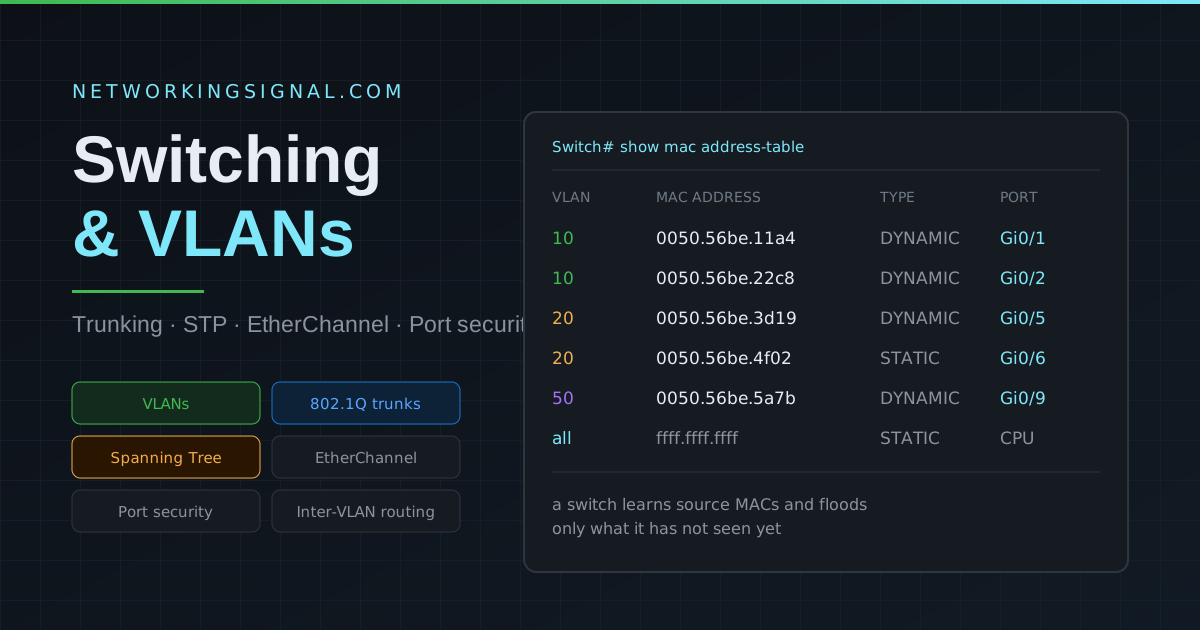
Switching is the process of forwarding Ethernet frames within a local area network (LAN) using MAC addresses. VLANs logically segment a physical network into separate broadcast domains. Together, switching and VLANs form the foundation of modern enterprise LAN design.
A network switch operates at Layer 2 of the OSI model. When a frame arrives on a switch port, the switch:
| Feature | Layer 2 Switch | Layer 3 Switch |
|---|---|---|
| OSI Layer | Layer 2 | Layer 2 + 3 |
| Forwarding basis | MAC addresses | MAC + IP addresses |
| Can route between VLANs | No (needs router) | Yes (SVI) |
| Common use | Access layer | Distribution/Core layer |
A VLAN (Virtual LAN) is a logical segmentation of a physical switch into multiple isolated broadcast domains. Devices in different VLANs cannot communicate with each other without a router or Layer 3 switch.
Two switch port modes handle VLAN traffic differently:
Since VLANs are separate broadcast domains, a Layer 3 device is needed for inter-VLAN traffic. Two methods:
STP (802.1D) prevents Layer 2 loops in networks with redundant switch connections. Without STP, broadcast storms would occur, looping frames consuming all bandwidth until devices crash.
| Protocol | Standard | Convergence | Per-VLAN |
|---|---|---|---|
| STP | 802.1D | 30 to 50 seconds | No (CST) |
| PVST+ | Cisco | 30 to 50 seconds | Yes |
| RSTP | 802.1w | 1 to 6 seconds | No |
| Rapid PVST+ | Cisco | 1 to 6 seconds | Yes |
| MSTP | 802.1s | 1 to 6 seconds | Groups of VLANs |
EtherChannel bundles multiple physical links between two switches into one logical link. Benefits:
Two negotiation protocols: LACP (IEEE 802.3ad), open standard, Active/Passive modes | PAgP (Cisco), Desirable/Auto modes.
VTP propagates VLAN configuration from a VTP server to VTP clients across trunk links. Three modes:
Warning: VTP can wipe your entire VLAN database if a switch with a higher revision number is connected. Many engineers disable VTP and use Transparent mode.
Port Security limits which MAC addresses can connect to a switch port, preventing rogue device connections and MAC flooding attacks.
DHCP Snooping prevents rogue DHCP servers from handing out fake IP addresses. It builds a binding table of legitimate DHCP assignments and drops DHCP offers from untrusted ports.
| Task | Cisco IOS Command |
|---|---|
| Create VLAN 10 | vlan 10 / name Sales |
| Set access port | switchport mode access / switchport access vlan 10 |
| Set trunk port | switchport mode trunk / switchport trunk allowed vlan 10,20 |
| Enable STP PortFast | spanning-tree portfast |
| Create SVI | interface vlan 10 / ip address 192.168.10.1 255.255.255.0 |
| Enable routing on L3 switch | ip routing |
| Configure EtherChannel (LACP) | channel-group 1 mode active |
| Enable DHCP snooping | ip dhcp snooping / ip dhcp snooping vlan 10 |
| Port security (sticky) | switchport port-security / switchport port-security mac-address sticky |
| Backup running config | copy running-config tftp |
IEEE 802.1Q supports VLAN IDs from 1 to 4094. VLAN 1 is the default VLAN on Cisco switches and carries untagged management traffic. VLANs 1002 to 1005 are reserved for legacy Token Ring and FDDI. Most enterprise switches support 4094 active VLANs simultaneously.
RSTP (802.1w) converges in 1 to 6 seconds compared to STP’s 30 to 50 seconds. RSTP introduced new port roles (Alternate and Backup) and states (Discarding, Learning, Forwarding) and uses proposal/agreement handshake instead of waiting through timer-based states.
An err-disabled port has been shut down automatically by the switch due to a policy violation, most commonly port security, BPDU guard, or DHCP snooping violation. To recover: shutdown then no shutdown on the interface, or configure errdisable recovery for automatic recovery.
Use EtherChannel when you need combined bandwidth and fast link-level failover between two switches that have multiple parallel links. STP handles network-wide loop prevention, EtherChannel and STP work together, not against each other. STP sees an EtherChannel as a single logical link.
Hand-picked articles you might also find useful.
 Switching
 What is Switch Stacking? Switch Stacking is a new type of switch that allows you to stack multiple…
 Switching
 Spanning Tree Modes Spanning Tree Modes are essential protocols used in computer networking to prevent loops and broadcast…
 Networking Gears
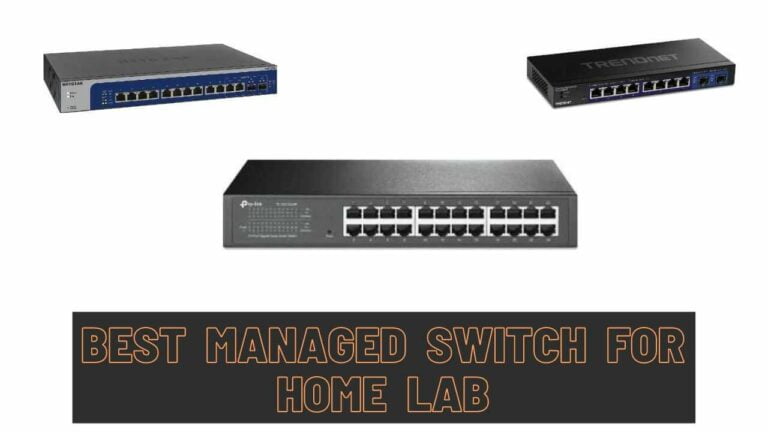
 The best managed switches for a home lab in 2026. The NETGEAR MS308E at $150 is the reliable…