
What are the Basic Issues of VLAN and How do Troubleshoot Issues?
What are the Basic Issues of VLAN in a Network? A virtual LAN ( VLAN ) is a…
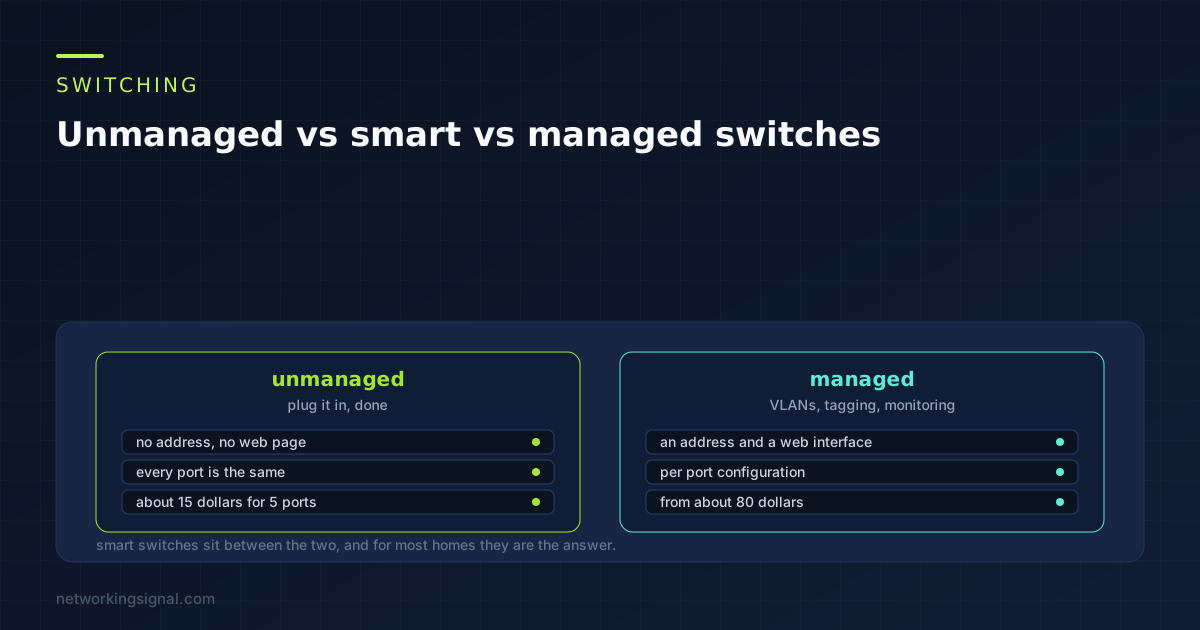
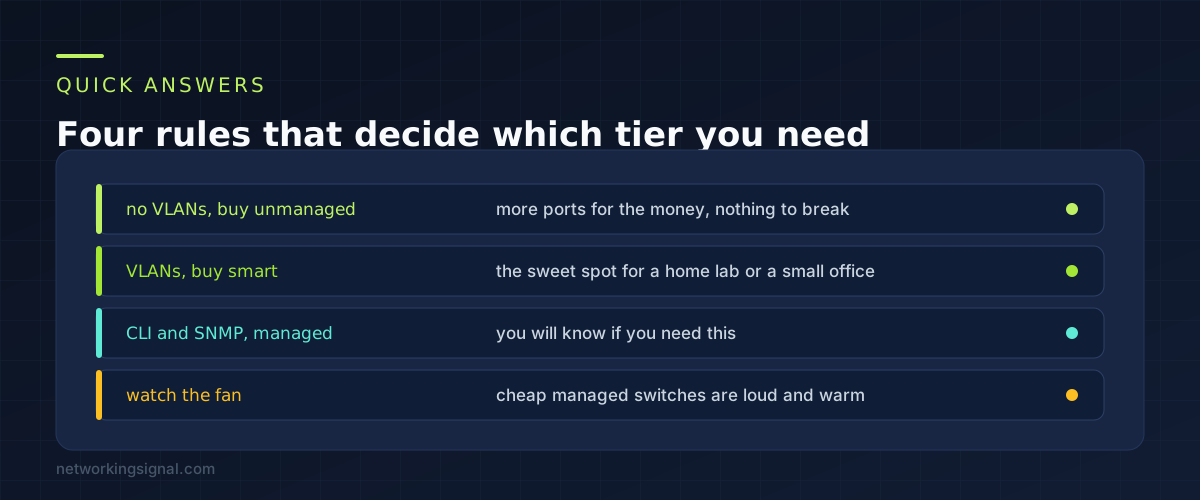
Unmanaged vs managed switch comes down to one question. Do you need VLANs. If the answer is no, buy unmanaged and spend the difference on more ports. If it is yes, you need at least a smart switch, and that is the step that costs money.
There is a third tier that gets skipped in most comparisons, and it is the one most home labs should actually buy. Smart switches, sometimes called web managed, give you VLANs through a web page without the price or the command line of a fully managed switch.
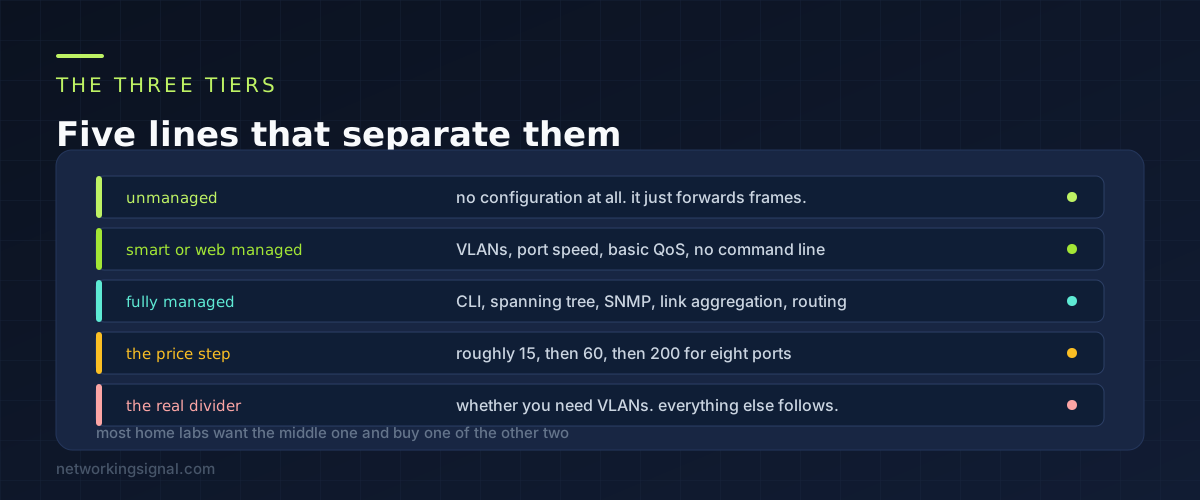
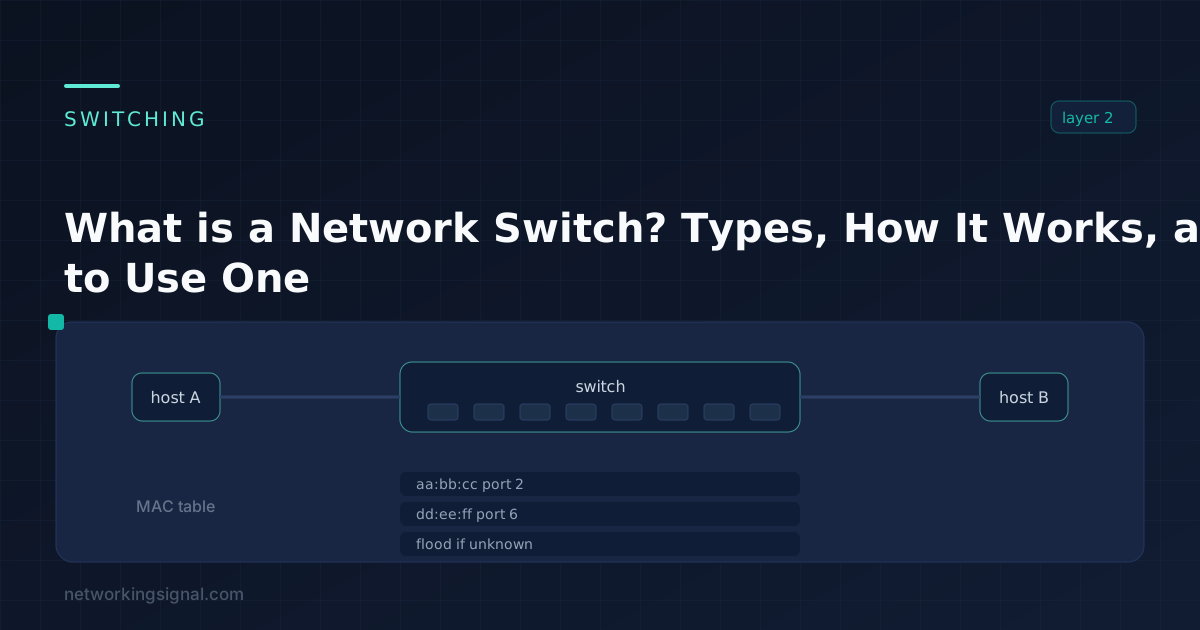
Unmanaged. No IP address, no web interface, nothing to configure. It learns which MAC address is on which port and forwards frames accordingly. That is the entire feature set, and for connecting four computers to a router it is exactly right.
Smart, or web managed. The switch has an IP address and a web interface. You get VLANs, per port speed settings, basic QoS, link aggregation and usually IGMP snooping. There is no command line and no SNMP, and the feature set is chosen to cover what a small network actually uses.
Fully managed. Everything above plus a command line, spanning tree, SNMP monitoring, access control lists, port mirroring, and on layer 3 models the ability to route between VLANs without touching the router.
Prices step roughly as follows for eight gigabit ports: about $15 to $25 unmanaged, $50 to $80 smart, and $150 upward fully managed. The gap between unmanaged and smart is the one worth thinking about. The gap between smart and fully managed is worth paying only if you can name the feature you need.
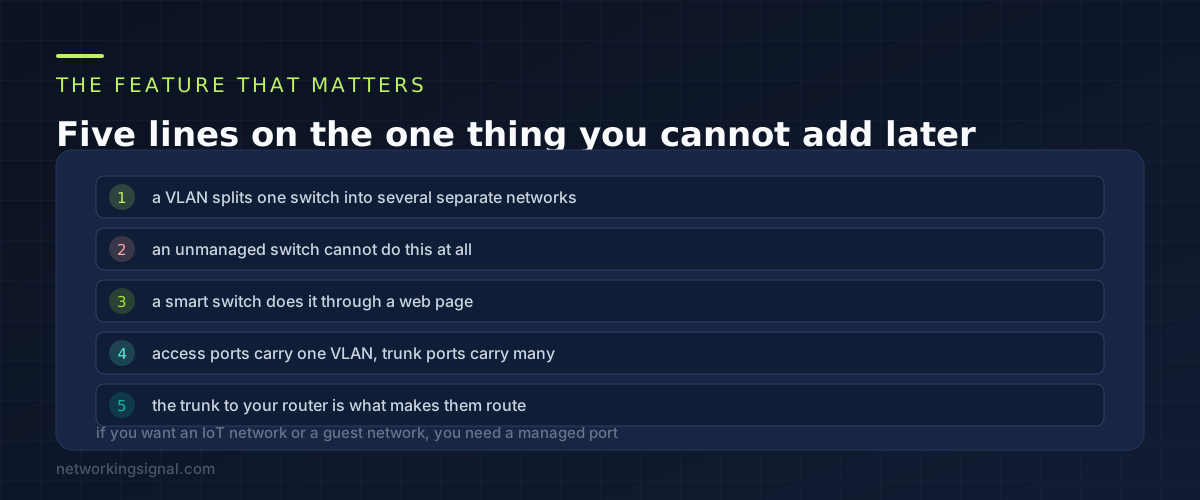
A VLAN divides one physical switch into several logical ones. Ports 1 to 4 become one network, ports 5 to 8 another, and traffic cannot cross between them unless a router allows it.
This is what lets you put cameras and smart plugs on their own segment where they cannot reach your laptop, or give guests internet access without access to your NAS. It is the single most useful thing a home network can do beyond simply working, and an unmanaged switch cannot do any part of it.
Two terms are worth knowing before you configure one. An access port belongs to a single VLAN and the device plugged into it has no idea VLANs exist. A trunk port carries several VLANs at once, with a tag on each frame saying which is which.
The trunk matters because VLANs on their own cannot talk to each other or to the internet. Something has to route between them, which is normally your firewall or router, reached over a single trunk port. Without that trunk you have several isolated networks and no internet on any of them.
If you are planning segments for smart home devices, our guide to an IoT VLAN at home walks through the whole configuration.
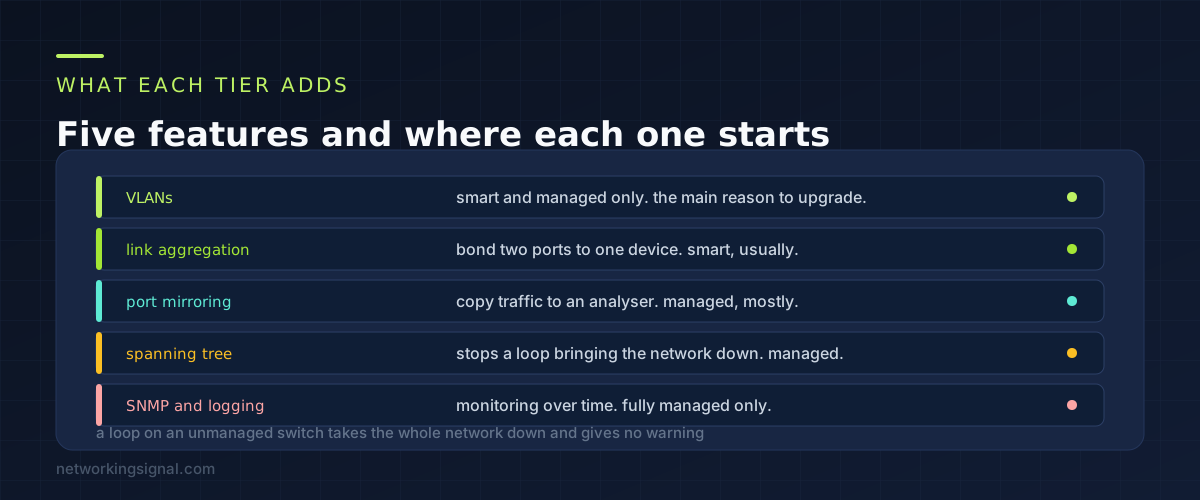
Link aggregation. Bond two ports together to double the bandwidth to one device, usually a NAS. Most smart switches support it. Worth having if several people pull large files from the same box at once, and pointless otherwise, because a single transfer still uses one link.
Port mirroring. Copy all traffic from one port to another so you can capture it in Wireshark. Occasionally on smart switches, reliably on managed. If you are learning networking this is genuinely useful and hard to replace.
Spanning tree. This one is a safety feature rather than a convenience. Plug both ends of a cable into the same unmanaged switch and you create a loop. Broadcast traffic circulates endlessly, the switch saturates, and the entire network stops. There is no error message and no light to tell you. Spanning tree detects the loop and disables one port automatically.
If your network has several switches and cables that people move around, this alone can justify a managed switch. It is also the failure that takes longest to diagnose the first time it happens.
SNMP and logging. Fully managed only. Port counters over time, errors per interface, alerts when a link drops. Genuinely useful in a business and mostly ignored at home.
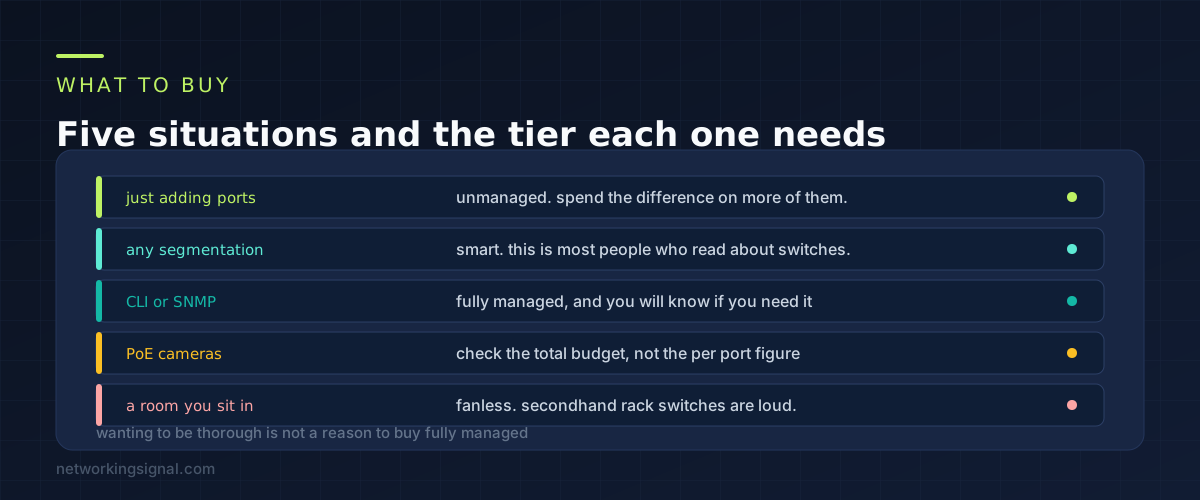
Buy unmanaged if you are adding ports and nothing else. A desk with a PC, a printer and a console behind one wall socket does not need VLANs and never will. Spend the money on more ports or on 2.5 gigabit instead.
Buy smart if you want any segmentation. IoT devices on their own network, a guest network, a lab network separate from the household. This is the tier for anyone reading an article about switches, which is most people who get this far.
Buy fully managed if you can name what you need from it. Spanning tree across multiple switches, SNMP monitoring, layer 3 routing between VLANs, or because you are studying for a certification and want the command line. Wanting to be thorough is not a reason.
Two practical points that catch people out. Rack mount managed switches, especially secondhand enterprise ones, have fans that were designed for a server room. In a home office the noise is unbearable, and fanless is worth looking for specifically.
The second is PoE. If you are powering cameras or access points from the switch, check the total power budget rather than the per port figure, because the budget is what actually runs out. Our PoE power budget calculator does that sum.
No. Both forward at line rate. A gigabit port is a gigabit port regardless of tier, and the extra features do not add latency in any way you could measure. Buy for features, never for speed.
Yes, with one rule. An unmanaged switch can hang off an access port and everything on it sits in that one VLAN. Do not connect an unmanaged switch to a trunk port, because it will not understand the tags and the result is unpredictable.
Nothing consistent. Manufacturers use both terms for the same tier, and some use “easy smart” for a cut down version with fewer VLANs and no link aggregation. Read the feature list rather than the label, and specifically check it supports 802.1Q VLANs.
You need a smart switch at minimum, because VLANs are most of the point of a home lab network. Fully managed becomes worth it if you are studying for a CCNA and want to practise on a real command line, which is a training reason rather than a functional one.
No, unless you configure something that does, such as a rate limit or a QoS policy that is set wrongly. Out of the box a managed switch behaves like an unmanaged one and forwards everything at full speed.
For features per pound, yes, and they are common on the used market. The costs are noise, power draw of 30 to 80 watts, and firmware that may no longer receive updates. For a garage rack this is a bargain. For a living room it is a mistake.
If you are planning where the switch will sit and what it will connect to, our guide to a home lab network diagram covers doing that on paper first.
Can you explain this topic to someone else in 30 seconds? If not, re-read the key takeaways above.
The core concepts in the takeaways box above. Bookmark this page and come back when you need a refresher.
Hand-picked articles you might also find useful.
 Switching
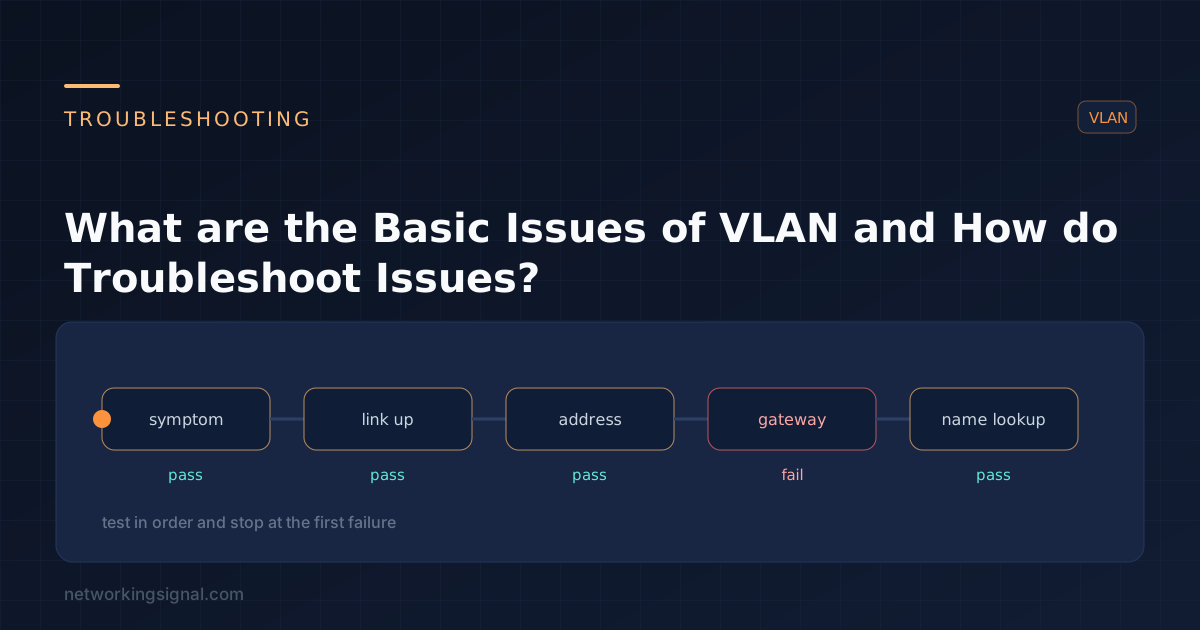
 What are the Basic Issues of VLAN in a Network? A virtual LAN ( VLAN ) is a…
 Switching
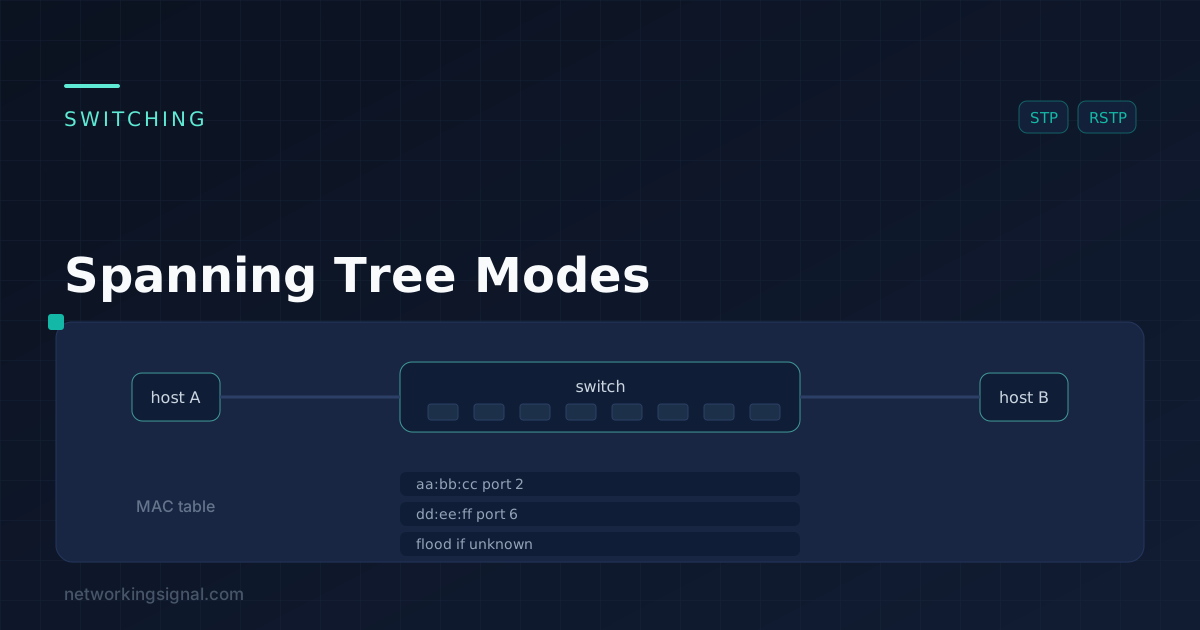
 Spanning Tree Modes Spanning Tree Modes are essential protocols used in computer networking to prevent loops and broadcast…
 Networking Fundamentals
 What is Switch in Networking? A switch is a device that helps connect different devices on a computer…