
What is a MAC Address and How Does Work in Data Link Layer?
A MAC address is a unique identifier for a network adapter. MAC addresses are used in the media…
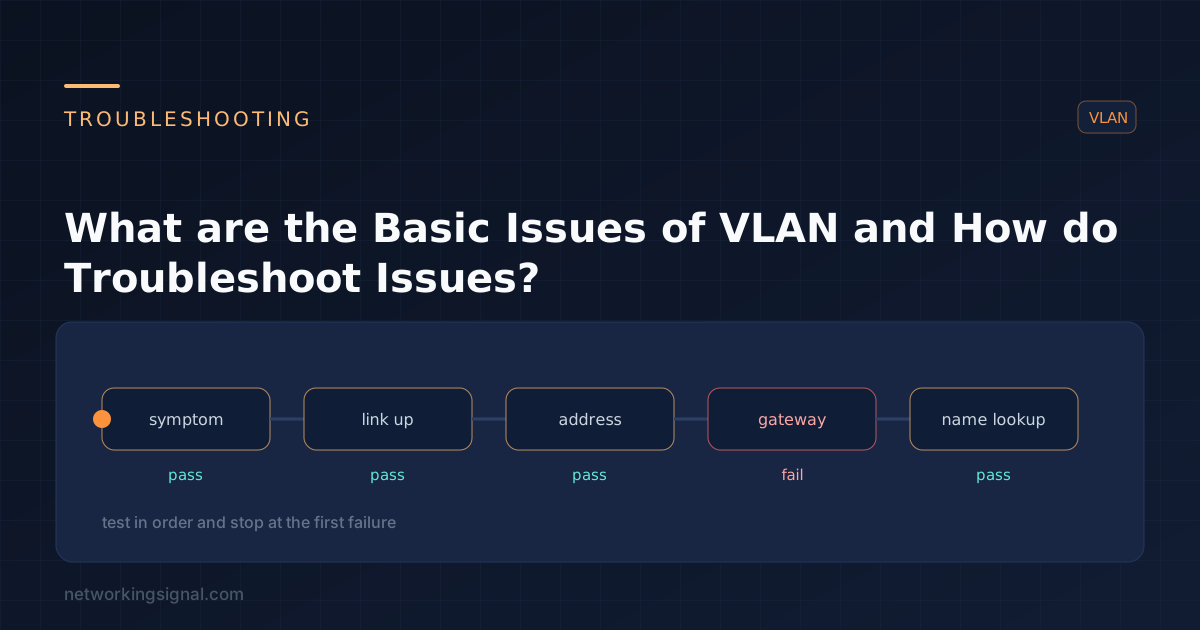
A virtual LAN (VLAN) is a group of computers with common networking requirements that are configured as if they were on a single, physical LAN. Computers in different VLANs cannot communicate with each other directly. In order to communicate, they must go through a router or gateway.
Here are the basic issues of VLAN in a network:
One of the issues of VLAN in a network is that it might not be properly configured. If the VLAN is not configured correctly, the computers in different VLANs will not be able to communicate with each other.
In order to fix this issue, you need to check the configuration of the router or gateway. Here are the steps:
Another issue of VLAN in a network is incorrect VLAN membership. This issue can occur when a computer is assigned to a VLAN that it does not belong to. As a result, the computer will not be able to communicate with the other computers in the same VLAN.
In order to fix this issue, you need to check the VLAN membership of the computer. Here are the steps:
Another issue of VLAN in a network is missing inter-VLAN routing. This issue can occur when there is no router or gateway between two VLANs. As a result, the computers in different VLANs will not be able to communicate with each other.
In order to fix this issue, you need to add a router or gateway between the two VLANs. Here are the Steps:
Another issue of VLAN in a network is unwanted VLAN broadcast. This issue can occur when a computer sends a broadcast message to all the computers in the same VLAN. As a result, the computers in different VLANs will also receive the broadcast message.
In order to fix this issue, you need to check the configuration of the computer. Here are the Steps:
It might not pass through the trunk port and access port. This issue can occur when the VLAN is not configured correctly on the trunk port and access port. As a result, the computers in different VLANs will not be able to communicate with each other.
In order to fix this issue, you need to check the configuration of the trunk port and access port. Here are the Steps:
Another issue of VLAN in a network is VLAN tagging. This issue can occur when the VLAN tags are not configured correctly. As a result, the computers in different VLANs will not be able to communicate with each other.
In order to fix this issue, you need to check the configuration of the VLAN tags. Here are the Steps:
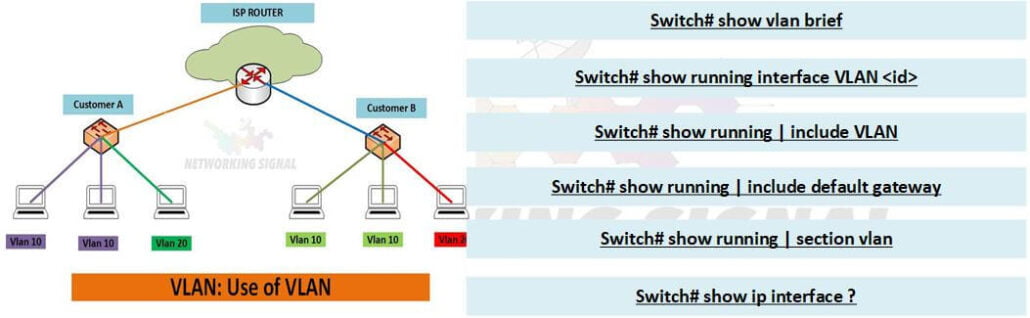
There are several troubleshooting commands of VLAN. These commands can help you to troubleshoot the issue of VLAN in a network. The following are the basic troubleshooting commands of VLAN:
#show VLAN Brief: This command will show you the VLAN information.
#show interfaces: This command will show you the interface information.
#debug VLAN: This command will help you to debug the VLAN issue.
#undebug all: This command will help you to turn off the debug mode.
#show running-config: This command will show you the running configuration of the router.
#show startup-config: This command will show you the startup configuration of the router.
#show IP interface: This command will show you the IP information of the interface.
#show IP route: This command will show you the IP routing table.
Hand-picked articles you might also find useful.
 Switching
 A MAC address is a unique identifier for a network adapter. MAC addresses are used in the media…
 Switching
 VTP explained — the three modes, what the configuration revision number does, why a returning switch can wipe…
 Switching
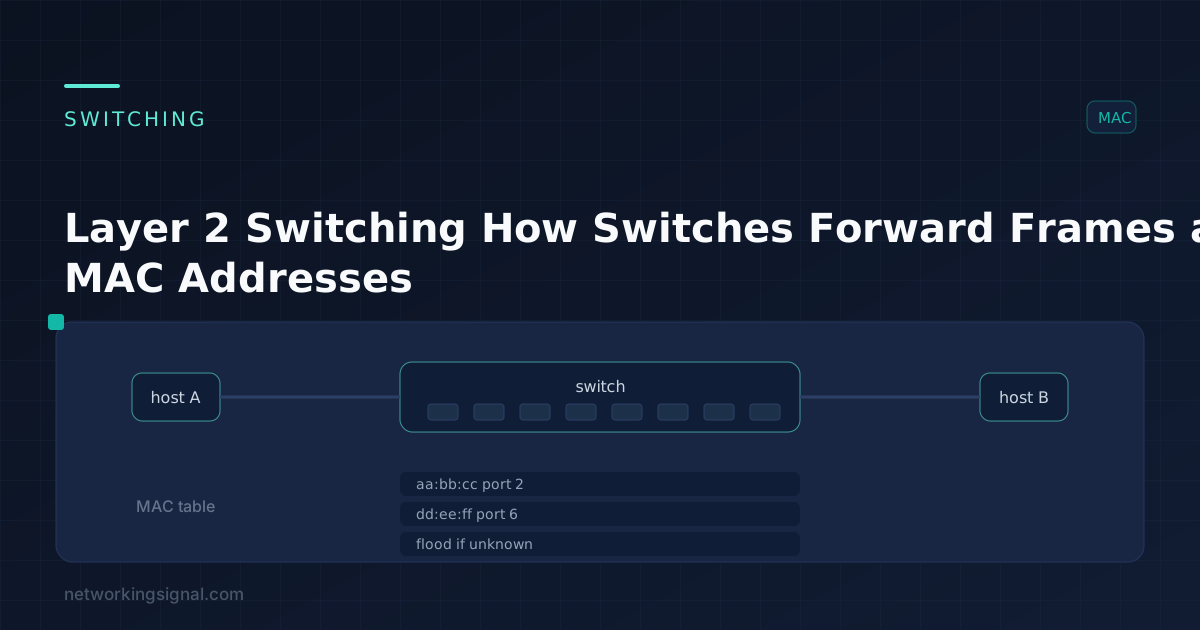
 Layer 2 switching forwards frames using MAC addresses. Here are the three switch functions, the CAM table, and…