
What is Bandwidth in Networking? Detail Guide
What is Bandwidth in Networking? Bandwidth in networking is the maximum rate at which data can be transferred…
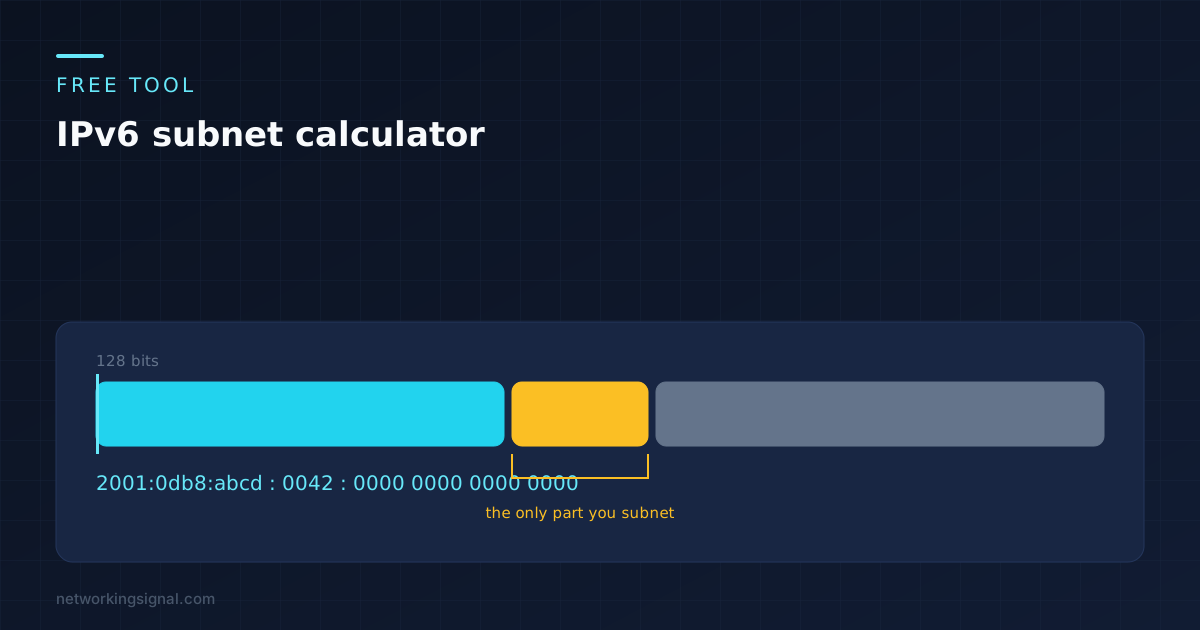
Give it a prefix and the size you want to cut it into, and it works out how many subnets you get, how many addresses sit in each, and what the first few actually look like written out. It runs in your browser. Nothing you type is sent anywhere.
Enter a prefix such as 2001:db8::/32, then choose the new prefix length you want to divide it into.
If you have used an IPv4 subnet calculator, the first thing you will notice is that this one never asks how many hosts you need. That question does not exist in IPv6, and the rest of this page explains why.
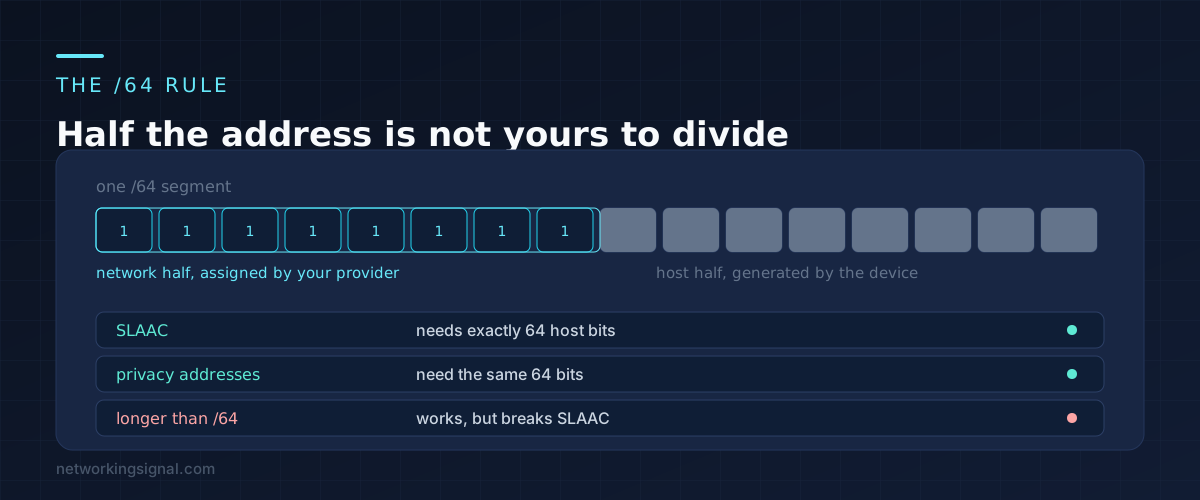
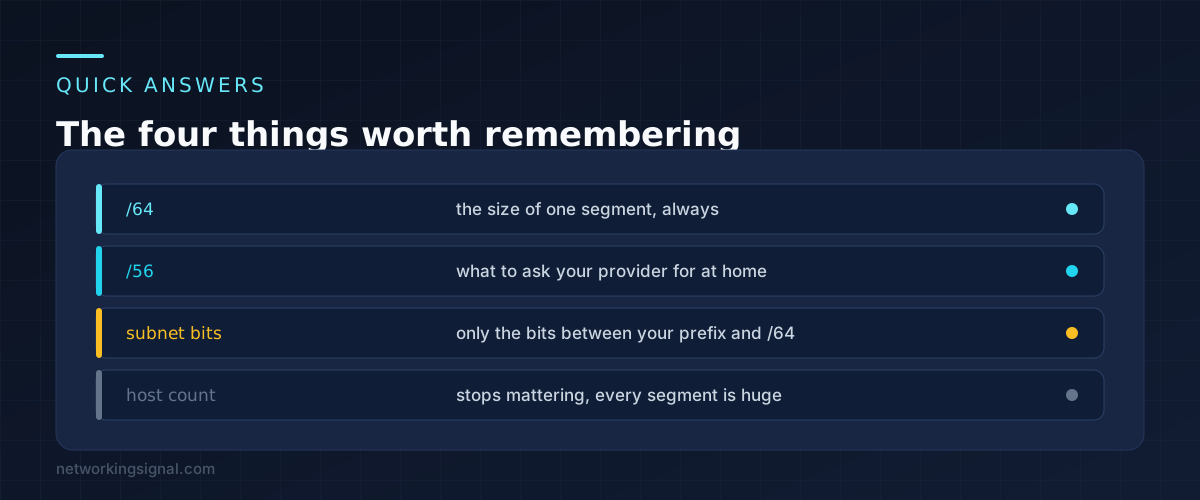
An IPv6 address is 128 bits. In almost every real deployment the lower 64 of those are the interface identifier, which the device works out for itself. That leaves the upper 64 bits, and only part of those are yours.
Your provider gives you a prefix. If that prefix is a /56, the first 56 bits are fixed and you cannot touch them. The 8 bits between 56 and 64 are the only ones you get to play with. Eight bits gives 256 subnets, and each of those subnets is a /64.
That is the whole exercise. Take the gap between the prefix you were given and /64, and that gap is your subnet space.
Stateless address autoconfiguration, the mechanism that lets a device generate its own address without a DHCP server, is defined around a 64 bit interface identifier. Privacy addresses, the randomised ones your phone rotates through, use the same 64 bits.
You can configure a /112 or a /126 and packets will move. Point to point links between routers are often built that way, and loopbacks are usually /128. But on any segment where ordinary devices need to configure themselves, going past /64 stops SLAAC working and you have to run DHCPv6 or set addresses by hand instead.
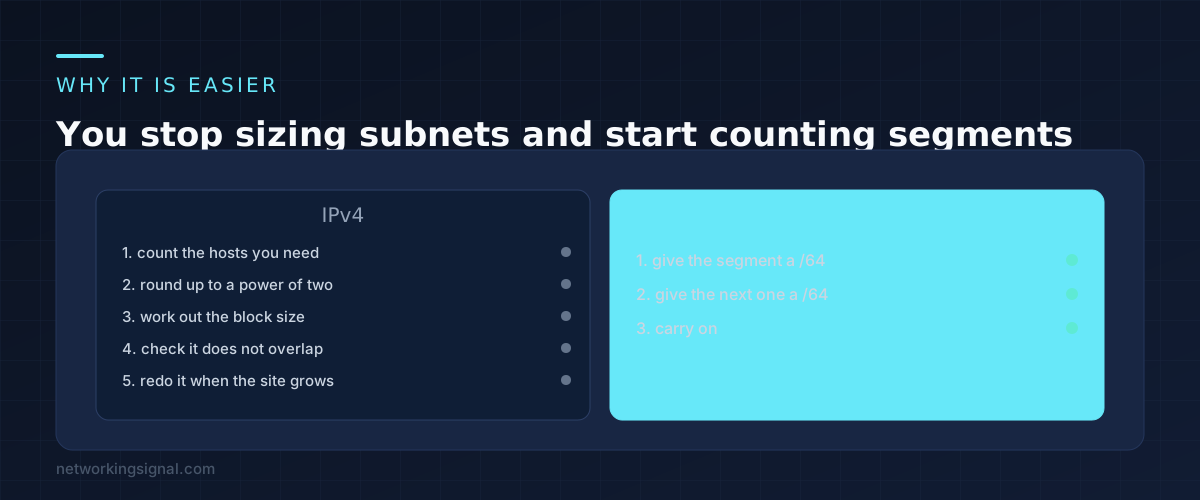
IPv4 subnetting is an exercise in scarcity. You count how many hosts a segment needs, round up to a power of two, pick a mask that fits, and then check the block does not collide with anything else. Get the estimate wrong and you either waste addresses or run out and have to renumber.
None of that applies here. Every /64 holds 18,446,744,073,709,551,616 addresses. A segment with three devices on it gets a /64. A segment with four thousand devices on it gets a /64. You are no longer sizing subnets, you are numbering them.
What replaces the arithmetic is planning. With 256 segments available on a home /56, the useful question becomes which networks you want to keep separate, not how many addresses each will consume. Our IPv4 subnet calculator still exists for the other half of your network, and the contrast between the two is worth seeing.
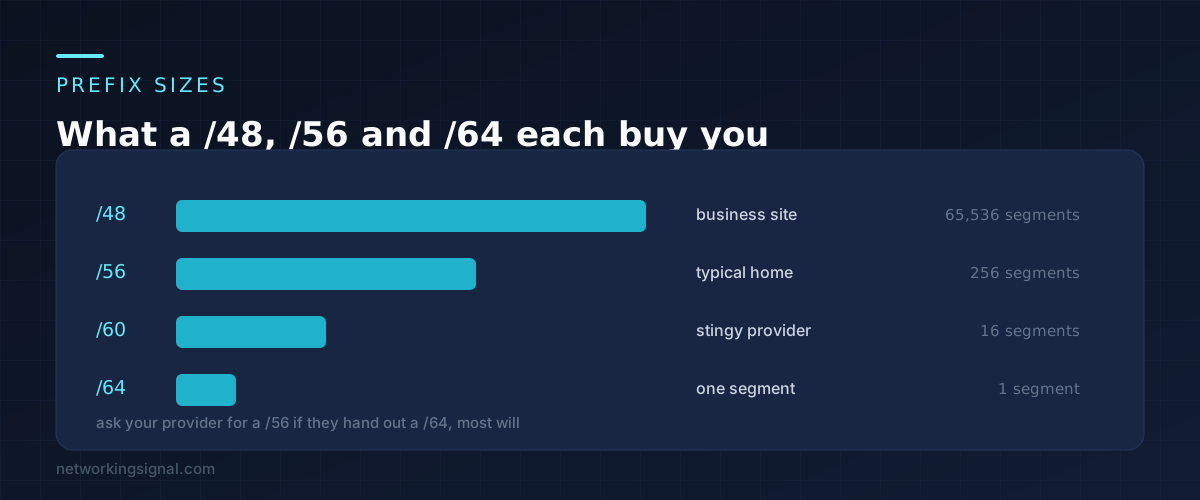
Providers hand out wildly different sizes, and the one you get decides what is possible.
The last case is worth acting on. Many providers will issue a larger prefix on request, and some routers just need prefix delegation switched on with a larger size requested. Look for a DHCPv6 prefix delegation setting on the WAN page and ask for a /56.
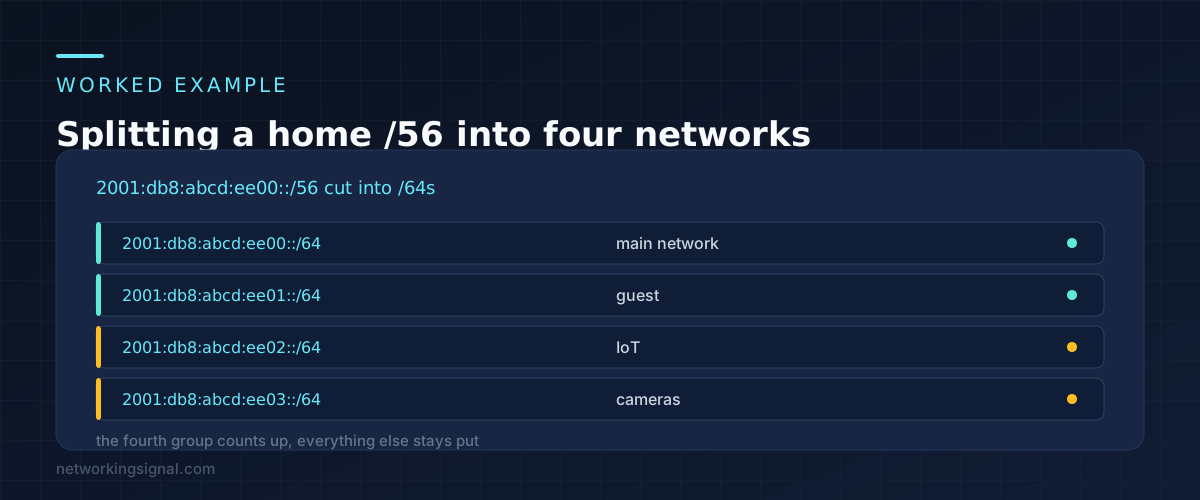
Say the provider delegates 2001:db8:abcd:ee00::/56. The 56 bit boundary lands in the middle of the fourth group, so the first two hexadecimal digits of that group are fixed at ee and the last two are yours.
Four networks, laid out with room to expand:
You have used four of 256. The remaining 252 are there if you ever want a lab network or a separate segment for a teenager who downloads things.
The one habit worth forming early is leaving gaps. If you think the guest network might later split into wired and wireless, number them ee10 and ee20 rather than ee01 and ee02, so related things stay near each other when you come back to it in two years.
Subnetting past /64 on a normal LAN. The temptation is to carve a /64 into /72s to save space. There is no space to save, and it breaks address autoconfiguration for every device on that segment.
Counting in decimal. The subnet field is hexadecimal. After ee09 comes ee0a, not ee10. Getting this wrong produces overlapping ranges that look fine until traffic starts going to the wrong place.
Treating the prefix as a netmask. IPv6 has no dotted netmask. The prefix length is the whole story, and there is no equivalent of 255.255.255.0 to convert to.
Assuming a /64 per device. A /64 is a segment, not a host. Every device on one network shares the same /64 and differs only in the lower 64 bits.
Can I use a prefix longer than /64? Yes, on point to point links and loopbacks, where no host needs to autoconfigure. On a normal LAN it breaks SLAAC, so avoid it.
How many subnets does a /56 give me? 256, each of them a /64. A /48 gives 65,536. The count is two to the power of the difference between your prefix and 64.
Do I need to worry about a network address and a broadcast address? No. IPv6 has no broadcast at all, and the all zeros address in a subnet is usable in practice on modern equipment. Both of the addresses IPv4 makes you give up are yours here.
Is this calculator storing what I type? No. Everything runs in JavaScript inside your own browser. There is no request to a server and no logging of the values you enter.
Every calculator on the site works the same way, and they are collected on the free networking tools page.
Hand-picked articles you might also find useful.
 Networking Fundamentals
 What is Bandwidth in Networking? Bandwidth in networking is the maximum rate at which data can be transferred…
 Networking Fundamentals
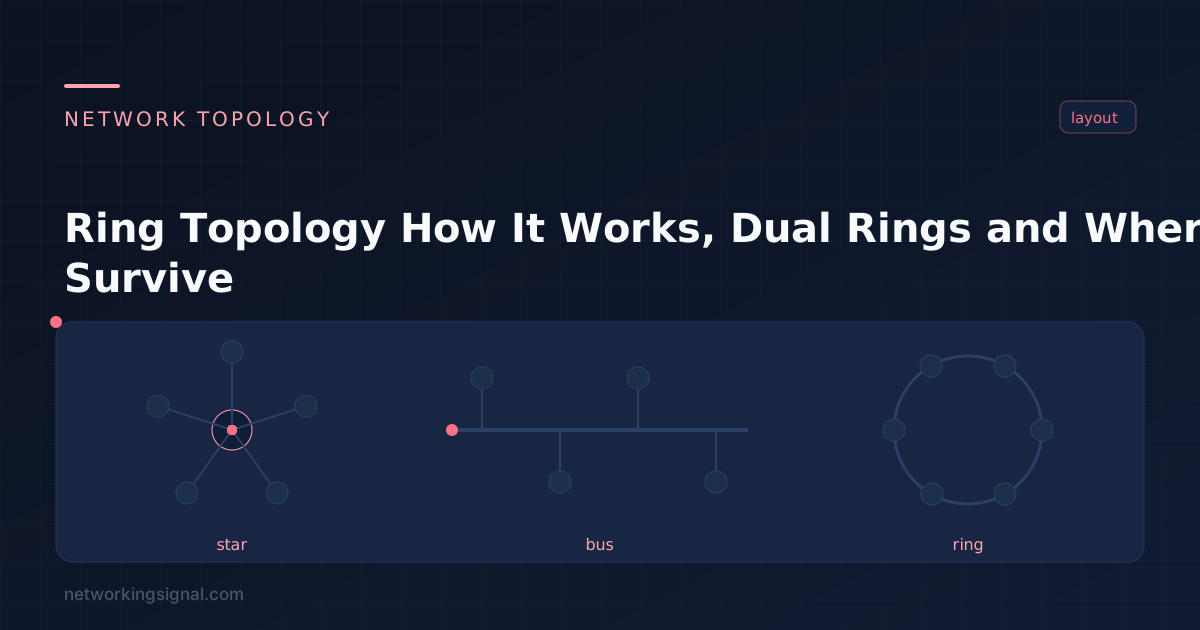
 Ring topology links each device to two neighbours in a closed loop. Here is how token passing worked,…
![Top 50 Networking Interview Questions and Answers [2026]](https://www.networkingsignal.com/wp-content/uploads/2026/07/art-interview-questions.svg) Interview Questions
Interview Questions Networking interview questions test your knowledge of OSI model, TCP/IP, subnetting, routing protocols (BGP, OSPF), switching (VLANs, STP),…