
What is Cisco IOS? Features, Uses, and How to Access It
Cisco IOS is the operating system on Cisco routers and switches. Command modes, how to access it via…
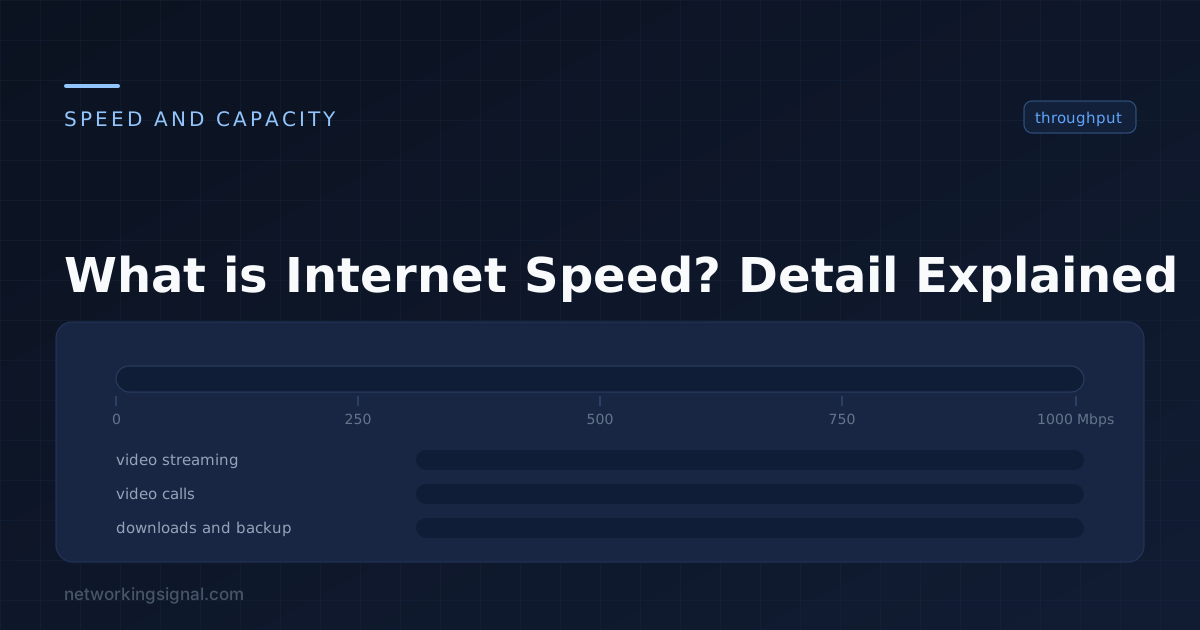
Internet speed is an important factor in today’s digital world. It determines how quickly we can access websites, download files, stream video and audio content, and more. To keep up with the demands of modern life, it’s critical to have a reliable connection with sufficient bandwidth for all your needs.
Internet speed is the measure of how fast data can be transmitted from one point to another. It is usually expressed in Megabits per second (Mbps) or kilobits per second (kbps). The download and upload speeds refer to how quickly we can send and receive data on the internet. Generally, higher speeds are better for activities like streaming movies, playing video games, and downloading large files.
There are two types of internet speed:
The download speed is the speed at which data is sent from a web server to your computer or device. This is important for streaming video and audio content, downloading large files, and accessing websites quickly.
We need download speed because it affects how quickly we can access webpages, stream content, and download files. It is also important for tasks like online gaming, video conferencing, and other activities that require sending and receiving data over the Internet.
Upload speed is the speed at which data is sent from your computer or device to a web server. This is important for sending large files, sharing photos and videos, and using online services like video conferencing.
We need upload speed for tasks like sharing photos and videos online, sending large files, or video conferencing. It also helps with activities such as online gaming and streaming live events. Upload speeds are generally slower than download speeds because it requires more data to be sent from your device.
To test your internet speed, you can use a free online tool such as Ookla’s Speedtest. It measures your download and upload speeds in Mbps or kbps and also indicates your connection quality. You can also check your internet service provider’s website to find out what their advertised speeds are.
Here are the steps you need to take to test your internet speed:
1. Visit the Ookla Speedtest website.
2. Click “Go” and wait for the results to load.
3. Check your download and upload speeds, as well as any other information provided.
4. Compare your results with those advertised by your service provider.
It is important to note that internet speeds can vary depending on many factors like the quality of your connection, distance to the server, and type of activity you are doing.
When choosing an internet connection, it is important to consider a few factors.
By considering these factors, you can make sure that you select a reliable and fast internet connection that is also within your budget.
The speed that is good for you depends on your needs. 10 Mbps is sufficient for basic internet usage such as checking emails, browsing the web, and streaming low-quality video.
50 Mbps is enough for most households and can handle multiple streams of HD video or online gaming with no lag.
100 Mbps is suitable for larger households with multiple users streaming HD video or playing online games simultaneously.
200 Mbps should be enough for most households, even those with multiple users and devices connected. It can also handle 4K streaming with ease.
400 Mbps is the best option if you want to stream in 4K consistently and enjoy lag-free gaming.
1000 Mbps is the fastest available speed and should be more than enough for any household with multiple users. It can handle multiple 4K streams and lag-free gaming without any issues.
If your internet speed is slow after getting the high Mbps plan then you can see below the improving speed tips.
Internet speed is important for all types of home setups.
To improve internet speed, there are a few steps you can take.
Hand-picked articles you might also find useful.
 Networking Fundamentals
 Cisco IOS is the operating system on Cisco routers and switches. Command modes, how to access it via…
 Networking Fundamentals
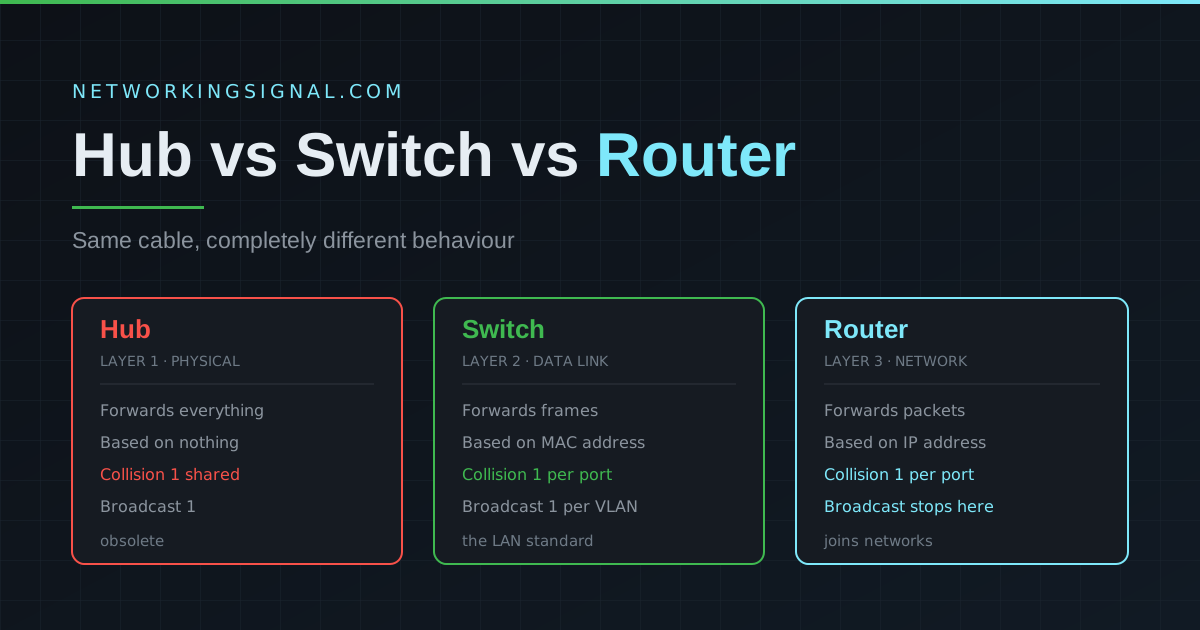
 Quick answer: A hub broadcasts every frame to all connected devices (Layer 1). A switch forwards frames only…
 Networking Fundamentals
 CIFS vs NFS CIFS (Common Internet File System) is a protocol that allows for file sharing across a…