
DNS Probe Finished No Internet: Troubleshooting Guide
In today's fast-paced digital world, a stable and reliable internet connection is crucial for both individuals and businesses.…
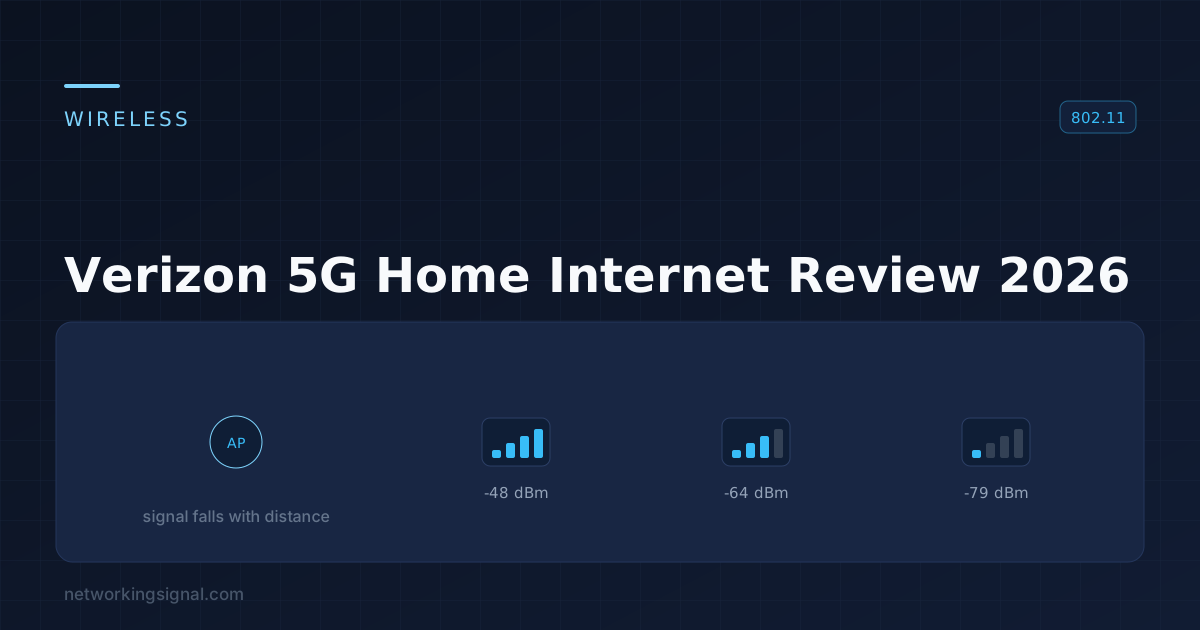
Worth it if you can get a strong signal. Verizon 5G Home Internet is unlimited, has no data caps, no annual contract and no equipment fee, which undercuts most cable plans outright. Speeds vary widely with signal quality, and latency is higher than cable, so competitive gamers should think twice.
The weakest part is the supplied gateway’s WiFi. If your house is larger than a flat, budget for a mesh system behind it, that single change fixes most complaints people have about the service.
Verizon 5G Home Internet delivers your broadband over the same 5G network your phone uses, through a gateway that sits by a window. There is no cable, no engineer visit and no line to install, which is the whole appeal, and also the source of every caveat.
This review covers what the service actually delivers, who it suits, and the hardware that fixes its one real weakness.
| Verizon 5G Home Internet | |
|---|---|
| Connection | 5G cellular, no cable or phone line |
| Data cap | None |
| Contract | None |
| Equipment fee | None, gateway included |
| Installation | Self-install, typically under 30 minutes |
| Typical latency | ~20 to 40 ms |
| Static IP | Not available on the home plans |
The pricing structure is the strongest part of the offer: no equipment rental, where cable providers typically charge around $15 a month, and no data cap, which several cable plans still impose. Verizon also discounts the service heavily if you have an eligible mobile plan with them.
This is where a fixed-wireless service differs fundamentally from cable, and where most reviews are vague. Your speed depends on your signal, your distance from the tower, and how many other people are on that tower right now. Two houses on the same street can get materially different results.
What that means in practice:
Verizon’s own availability check is a genuine gate, not marketing, they only sell it where they believe capacity exists. Take the trial period seriously and test your speeds at several times of day, especially between 7pm and 10pm.
Signal is everything, and the gateway’s position decides it. Put it at the window facing the tower, as high in the house as practical. Moving it one room can change the result substantially, the app shows a signal indicator during setup, and it is worth spending twenty minutes trying several spots before settling.
5G home internet typically lands around 20 to 40 ms, against roughly 10 to 20 ms for cable and under 10 ms for fibre. For browsing, streaming and video calls that difference is invisible.
For competitive gaming it is not. An extra 15 to 20 ms on top of your route to the game server is enough to matter in fast-paced shooters, and cellular latency is also less consistent, the jitter causes more trouble than the average figure suggests. See what ping actually measures for why variation hurts more than a slightly higher average.
Also worth knowing: the home plans use carrier-grade NAT and do not offer a static IP, so port forwarding does not work. If you host a game server, run a security camera NVR you access remotely, or need a VPN endpoint at home, this service cannot do it. That is a hard limitation, not a configuration problem, see how CGNAT works.
| You are | Verdict |
|---|---|
| Paying a lot for cable with a data cap | Strong yes, if signal is good |
| In a flat or small house | Strong yes |
| A Verizon mobile customer | Yes, the bundled discount is significant |
| Renting, or moving soon | Yes, no contract, no install, take it with you |
| Streaming and working from home | Yes, with a mesh system behind the gateway |
| A competitive gamer | Probably not, latency and jitter |
| Hosting servers or needing port forwarding | No, CGNAT makes it impossible |
| In a marginal signal area | Trial it carefully, test at peak hours |
| Able to get fibre at a similar price | Take the fibre |
The service itself is sound. The complaint that comes up repeatedly is coverage inside the house, and that is a WiFi problem, not a 5G problem.
The gateway has to live wherever the cellular signal is strongest, which is usually a window at one end of the house. That is almost never the best place for a WiFi router. So you end up with a good internet connection and weak WiFi in the far rooms, and people blame the service.
The fix is to put a mesh system behind the gateway. Connect the first mesh node to the gateway by Ethernet, place the others where coverage is weak, and the gateway keeps doing what it is good at while the mesh handles the WiFi.



Which one: the Deco S4 at $112 is the honest pick for most Verizon 5G customers, WiFi 5 is more than enough for a connection of this speed, and three units cover a whole house. Buy the WiFi 7 systems only if you have WiFi 7 devices and move large files locally, because the internet connection will not be the thing they accelerate.
Set the Verizon gateway’s own WiFi to a different network name, or turn it off entirely, so devices do not cling to the weak signal. More on that trade-off in running two WiFi networks in one house.
| 5G Home | Cable | Fibre | |
|---|---|---|---|
| Latency | 20 to 40 ms | 10 to 20 ms | <10 ms |
| Speed consistency | Varies with signal | Stable | Very stable |
| Upload | Modest | Modest | Symmetric |
| Data cap | None | Sometimes | Rarely |
| Equipment fee | None | ~$15/mo | Varies |
| Port forwarding | No, CGNAT | Yes | Yes |
| Install | Self, ~30 min | Engineer or self | Engineer |
If fibre is available at a comparable price, take the fibre. If your alternative is expensive cable with a data cap and a rental fee, Verizon 5G Home Internet is a genuinely better deal, provided the signal at your address is strong and you do not need port forwarding. Test it properly during the trial window, at peak hours, before cancelling anything else.
Yes, where the signal is strong. It is unlimited, has no contract and no equipment fee, which undercuts most cable plans. The trade-offs are speeds that vary with signal and tower congestion, higher latency than cable, and no port forwarding.
It depends on your signal strength, distance from the tower and how busy that tower is. A strong signal handles multiple 4K streams and video calls comfortably; a marginal one slows noticeably at peak evening hours. Test at several times of day during the trial period.
For casual gaming, yes. For competitive play, cable or fibre is better, 5G typically adds 20 to 40 ms and, more importantly, is less consistent than a fixed line. The jitter causes more problems than the average latency.
Yes. Connect your own router or mesh system to the gateway by Ethernet. This is the single most effective upgrade, because the gateway has to sit where the cellular signal is best, which is rarely where the WiFi should be. The same applies on T-Mobile, and we cover the three ways to wire it up in using your own router on T-Mobile Home Internet.
No. The home plans are unlimited with no overage charges, which is a genuine advantage over cable plans that still impose monthly caps.
No. The home plans use carrier-grade NAT and do not offer a static IP, so inbound connections are not possible. If you host a game server, access a camera system remotely, or run a VPN endpoint at home, this service will not work for you.
Tower congestion. Cellular capacity is shared, so peak-hour demand reduces everyone’s speeds. Repositioning the gateway to improve signal helps; if it persists with a strong signal, your local tower is oversubscribed and there is no fix on your side.
Disclosure: we earn a commission on hardware purchased through the links above, at no extra cost to you. We have no affiliate relationship with Verizon. Prices shown were correct at the time of writing.
Hand-picked articles you might also find useful.
 Internet & ISP
 In today's fast-paced digital world, a stable and reliable internet connection is crucial for both individuals and businesses.…
 Internet & ISP
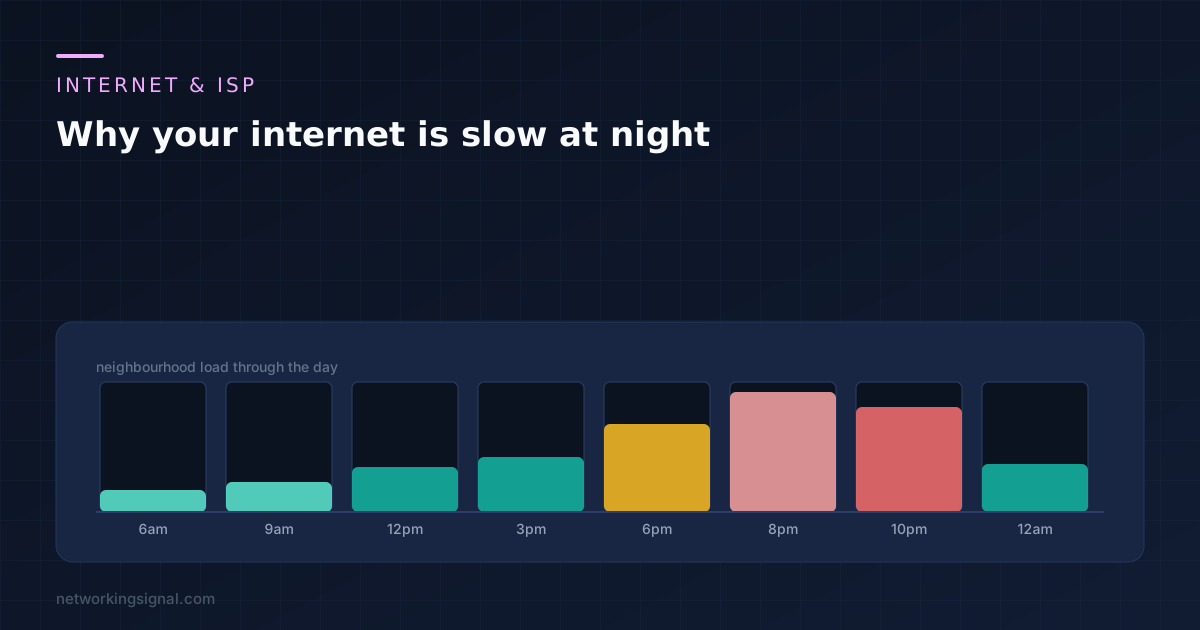
 The 8pm slowdown has five possible layers and only one is yours. The 3am test that separates your…
 Internet & ISP
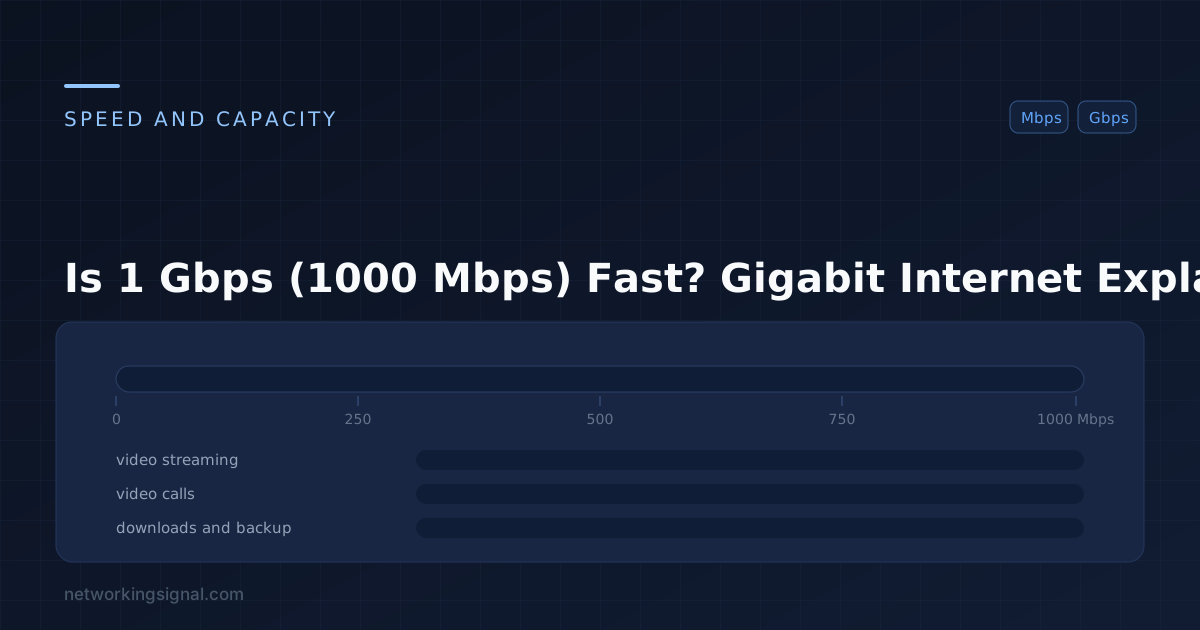
 Is 1 Gbps (gigabit) internet fast? Yes — it's among the fastest available. Learn what you can do…