
7 Best Modems for Xfinity in 2026 (Including Mid-Split Picks)
The best Xfinity-approved modems in 2026. The Motorola MB8611 at $130 suits most plans; if you want Xfinity's…
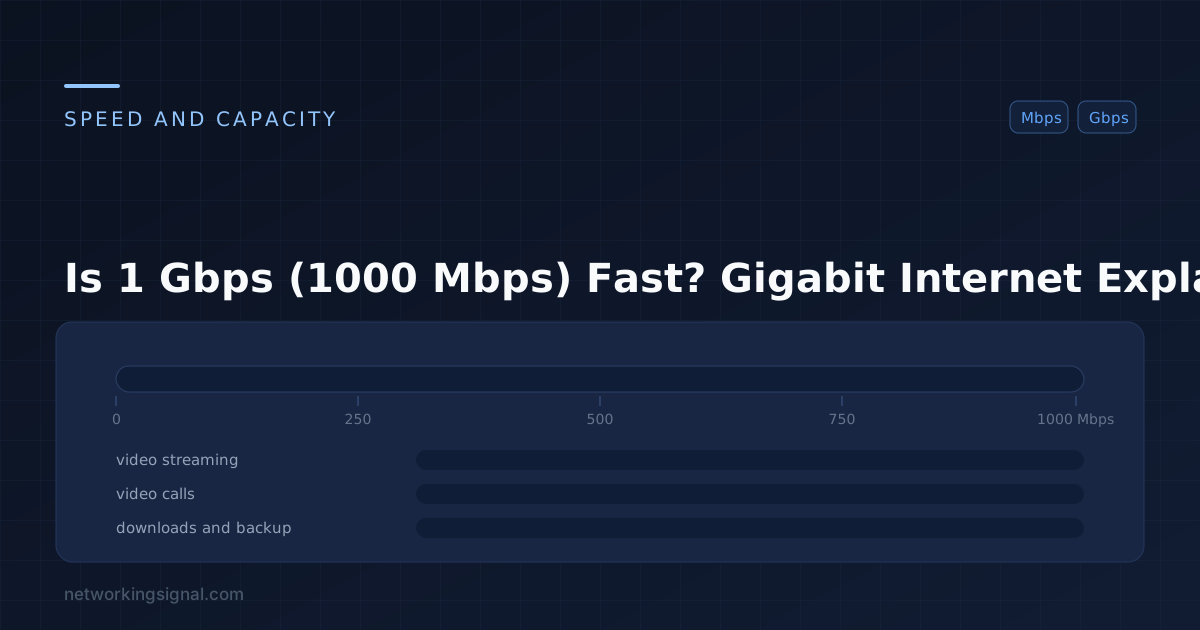
Yes, 1 Gbps (1,000 Mbps / gigabit) internet is extremely fast. It is 40x faster than the FCC’s broadband standard (25 Mbps) and more than sufficient for any home or small business use case imaginable. With 1 Gbps, you can download a full 4K movie in about 4 seconds, support 40 simultaneous 4K video streams, and still have bandwidth to spare.
| Activity | Speed Needed | Devices at 1 Gbps |
|---|---|---|
| 4K Netflix streaming | 25 Mbps | 40 simultaneous streams |
| HD Zoom video call | 3.5 Mbps | 285 simultaneous calls |
| Online gaming | 3 to 10 Mbps | 100 to 333 players |
| Download 1GB file | 1 Gbps | ~8 seconds |
| Download 50GB game | 1 Gbps | ~7 minutes |
| Upload 4K video (10GB) | 1 Gbps up | ~80 seconds (if symmetric) |
| Web browsing | 1 Mbps | 1,000 simultaneous users |
| Speed | Download 1GB | Download 50GB Game | 4K Streams |
|---|---|---|---|
| 25 Mbps | 5.3 min | 4.4 hours | 1 |
| 100 Mbps | 80 sec | 67 min | 4 |
| 300 Mbps | 27 sec | 22 min | 12 |
| 500 Mbps | 16 sec | 13 min | 20 |
| 1 Gbps | 8 sec | 7 min | 40 |
| 2 Gbps | 4 sec | 3.5 min | 80 |
Honestly, no, most households do not need 1 Gbps for their current usage. For a family of 4 to 6 with typical streaming, gaming, and video calling habits, 200 to 300 Mbps is usually more than enough. However, 1 Gbps is worth considering if:
One of the biggest advantages of fiber gigabit internet is symmetric speeds, 1 Gbps download AND 1 Gbps upload. Cable (DOCSIS) and DSL connections are asymmetric, you might get 1 Gbps down but only 35 to 50 Mbps up. For most users, download speed matters most. But if you upload content regularly (YouTube, remote work, cloud backups), symmetric fiber is significantly better.
To actually use 1 Gbps speeds, you need a capable router. Many older routers cannot route at gigabit speeds due to CPU limitations. Look for routers specifically rated for gigabit WAN speeds. See our guides: Best WiFi Routers, Best Routers for Fiber/Starlink. Also use Cat6 or Cat6A ethernet cables to connect your router to devices for maximum speed.
In practice, your WiFi speeds will always be lower than your internet plan speeds due to signal attenuation, interference, and WiFi overhead. WiFi 6 in ideal conditions can exceed 1 Gbps, but real-world speeds are typically 300 to 700 Mbps wirelessly. For speeds close to 1 Gbps, connect via ethernet cable. See our WiFi speed test guide to benchmark your actual connection.
No. Multi-gigabit plans (2 Gbps, 5 Gbps, 10 Gbps) are now available from some fiber ISPs. However, 1 Gbps remains the sweet spot for most households and small businesses in terms of price-to-performance.
Gigabit fiber internet typically costs $50 to $90/month in the US, depending on provider and location. Major providers offering gigabit include AT&T Fiber, Google Fiber, Xfinity, Verizon FiOS, and local ISPs.
1 Gbps is excellent for a home office. Video calls, VPNs, large file transfers, and cloud applications all benefit from high bandwidth. The symmetric upload speed of fiber gigabit plans is particularly valuable for frequent uploaders.
Related: Is 500 Mbps Fast? | Is 400 Mbps Fast? | Is 300 Mbps Fast? | Bandwidth Calculator | Check Your Speed
Hand-picked articles you might also find useful.
 Internet & ISP
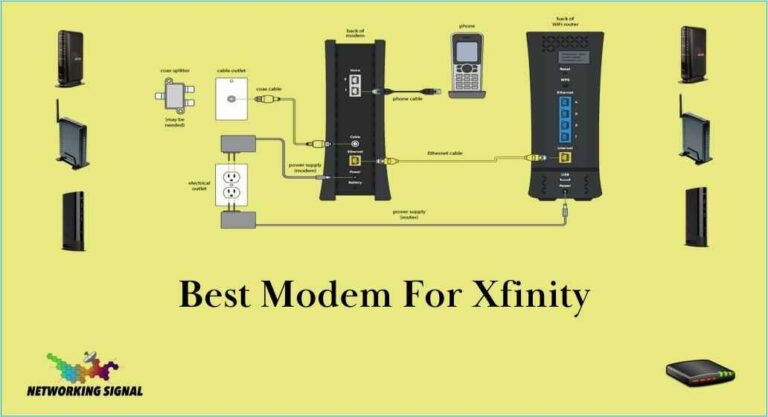
 The best Xfinity-approved modems in 2026. The Motorola MB8611 at $130 suits most plans; if you want Xfinity's…
 Internet & ISP
 Xfinity is one of the largest cable and internet service providers in the United States, offering a wide…
 Internet & ISP
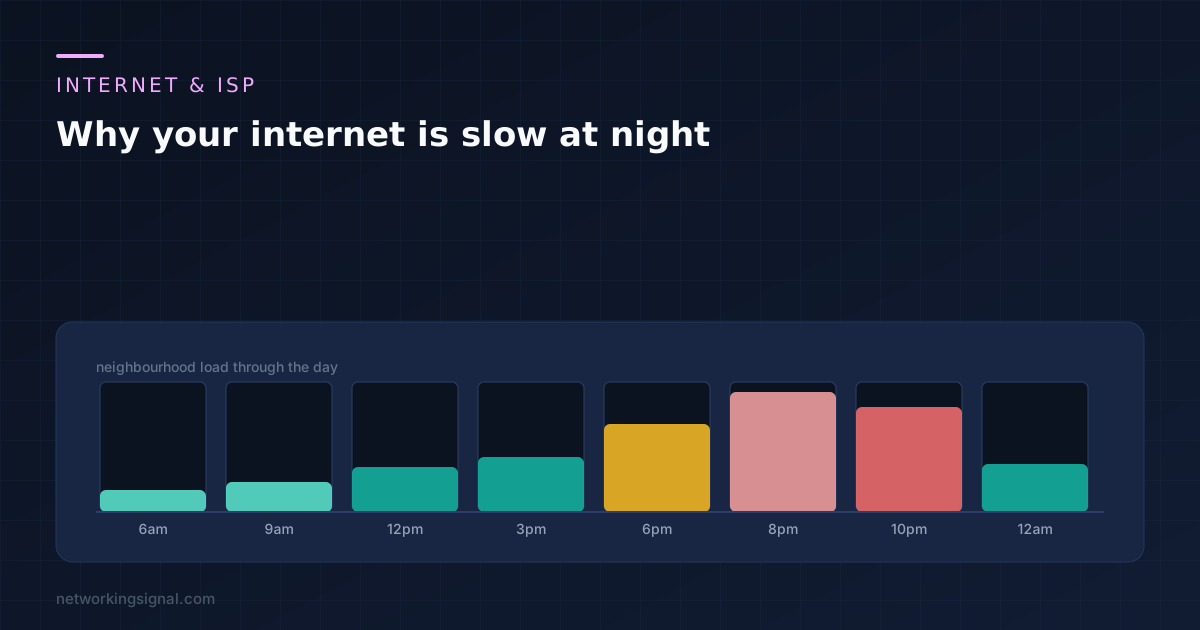
 The 8pm slowdown has five possible layers and only one is yours. The 3am test that separates your…