
How to Fix Packet Loss? ( Cause and Prevention )
Packet loss refers to the failure of data packets to reach their intended destination when being transmitted from…
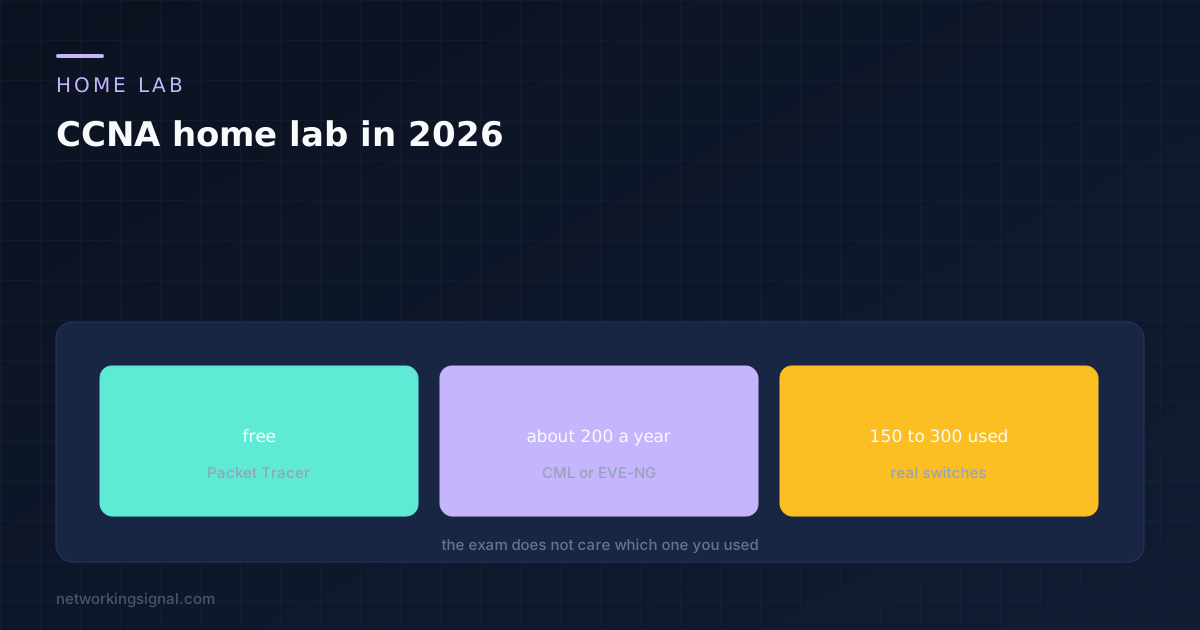
You can pass the CCNA using free software and no hardware at all. That is worth saying first, because a lot of people delay starting while they save up for a rack of used Cisco gear that the exam never asked them to own.
That does not make physical equipment worthless. It makes it optional, and useful for a narrower set of reasons than most people assume. This covers what the exam tests, how the four options compare, and where the money is actually worth spending.
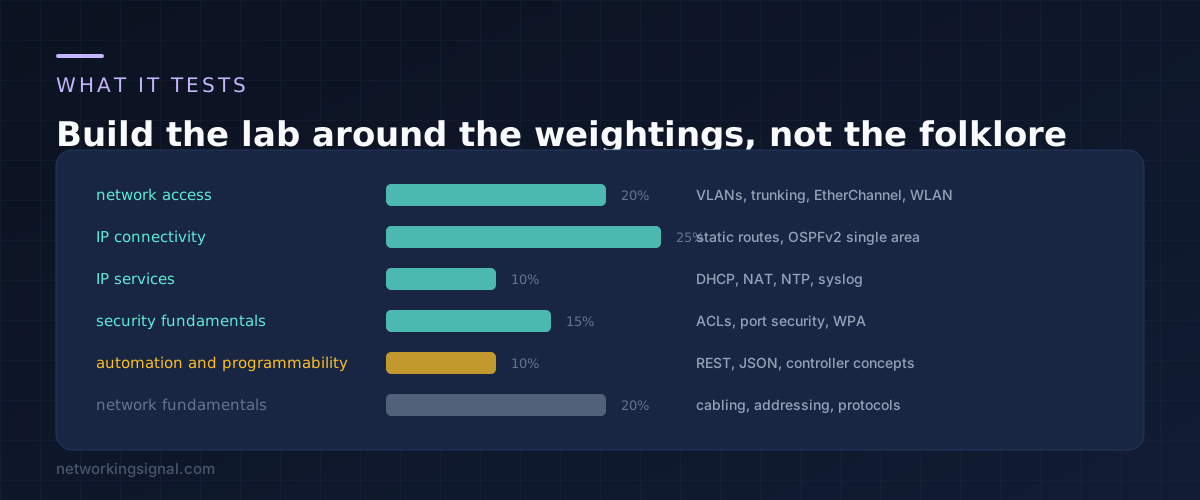
The 200-301 blueprint is public, and reading it saves weeks of studying the wrong things.
IP connectivity, 25 percent. Static routes, single area OSPFv2, the routing table, administrative distance. This is the biggest domain and the one that most rewards hands on repetition.
Network access, 20 percent. VLANs, trunking, EtherChannel, and wireless concepts including WLC basics.
Network fundamentals, 20 percent. Cabling, addressing, subnetting, protocol behaviour. Much of it is knowledge rather than configuration, and subnetting is the part to drill until it is automatic. Our subnet calculator is useful for checking answers, though you must be able to do it on paper.
Security fundamentals, 15 percent. ACLs, port security, WPA, device hardening.
IP services and automation, 10 percent each. DHCP, NAT, NTP and syslog on one side. REST APIs, JSON and controller based networking concepts on the other. The automation domain is mostly conceptual, which surprises people who expect to write code.
Two things are not on the blueprint that people lab anyway. There is no BGP configuration, and spanning tree is tested at a conceptual level rather than as deep configuration. Both are worth knowing eventually. Neither should shape your lab.
Cisco gives it away through its own learning platform. It is a simulator rather than an emulator, meaning it models device behaviour rather than running actual IOS, and that is its only real weakness.
It covers almost the entire blueprint, including the automation topics. It starts in seconds, runs on a laptop, and includes guided activities. For most people this is the whole answer, and starting here means starting today.
Where it falls short is edge behaviour. Unsupported commands simply do not exist, so you never see the error messages a real device would produce.
CML runs real Cisco images in virtual machines. The personal tier costs somewhere around two hundred dollars a year, and pricing changes, so check before budgeting.
What you get is genuine IOS behaviour: real output, real errors, real timing. If you have the money and a machine with enough memory, this is the closest thing to hardware without hardware.
Both are free emulators, and both expect you to supply the device images yourself. That is the catch, and it is a licensing question you should answer honestly for your own situation before going down this route.
They are powerful, they scale to large topologies, and they take a weekend to set up properly.
Used Catalyst switches and ISR routers are cheap now. They give you one thing no software gives you: the physical layer. Console cables, a switch that does not come up because the port is in err-disable, a link that negotiates wrong because of a bad cable.
That experience is genuinely valuable for working as a network engineer. It is worth very little for passing the exam.
Two switches and two routers is the sensible floor. One of each teaches you the commands. Two of each teaches you trunking, inter switch links, and routing between devices, which is where the exam lives.
Buy 2960 series switches and 1921 or 2901 routers. They are old, they are plentiful, and they run software recent enough for everything on the blueprint. Prices move constantly, so treat the figures in the diagram as a rough guide rather than a quote.
Three practical warnings. These devices are loud, loud enough that you will not want one in a bedroom. They draw real power, so leaving a lab running continuously shows up on a bill. And you need a USB to serial console cable, which is the single most forgotten item on every list like this.
If you already own a managed switch for other reasons, check what it supports first. Our roundup of managed switches for a home lab covers what modern equivalents can and cannot do.
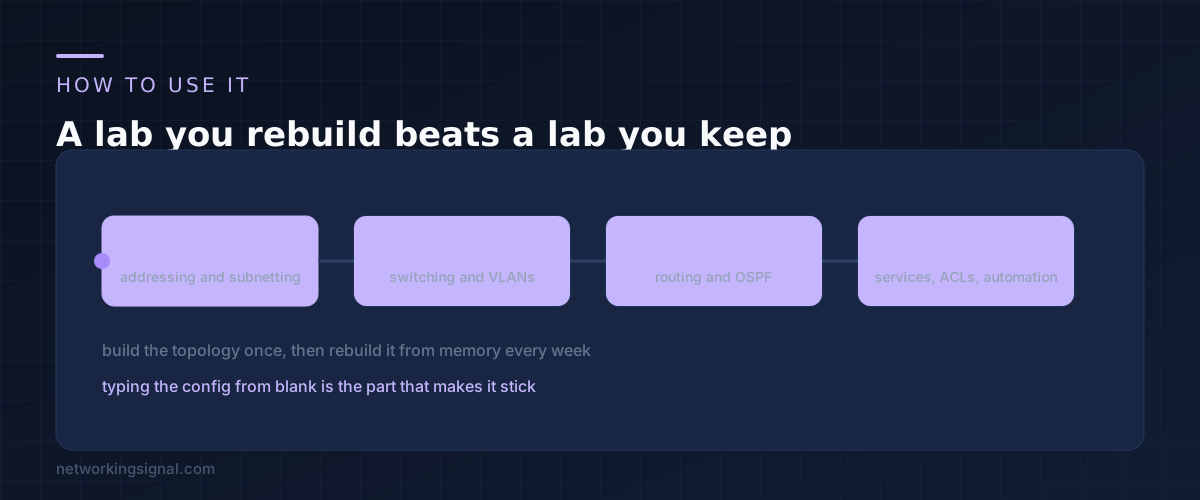
The most common mistake is building an elaborate topology, getting it working, and leaving it. A lab that sits configured teaches you nothing after the first day.
Wipe it and rebuild it instead. Every week, start from blank devices and reconstruct the topology from memory. The first time it takes an hour. By the fourth time it takes fifteen minutes, and that reduction is the actual learning.
Build deliberate faults too. Shut down an interface, put a wrong subnet mask on one side of a link, mismatch a trunk. Then hand it to yourself a day later and diagnose it. The exam has troubleshooting questions and this is the only way to practise for them.
Keep your configurations in a text file with notes on what each block does. That file becomes your revision material in the last week, and it is more useful than any summary somebody else wrote.
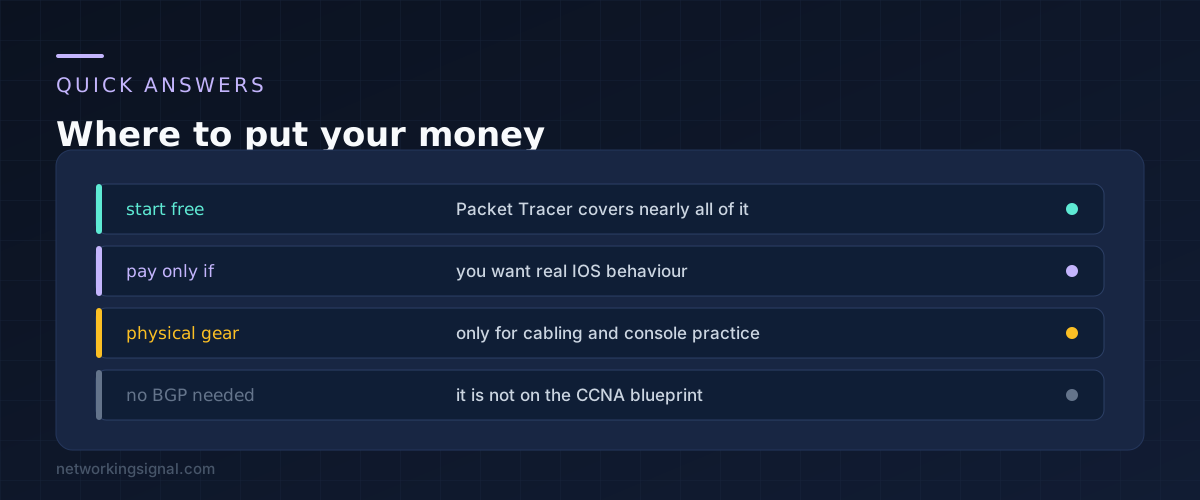
Yes, and many people do. The gap is realism rather than coverage. If you can afford CML it is better, but Packet Tracer is not a compromise that costs you the exam.
16 GB is comfortable for CCNA sized topologies. 8 GB works if you keep the number of nodes small and shut down what you are not using.
The virtual one, yes, because it costs nothing to keep and is useful for testing ideas. Physical gear from this era is worth less once the exam is done, unless you are moving towards a professional level certification that needs more devices.
Lightly. That domain is mostly conceptual at CCNA level, so understanding what a REST call looks like and being able to read JSON matters more than writing scripts. That said, the skill is worth having beyond the exam.
No. Four devices sit fine on a shelf. A rack becomes relevant when you have enough equipment that cable management is a real problem, which is well past where CCNA study takes you.
If you are still choosing which certification to aim at, our comparison of networking certifications covers the order that makes sense.
Hand-picked articles you might also find useful.
 Routing & Switching
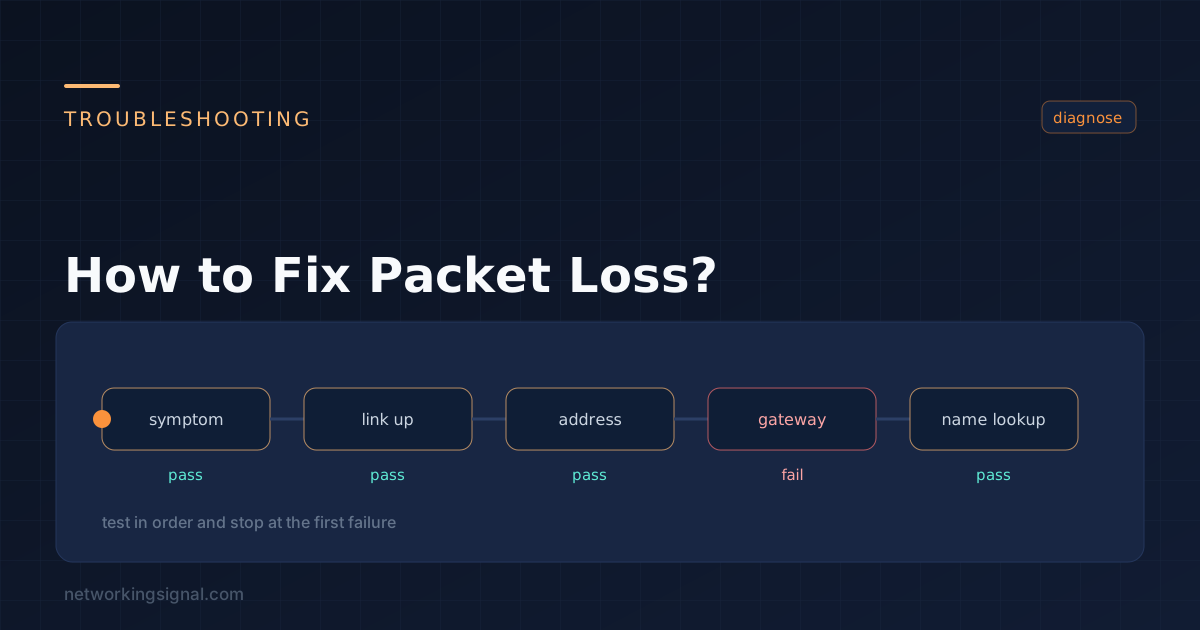
 Packet loss refers to the failure of data packets to reach their intended destination when being transmitted from…
 Routing & Switching
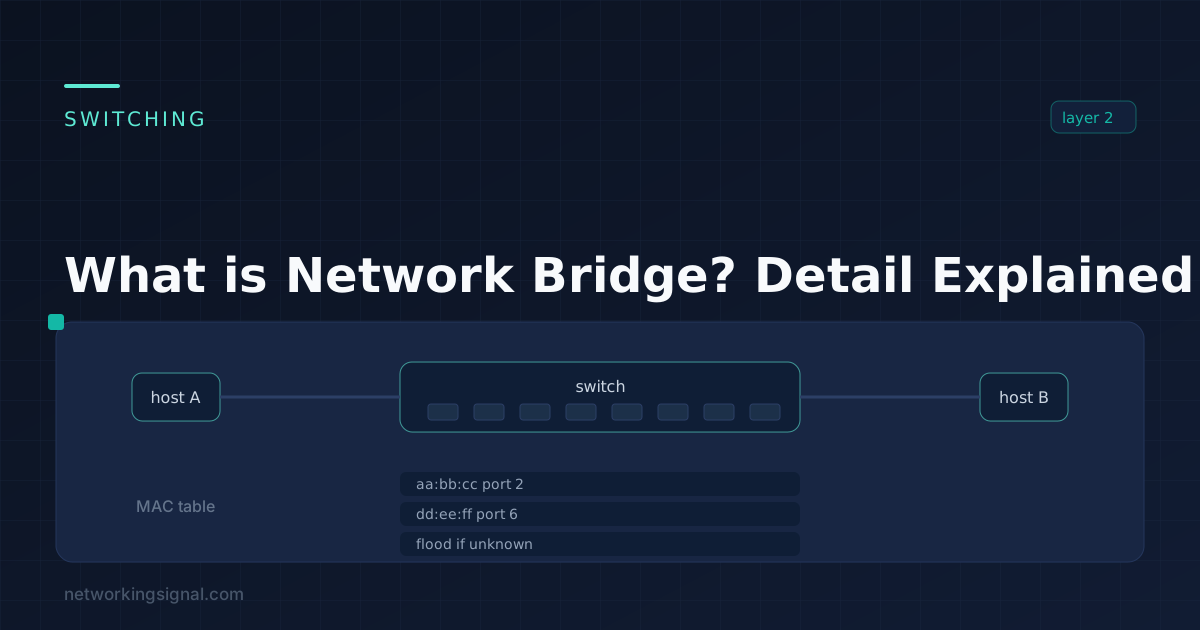
 What is Network Bridge? A network bridge is a device that connects two or more computer networks together.…
 Routing & Switching
 What is Frame Relay? Frame Relay, a significant advancement in networking, operates at the data link layer of…