
Home Lab Network Diagram: Plan It Before You Buy Anything
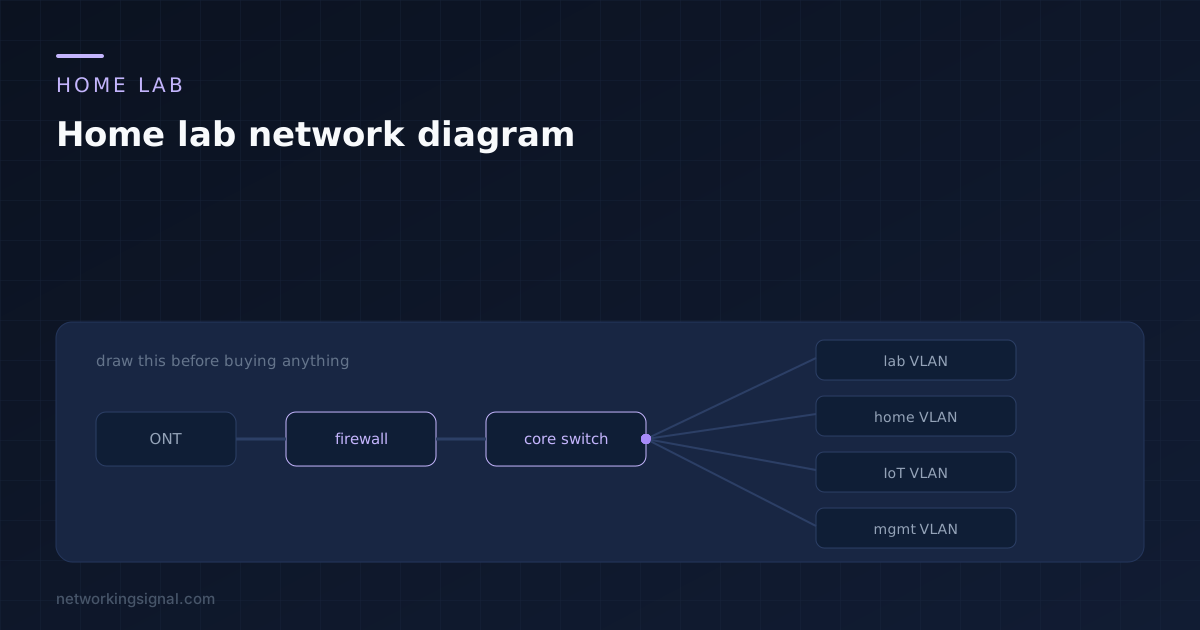
Drawing the lab first decides your port count, PoE budget and cable runs while they still cost nothing…
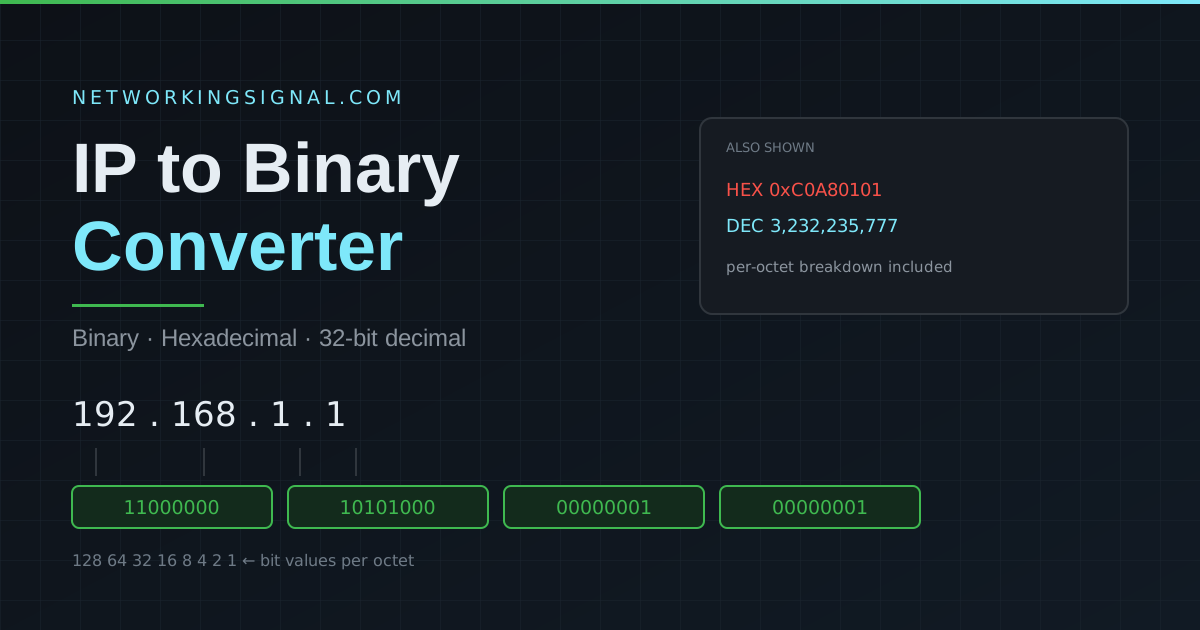
Convert any IPv4 address to binary, hexadecimal and its 32-bit decimal value, with a per-octet breakdown. Built for subnetting practice and CCNA exam prep.
You will not have this tool in the exam room, so learn the manual method. Each octet is 8 bits, and each bit position has a fixed value:
| Bit position | 1 | 2 | 3 | 4 | 5 | 6 | 7 | 8 |
|---|---|---|---|---|---|---|---|---|
| Value | 128 | 64 | 32 | 16 | 8 | 4 | 2 | 1 |
Work left to right. If the number is greater than or equal to the position value, write a 1 and subtract; otherwise write a 0 and move on.
Converting 168:
Result: 10101000. Repeat for each octet and 192.168.1.1 becomes 11000000.10101000.00000001.00000001.
| Decimal | Binary | Hex | Common Use |
|---|---|---|---|
| 0 | 00000000 | 00 | Host portion, all bits off |
| 128 | 10000000 | 80 | 1 subnet bit (/25 in the last octet) |
| 192 | 11000000 | C0 | 2 subnet bits (/26) |
| 224 | 11100000 | E0 | 3 subnet bits (/27) |
| 240 | 11110000 | F0 | 4 subnet bits (/28) |
| 248 | 11111000 | F8 | 5 subnet bits (/29) |
| 252 | 11111100 | FC | 6 subnet bits (/30) |
| 254 | 11111110 | FE | 7 subnet bits (/31) |
| 255 | 11111111 | FF | Full octet, all bits on |
These nine values are the only ones that can legally appear in a subnet mask. If you see any other number in a mask, the mask is invalid, the 1 bits must be contiguous from the left.
Routers do not “look up” a network address, they calculate it with a bitwise AND between the IP address and the subnet mask. A bit in the result is 1 only when both input bits are 1.
Take 192.168.1.130 with a /26 mask (255.255.255.192). Only the last octet is interesting:
| Last octet (decimal) | Last octet (binary) | |
|---|---|---|
| IP address | 130 | 10000010 |
| Subnet mask | 192 | 11000000 |
| AND result | 128 | 10000000 |
So the network address is 192.168.1.128/26. Once you can do this in binary, subnetting stops being memorisation and becomes arithmetic. Check your answer with our subnet calculator.
Hex is base 16, so each hex digit represents exactly 4 bits and a full octet is exactly two hex digits. That one-to-one mapping is why MAC addresses, IPv6 addresses and packet captures are all written in hex, it is far more compact than binary and lines up neatly on byte boundaries.
For example 192 = 11000000 = C0, because 1100 is 12 (C) and 0000 is 0.
192 = 11000000, 168 = 10101000, 1 = 00000001, 1 = 00000001. So 192.168.1.1 in binary is 11000000.10101000.00000001.00000001.
11111111.11111111.11111111.00000000, the subnet mask for a /24 network. The 24 leading 1 bits are exactly where the /24 comes from.
Every forwarding decision a router makes is a binary AND between a destination address and a mask. Subnet masks, wildcard masks, route summarisation and access control lists all operate on bits. See NAT and subnet masks for where this shows up in practice.
It is the entire address treated as one 32-bit number rather than four separate octets. 192.168.1.1 becomes 3,232,235,777. Databases, firewall rules and route tables often store addresses this way because comparing two integers is far faster than comparing four octets.
No. Each octet is 8 bits, so the maximum value is 11111111 in binary, which is 255. An address like 192.300.1.1 is invalid and this converter rejects it rather than silently wrapping the value.
Add up the position values wherever there is a 1. For 10101000: 128 + 32 + 8 = 168. That is the entire method.
Practise further with our subnet calculator and VLAN calculator, or read how to convert IP addresses decimal to binary step by step, what an IPv4 address is, and how to find your subnet mask. See all our free networking tools.
Hand-picked articles you might also find useful.
 Networking Fundamentals
 Drawing the lab first decides your port count, PoE budget and cable runs while they still cost nothing…
 Networking Fundamentals
 TCP vs UDP — complete comparison of Transmission Control Protocol vs User Datagram Protocol. When to use each,…
 Networking Fundamentals
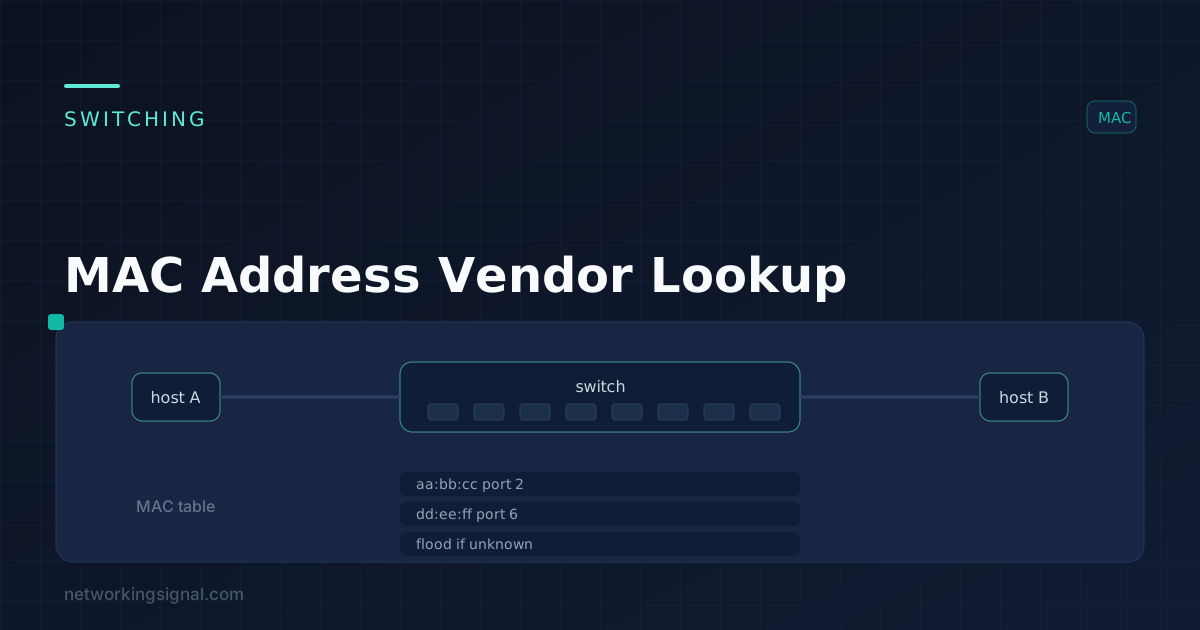
 When it comes to managing a network, knowing which devices are connected to it is crucial. Without this…