
T-Mobile Home Internet: Can You Use Your Own Router?
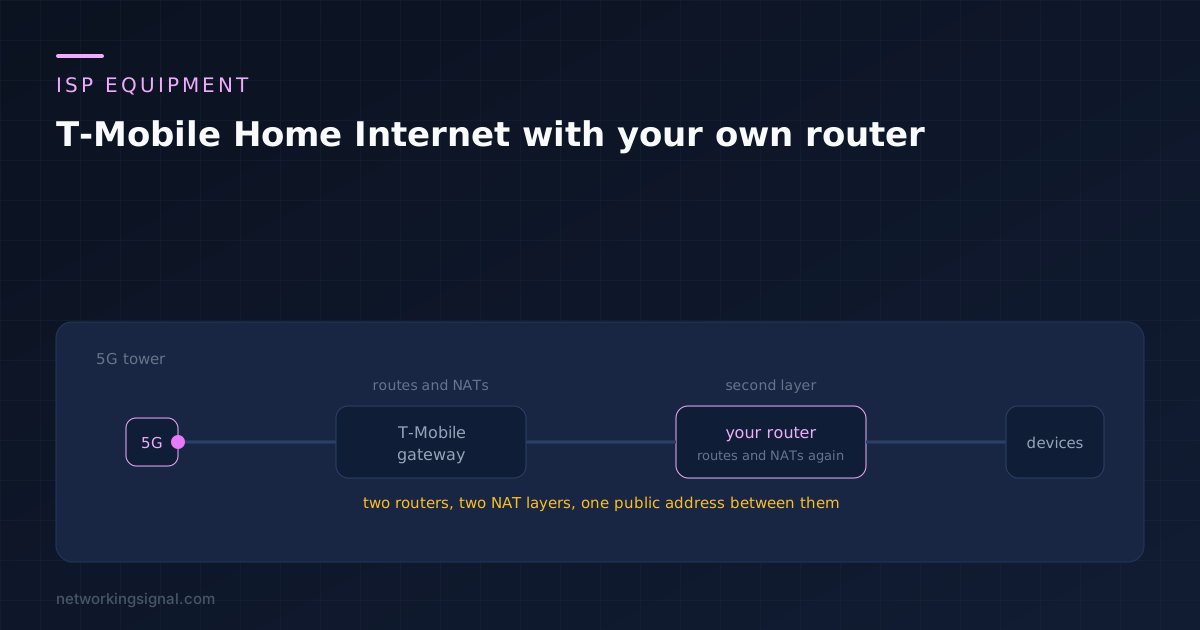
Yes, in three ways. Access point mode, letting your router route, or adding mesh. Here is how each…
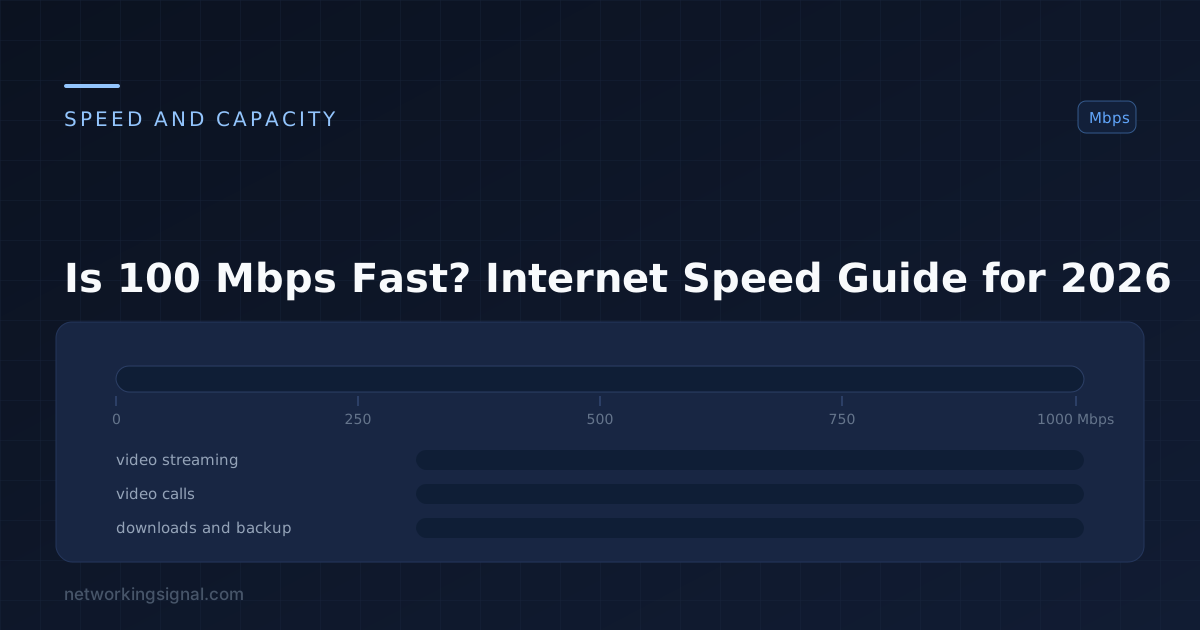
Short answer: 100 Mbps is fast enough for most households. It comfortably supports 4K streaming on three or four TVs at once, smooth gaming, video calls and working from home. It only starts to feel slow in large households where five or more people are doing heavy things simultaneously.
Yes. In 2024 the FCC raised its definition of broadband to 100 Mbps download and 20 Mbps upload, which puts 100 Mbps exactly at the threshold of what regulators consider a fast connection.
For a household of one to four people doing normal things, streaming, gaming, browsing, video calls, 100 Mbps is completely sufficient. Problems appear only in large households, or when several people are simultaneously doing bandwidth-heavy work.
| Activity | Bandwidth needed | How many at 100 Mbps |
|---|---|---|
| Netflix 4K HDR | 25 Mbps | 4 simultaneous streams |
| Netflix 1080p | 5 Mbps | 20 simultaneous streams |
| YouTube 4K | 20 Mbps | 5 simultaneous streams |
| Zoom HD video call | 3.5 Mbps | 15+ simultaneous calls |
| Online gaming | 3 to 10 Mbps | 10+ players |
| Spotify | 0.16 Mbps | 600+ streams |
| Smart home devices | 0.1 to 1 Mbps each | 100+ devices |
| Download a 50 GB game | — | about 67 minutes |
This is the comparison most people actually want. Every figure below assumes the connection is otherwise idle.
| Speed | 4K streams | 1 GB download | 50 GB game | Suits |
|---|---|---|---|---|
| 25 Mbps | 1 | 5.3 min | 4.4 hours | One person, light use |
| 75 Mbps | 3 | 1.8 min | 89 min | Couples, small flats |
| 100 Mbps | 4 | 80 sec | 67 min | Most families of 2 to 4 |
| 300 Mbps | 12 | 27 sec | 22 min | Busy families, 5+ people |
| 400 Mbps | 16 | 20 sec | 17 min | Heavy households |
| 500 Mbps | 20 | 16 sec | 13 min | Power users, home offices |
| 1 Gbps | 40 | 8 sec | 7 min | Creators, large file work |
75 Mbps is adequate rather than fast. It sits just under the current FCC broadband threshold. It handles three simultaneous 4K streams, or one 4K stream plus gaming and several video calls, without trouble. For one or two people it is genuinely fine.
Where it struggles is a household of four or more all active in the evening. If you are choosing between 75 and 100 Mbps and the price difference is small, take the 100.
Yes, 300 Mbps is comfortably fast and is the sweet spot for most busy households. It supports around twelve simultaneous 4K streams, downloads a 50 GB game in roughly 22 minutes, and leaves plenty of headroom for gaming and video calls at the same time.
For a family of five or six where several people stream, game and work from home simultaneously, 300 Mbps removes the contention you would feel at 100 Mbps. Beyond this point, most households stop noticing further increases in day-to-day use.
Yes, and for the overwhelming majority of homes it is more than needed. 400 Mbps handles roughly sixteen 4K streams and pulls a 50 GB game down in about seventeen minutes.
The honest assessment: the jump from 100 to 300 Mbps is noticeable in a busy house. The jump from 300 to 400 rarely is. If a 400 Mbps plan costs meaningfully more than 300, the money is usually better spent on a decent router.
Very. 500 Mbps supports around twenty simultaneous 4K streams and downloads a 50 GB game in about thirteen minutes. It comfortably covers a large household, a home office, or someone who regularly moves large files.
One caveat worth knowing: at 500 Mbps your Wi-Fi and your devices usually become the bottleneck, not the plan. Wi-Fi 5 realistically delivers 200 to 400 Mbps to a good client. If you buy 500 Mbps and test over Wi-Fi, do not be surprised to see less than half of it, that is the wireless hop, not the ISP.
100 Mbps is far more than enough for gaming. Online games use only 3 to 10 Mbps during actual gameplay:
The factor that actually determines your gaming experience is latency (ping), not download speed. Ping depends on your ISP’s routing and your distance to the game server. If your ping is high, moving from 100 Mbps to 500 Mbps will not fix it. What will help is a wired Ethernet connection instead of Wi-Fi, and a router that does not add its own latency under load.
Most cable and DSL plans are asymmetric. A 100 Mbps plan often comes with only 10 to 20 Mbps upload, and a 500 Mbps plan might give you 35 Mbps up. Downloads and streaming only use the download side, so people rarely notice, until they join a video call while a cloud backup is running.
If your meetings freeze while downloads work perfectly, upload saturation is almost always the cause. Fibre plans are usually symmetric, which is a genuine advantage over a headline download number.
Most people who feel their internet is slow do not have an internet problem, they have a Wi-Fi problem. Before paying more every month:
Run our free WiFi speed test and analyser to see what you are actually getting, and use the bandwidth calculator to work out what your household genuinely needs.
Yes. A family of four with typical usage is comfortable on 100 Mbps, you can run four simultaneous 4K streams and still have bandwidth for browsing and gaming. It only becomes tight if all four are downloading large files or streaming 4K while gaming at the same time.
Yes. Netflix 4K needs 25 Mbps per stream, so 100 Mbps supports four simultaneous 4K streams. A single 4K stream uses only a quarter of your capacity.
Usually one of five things: weak Wi-Fi signal, an old router that cannot handle the speed, several devices competing at once, ISP congestion at peak hours, or background updates. Test with a wired connection to the router first, that isolates whether the problem is the internet or the Wi-Fi.
Only if you regularly notice buffering or slowdowns when the household is busy. If 100 Mbps runs fine most of the time, the upgrade will not change your daily experience. In a house of five or more heavy users, the jump to 300 Mbps is genuinely noticeable.
Very little for normal use. All three handle every household activity comfortably. The differences show up only in large file transfers, a 50 GB game takes 22, 17 and 13 minutes respectively. Pick whichever is cheapest in that band.
Yes, for one or two people. Video calls need around 3.5 Mbps each, so 75 Mbps leaves ample room. The constraint is usually upload speed rather than download, particularly if you share large files.
No. Ping is determined by the physical distance and routing between you and the game server, not by your plan’s bandwidth. A wired connection and a router that handles load well will do more for your ping than any speed upgrade.
Read is 1 Gbps fast for the gigabit tier, size a connection precisely with our bandwidth calculator, test what you are getting with the WiFi speed test, or find out why your internet speed fluctuates. Gaming on Wi-Fi? See our best gaming routers guide.
Hand-picked articles you might also find useful.
 Internet & ISP
 Yes, in three ways. Access point mode, letting your router route, or adding mesh. Here is how each…
 Internet & ISP
 Do you know anyone struggling to afford high-speed internet access? If so, they may be eligible for Comcast's…
 Internet & ISP
 The best Xfinity-approved modems in 2026. The Motorola MB8611 at $130 suits most plans; if you want Xfinity's…