
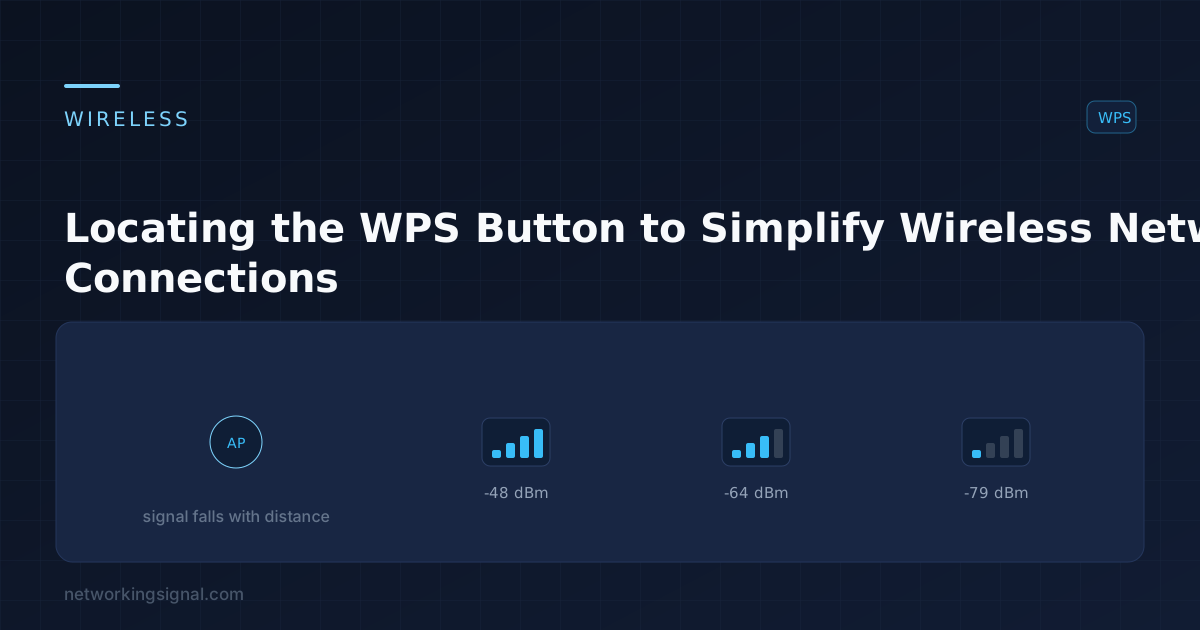
Locating the WPS Button to Simplify Wireless Network Connections
Many modern routers have a WPS (WiFi Protected Setup) button that allows you to connect devices to your…
These open in a new tab so you can come back with your numbers. Fast.com is the quickest read on raw download speed; Cloudflare also reports jitter and packet loss, which matter more for calls and gaming.
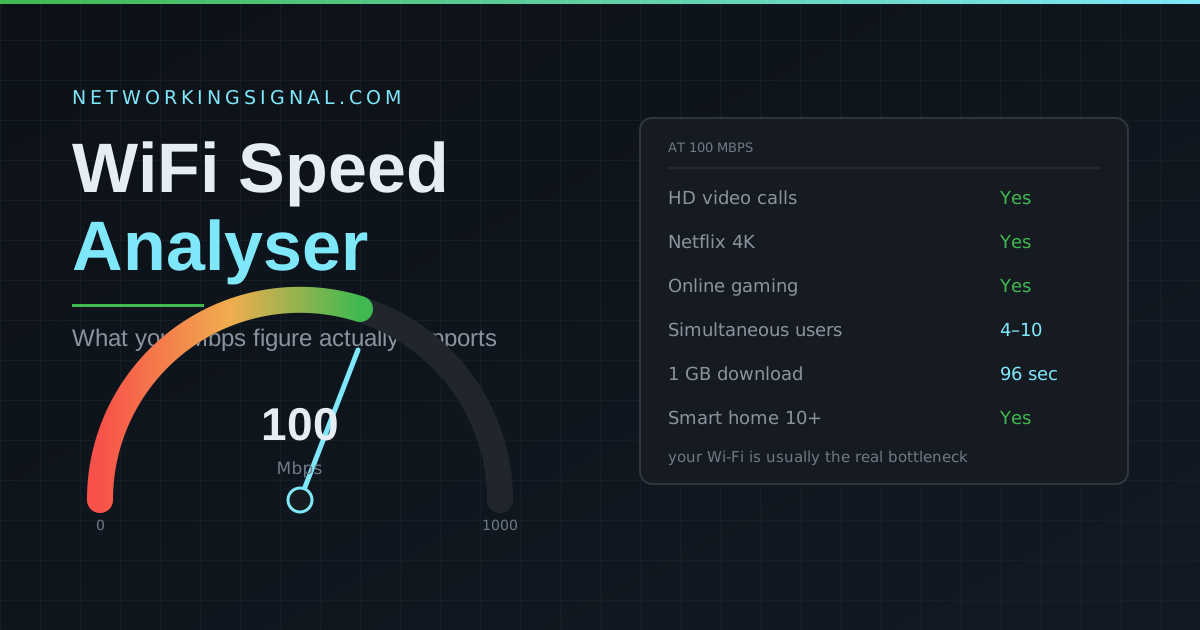
Enter the download figure you just measured and find out what it supports, 4K streaming, video calls, gaming, and how many people it comfortably carries.
| Activity | Minimum | Recommended | Optimal |
|---|---|---|---|
| Email and web browsing | 1 Mbps | 5 Mbps | 10 Mbps |
| Social media | 3 Mbps | 10 Mbps | 25 Mbps |
| Video calls (HD) | 3.5 Mbps | 8 Mbps | 15 Mbps |
| Netflix HD streaming | 5 Mbps | 10 Mbps | 25 Mbps |
| Netflix 4K streaming | 15 Mbps | 25 Mbps | 50 Mbps |
| Online gaming | 3 Mbps | 10 Mbps | 25 Mbps |
| Remote work (cloud apps) | 10 Mbps | 25 Mbps | 50 Mbps |
| Smart home (10+ devices) | 25 Mbps | 50 Mbps | 100 Mbps |
This is the single most misunderstood thing about speed tests. A test run on a laptop over Wi-Fi measures the slowest link in the whole chain, and that link is almost never your internet plan. It is usually the Wi-Fi hop between your device and the router.
If you pay for 500 Mbps and your laptop reports 90 Mbps in the bedroom, your ISP is probably delivering exactly what you bought. The 410 Mbps disappeared somewhere between the router and your device.
Most consumer plans are asymmetric: 500 Mbps down and 20 Mbps up is common. Downloads and streaming only use the download side, so people rarely notice. But video calls, cloud backup, uploading footage and remote desktop all lean on upload. If your meetings freeze while downloads work perfectly, upload saturation is almost always the cause.
Fast.com, Speedtest.net and Cloudflare all block being embedded inside another site’s page for security reasons, so an embedded test would simply show a blank box. Opening them in a new tab gives you an accurate result instead of a broken one.
For most households, 100 to 300 Mbps is comfortable. Below 25 Mbps you will feel it whenever more than one person is online. Above 500 Mbps the plan stops being the limiting factor for typical use, your Wi-Fi and devices become the bottleneck. See is 100 Mbps fast for a full breakdown.
Server choice, time of day, background traffic, Wi-Fi interference and which device you test from all change the result. Variation of 10 to 20% is normal. Consistent swings far larger than that point to a real problem, see why internet speed fluctuates.
Yes, and it is usually dramatic. A cable removes interference, distance and channel congestion in one step, and gives you lower, far more stable latency. Read does an Ethernet cable slow down WiFi for how the two interact.
Not usually. 2.4 GHz is slower but travels much further, and many smart-home devices only support it. Disabling it can leave those devices unreachable. See does turning off 2.4 GHz make 5 GHz faster.
As a rough planning figure, 25 Mbps per active user covers streaming and video calls comfortably, and 10 Mbps per user is the floor. For a precise number based on the applications you actually run, use our bandwidth calculator.
Size a connection properly with our bandwidth calculator, or read is 100 Mbps fast, what throughput means, and why your internet speed fluctuates. Browse all our free networking tools.
Hand-picked articles you might also find useful.
 Networking Fundamentals
 Many modern routers have a WPS (WiFi Protected Setup) button that allows you to connect devices to your…
 Networking Fundamentals
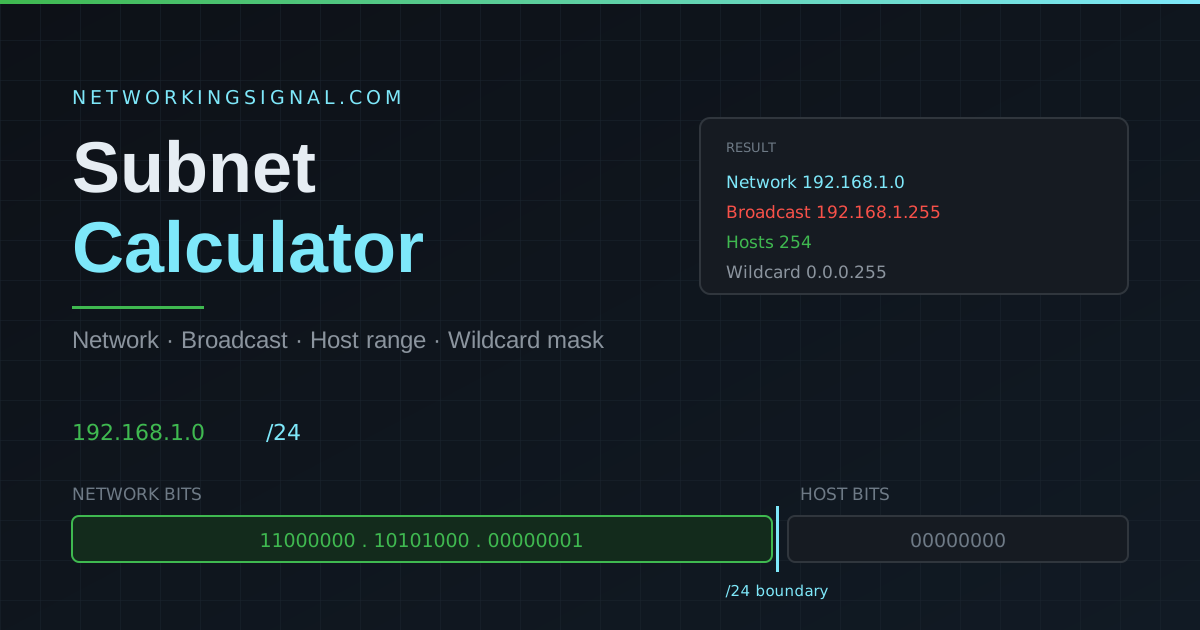
 Free IPv4 subnet calculator. Enter any address and CIDR prefix to get the network and broadcast addresses, usable…
 Networking Fundamentals
 The five network topologies explained — bus, star, ring, mesh and hybrid — with a side-by-side comparison of…