
What is Packet Switching? Detail Guide
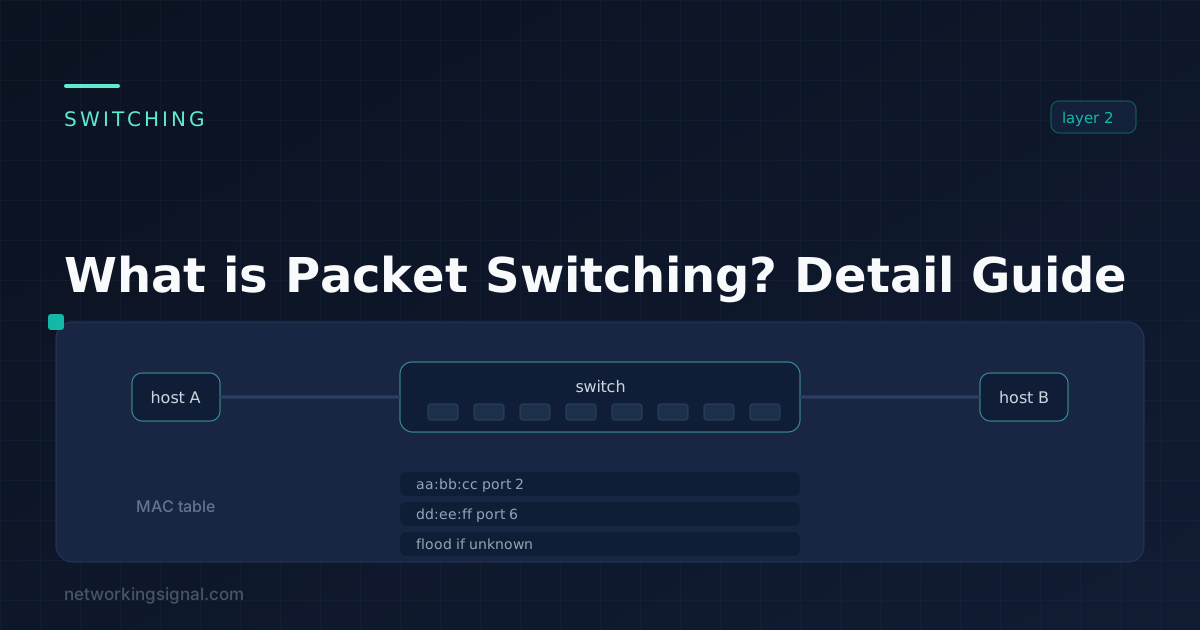
What is Packet Switching? Packet switching is a process in which data is divided into packets and routed…
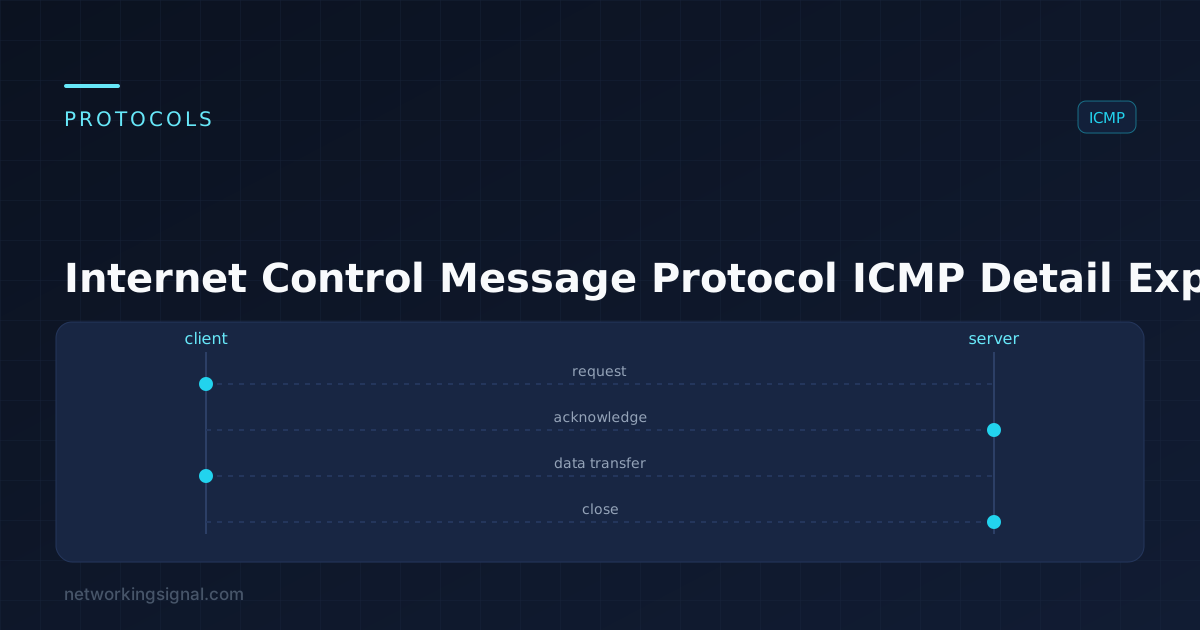
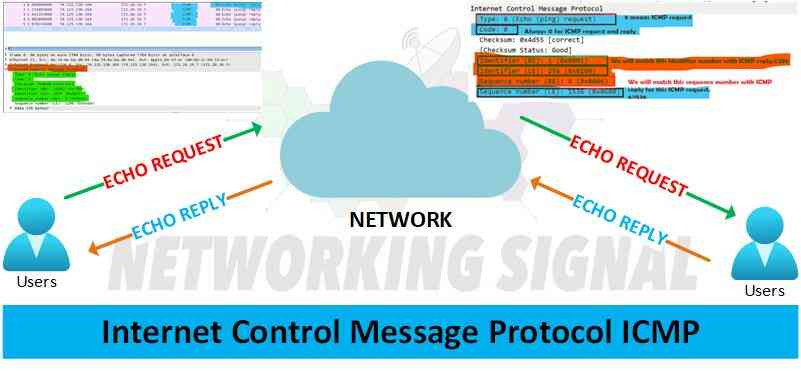
Internet Control Message Protocol (ICMP) is a set of messages used by network devices, such as routers, to communicate with each other. ICMP messages are typically used for diagnostic purposes or to provide feedback about packet delivery and transmission problems on a network.
The most common type of ICMP message is an echo request/reply. An echo request is sent from a source device to a destination, which then responds with an echo reply. This allows the source device to verify connectivity and learn round-trip times. Other ICMP messages include time exceeded (TTL) messages, redirects, and router advertisement/solicitation messages.
An ICMP port is an Internet protocol (IP) port used by the Internet Control Message Protocol (ICMP). Depending on a device’s configuration, specific ports may be open or closed. This allows devices to control which types of messages they receive from other systems.
There are many practical uses for ICMP messages.
Here are some of the main purposes of ICMP messages:
ICMP is a Layer 3 protocol, meaning it operates at the network layer. ICMP messages are encapsulated in IP packets and can be used to provide feedback on packet delivery or transmission problems. Additionally, since ICMP messages don’t require a specific port for communication, they can traverse firewalls more easily than other protocols that use specific ports.
Yes, a traceroute is a tool that uses ICMP echo requests and replies to trace the path from one device to another on a network. It sends out ICMP echo requests with incrementally increasing TTL values until it reaches the destination device or exceeds the maximum TTL value. Each hop along the way responds with an ICMP time-exceeded message, which helps identify the route taken by the packets. Traceroute is a useful tool for identifying and troubleshooting network problems.
If you want to allow ICMP messages through your Windows firewall, you can do so by following the steps below:
1. Open the Control Panel and select System and Security.
2. Choose Windows Firewall and select Advanced Settings.
3. Right-click on Inbound Rules in the left menu pane and select New Rule.
4. Select Custom as the type of rule and click Next.
5. Select All Programs under Which programs does this rule apply to? and click Next.
6. Under Protocols and Ports, select ICMPv4 for the protocol type and Echo Request for the specific ICMP type, then click Next.
7. Select Allow the connection and click Next.
8. Click Finish to complete the rule setup.
By following these steps, you can allow ICMP messages through your Windows firewall. This will enable you to use tools such as ping and traceroute for troubleshooting network issues.
Hand-picked articles you might also find useful.
 Routing & Switching
 What is Packet Switching? Packet switching is a process in which data is divided into packets and routed…
 Routing & Switching
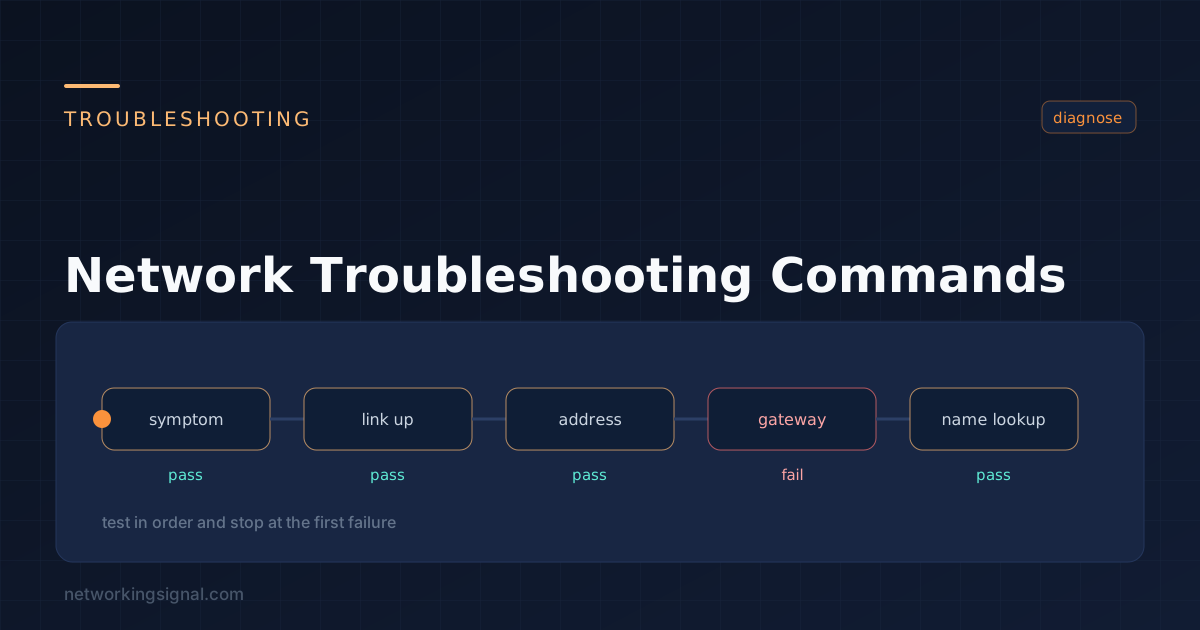
 What is Network Troubleshooting? Network troubleshooting is the process of identifying and resolving problems with computer networks. The…
 Routing & Switching
 What is API? API stands for Application Programming Interface. It is a set of routines, protocols, and tools…