
Starlink vs Fiber: Revolutionizing Internet Connectivity
In today's digital era, internet connectivity plays a crucial role in our daily lives. Whether it's for work,…
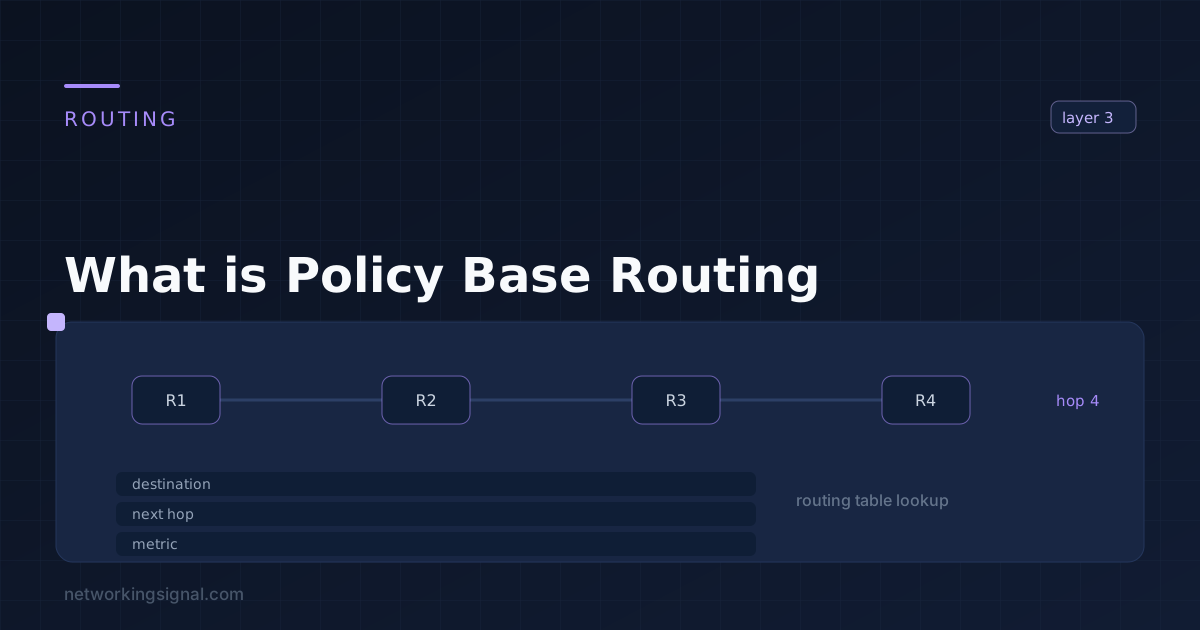
Policy Based Routing (PBR) is a network routing technique used to specify the path that data should take when it leaves one network and enters another. It allows administrators to create rules based on source and destination IP address, type of service (ToS), port numbers, and other protocol information to determine which route traffic should take. This allows for greater control over network traffic and helps ensure that important data is given priority over less important traffic.
Cisco Policy Based Routing (PBR) is a feature of Cisco routers and switches that enables the administrator to configure routing based on specific criteria. PBR can be used to control how traffic is routed when it enters or leaves the network, allowing for greater flexibility in managing the flow of information. This includes controlling which types of traffic are allowed to enter or leave the network and deciding which route they should take.
There are four types of Policy Base Routing:
Static PBR is the most basic form of policy routing. In this type of routing, rules are created to determine which route traffic should take based on the source and destination IP address. These rules are manually configured and are not dynamic.
Dynamic PBR is a more advanced form of routing, where rules can be created to determine which route traffic should take based on the type of service (ToS), port numbers, and other protocol information in addition to source and destination IP address. This type of policy routing can be dynamically changed as needed.
Time-Based PBR allows administrators to specify rules that will only be applied during specific times of the day or week. This type of routing is useful for setting up different policies at different times, such as assigning a higher priority to certain types of traffic during peak hours.
Flow-Based PBR is the most advanced form of policy routing, and it allows for granular control over network traffic. In this type of routing, rules can be created based on the source and destination IP addresses, as well as other parameters such as TCP/UDP port numbers, ToS values, and more. This type of policy routing is best suited for large networks that require a high degree of customization.
Here are some of the advantages of using Policy Base Routing:
Here are a few examples of where Policy Base Routing can be used:
Here are some ways PBR can be used to block malicious traffic:
Here are the steps for configuring Policy Based Routing on a router:
1. Define source and destination IP addresses
2. Specify the ToS value (if applicable)
3. Configure port numbers (if applicable)
4. Choose the route to be taken when traffic matches the criteria
5. Apply the policy to the appropriate interface
6. Verify that the policy is working correctly
7. Save the configuration on the router.
Example:
To configure PBR to prioritize VoIP traffic, you can use the following command:
Track objects can be used with PBR to monitor events and trigger actions. You could use track objects to detect when a link fails, or if there is an increase in latency on a certain route.
When the specified conditions are met, you can configure PBR to automatically redirect traffic onto another path. This ensures that your network remains available and functioning optimally, even in the event of an outage.
Example:
To track the performance of a link and trigger an action when it drops below a certain threshold, you can use the following command:
Hand-picked articles you might also find useful.
 Routing & Switching
 In today's digital era, internet connectivity plays a crucial role in our daily lives. Whether it's for work,…
 Routing & Switching
 What is Network Time Protocol? Network Time Protocol (NTP) is a networking protocol that is used to synchronize…
 Routing & Switching
 Are you interested in better understanding how the internet works? Have you ever wondered who provides the services…