
Netmiko Tutorial: Back Up Every Switch Config With Python
A working Netmiko script that backs up the running config from every device in your inventory, with the…
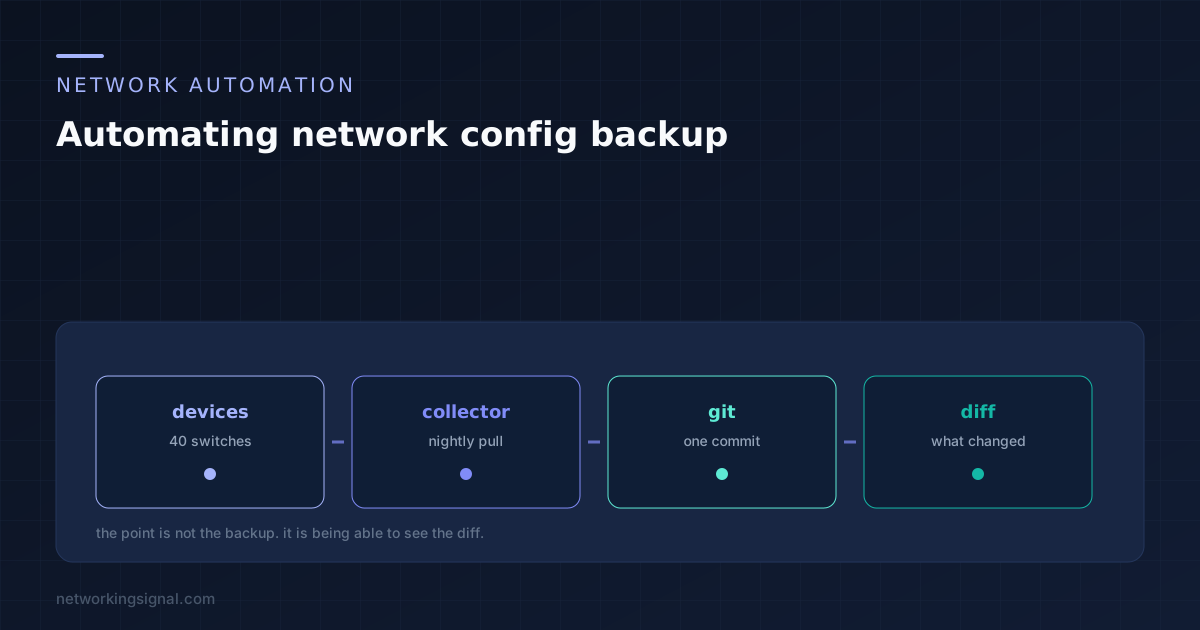
Network config backup automation is usually justified by disaster recovery, and that is the least interesting reason to do it. The real value is the diff: knowing exactly what changed on which device last night, and who changed it.
A backup that only produces a restore point gets set up once and forgotten. One that emails you a two line diff every morning becomes the thing you check with your coffee.
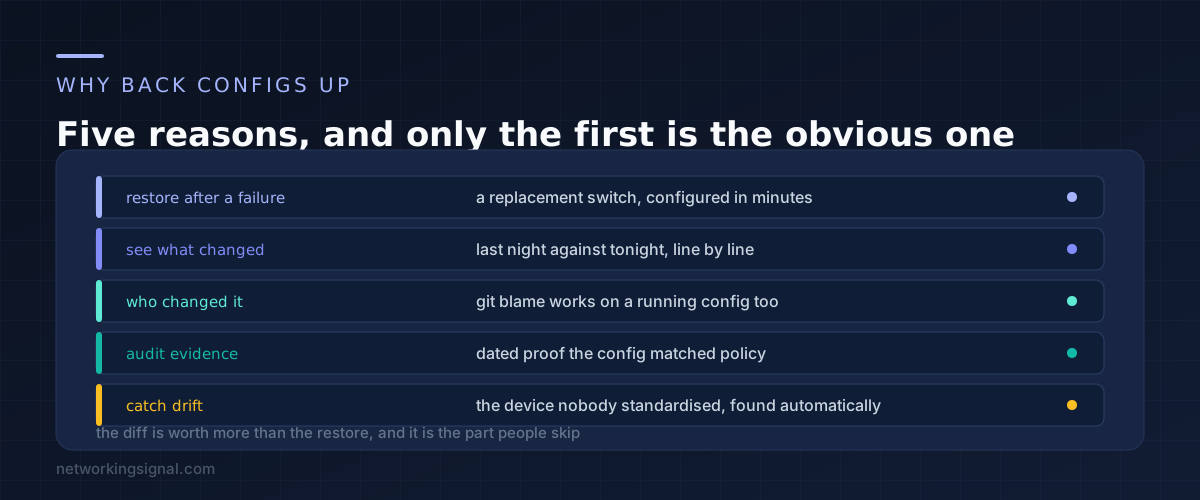
Restoring a dead device. A switch fails, you unbox a replacement, paste in last night’s config and the site is back. Without a backup you are rebuilding from memory while people wait.
Seeing what changed. This is the one that earns its keep. A user reports that something broke this morning. Check last night’s commit against the one before it and the answer is usually right there.
Knowing who changed it. If each backup is a git commit, then git log and git blame work on a running configuration exactly as they do on source code. That turns “nobody touched it” into a question with an answer.
Audit evidence. Dated, immutable proof that a device was configured a particular way on a particular date. Auditors ask for this and a folder of files with today’s timestamp does not satisfy them.
Catching drift. Compare every device against a template and the one somebody configured differently three years ago shows up on its own, rather than on the day it causes an outage.
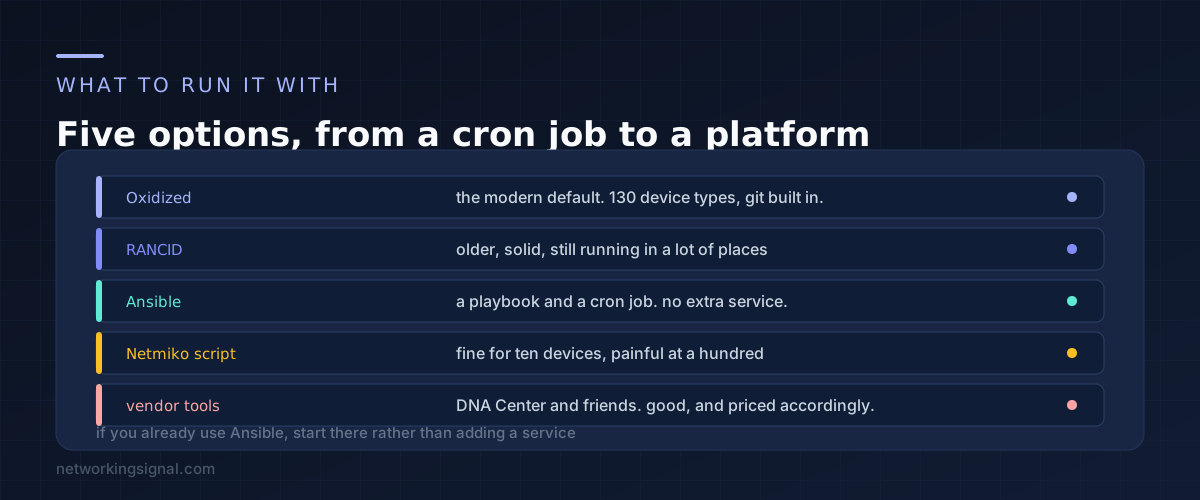
Oxidized is the usual recommendation, and it earns it. It supports around 130 device types, commits to git automatically, offers a web interface and a REST API, and takes about twenty minutes to get running in Docker. If you are starting from nothing, start here.
---
username: backup
password: your-password
model: ios
interval: 86400
output:
  default: git
  git:
    user: oxidized
    email: [email protected]
    repo: "/var/lib/oxidized/configs.git"
source:
  default: csv
  csv:
    file: "/var/lib/oxidized/router.db"
    delimiter: !ruby/regexp /:/
    map:
      name: 0
      model: 1
RANCID is the older tool that Oxidized was written to replace. It works, it is extremely stable, and plenty of networks still run it. It uses CVS or Subversion by default and the configuration is less pleasant. Do not migrate away from a working RANCID install, but do not start a new one.
Ansible is the right answer if you already use it, because it means no extra service to maintain. A short playbook plus a cron entry does the whole job.
---
- name: Back up running configs
  hosts: switches
  gather_facts: no
  connection: ansible.netcommon.network_cli

  tasks:
    - name: Fetch the running configuration
      cisco.ios.ios_command:
        commands: show running-config
      register: config

    - name: Write it to a file
      ansible.builtin.copy:
        content: "{{ config.stdout[0] }}"
        dest: "./configs/{{ inventory_hostname }}.cfg"
      delegate_to: localhost
Commit the configs directory afterwards and you have the same outcome Oxidized gives you. Our guide to Ansible for network engineers covers the inventory and connection setup this assumes.
A Netmiko script is fine for ten devices and becomes a maintenance problem at a hundred, because you end up rewriting error handling, retries and scheduling that the tools above already have.
Vendor platforms such as Cisco Catalyst Center do this alongside everything else. They are good, and they are priced for organisations that already own them.
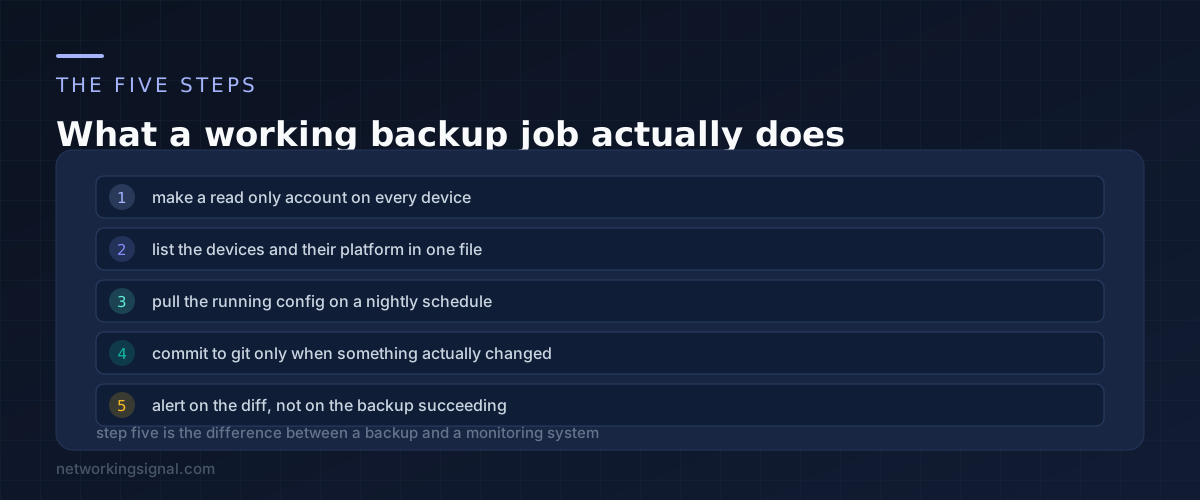
Make a read only account. The backup job needs to read the configuration and nothing else. On IOS that means privilege level 15 with a command authorisation policy, or a TACACS profile that permits only show commands. Never reuse an admin account for this.
List the devices in one place. Hostname, address and platform. Keep it in git alongside everything else, or generate it from your source of truth if you have one. The list going stale is the most common reason a backup job quietly stops covering new devices.
Pull nightly. Once a day is right for most networks. Hourly is worth it only where changes are frequent, and it makes the git history harder to read.
Commit only on change. If nothing changed, do not create a commit. This is what makes the history readable: every commit represents a real change rather than the passage of time.
Alert on the diff. Send the diff, not a success message. Oxidized has hooks for this and Ansible can do it with a mail task. A message that arrives only when something changed gets read. A nightly “backup completed” gets filtered to a folder nobody opens.
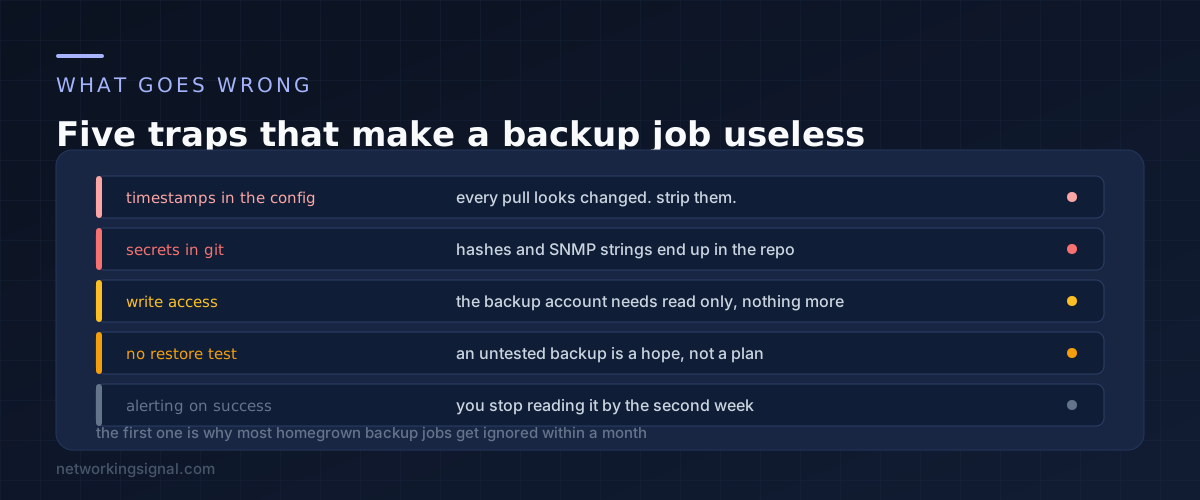
Timestamps in the configuration. Many devices include the current time in the output of a show command. Left alone, every single pull looks like a change, every night produces a diff, and within two weeks nobody reads the alerts.
Fix it by filtering those lines before saving. Oxidized has per model remove rules for exactly this, and in Ansible you filter the text before writing the file.
- name: Strip the volatile header lines
  ansible.builtin.set_fact:
    clean_config: "{{ config.stdout[0] | reject('search', '^! Last configuration change') | list | join('n') }}"
Secrets in the repository. A running config contains password hashes, SNMP community strings and pre-shared keys. Once committed they are in the history permanently, even if you delete them later. Keep the repository private, restrict who can clone it, and consider filtering the most sensitive lines out before committing.
Giving the account write access. A backup job that can write configuration is a backup job that can destroy your network if something goes wrong or if the credentials leak. Read only, always.
Never testing a restore. Take a backup, load it onto a lab device, confirm it produces a working configuration. Some devices need the config reformatted before it will paste back cleanly, and finding that out during an outage is the worst possible time.
Alerting on success. Covered above and worth repeating because it is the most common design mistake. Alert on change and on failure. Never on routine success.
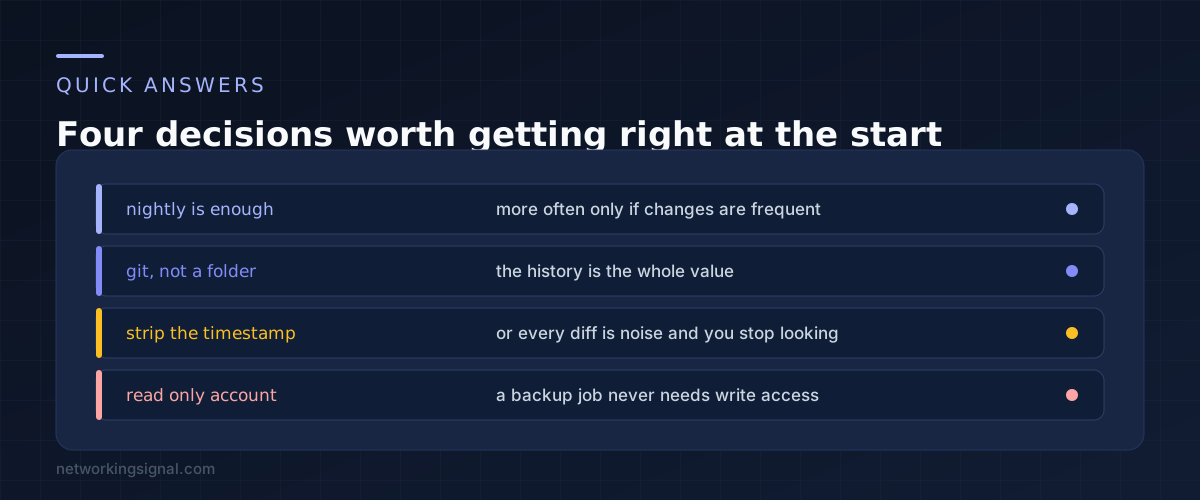
Nightly for most networks. That gives you a one day worst case and keeps the git history readable. Hourly makes sense only if changes happen through the day and you need to narrow down when something broke.
The running config, because it is what the device is actually doing. Backing up the startup config misses every change that was made but not saved, which is exactly the class of change you most want to know about.
Because the history is the value. Git gives you diffs between any two points, blame on individual lines, and storage that grows with the changes rather than with the number of backups. A folder of a thousand near identical files gives you none of that.
Yes, which is the main reason to use a tool rather than a script. Oxidized handles Cisco, Juniper, Arista, HP, Mikrotik, Fortinet and many more from one configuration file. Ansible does the same through the vendor collections.
Some older gear and most consumer equipment only offers a web interface. Options are the vendor API if one exists, scraping the web interface, or accepting that those devices get a documented manual export instead. Do not leave them silently uncovered.
No. Telnet sends the password and the entire configuration in clear text, including every hash and community string in it. If a device only supports Telnet, either enable SSH on it or plan to replace it, because the backup job would be handing your credentials to anyone on the path.
If you are building this alongside other automation, start with the inventory structure in our Ansible network automation guide, because the same device list feeds both.
Can you explain this topic to someone else in 30 seconds? If not, re-read the key takeaways above.
The core concepts in the takeaways box above. Bookmark this page and come back when you need a refresher.
Hand-picked articles you might also find useful.
 Network Automation
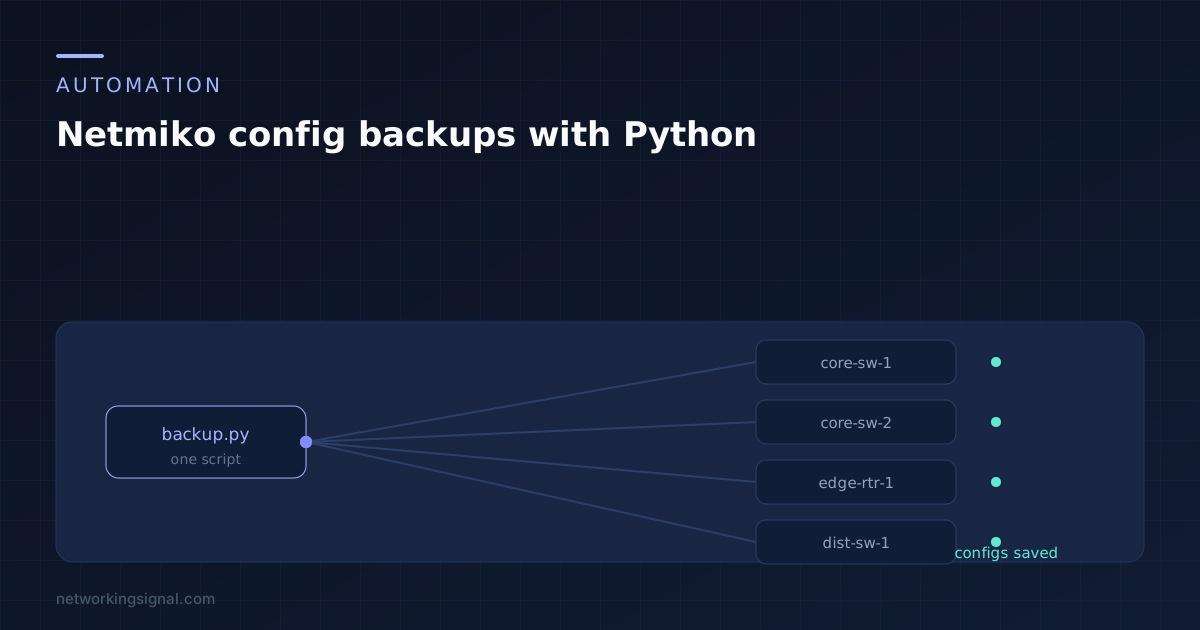
 A working Netmiko script that backs up the running config from every device in your inventory, with the…
 Network Automation
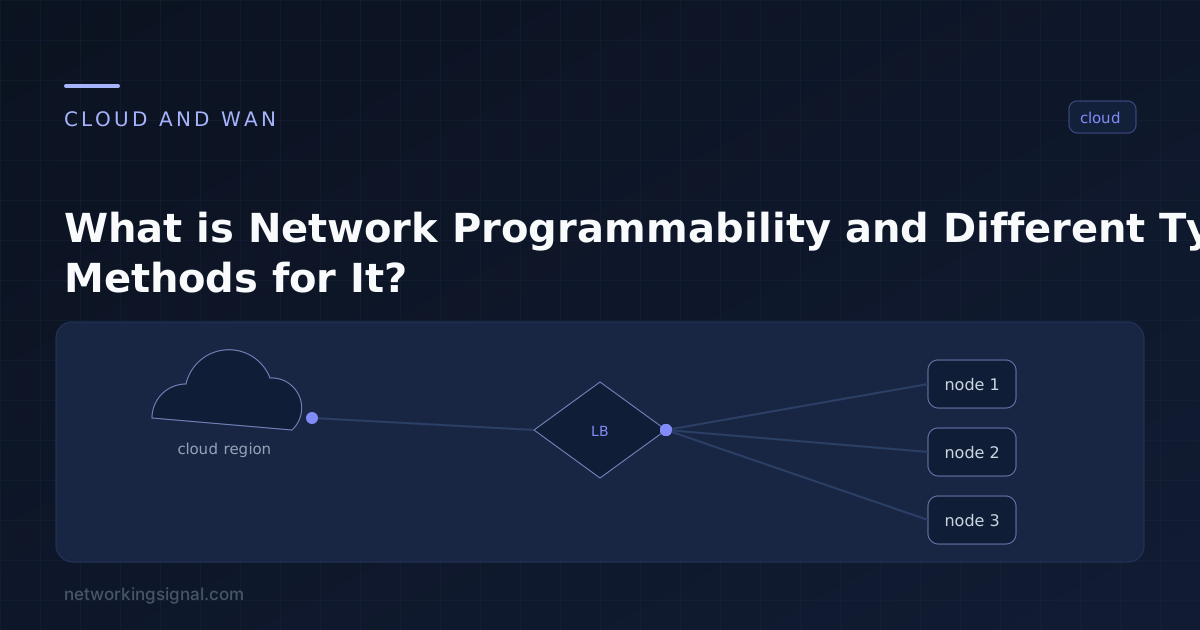
 What is Network Programmability? Network programmability is the ability to control, configure and manage networks using the software.…
 Network Automation
 What is Data Serialization in Networking? Data serialization is the process of converting structured data into a format…