
Networking Fundamentals — Complete Guide for Beginners to Advanced
Networking fundamentals cover the core concepts every network engineer must know — how data travels from one device…
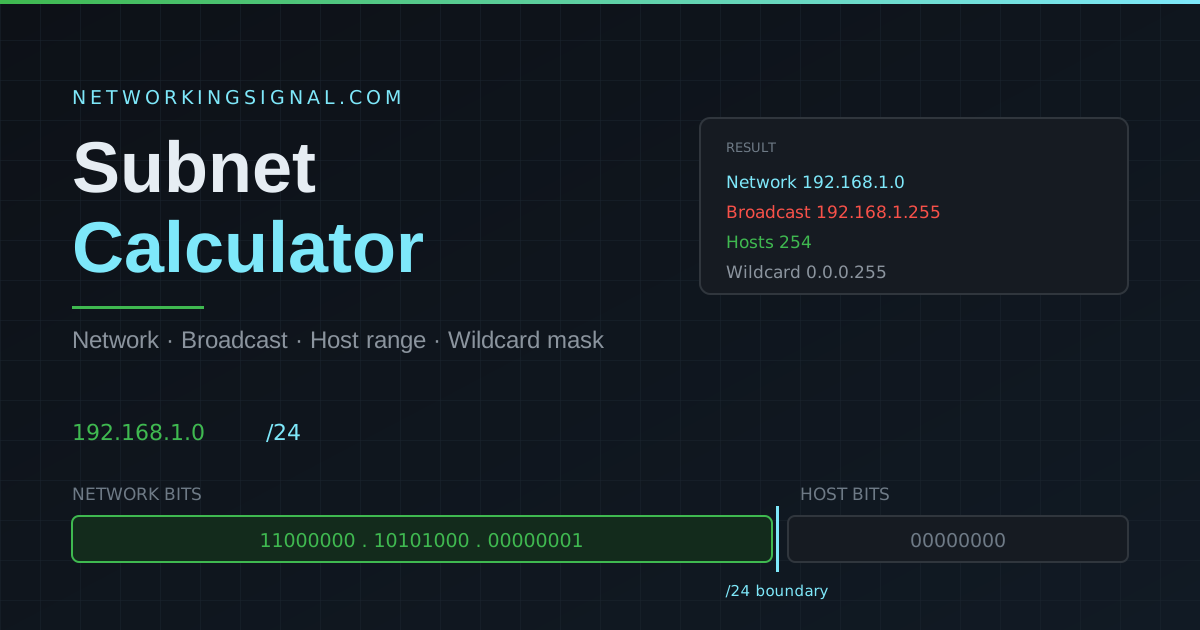
Enter an address and prefix length to get the network and broadcast addresses, usable host range, wildcard mask, binary mask and address type. Results update as you type.
Enter your IP address in the first field (for example 192.168.1.0), set the CIDR prefix length using the number box or the slider (for example /24), then press Calculate. Results update instantly, and pressing Enter in the IP field works too.
The calculator validates the address strictly, an octet above 255 is rejected rather than silently wrapped, so you always know when your input is wrong.
Quick reference for the most commonly used CIDR prefixes in networking:
| CIDR | Subnet Mask | Usable Hosts | Common Use |
|---|---|---|---|
| /8 | 255.0.0.0 | 16,777,214 | Large ISP, Class A networks |
| /16 | 255.255.0.0 | 65,534 | Large enterprise networks |
| /24 | 255.255.255.0 | 254 | Most common, home & office LAN |
| /25 | 255.255.255.128 | 126 | Medium-sized LAN segment |
| /26 | 255.255.255.192 | 62 | Small office segment |
| /27 | 255.255.255.224 | 30 | Small department/VLAN |
| /28 | 255.255.255.240 | 14 | Small branch office |
| /29 | 255.255.255.248 | 6 | Point-to-point WAN link |
| /30 | 255.255.255.252 | 2 | Router-to-router link |
| /31 | 255.255.255.254 | 2 | Point-to-point (RFC 3021) |
| /32 | 255.255.255.255 | 1 | Host route / loopback |
Suppose you have 192.168.10.0/24 and need separate segments for five departments of about 25 devices each. A /27 gives 30 usable hosts, which fits.
A /27 block is 32 addresses, so each subnet starts 32 addresses after the previous one:
| Subnet | Network | First host | Last host | Broadcast |
|---|---|---|---|---|
| 1 | 192.168.10.0/27 | 192.168.10.1 | 192.168.10.30 | 192.168.10.31 |
| 2 | 192.168.10.32/27 | 192.168.10.33 | 192.168.10.62 | 192.168.10.63 |
| 3 | 192.168.10.64/27 | 192.168.10.65 | 192.168.10.94 | 192.168.10.95 |
| 4 | 192.168.10.96/27 | 192.168.10.97 | 192.168.10.126 | 192.168.10.127 |
| 5 | 192.168.10.128/27 | 192.168.10.129 | 192.168.10.158 | 192.168.10.159 |
The /24 had 256 addresses, so it splits into eight /27 blocks. Using five leaves three spare for future growth. Plan the whole layout with our VLAN calculator if each department also needs its own VLAN.
Subnetting is the process of dividing a large IP network into smaller, more manageable sub-networks. It improves network performance by shrinking broadcast domains, enhances security by isolating segments, and makes IP address management far more efficient. It is a core skill tested in the CCNA, Network+, and other networking certifications.
CIDR (Classless Inter-Domain Routing) notation represents an IP address together with its network prefix length. In 192.168.1.0/24, the first 24 bits are the network portion, leaving 8 bits for hosts, which gives 254 usable addresses. The higher the CIDR number, the smaller the subnet.
A /24 subnet has a subnet mask of 255.255.255.0 and provides 254 usable host addresses. It is the most common subnet size in home and small office networks. If you are working in IPv6 instead, host counting stops mattering entirely, and our IPv6 subnet calculator explains why.
254 usable hosts, 256 total addresses minus the network address and the broadcast address.
A subnet mask uses 1s for the network portion and 0s for the host portion. A wildcard mask is the exact inverse, 0s for the network portion and 1s for the host portion. Wildcard masks appear in Cisco router ACLs and OSPF area definitions.
No. A /32 is a host route representing a single IP address with no room to subdivide. It is used for loopback interfaces and specific host routes in routing tables.
Normally a subnet loses its first and last address to the network and broadcast addresses, which would leave a /31 with nothing. RFC 3021 makes an exception for point-to-point links, where both addresses in a /31 are usable. That is why this calculator reports 2 hosts and no broadcast address for a /31.
Subtract the original prefix from the new prefix and raise 2 to that power. Splitting a /24 into /27s is 27 minus 24 = 3, so 2³ = 8 subnets. Splitting a /16 into /24s is 24 minus 16 = 8, so 256 subnets.
Private ranges, 10.0.0.0/8, 172.16.0.0/12 and 192.168.0.0/16 (RFC 1918), are reserved for internal networks and are not routed on the public internet. This calculator labels them for you in the Address Type box. Everything else is public and globally routable.
Plan a full multi-VLAN network with our VLAN calculator, convert addresses bit by bit with the IP to binary converter, or read the fundamentals in What is an IPv4 address and VLAN vs Subnet. See all our free networking tools.
Hand-picked articles you might also find useful.
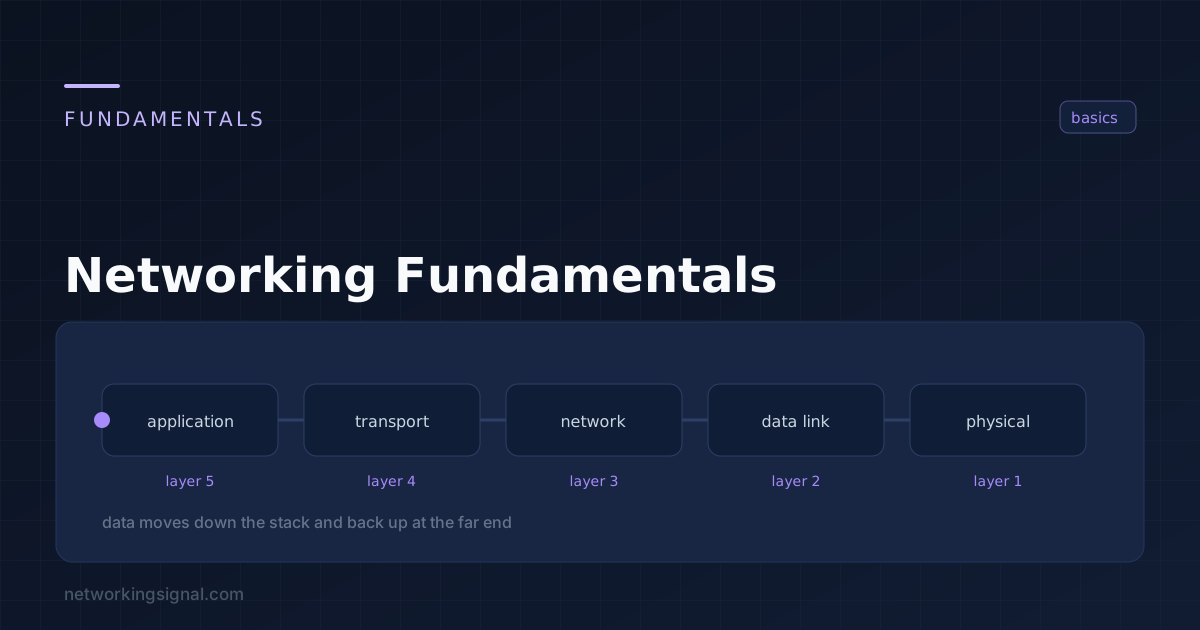 Networking Fundamentals
 Networking fundamentals cover the core concepts every network engineer must know — how data travels from one device…
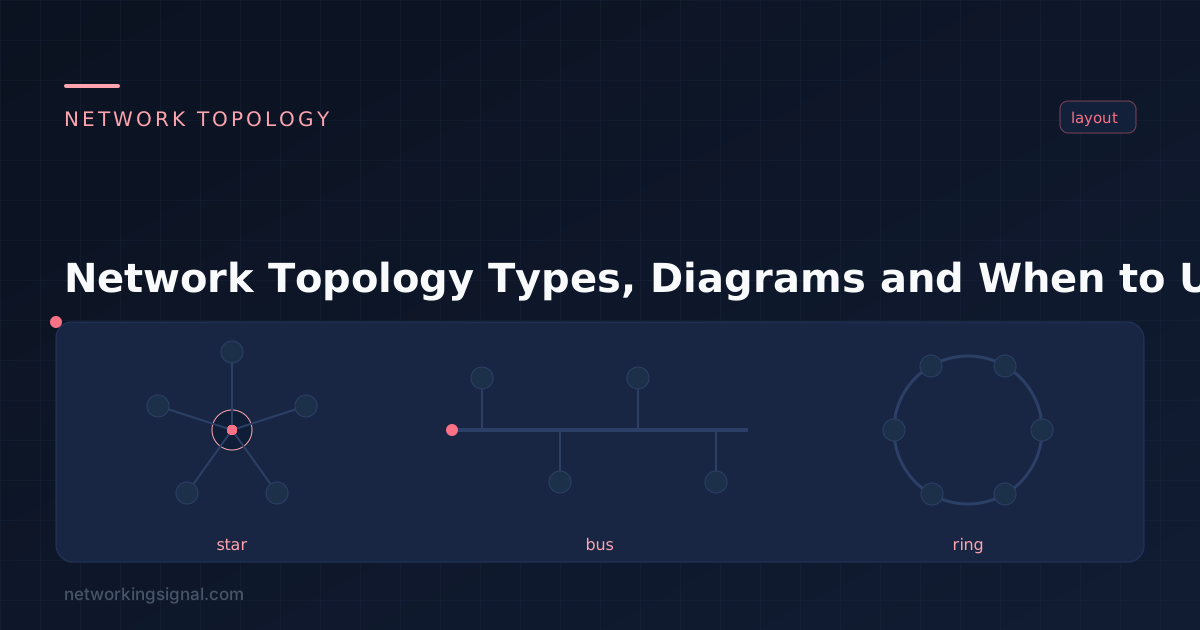 Networking Fundamentals
 The five network topologies explained — bus, star, ring, mesh and hybrid — with a side-by-side comparison of…
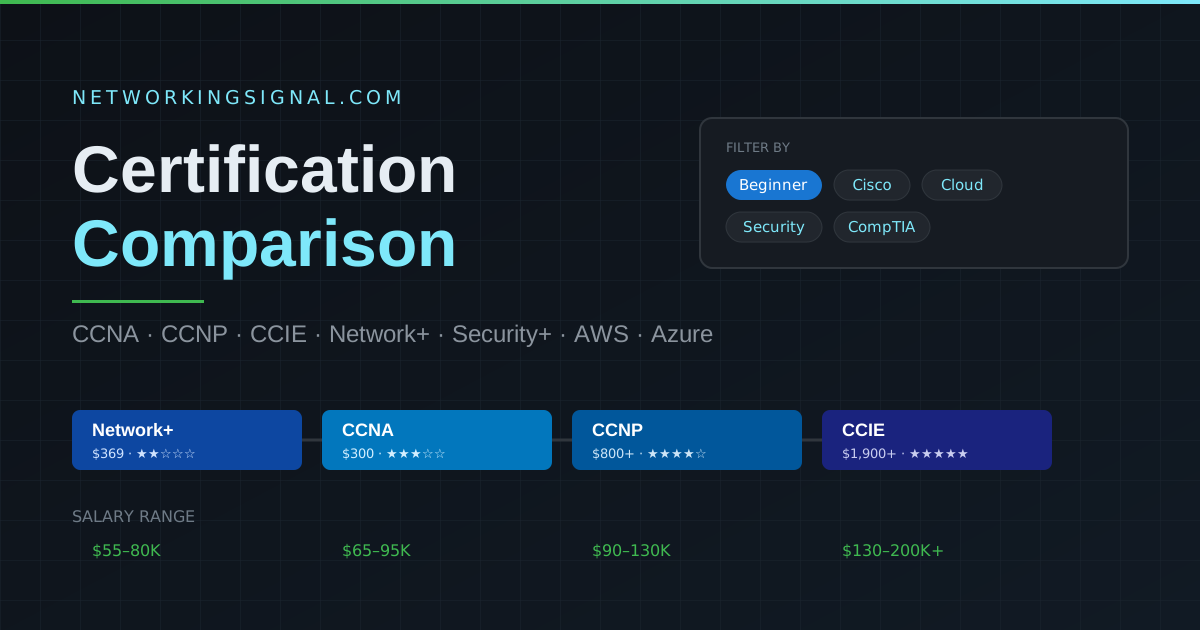 Networking Fundamentals
 Compare CCNA, CCNP, CCIE, Network+, Security+, AWS and Azure side by side on cost, exam code, difficulty, validity…