
VLSM Explained — Variable Length Subnet Masking with Examples
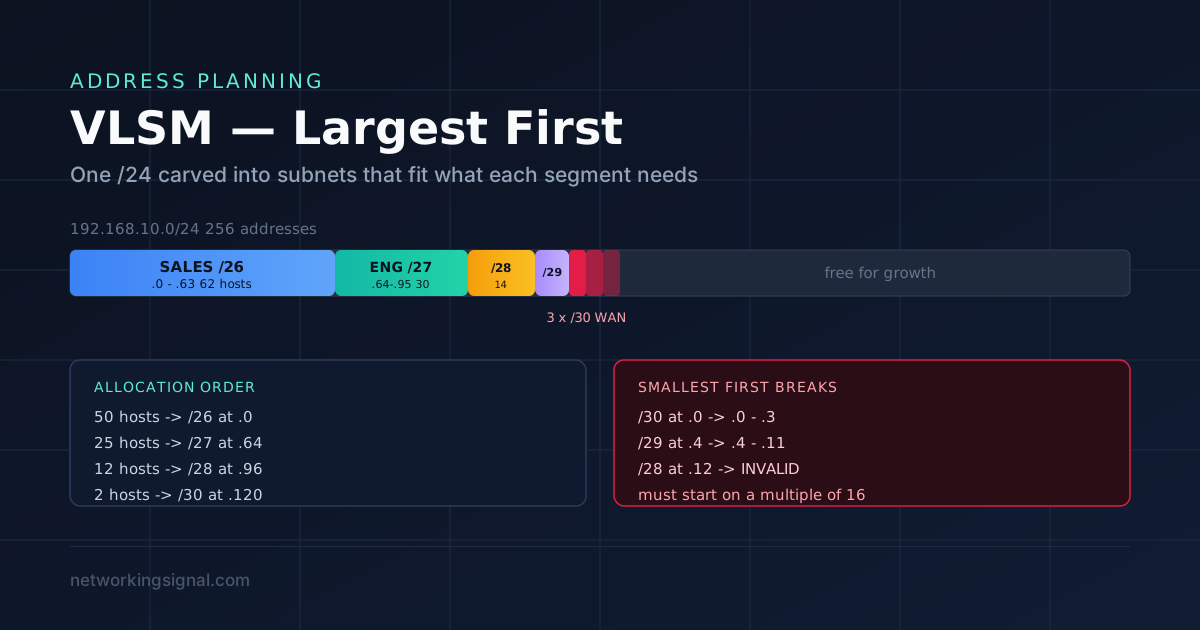
VLSM lets you use different subnet mask lengths inside one network so each segment gets only the addresses…
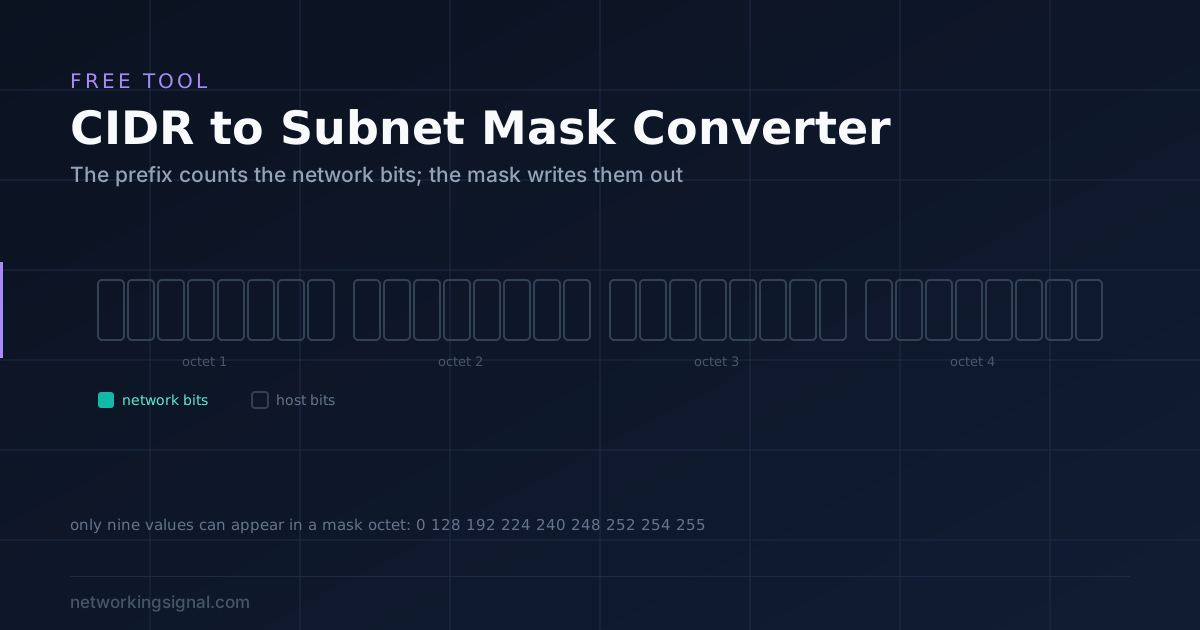
Type a prefix or a mask. The other side updates instantly, along with the wildcard mask, address counts and binary. Works in both directions.
A subnet mask and a CIDR prefix say exactly the same thing in two different ways.
An IPv4 address is 32 bits. Some of those bits identify the network and the rest identify the host within it. The only question a mask answers is where the boundary sits.
CIDR notation writes that as a single number: the count of network bits. /24 means the first 24 bits are network, leaving 8 for hosts.
A subnet mask writes the same thing as a 32 bit number where every network bit is a 1 and every host bit is a 0, then splits it into four octets. Twenty four ones followed by eight zeros is 11111111.11111111.11111111.00000000, which in decimal is 255.255.255.0.
That is the whole relationship. CIDR counts the ones; the mask draws them out.
An octet of eight 1 bits is 11111111, which is 255 in decimal. So a mask octet is 255 when all eight of its bits are network bits, and 0 when none of them are.
The interesting octet is the partial one. A /26 has 26 network bits: three full octets uses 24, leaving 2 bits in the fourth. Two ones followed by six zeros is 11000000, which is 192. Hence 255.255.255.192.
Only nine values can ever appear in a mask octet, because the ones must be contiguous:
| Bits | Binary | Decimal |
|---|---|---|
| 0 | 00000000 | 0 |
| 1 | 10000000 | 128 |
| 2 | 11000000 | 192 |
| 3 | 11100000 | 224 |
| 4 | 11110000 | 240 |
| 5 | 11111000 | 248 |
| 6 | 11111100 | 252 |
| 7 | 11111110 | 254 |
| 8 | 11111111 | 255 |
If you see any other number in a mask, such as 255.255.255.100, it is not a valid mask. The tool above rejects those, because 100 in binary is 01100100 and the ones are not contiguous.
| CIDR | Subnet mask | Wildcard | Total | Usable hosts |
|---|---|---|---|---|
| /8 | 255.0.0.0 | 0.255.255.255 | 16,777,216 | 16,777,214 |
| /16 | 255.255.0.0 | 0.0.255.255 | 65,536 | 65,534 |
| /20 | 255.255.240.0 | 0.0.15.255 | 4,096 | 4,094 |
| /22 | 255.255.252.0 | 0.0.3.255 | 1,024 | 1,022 |
| /23 | 255.255.254.0 | 0.0.1.255 | 512 | 510 |
| /24 | 255.255.255.0 | 0.0.0.255 | 256 | 254 |
| /25 | 255.255.255.128 | 0.0.0.127 | 128 | 126 |
| /26 | 255.255.255.192 | 0.0.0.63 | 64 | 62 |
| /27 | 255.255.255.224 | 0.0.0.31 | 32 | 30 |
| /28 | 255.255.255.240 | 0.0.0.15 | 16 | 14 |
| /29 | 255.255.255.248 | 0.0.0.7 | 8 | 6 |
| /30 | 255.255.255.252 | 0.0.0.3 | 4 | 2 |
| /31 | 255.255.255.254 | 0.0.0.1 | 2 | 2 (RFC 3021) |
| /32 | 255.255.255.255 | 0.0.0.0 | 1 | 1 (host route) |
You do not need the whole table in your head. Three prefixes cover most day to day work.
/24 gives 254 hosts. The default size of a home or small office network, and the one everything else is measured against.
/30 gives 2 hosts. The classic point to point link between two routers, where you only ever need one address at each end.
/26 gives 62 hosts. The usual answer when a /24 is wasteful but a /27 is too tight, and the one that shows up most often in subnetting exercises.
From those, the rest is arithmetic: every step up in prefix halves the size, every step down doubles it.
A subnet of 256 addresses gives 254 usable hosts because two addresses are reserved.
The network address, all host bits set to 0, names the subnet itself. The broadcast address, all host bits set to 1, reaches every host on it at once. Neither can be assigned to a device.
There are two exceptions worth knowing, and the tool handles both.
/31 gives you two usable addresses, not zero. Under RFC 3021, a /31 on a point to point link drops the network and broadcast concept entirely, because on a link with exactly two ends there is nothing to broadcast to. It halves the address waste of using /30 for router links.
/32 is a single address. It is not really a subnet; it is a host route, used for loopback interfaces, for pinning a route to one specific device, and throughout firewall and access list rules.
A wildcard mask is the bitwise inverse of a subnet mask. Where the mask has 1, the wildcard has 0, and the other way round.
So 255.255.255.0 becomes 0.0.0.255.
It exists because Cisco access control lists and OSPF network statements match on wildcards rather than masks. In a wildcard, 0 means the bit must match and 1 means ignore it, which is the opposite convention to a subnet mask and the source of a great deal of confusion.
A wildcard also does something a subnet mask cannot: because there is no requirement for the bits to be contiguous, you can match patterns such as every odd numbered subnet. That flexibility is why the two notations were never merged.
If you are writing access lists, the subnet calculator gives you the network and broadcast boundaries to build them around, and our guide to VLANs covers where these fit in a segmented network.
255.255.255.0. The /24 means the first 24 bits are network bits, so the first three octets are all 1s, which is 255 each, and the final octet is all 0s. It gives 256 total addresses and 254 usable hosts.
Count the 1 bits. Write each octet in binary and add up the leading ones: 255 contributes 8, 128 contributes 1, 192 contributes 2, 224 contributes 3, and so on. 255.255.255.192 is 8 plus 8 plus 8 plus 2, which is /26.
Two addresses are reserved in every ordinary subnet. The first, with all host bits set to 0, is the network address that names the subnet. The last, with all host bits set to 1, is the broadcast address. Neither can be assigned to a device.
No. A mask must be an unbroken run of 1 bits followed by 0 bits. 100 in binary is 01100100, where the ones are not contiguous, so it cannot represent a network boundary. Only 0, 128, 192, 224, 240, 248, 252, 254 and 255 can appear in a mask octet.
They are bitwise inverses, and the conventions are opposite. In a subnet mask, 1 marks a network bit. In a wildcard mask, 0 means the bit must match and 1 means ignore it. Cisco access lists and OSPF network statements use wildcards.
Yes, on point to point links. RFC 3021 allows both addresses in a /31 to be assigned, because a link with exactly two ends has no need for a broadcast address. It is commonly used for router to router links and halves the waste of using a /30.
If you are learning this rather than looking a value up, our step by step subnetting guide works through the method, the subnetting cheat sheet is the printable version of the table above, and there are 30 practice questions with answers to test yourself on.
More free tools: subnet calculator, VLAN calculator and IP to binary converter.
Hand-picked articles you might also find useful.
 IPv4
IPv4 VLSM lets you use different subnet mask lengths inside one network so each segment gets only the addresses…
 DHCP
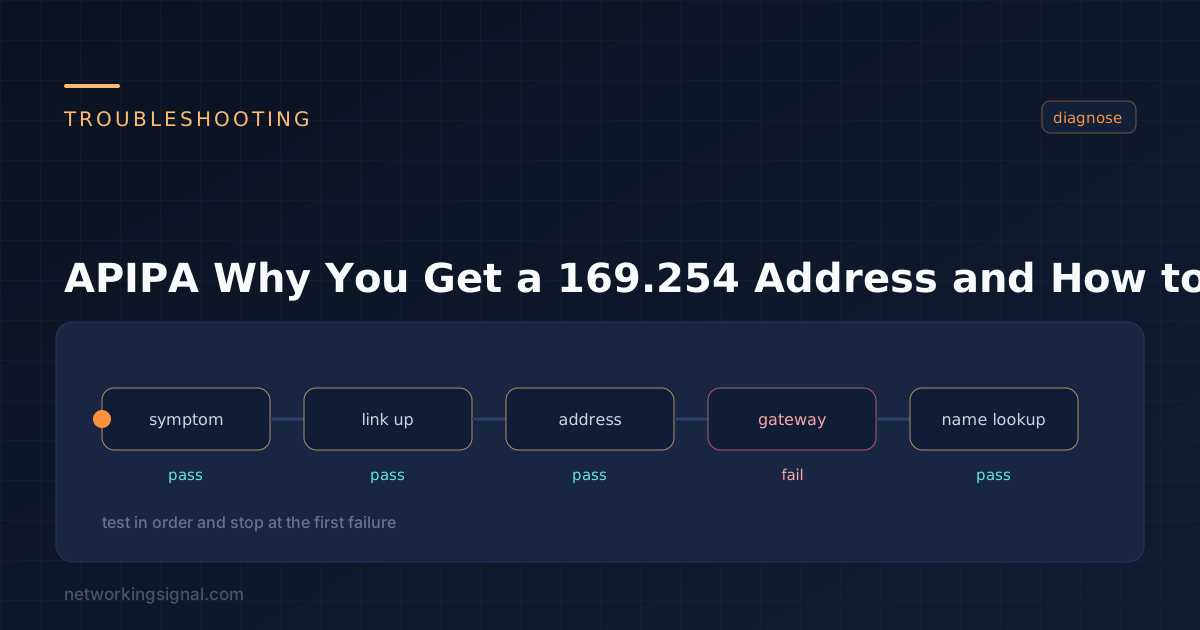
DHCP A 169.254.x.x address means DHCP failed and Windows self-assigned an APIPA address. Here is how APIPA works, what…
 IPv4
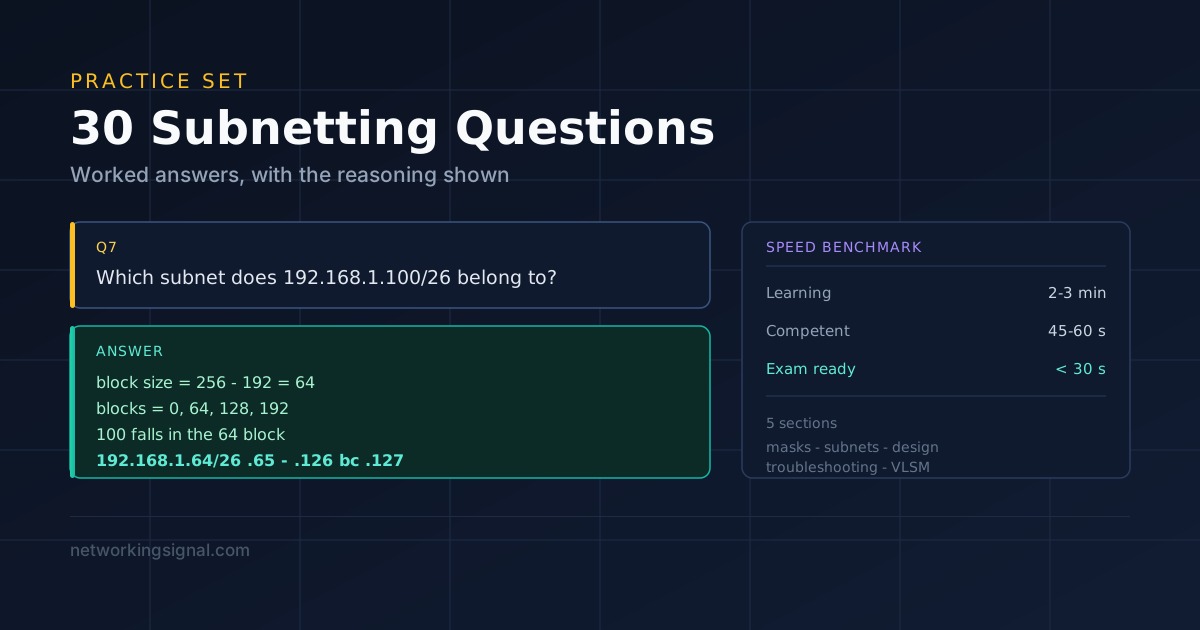
IPv4 Thirty subnetting problems from basic host counts to full VLSM designs, each with the worked answer and the…