
VLAN Calculator: Plan Subnets & Cisco Config
Free VLAN calculator to plan subnets, gateways and host ranges, then generate a Cisco IOS configuration for a…
NAT (Network Address Translation) rewrites the IP addresses in a packet header as it crosses a router, so hosts using private addresses can communicate with the public internet. Your home router does this for every device you own, which is why fifty devices behind it all appear to the internet as a single address.
NAT exists because IPv4 has only about 4.3 billion addresses and the internet needed more. It was designed as a stopgap in the mid-1990s and became permanent infrastructure.
192.168.1.50 opens a connection to 142.250.185.78:443 using source port 51000.192.168.1.50 is private and cannot be routed on the internet.203.0.113.10, and records the mapping in its translation table.203.0.113.10:51000.192.168.1.50:51000, and forwards it to the laptop.The translation table is the whole mechanism. Without an existing entry, the router has no idea which internal host an inbound packet belongs to, which is why unsolicited inbound connections do not work through NAT without explicit configuration.
| Term | Meaning | Example |
|---|---|---|
| Inside local | The private address of an internal host, as the internal network sees it | 192.168.1.50 |
| Inside global | The public address that internal host appears as, from outside | 203.0.113.10 |
| Outside global | The real public address of the external host | 142.250.185.78 |
| Outside local | How the external host appears to the inside network (usually identical to outside global) | 142.250.185.78 |
The trick to remembering these: inside/outside says which network the host belongs to; local/global says from whose point of view the address is being described.
| Static NAT | Dynamic NAT | PAT (NAT Overload) | |
|---|---|---|---|
| Mapping | One private ↔ one public, permanent | One private ↔ one public, from a pool, temporary | Many private → one public, distinguished by port |
| Public addresses needed | One per host | One per simultaneous session | One, total |
| Inbound connections | Yes, always reachable | Only while a mapping exists | No, without port forwarding |
| Typical use | Servers that must be reachable | Rare today | Everything else, including every home router |
A fixed one-to-one mapping. Used when an internal server needs a consistent public address that outside hosts can initiate connections to.
Router(config)# ip nat inside source static 192.168.1.10 203.0.113.20

Router(config)# interface GigabitEthernet0/0
Router(config-if)# ip nat inside
Router(config)# interface GigabitEthernet0/1
Router(config-if)# ip nat outsideInternal hosts draw a public address from a pool when they need one, and release it afterwards. If the pool empties, further hosts simply cannot get out. This is mostly historical, it consumes public addresses without the compensating benefit of static NAT.
Router(config)# ip nat pool PUBLIC-POOL 203.0.113.20 203.0.113.30 netmask 255.255.255.0
Router(config)# access-list 1 permit 192.168.1.0 0.0.0.255
Router(config)# ip nat inside source list 1 pool PUBLIC-POOLAlso called NAT overload, and the one you actually use. Many internal hosts share one public address, distinguished by source port number. In theory this allows around 64,000 concurrent sessions per public address.
Router(config)# access-list 1 permit 192.168.1.0 0.0.0.255
Router(config)# ip nat inside source list 1 interface GigabitEthernet0/1 overload
The overload keyword is what turns dynamic NAT into PAT. interface rather than a pool means “use whatever address the WAN interface has”, which is what you want on a DHCP or PPPoE circuit.
Because PAT has no mapping for an unsolicited inbound packet, hosting anything behind NAT requires a manual entry, a static PAT mapping, called port forwarding on consumer routers:
Router(config)# ip nat inside source static tcp 192.168.1.10 80 interface Gi0/1 80
Router(config)# ip nat inside source static tcp 192.168.1.10 443 interface Gi0/1 443
This is what you configure to reach a home game server, a security camera NVR, or a self-hosted service from outside.
Router# show ip nat translations
Router# show ip nat statistics
Router# debug ip nat
Router# clear ip nat translation *
show ip nat translations is the first thing to check when NAT “is not working”, if there is no entry, the traffic never matched your ACL or the interfaces are not marked inside and outside.
NAT solved address exhaustion by breaking the internet’s end-to-end model, and that has consequences:
Not really, this is a persistent misconception worth being precise about.
NAT does have a side effect that resembles security: because there is no translation entry for unsolicited inbound traffic, that traffic is dropped. Internal hosts are effectively unreachable from outside by default.
But that is a consequence of the address shortage workaround, not a security policy. NAT does not inspect traffic, does not filter outbound connections, does not stop malware from calling home, and does not protect against anything that arrives over a connection an internal host opened, which is how essentially all modern compromise happens. A stateful firewall is the security control; NAT just happens to sit next to one in the same box.
IPv6 has enough addresses that NAT is unnecessary, every device can hold a globally routable address. NAT66 exists but is discouraged. What IPv6 does need is a stateful firewall, precisely because the accidental inbound-blocking side effect of NAT is gone. NAT64 and DNS64 are used during transition so IPv6-only clients can reach IPv4-only servers.
PAT is a form of NAT. NAT translates addresses; PAT translates addresses and ports so many hosts can share a single public address. When people say “NAT” about a home router, they almost always mean PAT.
Negligibly on modern hardware, translation is done in the forwarding path. What can hurt is the translation table filling up under heavy peer-to-peer or scanning load, at which point new connections fail.
Theoretically about 64,000 concurrent sessions per public address, but each device holds many sessions at once, so the practical figure is a few hundred to a few thousand devices depending on usage.
Because inbound packets have no translation entry to match. Configure port forwarding (static PAT) for the specific port, or use a service that establishes an outbound tunnel instead.
CGNAT is NAT run by the ISP, so your router receives a private address rather than a public one and is itself behind another layer of translation. It saves the ISP public addresses but breaks port forwarding entirely, you cannot open a port on an address you do not control.
Consoles report NAT Type 1 (open, no NAT), Type 2 (moderate, NAT with working UPnP or port forwarding) and Type 3 (strict, restrictive NAT). Type 3 causes matchmaking and voice chat problems, and is usually fixed by enabling UPnP or forwarding the game’s ports.
Hand-picked articles you might also find useful.
 Networking Fundamentals
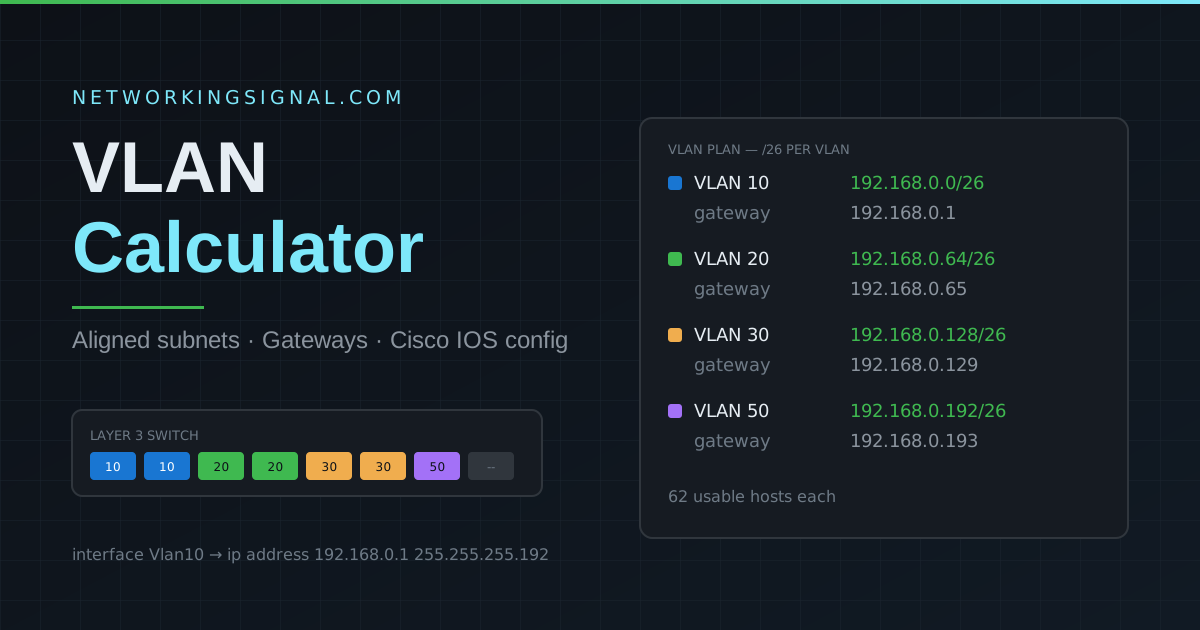
 Free VLAN calculator to plan subnets, gateways and host ranges, then generate a Cisco IOS configuration for a…
 Networking Fundamentals
 Ring topology links each device to two neighbours in a closed loop. Here is how token passing worked,…
 IPv4
IPv4 What is Internet Protocol ? Internet Protocol, or IP, is the main communications protocol used on the Internet.…