
Link Layer Discovery Protocol LLDP
Link Layer Discovery Protocol is a vendor-independent protocol that was developed by the Institute of Electrical and Electronics…
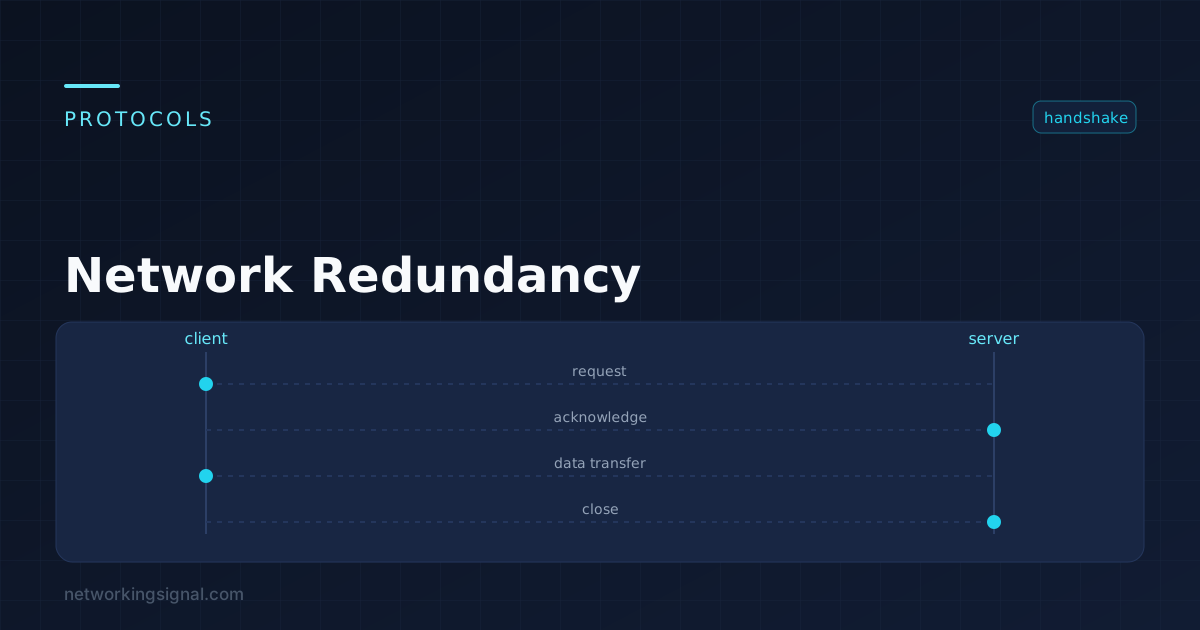
Network redundancy means having a second path, device or component ready to take over when the primary fails. The goal is not to prevent failure, everything fails eventually, but to ensure that no single failure interrupts service.
The discipline is identifying single points of failure. Two switches sound redundant until you notice they share one power circuit, or that both uplinks run through the same conduit that a contractor is about to cut.
| Layer | What fails | Mechanism |
|---|---|---|
| Power | PSU, circuit, utility feed | Dual PSUs on separate circuits, UPS, generator |
| Physical | Cable, transceiver, port | Diverse paths, separate conduits, dual-homed cabling |
| Layer 2 | Switch, link | LACP, STP/RSTP, stacking, MLAG/vPC |
| Layer 3 | Gateway router | HSRP, VRRP, GLBP; dynamic routing with multiple paths |
| WAN | Circuit, provider | Dual ISPs, BGP multi-homing, LTE failover, SD-WAN |
| Services | DHCP, DNS, authentication | Multiple servers, anycast, load balancing |
| Site | The whole building | Second data centre, DR site, cloud failover |
Redundancy at one layer does not compensate for a gap at another. Two routers behind one switch means the switch is your single point of failure, no matter how well the routers are configured.
Bonds several physical links into one logical link. If a member fails, traffic redistributes across the survivors with no reconvergence.
Switch(config)# interface range GigabitEthernet0/23 - 24
Switch(config-if-range)# channel-group 1 mode active
Switch(config-if-range)# exit
Switch(config)# interface Port-channel1
Switch(config-if)# switchport mode trunk
An important caveat: a single traffic flow uses one member link, chosen by a hash of the addresses. Bonding two 1 Gbps links gives 2 Gbps of aggregate capacity, not a 2 Gbps single transfer. Load balancing across members improves with many flows and can be poor with few.
Switch(config)# port-channel load-balance src-dst-ipSTP allows physically redundant paths without loops by blocking all but one. RSTP converges in a few seconds; classic STP takes 30–50. If you have redundant switch links, run RSTP or MST, not legacy STP.
Switch(config)# spanning-tree mode rapid-pvst
Switch(config)# spanning-tree vlan 1-100 root primary
Switch(config)# spanning-tree portfast default
Switch(config)# spanning-tree portfast bpduguard default
Set the root bridge explicitly. Left to default, the switch with the lowest MAC address wins, often the oldest access switch in a cupboard, which produces terrible traffic paths and nobody notices until they investigate why the network is slow.
These let two physical switches appear as one, so a downstream device can bond links to both, surviving a whole switch failure with no STP blocking and no wasted capacity. This is the modern preference over relying on STP.
Hosts have one default gateway. If that router dies, they are cut off regardless of how many other routers exist. First-hop redundancy protocols solve this with a shared virtual IP and MAC that hosts point at.
| HSRP | VRRP | GLBP | |
|---|---|---|---|
| Standard | Cisco | Open (RFC 5798) | Cisco |
| Roles | Active / Standby | Master / Backup | AVG / AVF |
| Load sharing | Per-VLAN only | Per-VLAN only | Yes, natively |
| Default priority | 100 | 100 | 100 |
| Preemption | Off by default | On by default | Off by default |
Router1(config)# interface Vlan10
Router1(config-if)# ip address 192.168.10.2 255.255.255.0
Router1(config-if)# standby 10 ip 192.168.10.1
Router1(config-if)# standby 10 priority 110
Router1(config-if)# standby 10 preempt
Router1(config-if)# standby 10 track GigabitEthernet0/0 20
The track line is what makes this actually work. Without it, the active router stays active even after its uplink fails, it is still alive, so it keeps the role, and it black-holes every packet sent to it. Tracking decrements the priority when the tracked interface goes down, triggering failover.
This is the single most common first-hop redundancy misconfiguration: HSRP configured, tracking omitted, and the failover never happens when it is needed.
! Primary via ISP1, backup via ISP2 at AD 200
Router(config)# ip route 0.0.0.0 0.0.0.0 203.0.113.1
Router(config)# ip route 0.0.0.0 0.0.0.0 198.51.100.1 200
A static default route stays in the table as long as the interface is up, even if the ISP has failed further upstream. Pair it with IP SLA tracking so the route withdraws when a reachability test fails:
Router(config)# ip sla 1
Router(config-ip-sla)# icmp-echo 8.8.8.8 source-interface GigabitEthernet0/0
Router(config-ip-sla)# frequency 5
Router(config)# ip sla schedule 1 life forever start-time now
Router(config)# track 1 ip sla 1 reachability
Router(config)# ip route 0.0.0.0 0.0.0.0 203.0.113.1 track 1| Concept | Protects against |
|---|---|
| Redundancy | Component failure, a spare exists |
| High availability | Downtime, failover is automatic and fast |
| Backup | Data loss, corruption and mistakes |
| Disaster recovery | Loss of an entire site |
These are not substitutes. Redundant storage does not protect you from someone deleting the wrong directory, replication copies the deletion faithfully to both copies.
Any component whose failure takes down the service. Finding them means tracing every dependency, including power circuits, cable routes and building entry points, not just devices.
It prevents loops and provides failover, but classic STP takes 30–50 seconds to converge and leaves the redundant link idle. Use RSTP at minimum, and prefer stacking or MLAG so both links carry traffic.
Functionally very similar. HSRP is Cisco-proprietary; VRRP is an open standard and works across vendors. VRRP preempts by default, HSRP does not. In a mixed-vendor network, use VRRP.
Only if the same public IP addresses must remain reachable over either provider, for inbound services. For outbound-only redundancy, a floating static route with IP SLA tracking is simpler and works well.
At least annually, and after any significant change. Untested failover has a habit of revealing a missing route or an expired licence at the worst possible moment.
No. Redundancy protects against hardware failure; backups protect against data loss, corruption and human error. A redundant system replicates a bad change to every copy instantly.
Hand-picked articles you might also find useful.
 Routing & Switching
 Link Layer Discovery Protocol is a vendor-independent protocol that was developed by the Institute of Electrical and Electronics…
 Routing & Switching
 What are Routing & Switching? Routing and switching are two essential concepts in computer networking. Routing refers to…
 Routing & Switching
 What is Local Area Network? A Local Area Network (LAN) is a computer network that interconnects computers within…
One response to “Network Redundancy — Types, Protocols and How to Design for Failure”
Very educative. Continue with the good work.