
What are Hardware Tokens and How Do They Work?
What are Hardware Tokens? Hardware tokens are physical devices used to authenticate a user. They typically come in…
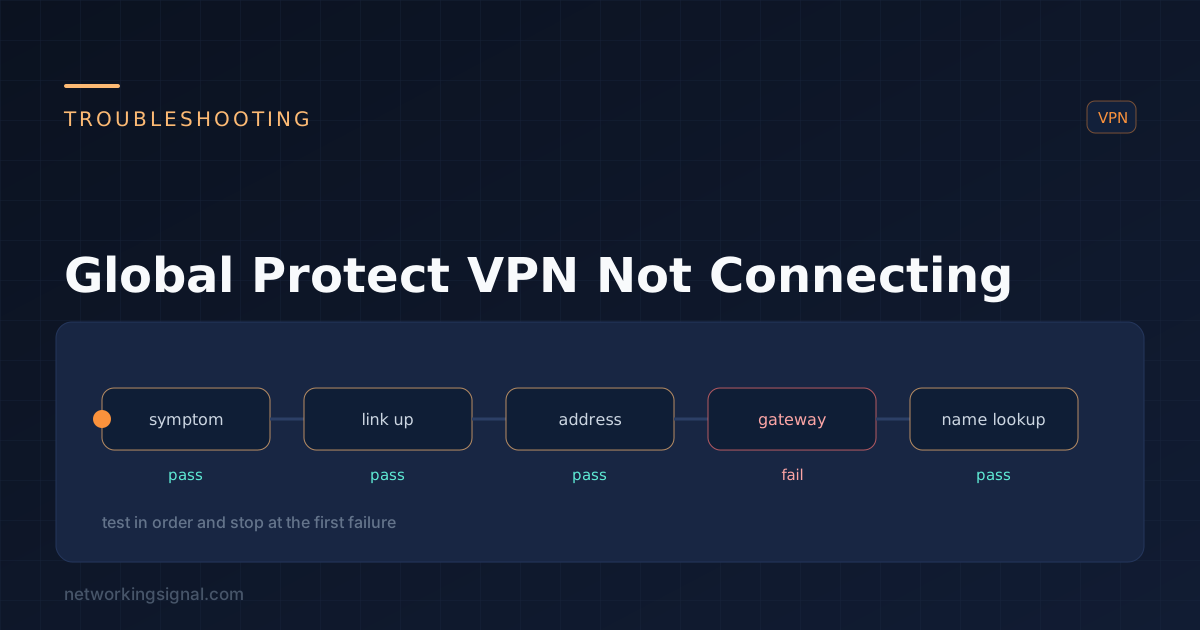
Global Protect VPN is a secure, cloud-based remote access solution that provides users with safe, secure, and reliable access to their organization’s internal networks. It enables secure remote access from any device while protecting against malicious attacks, threats, and data breaches.
There are several potential reasons why your Global Protect VPN is not connecting. Some of the most common reasons include:
Incorrect credentials: Make sure that you are entering the correct username and password when attempting to log in to the VPN.
Firewall settings: Many organizations have firewall settings that may block or restrict access from certain IP addresses or ports. Make sure that the correct ports are open and allowed through the firewall.
Hostname or IP address: Double-check to make sure you are entering the correct hostname or IP address of your organization’s Global Protect VPN server.
Outdated software: Ensure that you have the most up-to-date version of the Global Protect client installed on your device.
Proxy settings: If you are using a proxy server, it must be configured correctly in order for the VPN to connect.
These are just some of the most common reasons why your Global Protect VPN may not be connecting. Follow the above steps to try and troubleshoot the issue. If after trying these steps, the issue persists, contact your organization’s IT department for further assistance. They should be able to provide additional support and resolve any remaining issues.
Hand-picked articles you might also find useful.
 Security
 What are Hardware Tokens? Hardware tokens are physical devices used to authenticate a user. They typically come in…
 Security
 A managed firewall service outsources configuration, monitoring and rule changes to a provider. What is actually included, realistic…
 Security
 What is Parental Control in Firewall? Parental Control in Firewall is a great way to keep your children…