
Managed Firewall Services — What Is Included, Costs and When to Buy
A managed firewall service outsources configuration, monitoring and rule changes to a provider. What is actually included, realistic…
Short answer: Proton VPN’s free tier is the only well-established free VPN offering genuinely unlimited data with no ads and a no-logs policy that has been independently audited. Everything else reputable is capped, typically around 10 GB a month. Anything advertising “unlimited free VPN” outside that is almost always funded by advertising, data resale, or your own bandwidth.
That is an uncomfortable answer, so this guide explains the reasoning, names what is documented rather than rumoured, and shows you how to test any VPN’s claims yourself with commands you already have.
Running a VPN is expensive in the two things that cost most: bandwidth and servers. A provider carrying your traffic pays for every gigabyte twice, inbound and outbound. There is no version of this that costs nothing.
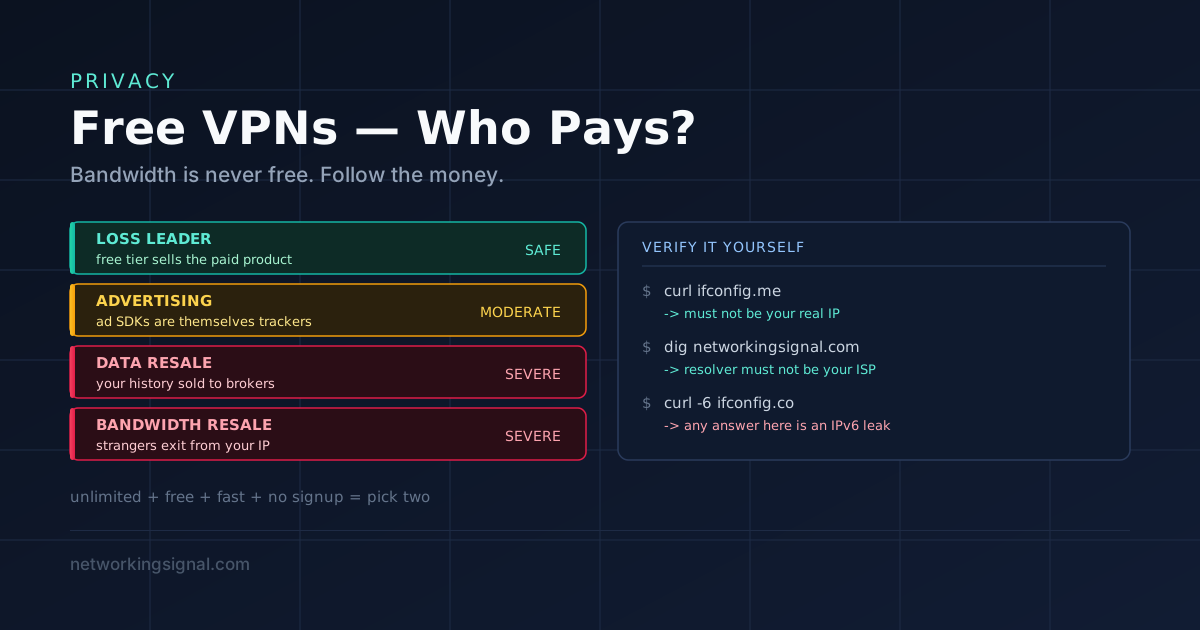
So every free VPN funds itself one of four ways:
| Model | How it pays | Risk to you |
|---|---|---|
| Loss leader | Free tier is marketing for the paid product | Low, incentives align, they want you to upgrade |
| Advertising | Ads injected into the app, sometimes into pages | Moderate, ad SDKs are themselves trackers |
| Data resale | Your browsing history sold to brokers | Severe, the opposite of what you installed it for |
| Bandwidth resale | Your connection resold as a residential proxy | Severe, strangers’ traffic exits from your IP address |
Only the first model is safe, and it is the one that necessarily comes with limits, either on data, speed, server choice, or device count. A free VPN with no limits and no paid product to sell you is the warning sign, not the bargain.
Free tiers change frequently, so treat the numbers below as the position at the time of writing and check the provider’s own page before relying on a specific cap.
| Provider | Free data | Ads | Logs | Jurisdiction | Catch |
|---|---|---|---|---|---|
| Proton VPN | Unlimited | None | No-logs, audited | Switzerland | Few countries, 1 device, medium speed |
| Windscribe | ~10 GB/month | None | Minimal, documented | Canada | Email needed for full allowance |
| hide.me | ~10 GB/month | None | No-logs | Malaysia | No signup needed, limited locations |
| PrivadoVPN | ~10 GB/month | None | No-logs | Switzerland | Throttled after the cap |
| TunnelBear | ~2 GB/month | None | Annual public audits | Canada | Cap is small; owned by McAfee |
Windscribe, hide.me, PrivadoVPN and TunnelBear are all legitimate, they are simply capped, because that is the honest version of free. Ten gigabytes covers casual browsing and email for a month. It does not cover streaming.
Proton funds the free tier from Proton Mail and paid VPN subscriptions, so the free user is a marketing cost rather than a product. It is based in Switzerland, outside the 14 Eyes intelligence-sharing arrangements, publishes independent audits, and open-sources its apps. The free tier’s constraints are real, a small set of exit countries, one device, and slower speeds at peak because free users are deprioritised, but the data is genuinely uncapped and there is no advertising.
Being outside 14 Eyes matters less than people assume, Switzerland still responds to valid legal requests, but combined with an audited no-logs policy, it means there is little to hand over.
These are not hypotheticals. Each is a matter of public record.
Hola (2015). Hola resold its users’ idle bandwidth through a sister company, turning every user into an exit node for other people’s traffic. That network was then used to attack a third-party site. If someone routed illegal activity through the network, it left from a residential IP address belonging to a Hola user.
The 2016 Android VPN study. Researchers analysed 283 Android VPN apps. Roughly 38% contained something flagged as malware, 18% did not encrypt traffic at all despite being VPN apps, and the large majority leaked DNS or IPv6 traffic outside the tunnel. The apps were shipping in the official Play Store.
The 2020 log leak. Around 1.2 TB of user records were found exposed from a cluster of free VPN apps that shared infrastructure, including plaintext passwords, session tokens and browsing records. Every one of them advertised a no-logs policy. The logs proved otherwise.
Onavo Protect. Marketed as a free VPN for privacy, it was owned by Facebook and used to collect data about which apps people used, competitive intelligence dressed as a security product. It was eventually pulled from both app stores.
The pattern is consistent: the free VPNs that caused harm were the ones with no paid product, aggressive install counts, and marketing that promised more than the economics could support.
You do not have to take any provider’s word for it. This is the part most “best free VPN” lists skip, and it is the part that actually protects you.
curl ifconfig.me
curl https://api.ipify.org
Run it before connecting and after. If the address is unchanged, the tunnel is not carrying your traffic.
This is the most common failure. Your traffic goes through the tunnel but your DNS queries still go to your ISP’s resolver, so your ISP still has a complete list of every domain you visited.
# Windows
nslookup networkingsignal.com

# Linux / macOS
dig networkingsignal.com
resolvectl status
The resolver answering should belong to the VPN, not your ISP. Browser-based leak tests (dnsleaktest.com and similar) show the same thing more readably. If you see your ISP’s name, the VPN is not protecting your browsing history.
Many free VPNs tunnel IPv4 only. If your connection has IPv6 and the VPN does not handle it, that traffic bypasses the tunnel entirely, and modern sites prefer IPv6 when available.
curl -6 ifconfig.co
# Any real IPv6 address here while "connected" means a leak.
A properly built client either tunnels IPv6 or disables it while connected. Doing neither is a design failure.
Start a continuous ping, then force the VPN to drop, kill the process or disable the adapter.
ping -t 8.8.8.8        # Windows
ping 8.8.8.8           # Linux / macOS
With a working kill switch, the pings stop. If they keep flowing, your real IP is exposed every time the tunnel drops, which on a free tier happens often.
Reputable providers use WireGuard, OpenVPN, or IKEv2. Those are public, peer-reviewed and independently implemented. A provider advertising a proprietary in-house protocol with no published specification is asking you to trust cryptography nobody has reviewed.
A VPN app needs to create a tunnel interface. It does not need your contacts, your location, or your installed-app list. Anything asking for those is collecting something to sell.
Being clear about this saves disappointment and, in some cases, prevents real harm:
| Reputable free tier | Paid VPN | |
|---|---|---|
| Data | Capped, or unlimited but slow | Unlimited |
| Speed | Deprioritised | Full line rate on a good provider |
| Server locations | A handful | Dozens of countries |
| Simultaneous devices | Usually 1 | 5 to 10 |
| Streaming | Mostly blocked | Often works |
| Cost | £0 | Roughly the price of a coffee per month on an annual plan |
The gap is not really about privacy, a reputable free tier and its paid sibling usually run the same no-logs policy on the same infrastructure. The gap is capacity. If you need a VPN occasionally, free is genuinely fine. If you need one daily, paid is inexpensive enough that the free tier’s constraints cost you more in time than the subscription costs in money.
| Your situation | Choose |
|---|---|
| Daily use, no budget | Proton VPN free, the only unlimited option worth trusting |
| Occasional use, want speed | Windscribe or hide.me, faster, but watch the cap |
| Public Wi-Fi protection only | Any of the reputable five; you will use very little data |
| Testing before you buy | The free tier of the provider you are considering |
| Streaming | None of them. Pay, or accept it will not work. |
| Journalism, activism, censorship | Not a free VPN. Tor, or a paid provider with an audited record |
| Whole-home coverage | A VPN router, but free tiers rarely permit router configs |
Proton VPN’s free tier. It is the only well-established free VPN with genuinely unlimited data, no advertising, and an independently audited no-logs policy. The trade-offs are a limited choice of countries, one device, and slower speeds at busy times.
A small number are. Free tiers from providers that also sell a paid product, Proton VPN, Windscribe, hide.me, PrivadoVPN, TunnelBear, are generally safe because the free user is a marketing cost, not the product. Standalone free VPNs with no paid tier are the ones that have repeatedly been caught selling data or reselling bandwidth.
Some have, documented publicly. A 2016 study of 283 Android VPN apps found a large share contained malware or did not encrypt at all, and a 2020 incident exposed around 1.2 TB of user logs from apps that all advertised no-logs policies. Providers with a genuine paid business have far less incentive to do this.
Roughly 100 to 150 hours of browsing and email, or about 3 to 4 hours of HD video. Fine for occasional use and public Wi-Fi; not enough for streaming or as your everyday connection.
Almost certainly not. Streaming services block known VPN address ranges, and free tiers use small shared pools that are the easiest to identify and block. This is one area where paid genuinely differs.
Yes, and noticeably more than a paid one. Encryption adds overhead, your traffic takes a longer path, and free users are deliberately deprioritised on shared servers. Expect a significant fraction of your speed to disappear.
A reputable free VPN, yes, it stops others on the same network seeing your traffic. A random free VPN app, no: you have replaced a stranger on the café Wi-Fi with a stranger who sees everything you do, everywhere, permanently. Note also that most sites now use HTTPS, so the risk public Wi-Fi poses is smaller than it was.
A VPN encrypts and tunnels all your device’s traffic at the operating system level. A proxy usually handles one application’s traffic and often does not encrypt. See forward vs reverse proxy, and what a VPN is for the fundamentals.
For company resources, your employer’s remote access VPN, not a consumer one. They solve different problems: a corporate VPN gets you onto the company network; a consumer VPN hides your traffic from your ISP.
Hand-picked articles you might also find useful.
 Security
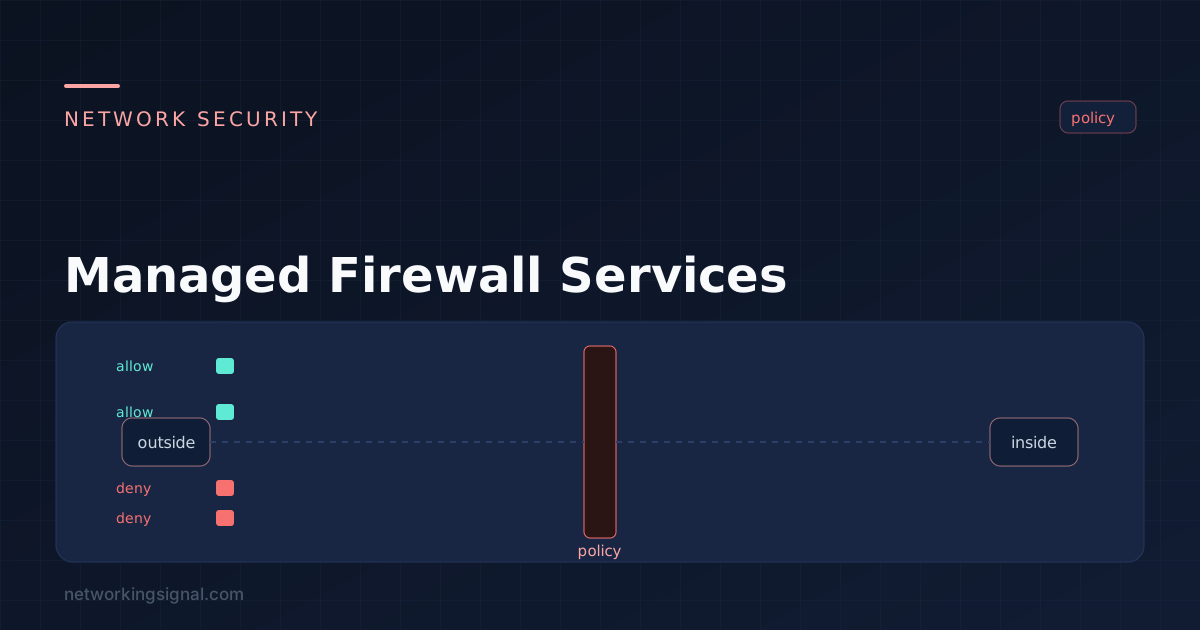
 A managed firewall service outsources configuration, monitoring and rule changes to a provider. What is actually included, realistic…
 Security
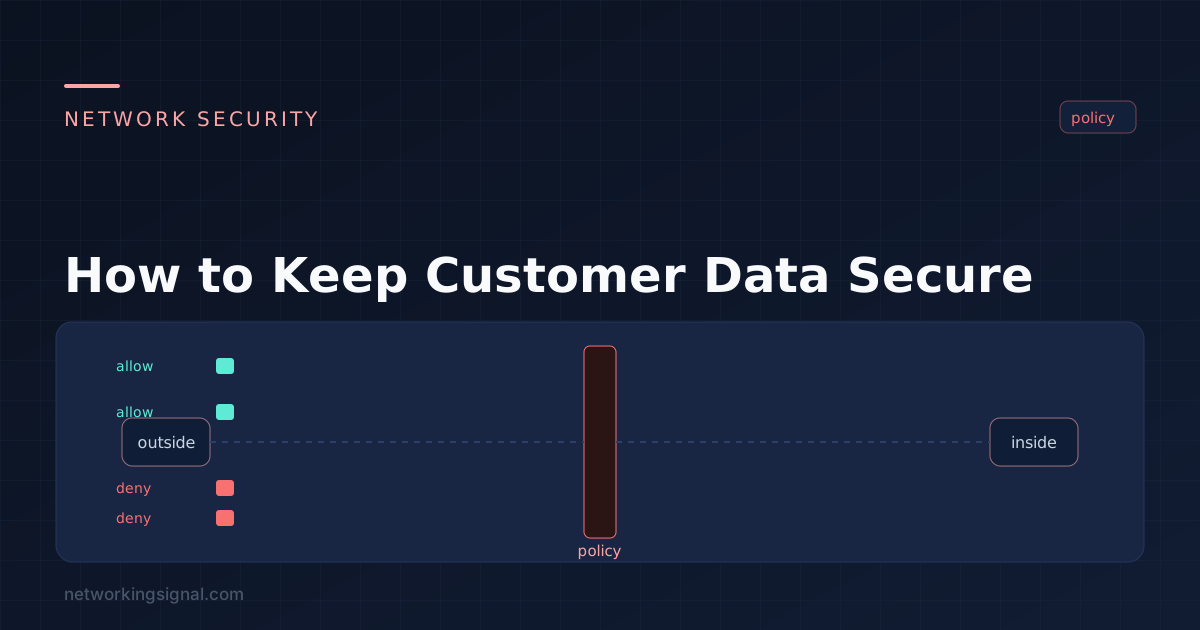
 Many companies collect customers' data every time they interact with them. There are many data cyber threat activities…
 Security
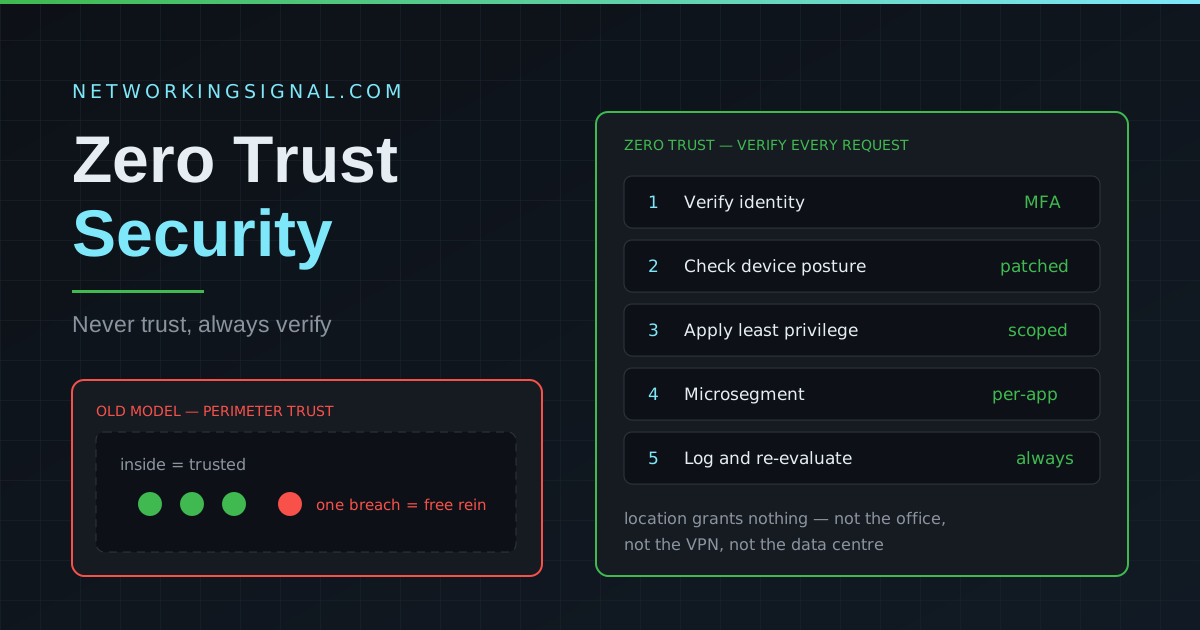
 Complete guide to Zero Trust Security — what it is, how it works, Zero Trust vs VPN, ZTNA…