
What are Hardware Tokens and How Do They Work?
What are Hardware Tokens? Hardware tokens are physical devices used to authenticate a user. They typically come in…
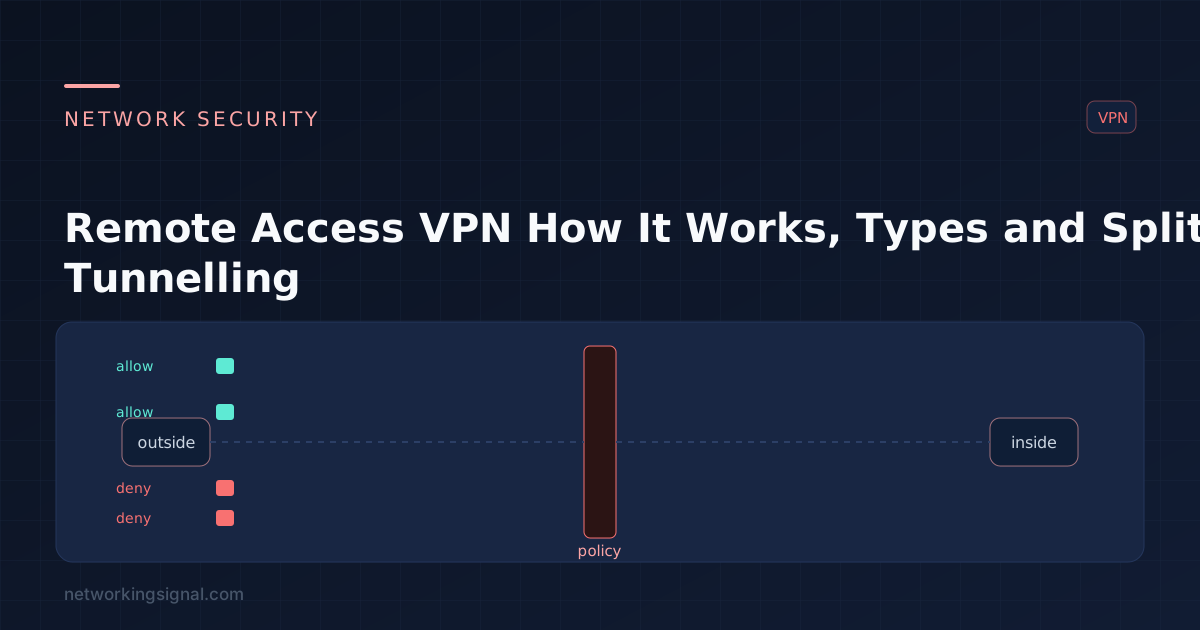
A remote access VPN gives an individual device an encrypted tunnel into a private network, so a laptop on hotel WiFi behaves as though it were plugged into the office. It is distinct from a site-to-site VPN, which permanently joins two whole networks and is invisible to the users behind it.
| Remote access VPN | Site-to-site VPN | |
|---|---|---|
| Connects | One device to a network | Two networks to each other |
| Initiated by | The user, on demand | The routers, always on |
| Client software | Required (or a browser) | None, transparent to users |
| Authentication | Per user | Per device, pre-shared key or certificate |
That fourth step is the essential one: the client ends up holding an address on the inside, which is what makes internal resources reachable by their normal addresses and names.
| Protocol | Transport | Client | Notes |
|---|---|---|---|
| IPsec IKEv2 | UDP 500 / 4500 | Native on most OSes | Fast, stable, excellent at surviving network changes (MOBIKE). Blocked by some restrictive networks. |
| SSL/TLS VPN | TCP/UDP 443 | Vendor client or browser | Traverses almost any firewall because it looks like HTTPS. The enterprise default. |
| WireGuard | UDP, configurable | Cross-platform | Very small codebase, modern cryptography, excellent performance. Less granular enterprise policy control. |
| OpenVPN | UDP 1194 or TCP 443 | Open source | Mature, flexible, widely supported. Slower than WireGuard. |
| L2TP/IPsec | UDP 500/4500/1701 | Native | Legacy. Works, but there is no reason to choose it now. |
| PPTP | TCP 1723 + GRE | Native (legacy) | Broken. Do not use. MS-CHAPv2 is cryptographically defeated. |
For a new deployment: IKEv2 where you control the client platforms, SSL/TLS on 443 where users connect from networks you do not control, WireGuard where performance and simplicity matter more than fine-grained policy.
This is the decision with the largest practical consequences.
| Full tunnel | Split tunnel | |
|---|---|---|
| What goes through the VPN | Everything, including internet browsing | Only corporate-bound traffic |
| Corporate bandwidth used | High, all user traffic transits your circuit twice | Low |
| Latency for cloud apps | Poor, traffic detours via HQ | Good, direct |
| Security inspection coverage | Complete, all traffic passes your controls | Partial, internet traffic bypasses them |
| Risk of bridging networks | Low | Higher, the device sits on both at once |
| Typical choice | High-security environments | Most organisations, especially with SaaS |
Full tunnel was standard until cloud services made it painful: routing every Teams call and every Microsoft 365 request through headquarters wastes bandwidth and adds latency for no security benefit, since those services are already encrypted and outside your control anyway.
The common compromise is a split tunnel with exceptions, trusted SaaS goes direct, everything else through the tunnel, combined with endpoint protection and DNS filtering so the split-out traffic is still covered by something.
! Address pool for VPN clients
ip local pool VPN-POOL 10.99.1.10 10.99.1.200 mask 255.255.255.0

! Authentication against RADIUS
aaa-server RADIUS-SRV protocol radius
aaa-server RADIUS-SRV (inside) host 10.10.10.20

! Split tunnel list, only these networks go through the tunnel
access-list SPLIT-TUNNEL standard permit 10.10.0.0 255.255.0.0

group-policy VPN-POLICY internal
group-policy VPN-POLICY attributes
 split-tunnel-policy tunnelspecified
 split-tunnel-network-list value SPLIT-TUNNEL
 dns-server value 10.10.10.10
 vpn-idle-timeout 60
The client pool should be a dedicated subnet, not carved out of an existing user VLAN. That way firewall rules and monitoring can treat VPN users as their own zone.
| Symptom | Likely cause |
|---|---|
| Connects but nothing is reachable | Split tunnel list wrong, or no return route to the client pool on internal routers |
| Names do not resolve | Internal DNS not pushed, or the client preferring its local resolver |
| Works on some networks, not others | UDP 500/4500 blocked, move to TLS on 443 |
| Large transfers stall, small ones fine | MTU, tunnel overhead exceeds the path MTU. Lower the client MTU or enable MSS clamping. |
| Overlapping subnets | The user’s home network uses the same range as the office, typically 192.168.1.0/24. Use an unusual internal range. |
| Slow throughput | Full tunnel saturating the corporate circuit, or gateway CPU limits on encryption |
The MTU issue is worth expanding, it is the classic remote access VPN fault. Encapsulation adds overhead, so a full-size packet inside the tunnel exceeds the path MTU outside it. Ping works, small requests work, and file transfers or large web pages hang. MSS clamping on the gateway fixes it for TCP.
The structural weakness of a remote access VPN is that it grants network access. Once connected, the device is inside, and lateral movement becomes possible if it is compromised.
Zero Trust Network Access inverts this: instead of joining the network, a user is granted access to specific applications, each authorised per session against identity and device posture. There is no network-level foothold to move laterally from, and internal applications are not exposed to anyone who authenticates to the gateway.
Most organisations run both during a long transition, VPN for legacy applications and administrative access, ZTNA for everything modern. See the network security guide for how these fit together.
Remote access connects one device to a network and is initiated by the user. Site-to-site permanently joins two networks at the router level and is invisible to users.
It reduces your visibility, since internet traffic bypasses your inspection. It is not inherently dangerous when paired with endpoint protection and DNS filtering, and it is now the pragmatic default because full tunnelling all SaaS traffic through headquarters is wasteful.
IKEv2 for reliability and roaming, TLS on port 443 where restrictive networks are a concern, WireGuard for performance and simplicity. Avoid PPTP entirely, its authentication is broken.
Almost always MTU. Tunnel encapsulation pushes packets over the path MTU, so they are dropped. Enable MSS clamping on the gateway or lower the client MTU to around 1400.
A corporate VPN is not for anonymity, it moves your traffic to your employer’s network, where it is logged. Consumer VPN services shift trust from your ISP to the VPN provider; they do not remove it, which matters most with free VPNs, where the provider’s funding model decides what happens to your traffic.
With a split tunnel, yes, local traffic stays local. With a full tunnel, local network access is normally blocked, which is the intended behaviour and a deliberate security choice.
Hand-picked articles you might also find useful.
 Security
 What are Hardware Tokens? Hardware tokens are physical devices used to authenticate a user. They typically come in…
 Security
 A stateless firewall checks each packet against static rules; a stateful firewall tracks connections and permits return traffic…
 Security
 Extended ACLs filter on source, destination, protocol and port. Full syntax, wildcard masks, named ACLs, where to apply…