
7 Ways To Protect WiFi Password
WiFi networks are everywhere and make our lives easier with instant connections. With most homes possessing a WiFi…
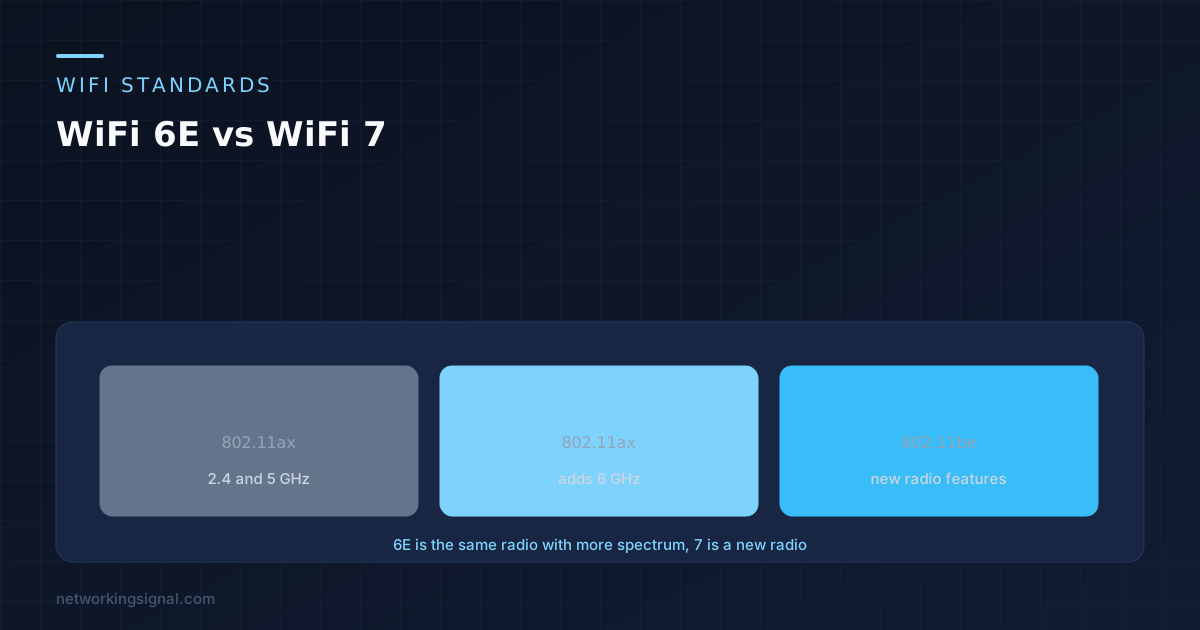
WiFi 6E vs WiFi 7 starts with a fact that settles most of it. Both standards use the 6 GHz band, so the thing people most want from 6E is present in both and behaves the same way. That single fact explains why a 6E router and a WiFi 7 router often feel similar in a normal house.
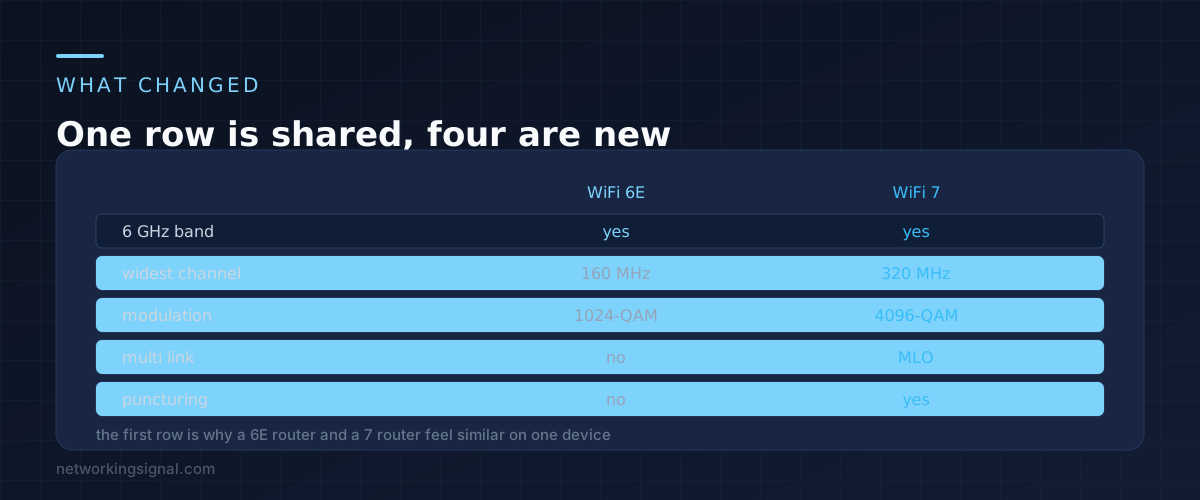
WiFi 7 adds four things on top. Three of them are conditional and one is genuinely useful almost everywhere. Sorting out which is which is the whole of this decision.
WiFi 6E is WiFi 6 with permission to use the 6 GHz band. The radio is the same 802.11ax radio, and the E means extended spectrum rather than a new generation.
WiFi 7 is 802.11be, a genuinely new standard. It keeps everything from before and adds wider channels at 320 MHz, denser modulation at 4096-QAM, Multi-Link Operation, and preamble puncturing.
The important consequence is that if what you wanted was the clean, uncrowded 6 GHz band, you get exactly that from 6E. The extra features are about squeezing more out of that band rather than reaching it.
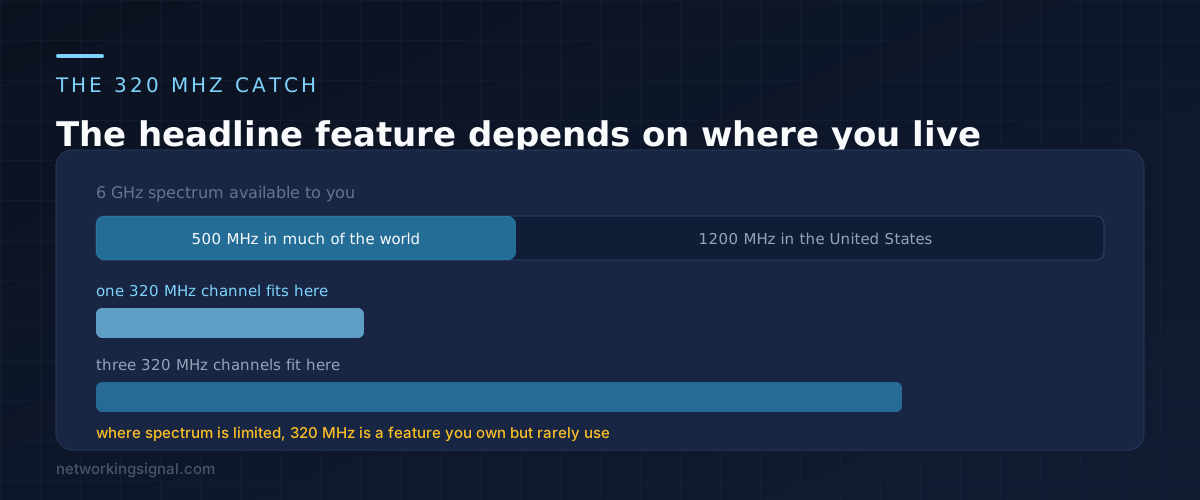
A 320 MHz channel is twice the width of the widest 6E channel, and width translates fairly directly into speed. That is the number on the box.
The catch is that 320 MHz only exists in the 6 GHz band, and how much 6 GHz spectrum you have depends on where you live. The United States released the full 1200 MHz, which fits three non overlapping 320 MHz channels comfortably. Much of the rest of the world released roughly 500 MHz, which fits one.
One channel is fine in a detached house. In a block of flats where several neighbours also bought WiFi 7 routers, everybody lands on the same channel and the width advantage evaporates. That is the situation preamble puncturing was designed for, since it lets a wide channel work around a busy portion instead of dropping to a narrower one.
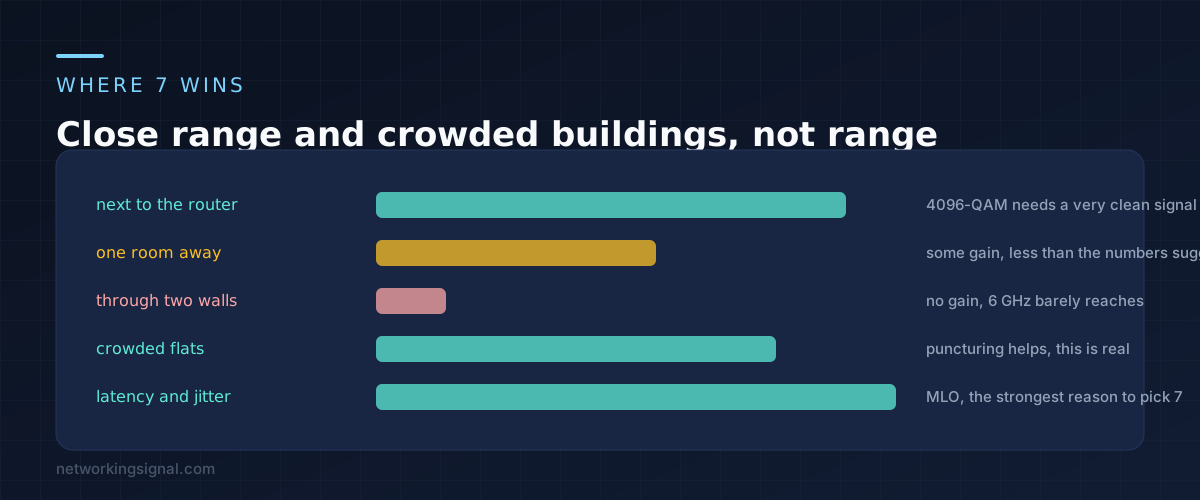
4096-QAM packs more bits into each transmission, which is worth roughly twenty percent at the top end. It also needs an exceptionally clean signal to decode, so it applies within a few metres of the router and drops away quickly.
This is the part that disappoints people. The headline speed increase is real and it is measured next to the router. At the far end of the house, where you actually wanted more speed, 6 GHz is already struggling to get through walls and neither standard can change that. A wall attenuates 6 GHz the same whichever generation is transmitting.
The gain that does travel is latency. Multi-Link Operation lets a device hold several bands at once and move traffic between them without reassociating, which removes the stutters rather than raising the peak. We covered how that works in what MLO actually does, and it is the strongest reason to choose WiFi 7.
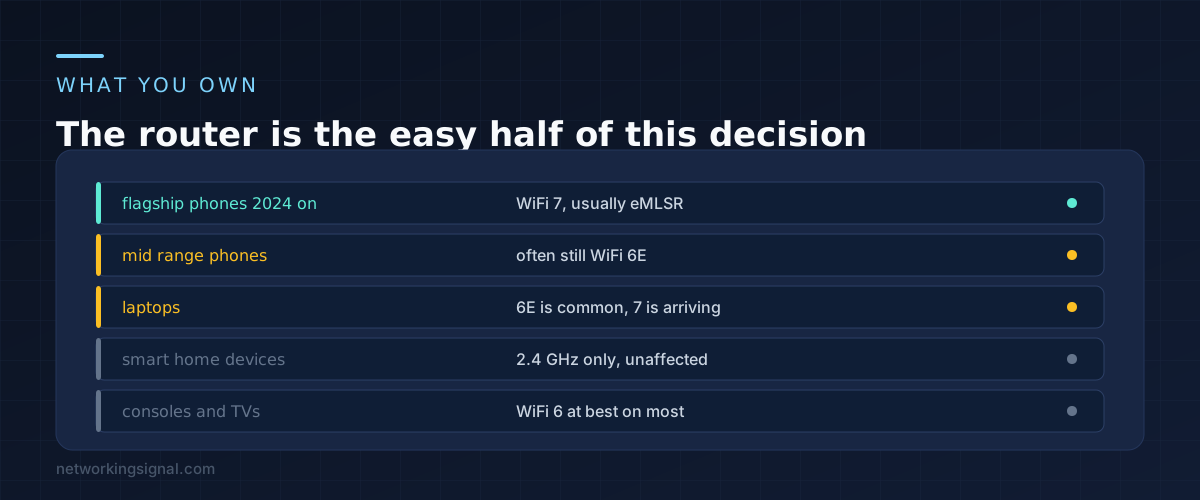
None of the new features work one sided. MLO needs a WiFi 7 client, 320 MHz needs a WiFi 7 client, and 4096-QAM needs a WiFi 7 client with a very good signal.
Count what you own before deciding. Flagship phones from 2024 onward are generally WiFi 7. Mid range phones frequently are not. Laptops lag further, and plenty of current models still ship 6E. Consoles, televisions and every smart plug in the house are unaffected either way, most of them sitting on 2.4 GHz where none of this applies.
If the honest answer is that one phone in the house supports WiFi 7, the upgrade improves that one phone.
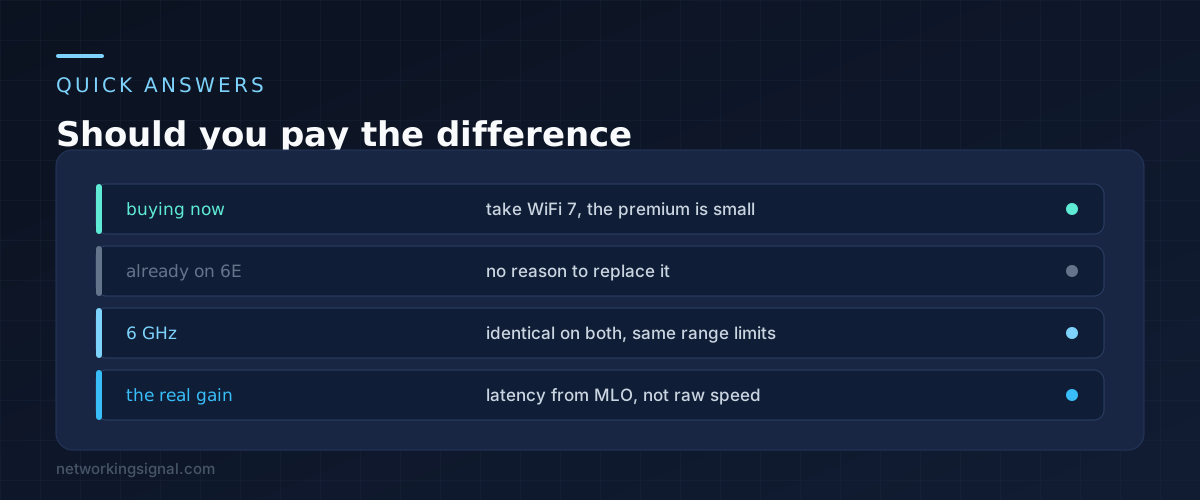
If you are buying now, take WiFi 7. The price difference has narrowed to the point where it is not worth optimising, and a router lasts five years or more. That is a longevity argument rather than a performance one.
No. You already have the 6 GHz band, which is the part that matters most, and the remaining gains will not justify replacing working hardware. Revisit it when the router needs replacing anyway.
No, and this is the most common misunderstanding. Range is set by frequency and transmit power, both of which are the same. If coverage is your problem, another access point is the fix, not a newer standard. Our comparison of mesh, extenders and access points covers that decision.
Not directly. They keep connecting the way they always did. The indirect benefit is that moving your phones and laptops onto 6 GHz leaves the 2.4 GHz band less congested for them.
Yes. Every generation is backward compatible, so older clients connect at their own best speed. Nothing gets left behind by buying newer.
Can you explain this topic to someone else in 30 seconds? If not, re-read the key takeaways above.
The core concepts in the takeaways box above. Bookmark this page and come back when you need a refresher.
Hand-picked articles you might also find useful.
 Security
 WiFi networks are everywhere and make our lives easier with instant connections. With most homes possessing a WiFi…
 Wireless
 In the realm of networking, Access Points (APs) play a pivotal role in providing seamless wireless connectivity to…
 Wireless
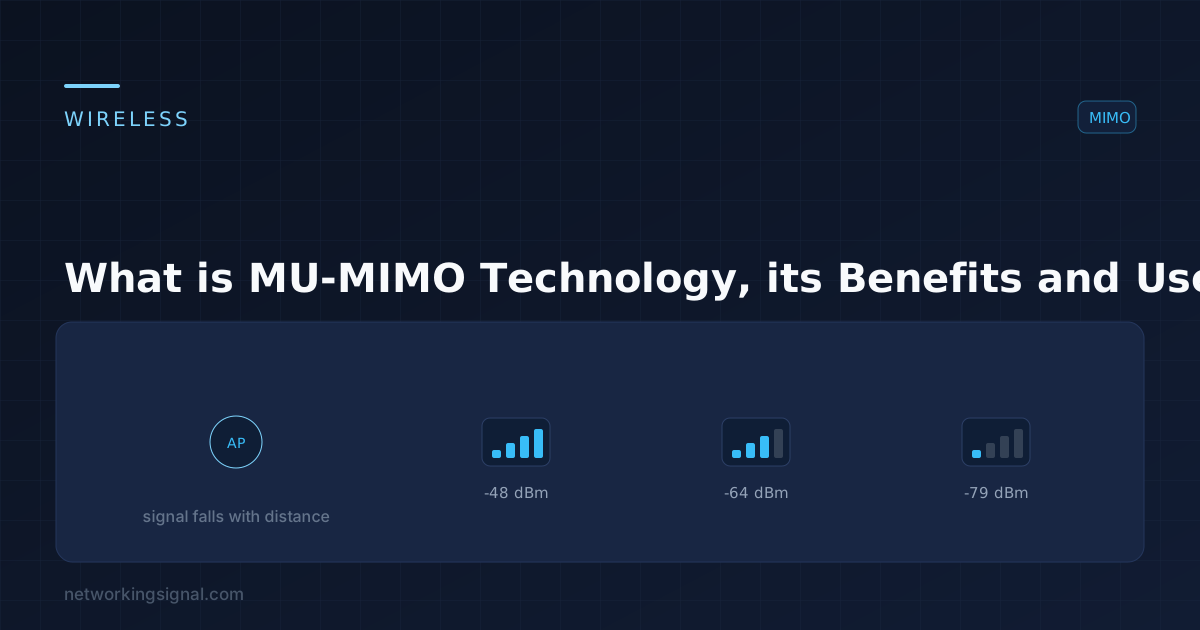
 What is MU-MIMO Technology? MU-MIMO technology is a wireless communication technology that allows multiple users to be served…