
Wildcard Mask Calculator: Convert Masks, Prefixes and ACLs
Convert between a wildcard mask, a subnet mask and a CIDR prefix in either direction. Free, runs in…
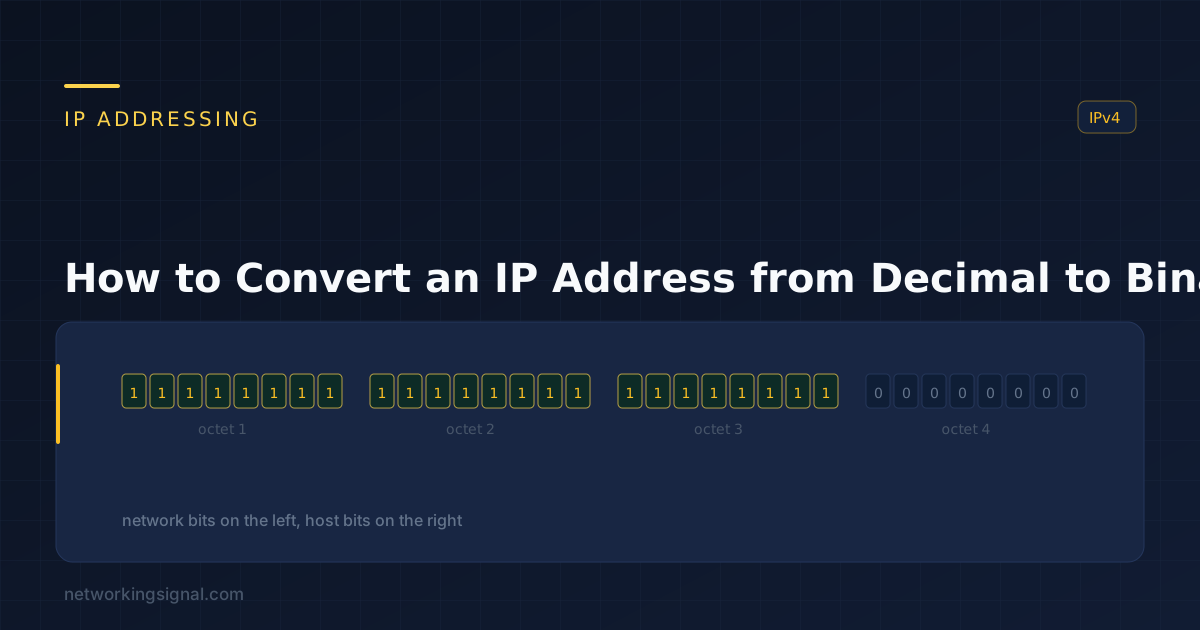
An IPv4 address is a 32-bit number. The dotted-decimal form, 192.168.1.10, exists only because humans find it easier to read. Every router and switch works on the binary underneath, and subnetting only makes sense once you can see it.
Each of the four numbers is one octet, 8 bits, giving a range of 0 to 255.
Within an octet, each bit position has a fixed value, doubling from right to left:
| Position | 1 | 2 | 3 | 4 | 5 | 6 | 7 | 8 |
|---|---|---|---|---|---|---|---|---|
| Value | 128 | 64 | 32 | 16 | 8 | 4 | 2 | 1 |
Those eight numbers sum to 255, which is why that is the maximum value of an octet. Memorising this row is the whole trick, everything else follows from it.
Work left to right. At each position ask: does this value fit in what remains? If yes, write 1 and subtract. If no, write 0 and move on.
| Value | Fits in remainder? | Bit | Remainder |
|---|---|---|---|
| 128 | Yes, 192 − 128 | 1 | 64 |
| 64 | Yes, 64 − 64 | 1 | 0 |
| 32 | No | 0 | 0 |
| 16 | No | 0 | 0 |
| 8 | No | 0 | 0 |
| 4 | No | 0 | 0 |
| 2 | No | 0 | 0 |
| 1 | No | 0 | 0 |
192 = 11000000
168 − 128 = 40   → 1
 40 − 64        → 0   (64 does not fit)
 40 − 32 = 8    → 1
  8 − 16        → 0
  8 −  8 = 0    → 1
  0 −  4        → 0
  0 −  2        → 0
  0 −  1        → 0

168 = 10101000192.168.1.10
192 = 11000000
168 = 10101000
1 = 00000001
10 = 00001010
192.168.1.10 = 11000000.10101000.00000001.00001010Always write all eight bits, padding with leading zeros. 1 is 00000001, not 1, the padding matters when you line octets up against a mask.
Divide repeatedly by 2, recording each remainder, then read the remainders bottom to top.
168 ÷ 2 = 84  r 0
 84 ÷ 2 = 42  r 0
 42 ÷ 2 = 21  r 0
 21 ÷ 2 = 10  r 1
 10 ÷ 2 =  5  r 0
  5 ÷ 2 =  2  r 1
  2 ÷ 2 =  1  r 0
  1 ÷ 2 =  0  r 1

Read upward: 10101000
This method is mechanical and hard to get wrong, but slower. The subtraction method is what people use once they know the eight values.
Add the position values wherever there is a 1:
11000000 = 128 + 64                    = 192
10101000 = 128 + 32 + 8                = 168
00001010 = 8 + 2                       = 10
11111111 = 128+64+32+16+8+4+2+1        = 255
11111110 = 255 − 1 = 254Subnet masks only ever use these, because mask bits are contiguous from the left:
| Decimal | Binary | Bits set | Common as |
|---|---|---|---|
| 0 | 00000000 | 0 | Host portion |
| 128 | 10000000 | 1 | /25 |
| 192 | 11000000 | 2 | /26 |
| 224 | 11100000 | 3 | /27 |
| 240 | 11110000 | 4 | /28 |
| 248 | 11111000 | 5 | /29 |
| 252 | 11111100 | 6 | /30 |
| 254 | 11111110 | 7 | /31 |
| 255 | 11111111 | 8 | Full octet |
Any other value in a subnet mask is invalid, a mask must be a run of 1s followed by a run of 0s, with no gaps.
A subnet mask separates the network portion of an address from the host portion, and that split can fall anywhere, including partway through an octet. In decimal that is invisible. In binary it is obvious.
Address:  192.168.1.10   = 11000000.10101000.00000001.00001010
Mask /26: 255.255.255.192= 11111111.11111111.11111111.11000000
                            └──────── network ────────┘└ host ┘
To find the network address, AND the two together, the result is 1 only where both are 1:
  00001010   (host octet: 10)
& 11000000   (mask octet: 192)
  --------
  00000000   = 0

Network address: 192.168.1.0/26
To find the broadcast address, set every host bit to 1:
  00111111   = 63

Broadcast: 192.168.1.63
Usable range: 192.168.1.1 – 192.168.1.62
This is the operation every router performs on every packet, and it is why “the same subnet” has a precise meaning rather than an approximate one.
Convert these, then check them:
10.0.0.1        = 00001010.00000000.00000000.00000001
172.16.254.1    = 10101100.00010000.11111110.00000001
255.255.255.240 = 11111111.11111111.11111111.11110000
127.0.0.1       = 01111111.00000000.00000000.00000001
Our IP to binary converter shows the working for any address, and the subnet calculator gives network, broadcast and host range for any mask. Once the binary makes sense, subnetting explained and the subnetting cheat sheet are the next step.
Eight bits with every position set, 128+64+32+16+8+4+2+1, sums to 255. With 0 included, that is 256 possible values per octet.
Knowing 128, 64, 32, 16, 8, 4, 2, 1 makes conversion take seconds instead of minutes, and it is unavoidable for subnetting under exam time pressure. It is the one thing worth memorising.
Subtraction, once you know the eight values. Divide-by-2 is more mechanical and less error-prone if you are just starting.
Because mask bits must be contiguous, all the 1s to the left, all the 0s to the right. That produces exactly nine possible octet values: 0, 128, 192, 224, 240, 248, 252, 254 and 255.
Convert both to binary and AND them, the result is 1 only where both bits are 1. The result is the network address.
IPv6 uses hexadecimal rather than decimal, where each hex digit maps to exactly four binary bits. That direct mapping makes it easier to convert, not harder, see IPv4 addressing for the comparison.
Hand-picked articles you might also find useful.
 IPv4
IPv4 Convert between a wildcard mask, a subnet mask and a CIDR prefix in either direction. Free, runs in…
 IPv4
IPv4 Public IP Address A public IP address is an IP address that can be accessed over the Internet.…
 IPv4
IPv4 Convert a CIDR prefix to a subnet mask and back, both directions, with wildcard mask, host counts and…