
Best Stackable Switches (2026): 7 Picks & Alternatives
Compare the best stackable switches for SMB networks, including 10GbE, PoE, stack size and when cloud-managed switches are…
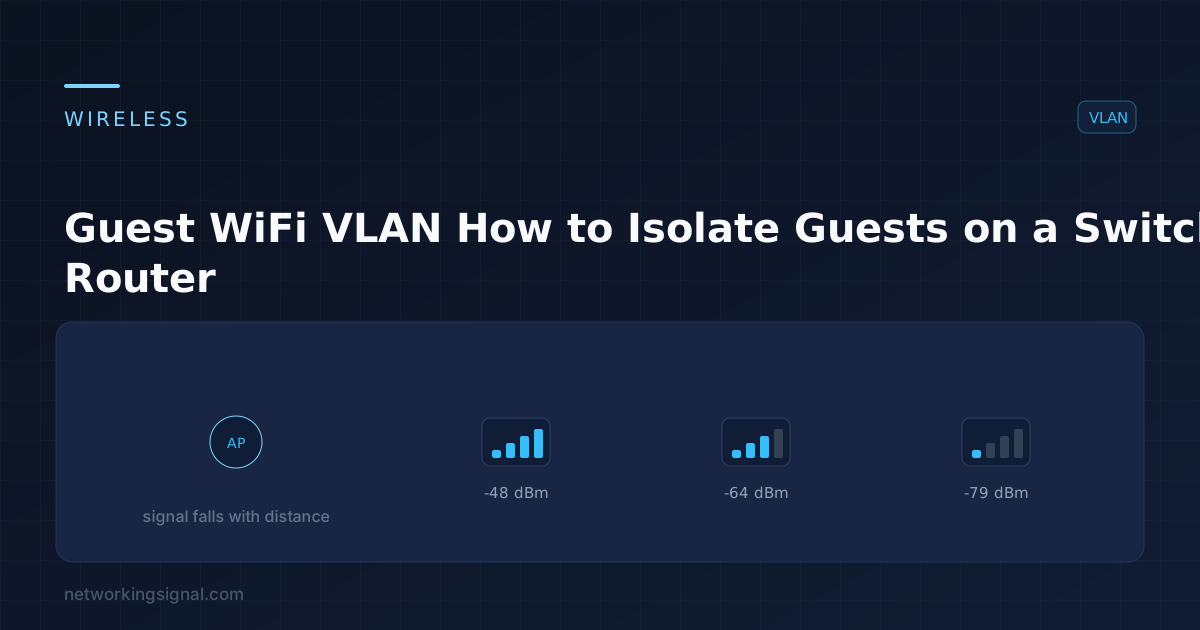
Guest WiFi on the same network as your own devices means every visitor’s phone, and anything on it, sits alongside your file server, your printer and your cameras. Putting guests on their own VLAN fixes that properly.
The goal: guests get internet access, and reach nothing else, not your LAN, not your management interfaces, and ideally not each other.
| VLAN | Purpose | Subnet |
|---|---|---|
| 10 | Internal users | 192.168.10.0/24 |
| 30 | Guest WiFi | 192.168.30.0/24 |
| 99 | Management | 192.168.99.0/24 |
| 999 | Native / unused | — |
Guest traffic reaches the internet through the router and is denied everything else by an ACL applied inbound on the guest SVI.
Switch(config)# vlan 30
Switch(config-vlan)# name GUEST-WIFI
Switch(config-vlan)# exitIf the AP broadcasts more than one SSID mapped to different VLANs, its switch port must be a trunk:
Switch(config)# interface GigabitEthernet0/10
Switch(config-if)# description AP - Reception
Switch(config-if)# switchport trunk encapsulation dot1q
Switch(config-if)# switchport mode trunk
Switch(config-if)# switchport trunk native vlan 999
Switch(config-if)# switchport trunk allowed vlan 10,30
Switch(config-if)# switchport nonegotiate
Switch(config-if)# spanning-tree portfast trunk
If the AP is guest-only, an access port in VLAN 30 is enough:
Switch(config-if)# switchport mode access
Switch(config-if)# switchport access vlan 30
Switch(config-if)# spanning-tree portfast
Switch(config-if)# spanning-tree bpduguard enable
On the AP itself, map the guest SSID to VLAN 30. The exact syntax varies by vendor, but every business-grade AP supports per-SSID VLAN tagging. Consumer routers usually offer a “guest network” toggle that does the same thing internally.
Switch(config)# ip routing
Switch(config)# interface Vlan30
Switch(config-if)# description Guest WiFi gateway
Switch(config-if)# ip address 192.168.30.1 255.255.255.0
Switch(config-if)# ip helper-address 192.168.10.20
Switch(config-if)# no shutdown
The ip helper-address relays DHCP requests to a server on another VLAN. Omit it and guests get 169.254 addresses, this is the most common reason a new guest VLAN “does not work”.
Alternatively, serve DHCP locally so guests never touch your internal server:
Switch(config)# ip dhcp excluded-address 192.168.30.1 192.168.30.9
Switch(config)# ip dhcp pool GUEST
Switch(dhcp-config)# network 192.168.30.0 255.255.255.0
Switch(dhcp-config)# default-router 192.168.30.1
Switch(dhcp-config)# dns-server 1.1.1.1 8.8.8.8
Switch(dhcp-config)# lease 0 4
Note the DNS servers are public, not your internal resolver. Guests have no business seeing your internal DNS zone, which would otherwise hand them a map of your network.
Creating the VLAN alone does not isolate anything. A Layer 3 switch with interfaces in both VLANs will happily route between them. This ACL is what enforces the separation:
Switch(config)# ip access-list extended GUEST-IN

 ! Allow DHCP and DNS to the gateway
 permit udp any any eq 67
 permit udp 192.168.30.0 0.0.0.255 host 192.168.30.1 eq 53

 ! Block all RFC 1918 space, internal networks
 deny ip 192.168.30.0 0.0.0.255 10.0.0.0 0.255.255.255
 deny ip 192.168.30.0 0.0.0.255 172.16.0.0 0.15.255.255
 deny ip 192.168.30.0 0.0.0.255 192.168.0.0 0.0.255.255

 ! Block access to the switch and router themselves
 deny ip any host 192.168.30.1
 deny ip 192.168.30.0 0.0.0.255 192.168.99.0 0.0.0.255

 ! Everything else, the internet, is allowed
 permit ip 192.168.30.0 0.0.0.255 any

Switch(config)# interface Vlan30
Switch(config-if)# ip access-group GUEST-IN in
Two things about this ACL:
deny covers 192.168.0.0/16, which includes the guest subnet itself, so guest-to-guest traffic that reaches the SVI is blocked too.The ACL only sees traffic that reaches the router. Two guests on the same access point communicate at Layer 2 and never touch it. On an open or shared-password network that means one guest can scan and attack another.
Enable client isolation (also called AP isolation, station isolation, or peer-to-peer blocking) on the guest SSID. Every business AP supports it, and it should be on by default for any guest network.
For wired guest ports, the switch equivalent is a protected port:
Switch(config-if)# switchport protectedProtected ports cannot forward traffic to other protected ports on the same switch.
Without it, one guest streaming video degrades the connection for everyone, including your staff.
Switch(config)# class-map match-all GUEST-TRAFFIC
Switch(config-cmap)# match access-group name GUEST-SUBNET

Switch(config)# policy-map LIMIT-GUEST
Switch(config-pmap)# class GUEST-TRAFFIC
Switch(config-pmap-c)# police 20000000 conform-action transmit exceed-action drop

Switch(config)# interface Vlan30
Switch(config-if)# service-policy input LIMIT-GUEST
Many wireless controllers also support per-client rate limits, which is a better fit, it stops one heavy user without capping the whole guest network.
Switch# show vlan brief
Switch# show interfaces trunk
Switch# show ip interface Vlan30
Switch# show access-lists GUEST-IN
Switch# show ip dhcp binding
Then test from a guest device, which is the only verification that counts:
ping 8.8.8.8, should succeed.ping 192.168.10.x (an internal host), must fail.ping 192.168.30.1, should fail if you denied it.Run show access-lists GUEST-IN afterwards and check the hit counters moved on the deny lines. Zero hits on a deny rule usually means the traffic never reached it.
No. A VLAN separates broadcast domains, but a Layer 3 device with interfaces in both will route between them. The ACL is what enforces isolation.
Most have a “guest network” feature that provides the same separation internally, though usually without the granularity to allow specific exceptions. For anything beyond basic isolation you need a managed switch and a router that supports VLANs.
DHCP is not reaching them, either ip helper-address is missing on the SVI, or the guest VLAN is not allowed on the trunk to the access point.
No. Enable client isolation on the SSID. On an open or shared-password network, one guest can otherwise scan and attack another.
Public ones, 1.1.1.1, 8.8.8.8 or a filtering service. Never your internal resolver, which would expose your internal namespace.
Rate limit the guest VLAN with a policy map, or better, apply a per-client limit on the wireless controller so one heavy user does not cap everyone.
Hand-picked articles you might also find useful.
 Networking Gears
 Compare the best stackable switches for SMB networks, including 10GbE, PoE, stack size and when cloud-managed switches are…
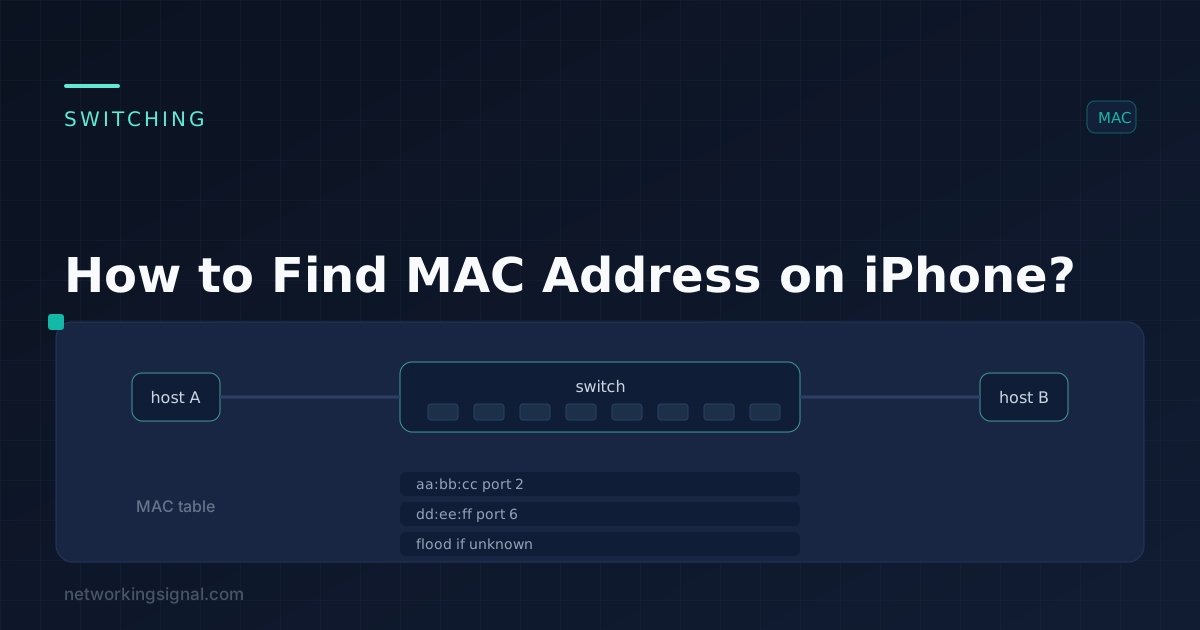 Switching
 In the world of modern technology, networking plays a crucial role in enabling seamless connectivity between devices. One…
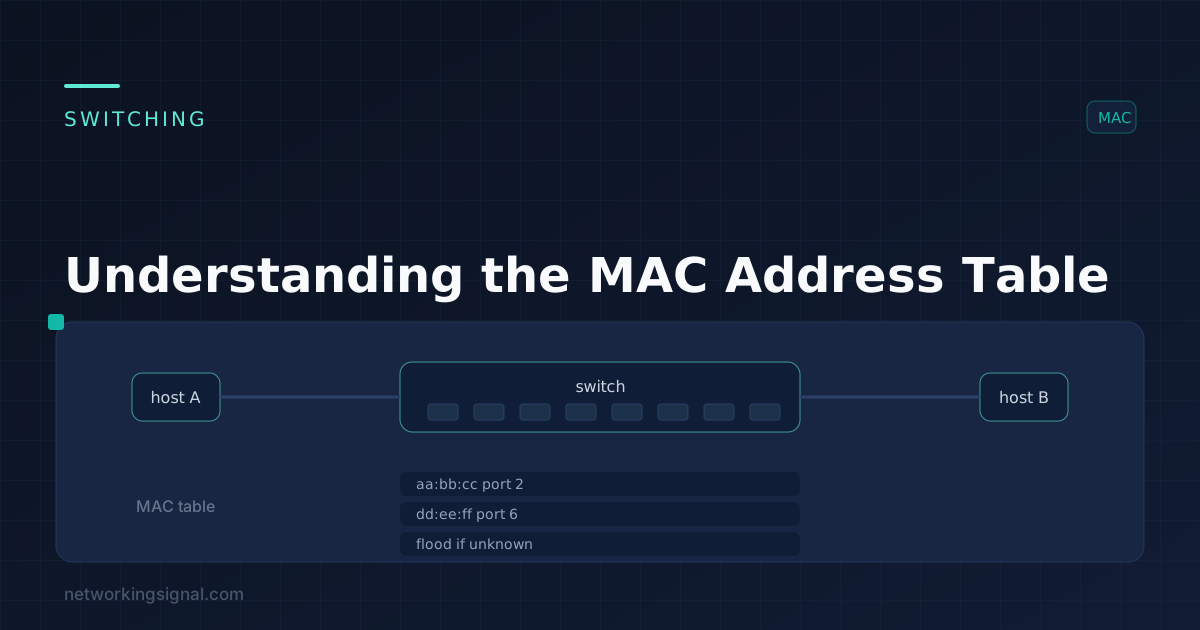 Switching
 If you're interested in networking, you must have come across the term " MAC Address Table." This table…