
What is a Firewall? Types, Components, and How They Work
What is Firewall in Networking? A firewall is a network security device that monitors incoming and outgoing network…
An Intrusion Detection System (IDS) monitors traffic or system activity, compares what it sees against known-bad patterns or a learned baseline, and raises an alert when something looks like an attack. It is a detection control, not a prevention control, it tells you something happened, it does not stop it.
That distinction is the whole point. A firewall decides what is allowed through. An IDS assumes something got through and looks for evidence of it.
| IDS | IPS | |
|---|---|---|
| Position | Out of band, receives a copy of traffic | Inline, traffic passes through it |
| Action | Alerts and logs | Alerts, logs, and drops or resets the connection |
| Failure impact | None, traffic is unaffected | Can break the network if it fails closed |
| False positive cost | A noisy alert | Legitimate traffic blocked |
| Latency added | Zero | Small but real |
| Typical deployment | SPAN port or network TAP | In the traffic path, often in the firewall |
They are frequently the same product in different modes. Snort, Suricata and Zeek all run either way. The decision is operational, not technical: an IPS blocking a false positive causes an outage, so most organisations start in IDS mode, tune for weeks or months, and only then enable blocking on the rules they trust.
Sits at a network chokepoint and inspects packets crossing it.
Runs as an agent on the endpoint or server.
These are complementary, not alternatives. NIDS gives you breadth across every device including the ones you cannot install software on, printers, cameras, IoT, OT equipment. HIDS gives you depth on the assets that matter.
| Signature-based | Anomaly-based | Stateful protocol analysis | |
|---|---|---|---|
| How it decides | Matches traffic against known attack patterns | Flags deviation from a learned baseline | Compares behaviour against how the protocol should work |
| Catches zero-days | No | Yes, potentially | Sometimes |
| False positives | Low | High | Moderate |
| Maintenance | Constant signature updates | Baseline retraining as the network changes | Protocol model updates |
| Explains itself | Yes, names the specific threat | Poorly, “this is unusual” | Yes |
Signature detection is reliable and specific but structurally cannot see anything nobody has written a rule for. Anomaly detection can catch novel attacks, but on a real network, where a new deployment, a backup window or a quarterly report all look anomalous, it generates a great deal of noise. Production systems run both.
An IDS can only inspect what reaches it, and this is where deployments most often go wrong.
| Method | How | Trade-off |
|---|---|---|
| SPAN / port mirroring | Switch copies traffic to a monitor port | Free, but drops frames under load and cannot keep up if the mirrored ports exceed the monitor port’s capacity |
| Network TAP | Passive hardware splice in the link | Lossless and fails open, but costs money and requires cabling into the path |
| Inline (IPS mode) | Traffic passes through the sensor | Enables blocking; becomes a failure point |
| Flow data | NetFlow / sFlow / IPFIX from routers | Cheap, scales enormously, but has no payload, metadata only |
Switch(config)# monitor session 1 source vlan 10 both
Switch(config)# monitor session 1 destination interface GigabitEthernet0/24
The classic mistake: mirroring four gigabit ports into one gigabit monitor port. The switch silently discards the overflow, the IDS sees an incomplete picture, and nobody notices until an incident review.
A single sensor outside the firewall is the least useful placement, it alerts on the entire background noise of the internet scanning you, all of which the firewall already dropped.
| Control | Question it answers |
|---|---|
| Firewall | Is this traffic permitted? |
| IDS | Does permitted traffic look malicious? |
| IPS | Same, and block it |
| SIEM | Do events from many sources correlate into an incident? |
| EDR | What is happening on the endpoint itself? |
| Zero Trust | Should this identity reach this resource at all? |
More on how these combine in the network security guide.
Placement and authority. An IDS sits out of band and alerts. An IPS sits inline and can drop the traffic. The same engine usually does both, the choice is whether a false positive should cost you an alert or an outage.
No. A firewall enforces policy on what may cross a boundary. An IDS inspects what did cross for signs of attack. Removing either leaves an obvious gap.
Not the payload, unless you terminate TLS at a proxy and feed the plaintext to the sensor. Without that it works on metadata, certificates, SNI, JA3 fingerprints, flow timing and volume, which detects beaconing and known-bad destinations but not exploit payloads.
A NIDS inspects network traffic at a chokepoint and covers every device on the segment including ones you cannot install software on. A HIDS runs on the host and sees files, processes and post-decryption activity, but only on hosts that have the agent.
Suricata for signature detection, it is multi-threaded and handles modern link speeds. Zeek for protocol analysis and rich connection logs, which are more valuable during an investigation than alerts are. Many teams run both, feeding a SIEM.
Default rule sets are written to catch everything on any network, not yours. Tuning means disabling rules irrelevant to your environment, suppressing known-benign sources, and setting thresholds. Expect this to take weeks, and expect it to be continuous rather than one-off.
Hand-picked articles you might also find useful.
 Security
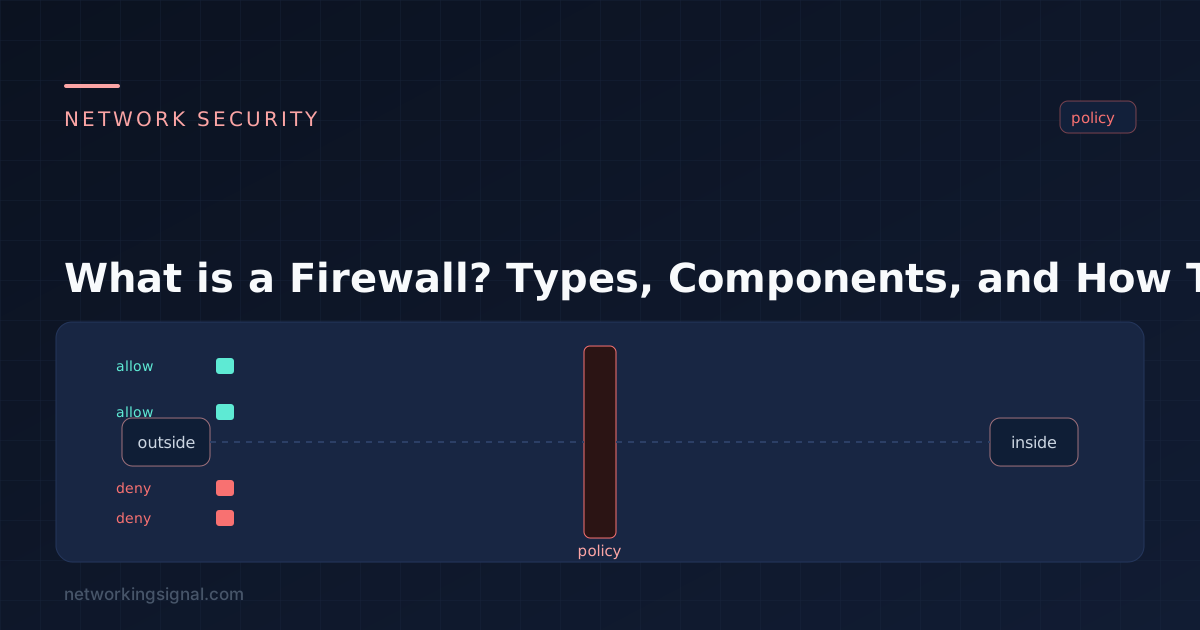
 What is Firewall in Networking? A firewall is a network security device that monitors incoming and outgoing network…
 Security
 What is Network Security Problems? There are many potential network security problems that can arise from having an…
 Security
 What is Global Protect VPN? Global Protect VPN is a secure, cloud-based remote access solution that provides users…