
What Is ICMP Port: Detail Guide
The Internet Control Message Protocol (ICMP) is an integral protocol for communication across IP networks. ICMP is primarily…
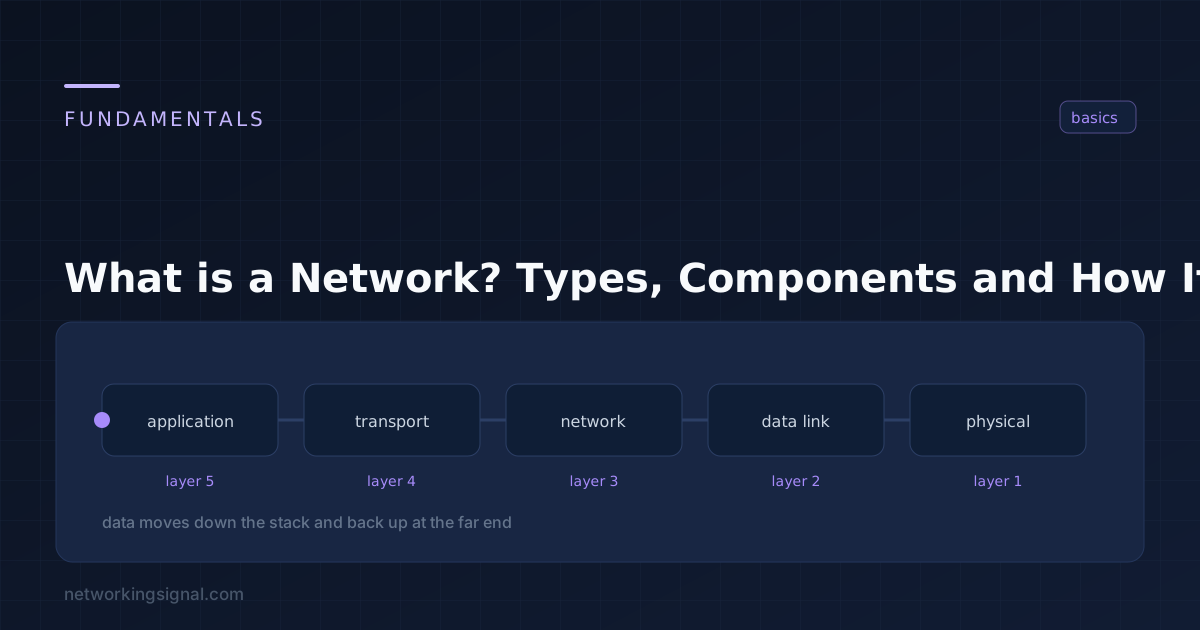
A network is two or more devices connected so they can exchange data and share resources. That is the whole definition, the rest is detail about scale, medium and purpose. Two laptops joined by one cable are a network. So is the internet.
What makes a network useful is not the wire, it is the agreement: every device follows the same set of rules (protocols) about how to address, package and acknowledge data. Without that agreement you have devices in the same room, not a network.
People use these interchangeably and they are not the same:
Networks are classified mainly by geographic scope, and secondarily by purpose.
| Type | Full name | Typical reach | Where you see it |
|---|---|---|---|
| PAN | Personal Area Network | A few metres | Bluetooth earbuds, smartwatch, wireless keyboard |
| LAN | Local Area Network | One building or floor | Home network, office, school computer lab |
| WLAN | Wireless LAN | Same as a LAN | Wi-Fi. It is a LAN, just over radio instead of copper |
| CAN | Campus Area Network | A cluster of buildings | University campus, hospital complex, industrial park |
| MAN | Metropolitan Area Network | A city | Municipal fibre rings, cable ISP distribution networks |
| WAN | Wide Area Network | Countries or continents | Corporate branch connectivity; the internet is the largest WAN |
| SAN | Storage Area Network | Data centre | Block-level storage over Fibre Channel or iSCSI |
| VPN | Virtual Private Network | Logical, not physical | An encrypted tunnel that makes a remote device behave as if it were on the LAN |
One common mix-up: a WLAN is not a separate category from a LAN. It is a LAN whose access layer happens to be wireless. Almost every home network is both, Wi-Fi devices and Ethernet devices sharing one broadcast domain behind the same router.
| Component | OSI layer | What it does |
|---|---|---|
| NIC (Network Interface Card) | 1–2 | Gives a device its physical port and its MAC address. Every networked device has one, wired or wireless. |
| Hub | 1 | Repeats every incoming signal out of every other port. No intelligence, no MAC learning. Effectively obsolete. |
| Switch | 2 | Learns which MAC address lives on which port and forwards frames only where they need to go. The backbone of every modern LAN. |
| Router | 3 | Connects different networks and forwards packets between them using IP addresses. Your home router also does NAT, DHCP and firewalling. |
| Access Point | 1–2 | Bridges Wi-Fi clients onto the wired LAN. In business networks it has a wired uplink; in a home router it is built into the same box. |
| Modem | 1 | Converts the ISP’s signal (DSL, cable, fibre) into Ethernet the router can use. They are long-lived but not permanent, see how long modems last, and the guides to the best modems for Cox and router-modem combos for Xfinity when it is time to replace one. |
| Firewall | 3–7 | Enforces which traffic is allowed between network zones. |
| Server | — | A host that provides a service, files, DNS, DHCP, web, email, to other hosts. |
| Cabling | 1 | Twisted pair (Cat5e/6/6a), fibre optic, or coax. Fibre for distance and immunity to interference; copper for everything else. |
A typical home network uses exactly three of these: a modem, a combined router/switch/AP, and NICs in each device. An enterprise network separates them into dedicated boxes so each can be scaled independently.
These three get confused constantly, and the difference is not size or port count:
The full breakdown, with the myths corrected, is in Hub vs Switch vs Router.
Topology is the arrangement of the connections, the shape of the network.
| Topology | Layout | Strength | Weakness | Still used? |
|---|---|---|---|---|
| Bus | All devices tap one shared cable | Cheap, minimal cabling | One cable break kills the whole segment; shared bandwidth; hard to fault-find | Legacy only |
| Star | Every device has its own cable to a central switch | One failed cable affects one device; easy to troubleshoot and extend | The central switch is a single point of failure | Yes, the standard |
| Ring | Each device connects to two neighbours in a loop | Predictable, no collisions with token passing | A single break splits the ring unless it is dual-ring | Rare; survives in some metro fibre rings |
| Mesh | Many redundant paths between nodes | Extremely resilient, traffic reroutes around failures | Cabling and configuration cost grows fast | Yes, WAN cores, wireless mesh, data centre fabrics |
| Tree / Hierarchical | Stars linked into layers (access, distribution, core) | Scales cleanly to thousands of ports | An upper-layer failure isolates everything below it | Yes, the enterprise standard |
In practice, nearly every modern network is a tree of stars: switches in a star at the access layer, uplinked into a hierarchy, often with a mesh between core devices for redundancy.
The OSI model is the framework that organises all of these into seven layers, and it is worth learning early, most troubleshooting is really the question “which layer is broken?”
A network that connects everything also exposes everything, so security is not a bolt-on. The basics:
Our network security guide covers each of these properly.
Work bottom-up through the layers, it is faster than guessing:
ipconfig (Windows) or ip addr (Linux). A 169.254.x.x address means DHCP failed.ping your default gateway. Failure here means the problem is on your own LAN.ping 8.8.8.8. If that works but names do not resolve, it is DNS.The full command list is in network troubleshooting commands.
Two devices connected directly by a single cable, each with an IP address in the same subnet. No switch or router required.
No. Wi-Fi is the wireless access method for a LAN. A WLAN and a wired LAN can be, and usually are, the same network.
Scope and ownership. A LAN covers one site and you own all of it. A WAN links sites across distance and normally rides on circuits leased from a service provider.
A home router already contains a small switch, that is what the four LAN ports are. You add a separate switch only when you need more ports or want managed features such as VLANs and PoE.
The internet is a network, specifically, a global interconnection of millions of independently operated networks that agree to route to each other using BGP.
Hand-picked articles you might also find useful.
 Routing & Switching
 The Internet Control Message Protocol (ICMP) is an integral protocol for communication across IP networks. ICMP is primarily…
 Routing & Switching
 Which networking certification to take in 2026 and in what order. Network+ if you have no job yet,…
 Routing & Switching
 EIGRP uses DUAL with feasible successors for near-instant failover; OSPF uses Dijkstra with a full link-state map and…