
What is an ARP? Detail Explained
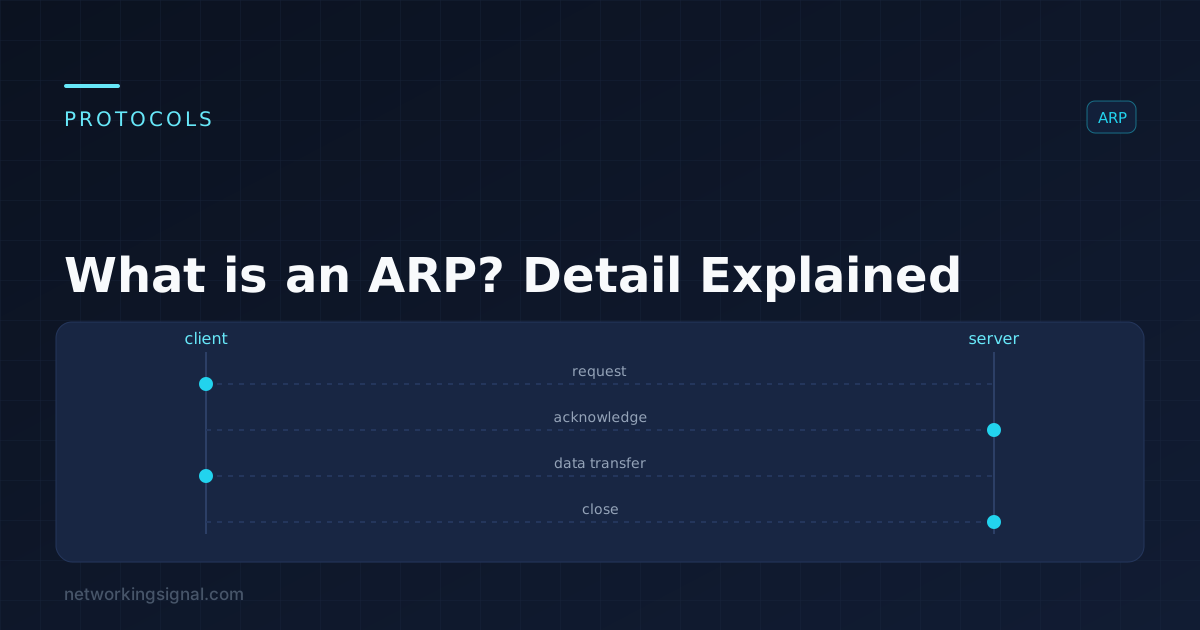
What is an ARP? ARP (Address Resolution Protocol) is a protocol for mapping an IP address to a…
The difference between a managed and an unmanaged network switch is control. Both forward Ethernet frames using a MAC address table, and at that job they behave identically. A managed switch adds a configuration interface and a set of features that let you segment, prioritise, monitor and secure the traffic passing through it. An unmanaged switch has no interface at all, you plug it in and it works, and that is the entire feature list.
If you never need to change anything, unmanaged is the correct choice and paying more would be waste. The moment you need a VLAN, a redundant link, PoE control, or visibility into what a port is doing, unmanaged stops being an option.
| Unmanaged Switch | Managed Switch | |
|---|---|---|
| Configuration | None, plug and play | CLI, web GUI, SNMP, sometimes cloud |
| VLANs | No | Yes, 802.1Q tagging, access and trunk ports |
| Loop protection | None (a loop takes the network down) | STP / RSTP / MSTP |
| Link aggregation | No | Yes, LACP / EtherChannel |
| QoS | No | Yes, 802.1p and DSCP prioritisation |
| Port mirroring | No | Yes, SPAN for packet capture |
| Monitoring | Link LEDs only | SNMP, syslog, per-port counters, RMON |
| Security | None | Port security, 802.1X, ACLs, DHCP snooping, DAI |
| PoE control | Always on, if present | Per-port budget, scheduling, remote power cycle |
| Firmware updates | Rarely, if ever | Yes, including security patches |
| Typical price (8-port gigabit) | $20–$40 | $80–$300 |
An unmanaged switch has one job and does it well:
Every port is its own collision domain and runs full duplex, so an unmanaged switch already gives you the main benefit switching has over a hub. What it does not give you is any say in what happens.
A managed switch can carve one physical switch into several isolated Layer 2 networks. Guest Wi-Fi on VLAN 20, security cameras on VLAN 30, office PCs on VLAN 10, none of which can reach each other without passing a router or firewall. This is the single most valuable feature for both security and broadcast control, and it is the one an unmanaged switch fundamentally cannot do.
STP detects loops and blocks the redundant path automatically, then unblocks it if the primary link fails. This means you can build a network with deliberate redundancy instead of hoping nobody ever patches a cable back into the same switch.
LACP bonds two or more physical ports into one logical link, more bandwidth to a server or between switches, and automatic failover if one member link dies.
QoS lets you mark voice and video traffic as higher priority so it is served first when a link is congested. On a busy network without QoS, a large file transfer will make VoIP calls break up.
SNMP feeds a monitoring system so you know a link went down before the users tell you. Per-port counters show CRC errors, drops and utilisation, the data you actually need to find a bad cable. Port mirroring copies traffic to an analyser port so you can capture packets.
On a managed PoE switch you can set per-port power budgets, schedule power (turn the office APs off at night), and remotely power-cycle a frozen camera or phone without walking to it.
Between the two sits a third category, sold as “smart” or “web managed”. These have a web GUI and typically support VLANs, basic QoS, link aggregation and port mirroring, but omit a full CLI, advanced routing, and some security features. They are usually half the price of a fully managed switch.
For a home lab, a small office, or a network with a handful of VLANs and no redundancy requirement, a smart switch is very often the right answer, it covers the features people actually use without the licence and complexity of an enterprise switch.
“A managed switch is faster.” It is not. Both switch at line rate. Management features add control, not throughput. A cheap unmanaged gigabit switch moves data just as quickly as an expensive managed one.
“Managed switches are only for big companies.” The most common home use, isolating IoT devices and guest Wi-Fi onto their own VLANs, is exactly what a $90 smart switch is for.
“I can just buy managed and ignore the features.” You can, and it will behave like an unmanaged switch out of the box. But an unconfigured managed switch still needs firmware updates and still has a management interface that should not be left on defaults.
Yes, and it is common. Keep the managed switch upstream where VLANs and STP matter, and hang unmanaged switches off access ports where a single untagged VLAN is all that is needed. Just remember an unmanaged switch cannot carry tagged VLAN traffic to devices behind it.
Only if you want VLAN segmentation, PoE control or monitoring. For simply adding ports, unmanaged is fine and cheaper. If you have smart-home devices or cameras you would rather keep off your main network, a smart switch is worth it.
A smart switch has a web interface and the common features, VLANs, basic QoS, LAG, mirroring, but no full CLI and fewer advanced security and routing options. A fully managed switch adds CLI, SNMP, ACLs, 802.1X and often Layer 3 routing.
It will not damage the hardware, but it will bring the network down until you remove the loop. Broadcast frames circulate endlessly with nothing to stop them. Managed switches prevent this with STP.
Layer 3 managed switches can, they route between VLANs at hardware speed. Layer 2 managed switches cannot; they need a router or firewall to move traffic between VLANs.
Hand-picked articles you might also find useful.
 Switching
 What is an ARP? ARP (Address Resolution Protocol) is a protocol for mapping an IP address to a…
 Switching
 Are you looking to understand Cisco Switching Database Manager (SDM) and how it works? The SDM is one…
 Switching
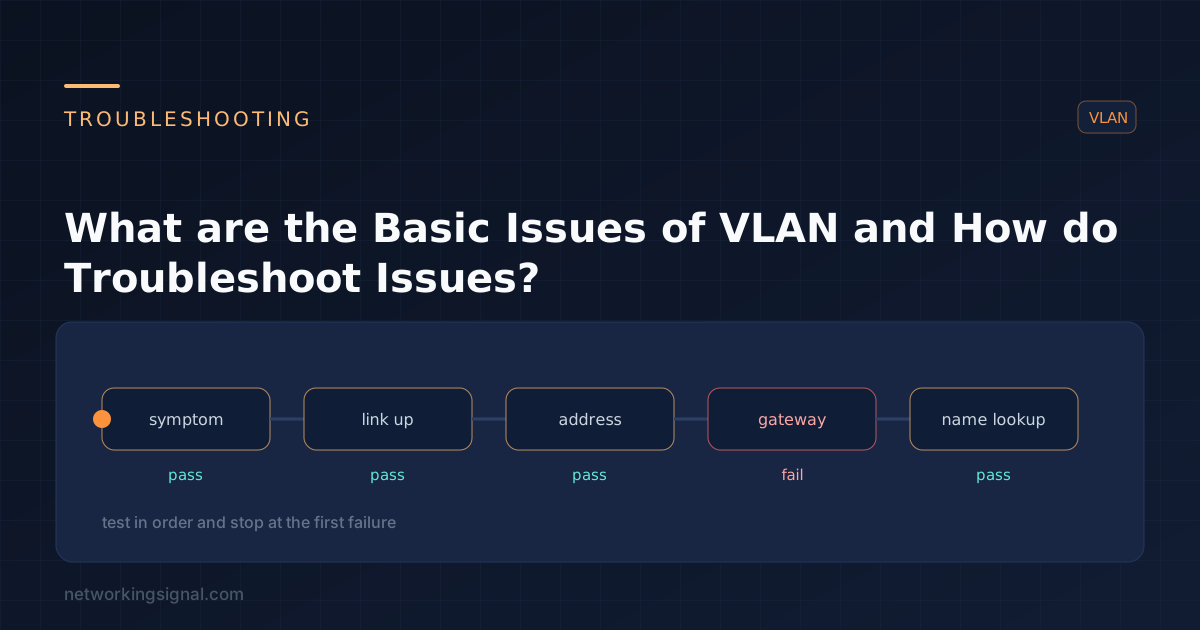
 What are the Basic Issues of VLAN in a Network? A virtual LAN ( VLAN ) is a…