
6 Best Modems for Cox in 2026 (Certified and Tested)
The best Cox approved modems for 2026. The Motorola MB8611 at $130 suits most plans and pays back…
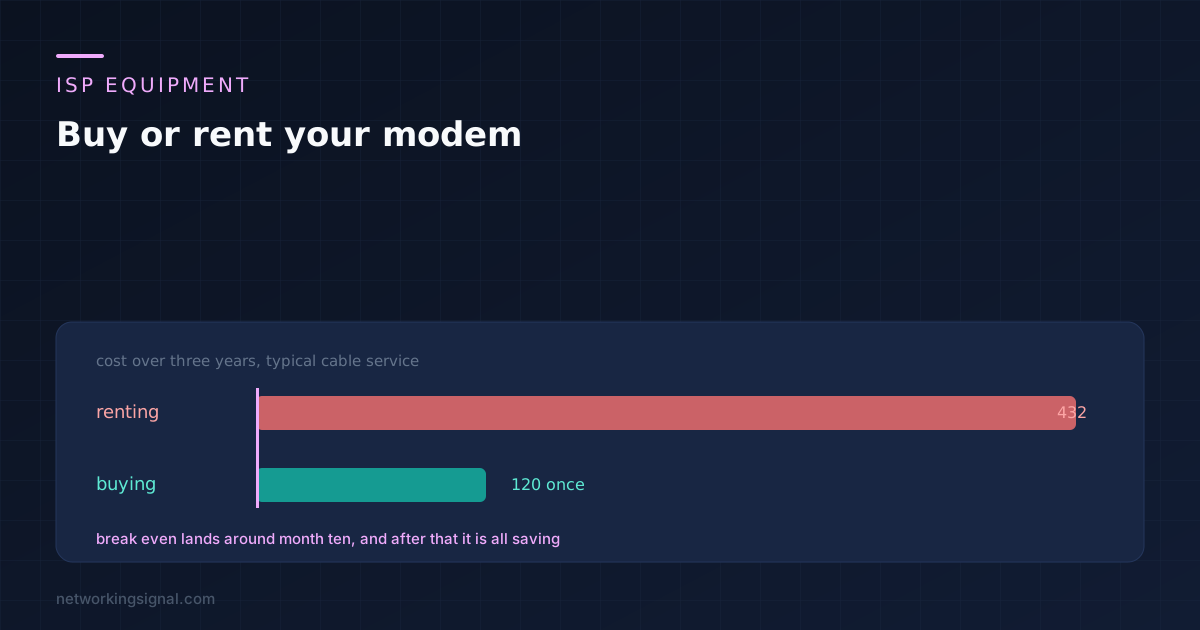
Whether to buy or rent a modem turns almost entirely on which service you are on. On a cable connection where the modem is billed monthly, buying one pays for itself in about ten months and saves a few hundred over three years. That is the case most articles cover, and for that case buying is obviously right.
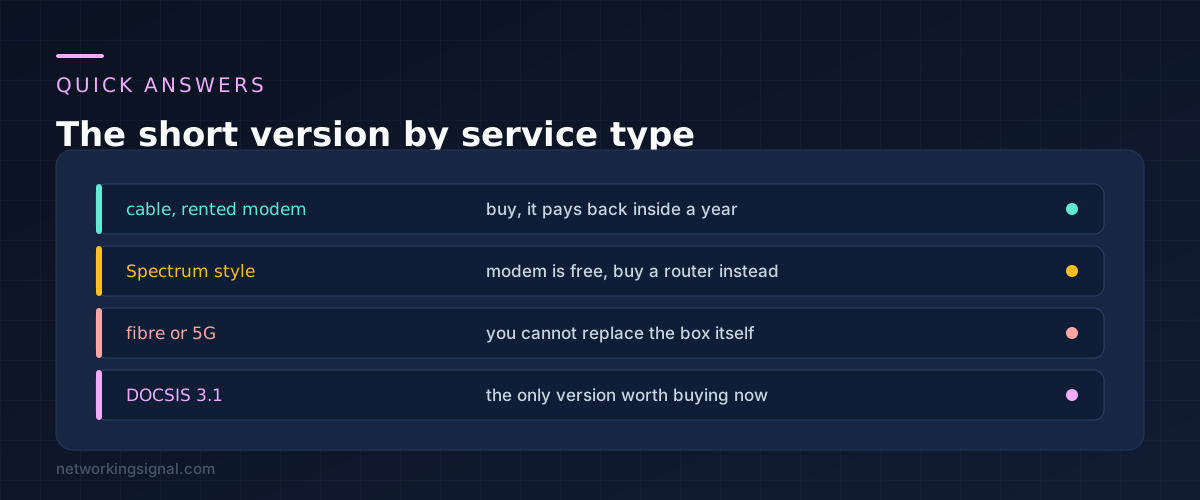
The useful part is everything else, because on fibre, on 5G home internet, and on providers who give the modem away and charge for WiFi instead, the answer changes completely. Work out which of the four you are on before you spend anything.
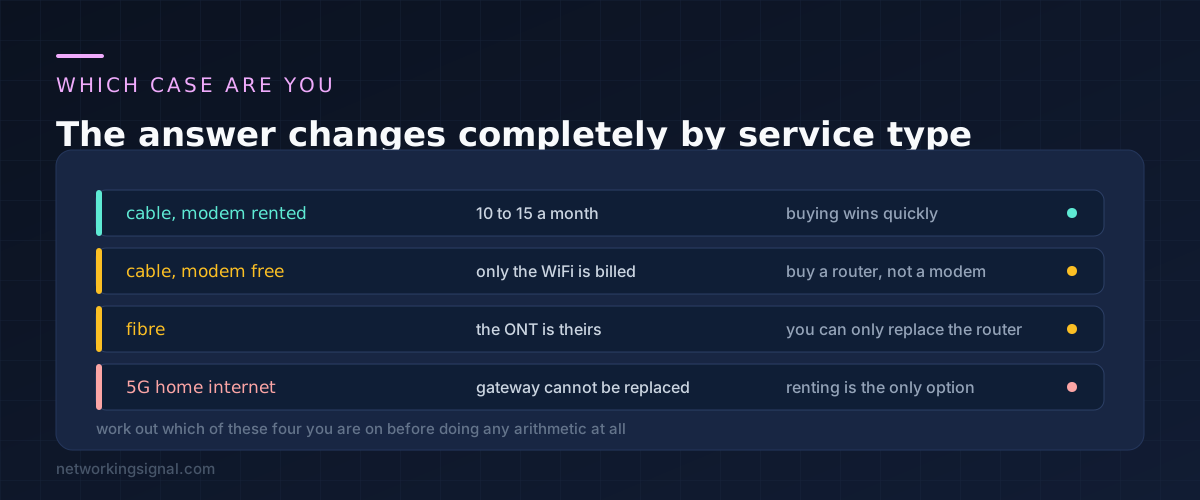
Cable with a rented modem. A line item on the bill somewhere between ten and fifteen a month, often called an equipment or gateway fee. This is where buying wins, and wins quickly.
Cable where the modem is free. Some providers include the modem and bill separately for the WiFi router. Buying a modem saves nothing here. Buying a router does.
Fibre. The box the fibre enters, the ONT, belongs to the provider and cannot be replaced with something you bought. What you can often replace is the router behind it, which is a different purchase with a different payback.
5G home internet. The gateway holds the modem that registers on the carrier network, so there is nothing to buy. You can add your own router behind it, which we covered in using your own router on T-Mobile Home Internet.
Look at an actual bill before going further. The line you are looking for is a recurring equipment charge, and if there is not one, the rest of this is academic.
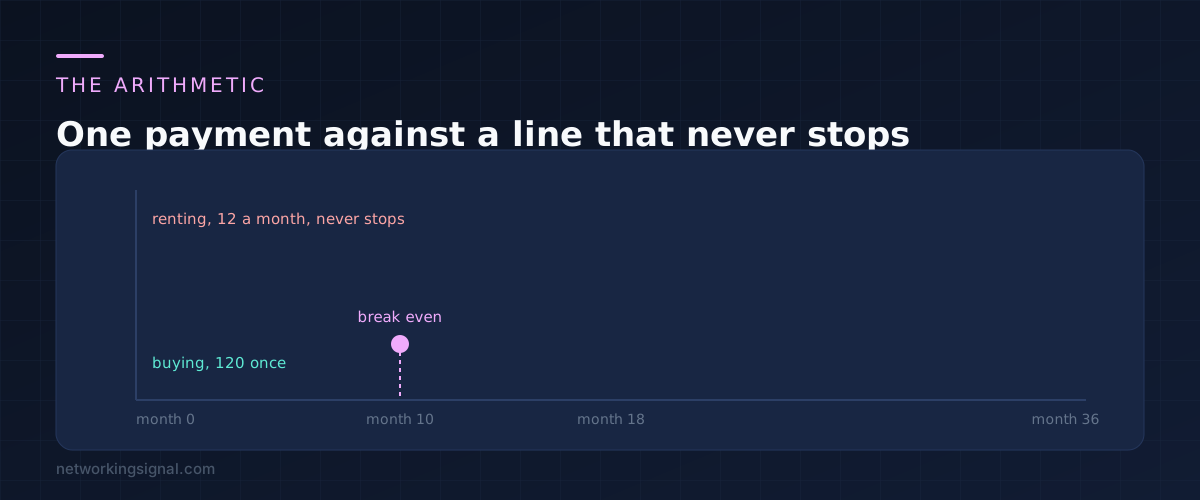
The sum is simple enough to do on a phone. Divide what you would pay for a modem by the monthly fee, and that is how many months until you are ahead.
A decent DOCSIS 3.1 modem costs somewhere around 120. At a twelve a month rental that is ten months to break even, and by three years you have paid 120 instead of 432. Prices move, so use your own numbers rather than these.
Two adjustments make the estimate honest. Subtract something for the modem dying outside warranty, since a rental gets swapped for free. And check whether the fee is for the modem alone or a combined modem and router, because replacing a combined unit means buying two things.
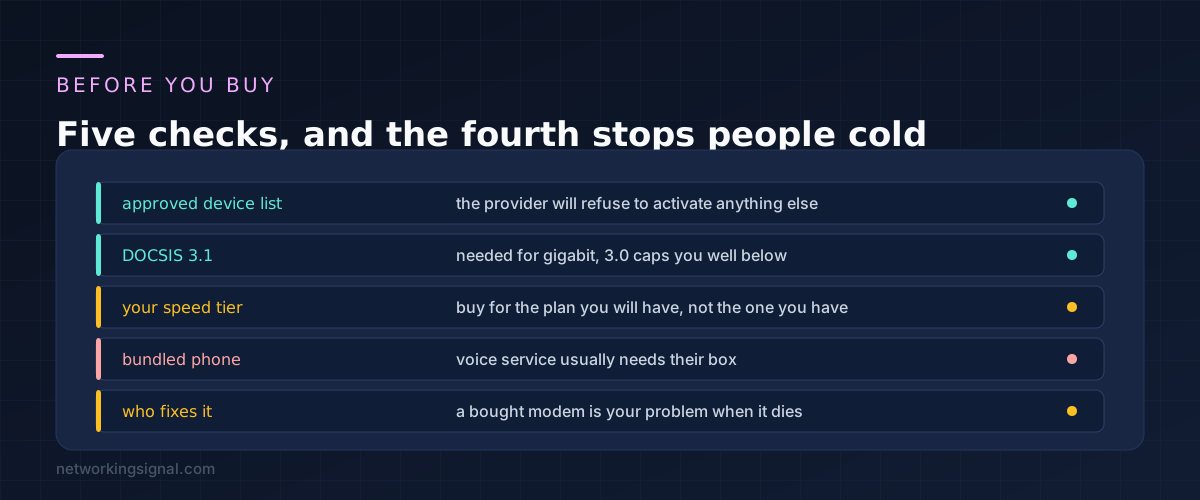
The approved device list. Providers publish one, and they will refuse to activate a modem that is not on it. Check the exact model number, not just the brand, because manufacturers reuse names across revisions.
DOCSIS 3.1. Do not buy 3.0 now. It cannot reach gigabit and you would be replacing it again on your next speed upgrade. The extra cost of 3.1 is small compared with buying twice.
The plan you are moving to. Buy for the tier you expect to be on in two years rather than the one you have today, since the modem is the part that is awkward to change.
Bundled phone service. If your package includes a landline, the voice service usually runs through the provider box and a bought modem will not carry it. This stops more people than any other item here.
Who fixes it. A rented modem that dies is replaced free, often the same day. A bought one is your problem, and you are offline until a new one arrives. That is worth something, and how much depends on whether you work from home.
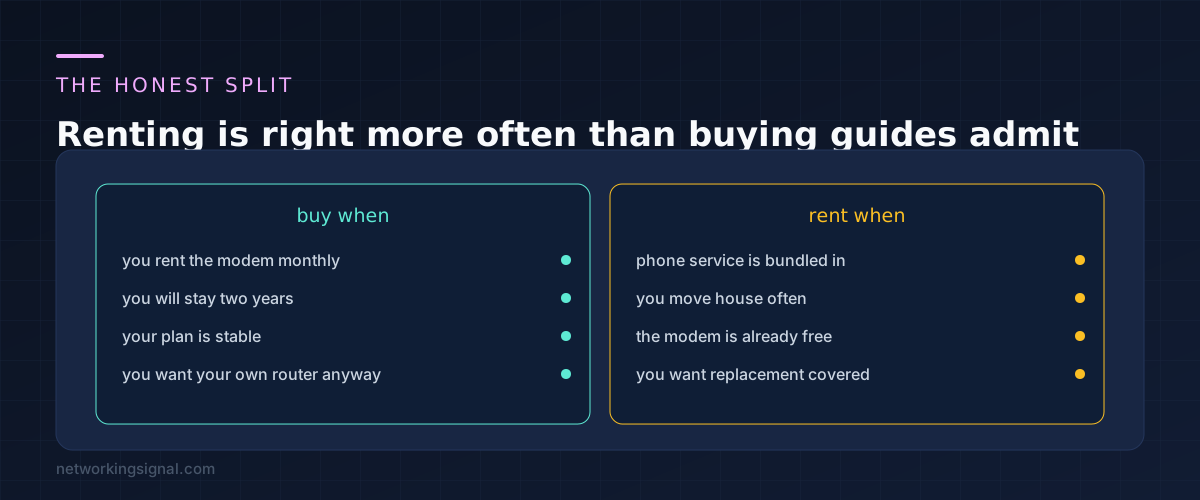
Renting gets treated as the obviously wrong choice, which is not fair to it.
If you move house every year, a rented modem travels with the account and gets swapped for whatever the new address needs. If your provider is mid way through a network upgrade, rented equipment gets replaced as part of it while yours quietly becomes the bottleneck. If you have phone service bundled, the question is settled already.
And if the modem is free and only the WiFi is billed, the purchase that saves you money is a router, not a modem. That is a better buy anyway, because a router you choose will outperform a provider one at range and at controls. Our guide to mesh against an extender against an access point covers what to get.
No, as long as the DOCSIS version matches your tier. A 3.1 modem on a gigabit plan performs the same as the provider unit, and sometimes better, because provider gateways run WiFi on the same hardware.
They will support the line up to your modem and no further. If the fault is inside your equipment you are on your own, which is the real trade rather than the money.
Return it and get a receipt. Unreturned equipment charges are common and expensive, and they surface months later once the account has closed. Keep proof of the return until a clean bill arrives.
It is simpler and cheaper up front. The downside is that when you want better WiFi you have to replace both halves at once. Separate units cost more initially and age better.
Not the ONT, which stays theirs. Replacing the router behind it often helps, particularly if the provider unit is in a cupboard where the fibre enters rather than where people actually use WiFi.
Hand-picked articles you might also find useful.
 Modems
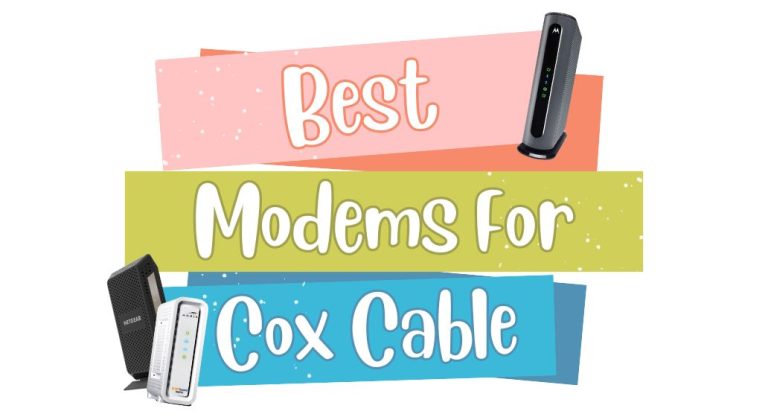
 The best Cox approved modems for 2026. The Motorola MB8611 at $130 suits most plans and pays back…
![[Easy Way] How to Reset Xfinity Modem?](https://www.networkingsignal.com/wp-content/uploads/2026/09/auto/art-how-to-reset-xfinity-modem.svg) Modems
Modems Resetting your Xfinity modem can help troubleshoot connectivity issues, improve speeds, or clear out old settings and customizations.…
 Modems
 A modem is a hardware device that allows computers to connect to the internet. It converts data from…