
2.4 GHz vs 5 GHz WiFi — Which Band Should You Use?
2.4 GHz travels further through walls but is slower and more congested; 5 GHz is much faster over…
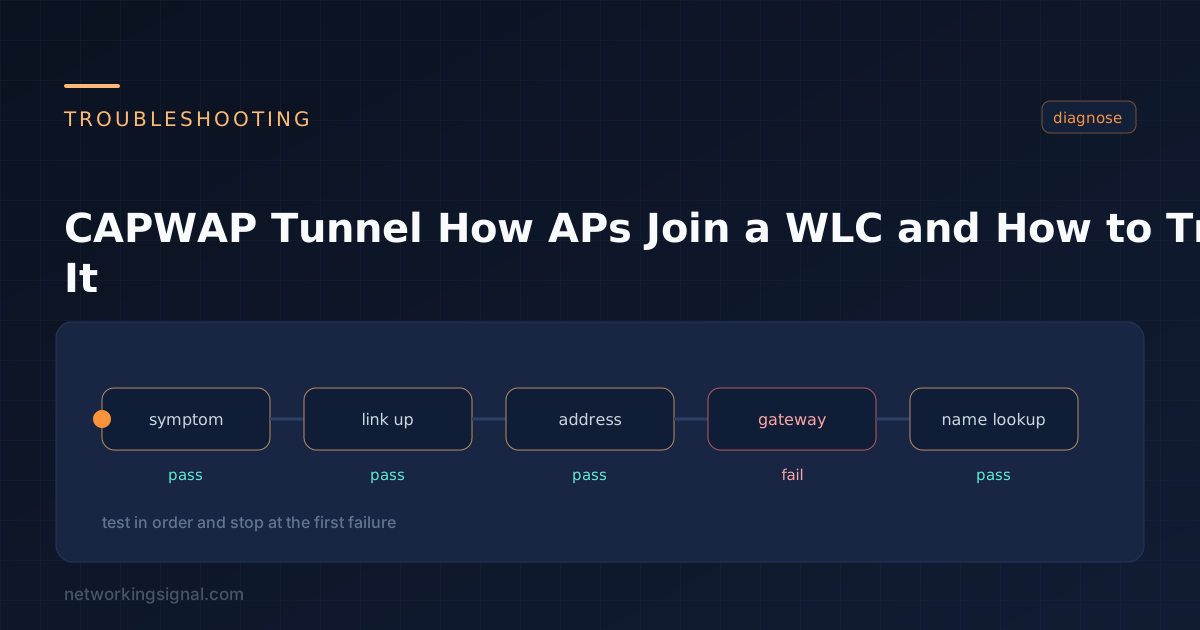
CAPWAP (Control and Provisioning of Wireless Access Points) is the protocol a lightweight access point uses to talk to a Wireless LAN Controller. It replaced Cisco’s proprietary LWAPP and is standardised in RFC 5415.
It builds two tunnels between the AP and the WLC, and knowing which is which explains most troubleshooting:
| Tunnel | Port | Carries | Encrypted |
|---|---|---|---|
| Control | UDP 5246 | Configuration, firmware, statistics, client state | Yes, DTLS, always |
| Data | UDP 5247 | Actual client traffic | Optional, off by default |
An AP with no controller is a paperweight, a lightweight AP holds no configuration of its own and cannot serve clients until it joins.
The AP works through discovery methods in order and stops at the first that produces a response:
CISCO-CAPWAP-CONTROLLER.localdomain using the domain name from DHCP.The value is hex, and its format trips people up:
! Type f1, length = 4 × number of controllers, then each IP in hex
! One WLC at 10.10.10.5 → 0A 0A 0A 05

ip dhcp pool AP-POOL
 network 192.168.100.0 255.255.255.0
 default-router 192.168.100.1
 option 43 hex f104.0a0a.0a05
For two controllers at 10.10.10.5 and 10.10.10.6, the length byte becomes 08:
option 43 hex f108.0a0a.0a05.0a0a.0a06Get the length byte wrong and the AP silently ignores the option, there is no error, it simply never discovers the controller.
| Cause | Symptom | Check |
|---|---|---|
| Certificate expiry | DTLS handshake fails | show time on both, clocks must be correct |
| Clock skew | Same as above | NTP on the WLC and the AP |
| UDP 5246/5247 blocked | Discovery gets no response | Firewall and ACLs between AP and WLC subnets |
| Option 43 malformed | AP never discovers anything | Length byte must be 4× the controller count |
| Controller at capacity | Join rejected | show ap summary vs the platform limit |
| Version mismatch | AP downloads an image, reboots, repeats | Normal on first join; a loop means the image is wrong |
| AP not in the WLC’s authorisation list | Join rejected | AP authorisation policy and MAC filter list |
| Country code mismatch | AP joins, radios stay down | The AP’s regulatory domain must be permitted on the WLC |
| MTU too low | Joins then drops repeatedly | CAPWAP adds overhead; the path needs headroom |
Cisco AP manufacturer-installed certificates have finite lifetimes, and a substantial number issued in the 2010s have now expired. An affected AP simply cannot complete the DTLS handshake. The workaround is to disable certificate date validation on the controller:
(WLC) config ap cert-expiry-ignore mic enable
(WLC) show ap cert-expiry-ignore
This is a deliberate weakening of validation. It is the accepted fix for affected hardware, but it should be applied knowingly rather than as a routine troubleshooting step.
AP# show capwap client rcb
AP# show capwap ip config
AP# show ip interface brief
AP# debug capwap client event
AP# debug capwap client error
AP# debug dtls client error

! Force a specific controller
AP# capwap ap controller ip address 10.10.10.5
AP# capwap ap ip address 192.168.100.50 255.255.255.0
AP# capwap ap ip default-gateway 192.168.100.1(WLC) show ap summary
(WLC) show ap join stats summary all
(WLC) show ap join stats detailed <AP-MAC>
(WLC) debug capwap events enable
(WLC) debug capwap errors enableshow ap join stats detailed is the most useful of these, it records why the last join attempt failed, including the specific DTLS or configuration error.
| Local mode | FlexConnect | |
|---|---|---|
| Client data path | Tunnelled to the WLC | Switched locally at the AP |
| If the WLC is unreachable | Clients drop | Existing SSIDs keep working |
| WAN bandwidth used | All client traffic crosses it | Control traffic only |
| Suited to | Campus, where the WLC is local | Branch sites over a WAN |
In local mode, every client packet is tunnelled to the controller and back, even traffic between two devices in the same room. Over a branch WAN link that is wasteful and adds latency, which is exactly what FlexConnect exists to avoid.
UDP 5246 for the control tunnel and UDP 5247 for the data tunnel. Both must be permitted between the AP and the controller.
Most often clock skew or an expired AP certificate breaking the DTLS handshake, a blocked UDP port, or a malformed DHCP Option 43. Run show ap join stats detailed on the WLC for the specific reason.
CAPWAP is the standards-based successor to Cisco’s proprietary LWAPP. It uses different ports, mandates DTLS for control traffic, and is defined in RFC 5415.
Control traffic is always DTLS-encrypted. Data traffic is not encrypted by default, you can enable data DTLS, at a throughput cost on the controller.
A lightweight AP cannot. It holds no local configuration. An AP running autonomous or Mobility Express software can, and FlexConnect APs continue serving existing SSIDs if the controller becomes unreachable.
Under a minute normally. Several minutes on a first join if the AP has to download a matching firmware image and reboot. Repeated download-and-reboot cycles mean the image on the controller is wrong for that AP model.
Hand-picked articles you might also find useful.
 Wireless
 2.4 GHz travels further through walls but is slower and more congested; 5 GHz is much faster over…
 Security
 WiFi networks are everywhere and make our lives easier with instant connections. With most homes possessing a WiFi…
 Networking Gears
 The best mesh WiFi systems for Starlink in 2026. The TP-Link Deco X55 three-pack at $150 covers 6,500…