
7 Best Mesh Routers for Starlink in 2026 (Plus Bypass Mode Setup)
The best mesh WiFi systems for Starlink in 2026. The TP-Link Deco X55 three-pack at $150 covers 6,500…
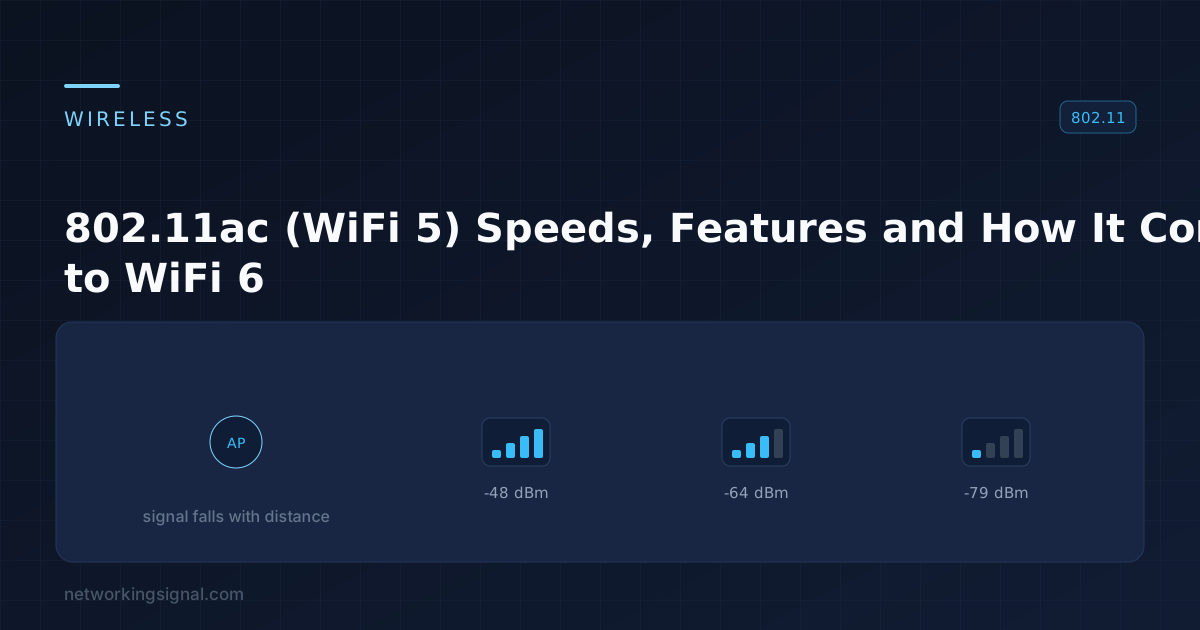
802.11ac, retroactively branded WiFi 5, was ratified in 2013 and became the dominant wireless standard for roughly seven years. It operates only on 5 GHz, a dual band 802.11ac router falls back to 802.11n on the 2.4 GHz band.
It remains extremely common. Most devices bought between 2014 and 2020 are WiFi 5, and for a household internet connection under a few hundred megabits it is still entirely adequate.
| Feature | 802.11n (WiFi 4) | 802.11ac (WiFi 5) |
|---|---|---|
| Bands | 2.4 and 5 GHz | 5 GHz only |
| Channel width | 20 / 40 MHz | 20 / 40 / 80 / 160 MHz |
| Modulation | 64-QAM | 256-QAM, 33% more bits per symbol |
| Spatial streams | Up to 4 | Up to 8 |
| MU-MIMO | No | Yes (downlink only, Wave 2) |
| Beamforming | Optional, non-standard | Standardised |
| Max theoretical rate | 600 Mbps | 6.9 Gbps (8 streams, 160 MHz) |
Three of these carry most of the improvement: wider channels (80 MHz is four times 20 MHz), denser modulation (256-QAM), and more spatial streams. Multiply them together and the headline figures follow.
802.11ac shipped in two phases, and the distinction still matters when buying used or budget hardware:
| Wave 1 (2013) | Wave 2 (2016) | |
|---|---|---|
| Max channel width | 80 MHz | 160 MHz |
| Spatial streams | 3 | 4 |
| MU-MIMO | No | Yes |
| Max theoretical rate | 1.3 Gbps | 3.5 Gbps |
MU-MIMO is the meaningful difference. Without it, an access point serves one client at a time, everyone else waits. With it, the AP transmits to several clients simultaneously using spatial separation. In a busy household that produces a real improvement in consistency, not just peak speed.
The caveat, and it is a significant one: 802.11ac MU-MIMO is downlink only. Uploads from clients to the AP still queue one at a time. WiFi 6 added uplink MU-MIMO.
Advertised link rates and actual throughput are far apart, for reasons that are structural rather than a fault:
| Streams × width | Link rate | Realistic throughput |
|---|---|---|
| 1 × 80 MHz | 433 Mbps | ~200 Mbps |
| 2 × 80 MHz | 867 Mbps | ~400 Mbps |
| 3 × 80 MHz | 1,300 Mbps | ~600 Mbps |
| 4 × 160 MHz | 3,470 Mbps | ~1,500 Mbps in ideal conditions |
Roughly half the link rate is normal. WiFi is half duplex on a shared medium, with acknowledgements, contention windows, beacons and management frames all consuming airtime. Most phones and laptops are 2×2 anyway, so 867 Mbps negotiated and ~400 Mbps achieved is the common real-world case.
“AC1900” on a box means 600 Mbps of 2.4 GHz plus 1,300 Mbps of 5 GHz added together. No single device ever sees the combined figure.
| Width | Speed | Interference tolerance | Non-overlapping channels |
|---|---|---|---|
| 20 MHz | Lowest | Best | ~24 |
| 40 MHz | 2× | Good | ~12 |
| 80 MHz | 4× | Reasonable, the sensible default | ~6 |
| 160 MHz | 8× | Poor | 2, both requiring DFS |
80 MHz is the right default. 160 MHz doubles theoretical throughput but requires DFS channels, which the AP must vacate for a minute whenever it detects radar, dropping every client. In a dense apartment building, 160 MHz also means you are occupying a large slice of spectrum your neighbours need, and the interference cuts both ways.
802.11ac standardised explicit beamforming: the AP and client exchange channel information, and the AP shapes its transmission to focus energy toward that client rather than radiating equally in all directions.
It genuinely improves signal quality at range, but only when both ends support it, and only where the AP has more antennas than the client. It is not a substitute for placing an access point closer to where coverage is needed.
| WiFi 5 (802.11ac) | WiFi 6 (802.11ax) | |
|---|---|---|
| Bands | 5 GHz only | 2.4 and 5 GHz |
| Modulation | 256-QAM | 1024-QAM |
| OFDMA | No | Yes |
| MU-MIMO | Downlink only | Downlink and uplink |
| Target Wake Time | No | Yes, better battery life for IoT |
| BSS colouring | No | Yes, less interference between nearby APs |
| Max theoretical rate | 6.9 Gbps | 9.6 Gbps |
OFDMA is the reason to upgrade, not the speed figures. It lets one transmission carry data for several clients at once by dividing the channel into sub-carriers. On a network with thirty devices, phones, TVs, sensors, plugs, most sending small amounts of data, this removes an enormous amount of queuing overhead. The improvement shows up as lower latency and better consistency, not a higher speed test number.
That last point is worth emphasising, a newer standard does not increase range. See 2.4 GHz vs 5 GHz for why, and dual band routers for how the bands divide the work.
Yes. The WiFi Alliance introduced simplified names in 2018 and applied them retroactively, 802.11ac became WiFi 5, 802.11n became WiFi 4.
No, it is 5 GHz only. A dual band 802.11ac router runs 802.11n on its 2.4 GHz radio.
Advertised figures add both bands together and assume ideal conditions with the maximum stream count. Realistic throughput is roughly half the negotiated link rate, and most client devices are 2×2 rather than 4×4.
For most homes, yes. A 2×2 client at 80 MHz delivers around 400 Mbps of real throughput, which exceeds the majority of internet connections. Upgrade for device density, not raw speed.
It lets the access point transmit to several clients at once instead of serving them in turn. In 802.11ac it is downlink only, and it requires client support. It helps in busy households and does nothing with one active device.
Only with a clean RF environment and a genuine need. 160 MHz requires DFS channels, which drop the network briefly when radar is detected, and it is far more sensitive to interference. 80 MHz is the better default.
802.11ac is the IEEE name for Wi-Fi 5. It is backward-compatible with older Wi-Fi devices and can still provide strong everyday performance on a 5 GHz network. The maximum number on a router box is not a guaranteed speed: your client hardware, channel width, signal strength, walls and other nearby networks all affect the result.
Not exactly. 802.11ac is a Wi-Fi standard that operates on 5 GHz; 5 GHz is a radio band that other Wi-Fi standards can also use.
Replace it when coverage, capacity, security support or device compatibility is limiting your network—not simply because the standard is older. A well-placed Wi-Fi 5 router can still be adequate for a small, lightly used network.
Related guides: Wi-Fi 6 explained, what a dual-band router does, MU-MIMO technology, and improving Wi-Fi through walls.
Hand-picked articles you might also find useful.
 Networking Gears
 The best mesh WiFi systems for Starlink in 2026. The TP-Link Deco X55 three-pack at $150 covers 6,500…
 Wireless
 What is Wifi 6 Technology? Wifi 6 technology is the latest in wireless networking. It is based on…
 Networking Gears
 The best way to extend Starlink WiFi in 2026. The TP-Link Deco X55 three pack at $150 is…